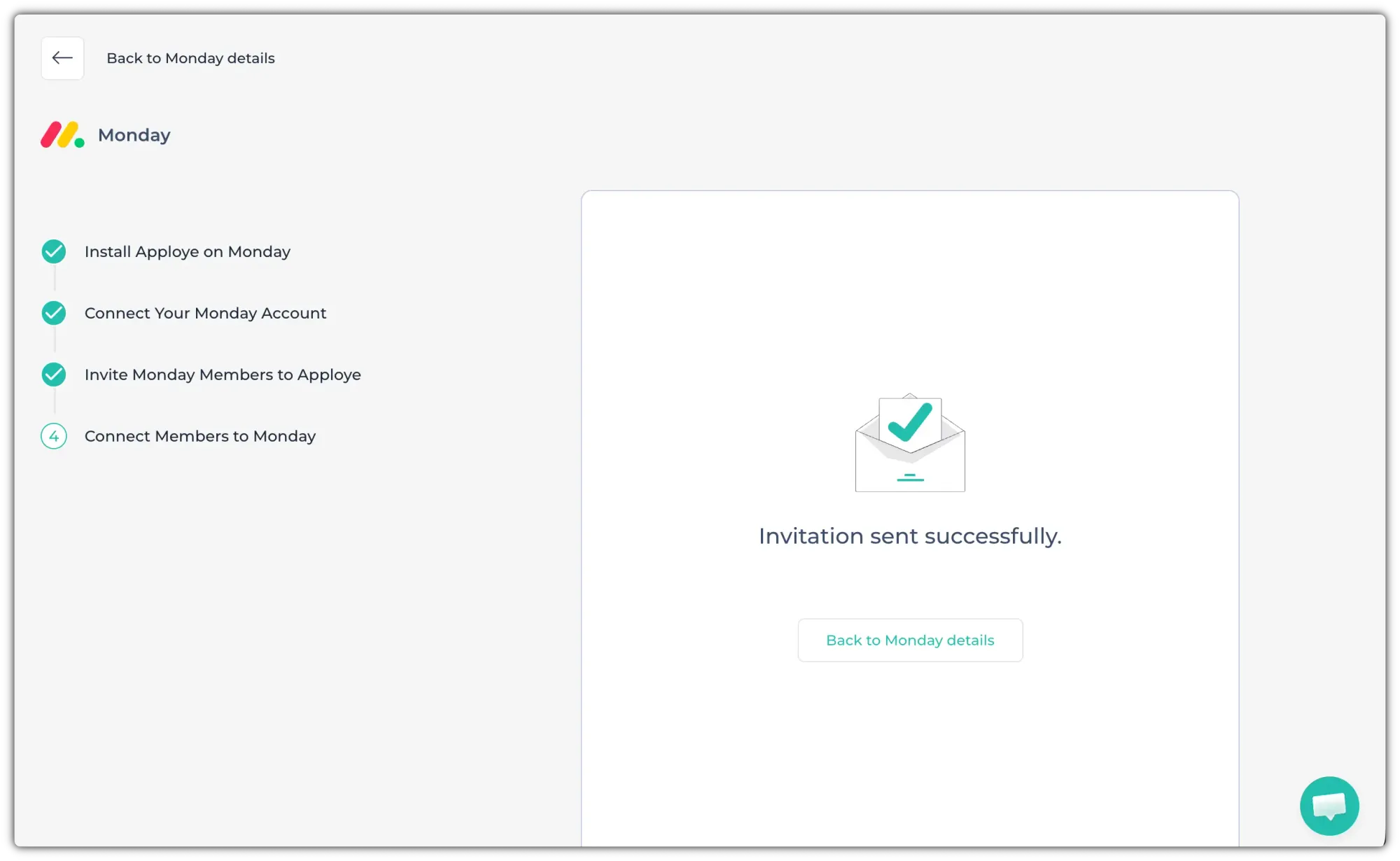
The Monday integration lets you bring your project boards and tasks from monday.com into Apploye. This guide will show you how you can integrate Apploye with Monday.
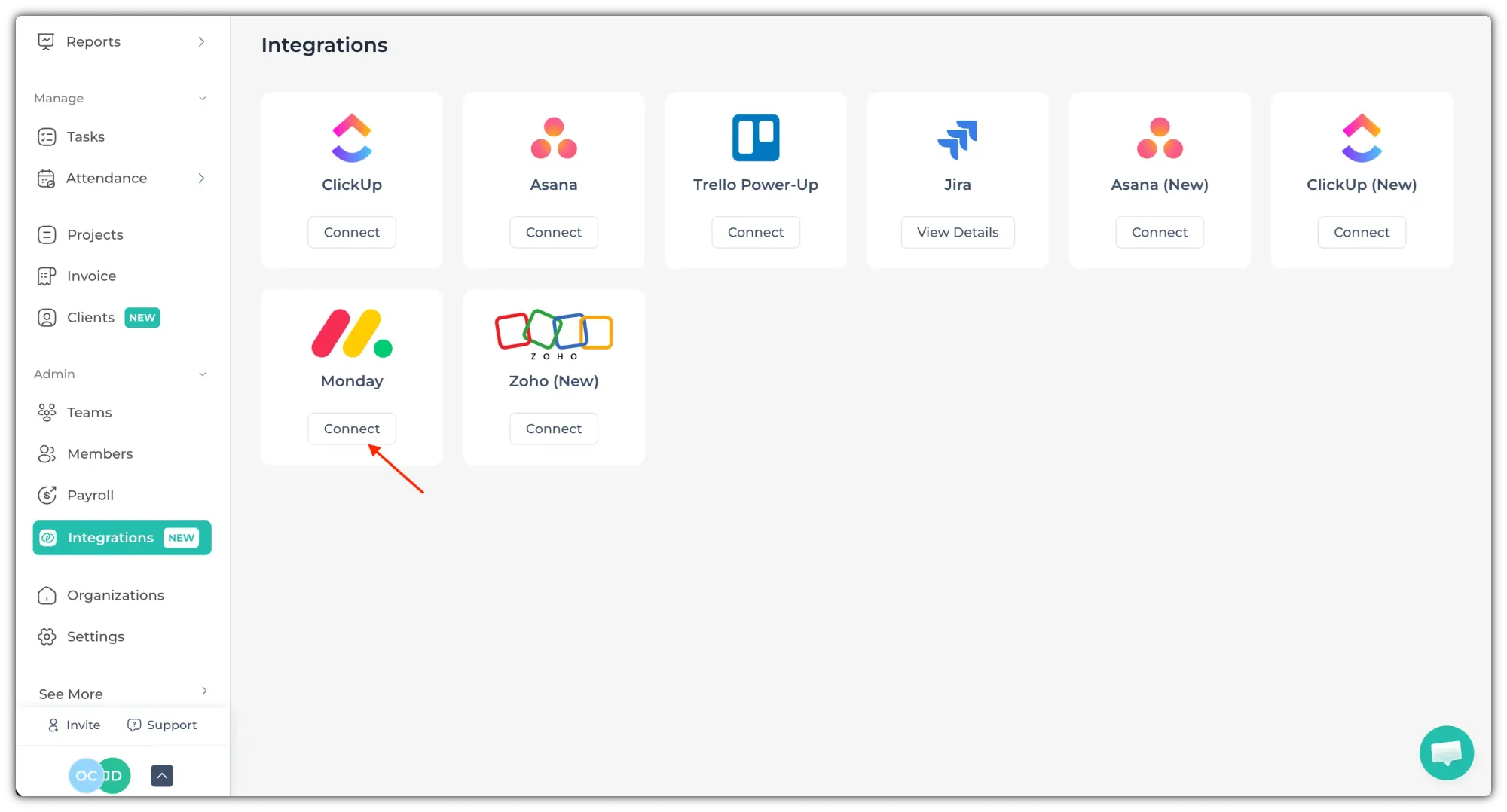
Go to the Integrations page and Select Monday.
Now, follow the steps mentioned there:
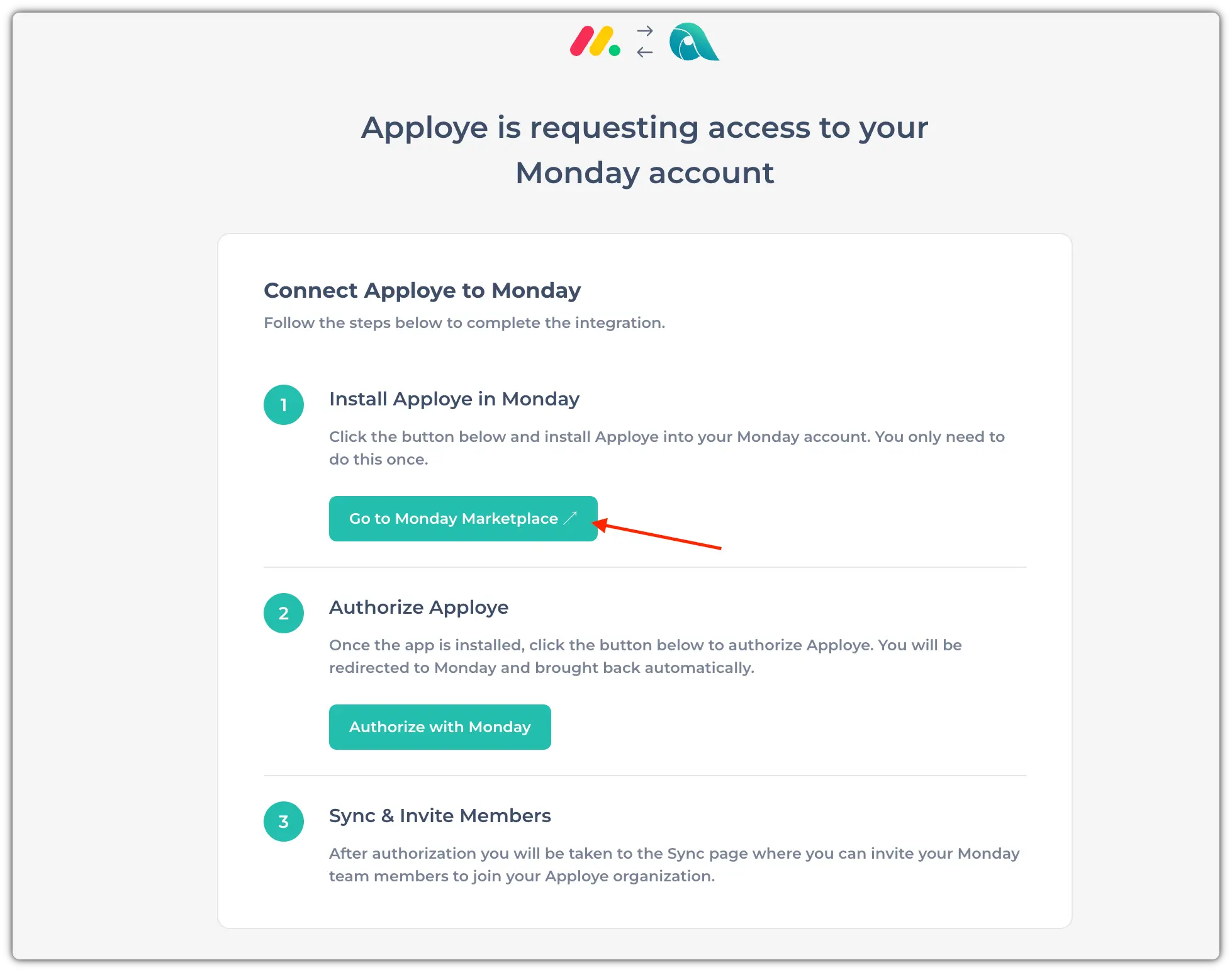
Install Apploye on Monday:
Click on the "Go to Monday Marketplace" to install Apploye in Monday.com
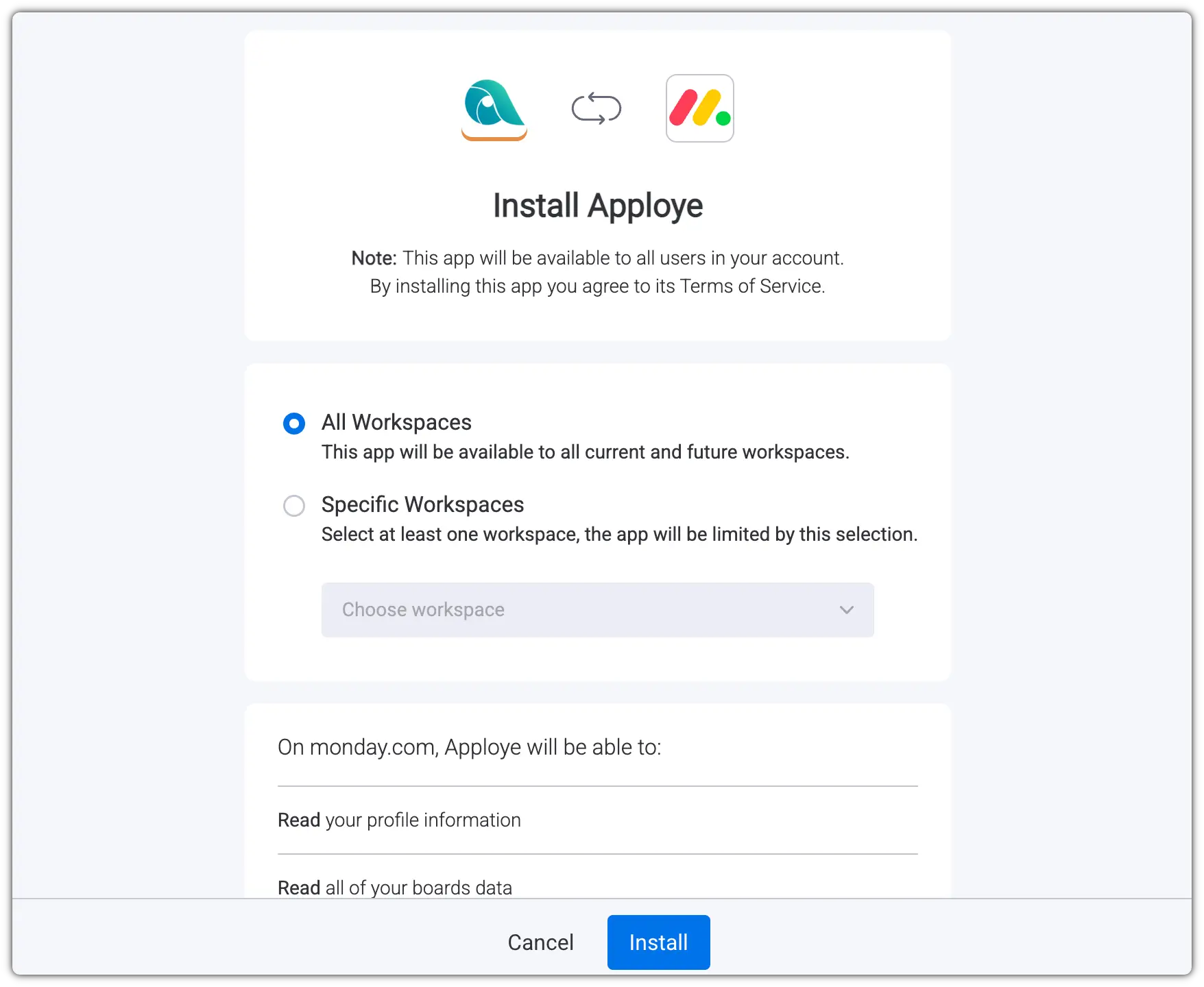
Select All workspaces or specific workspaces that you want, and click on "Install"
Authorize Apploye:
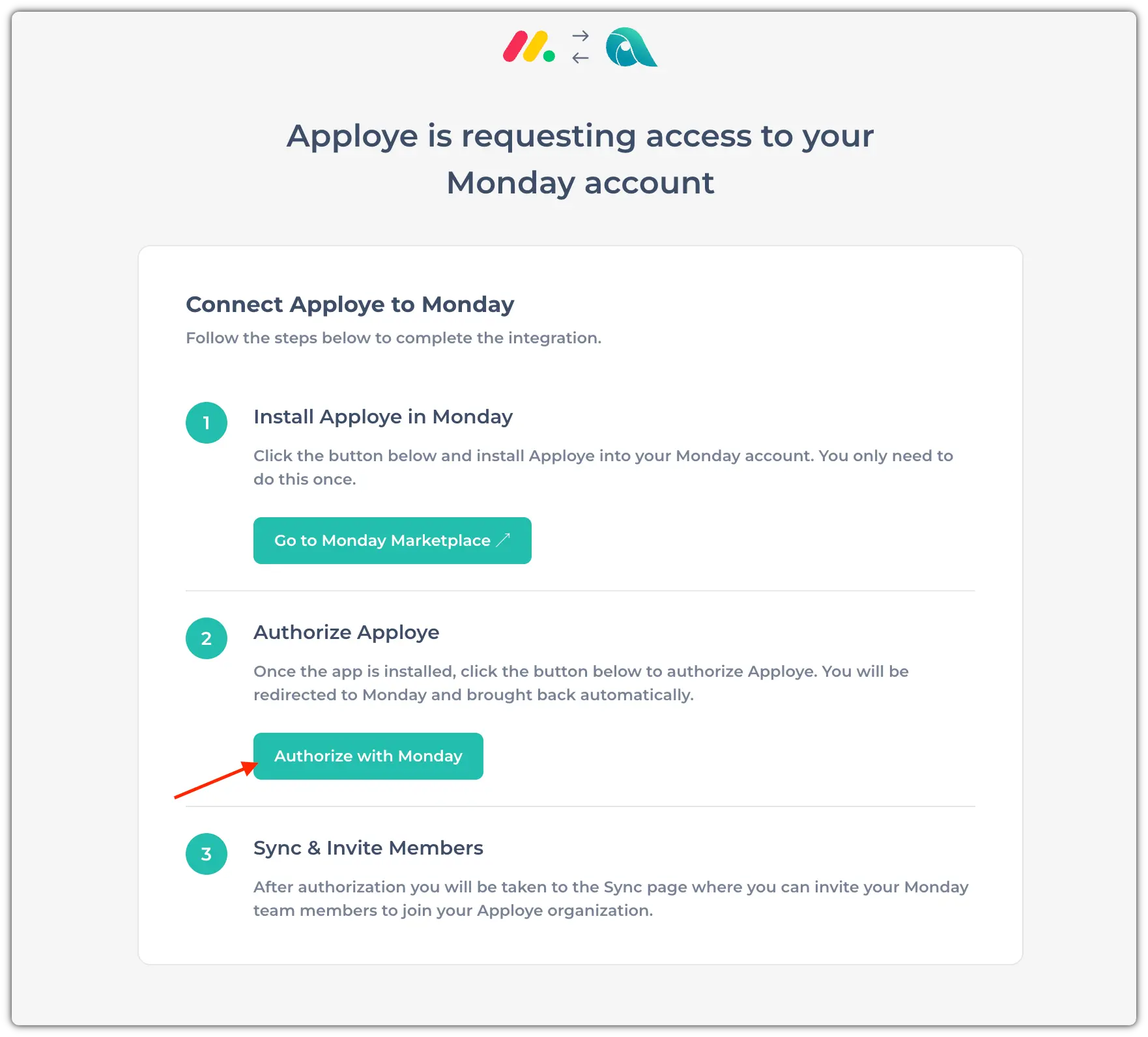
Now, click on "Authorize with Monday" to authorize Apploye.
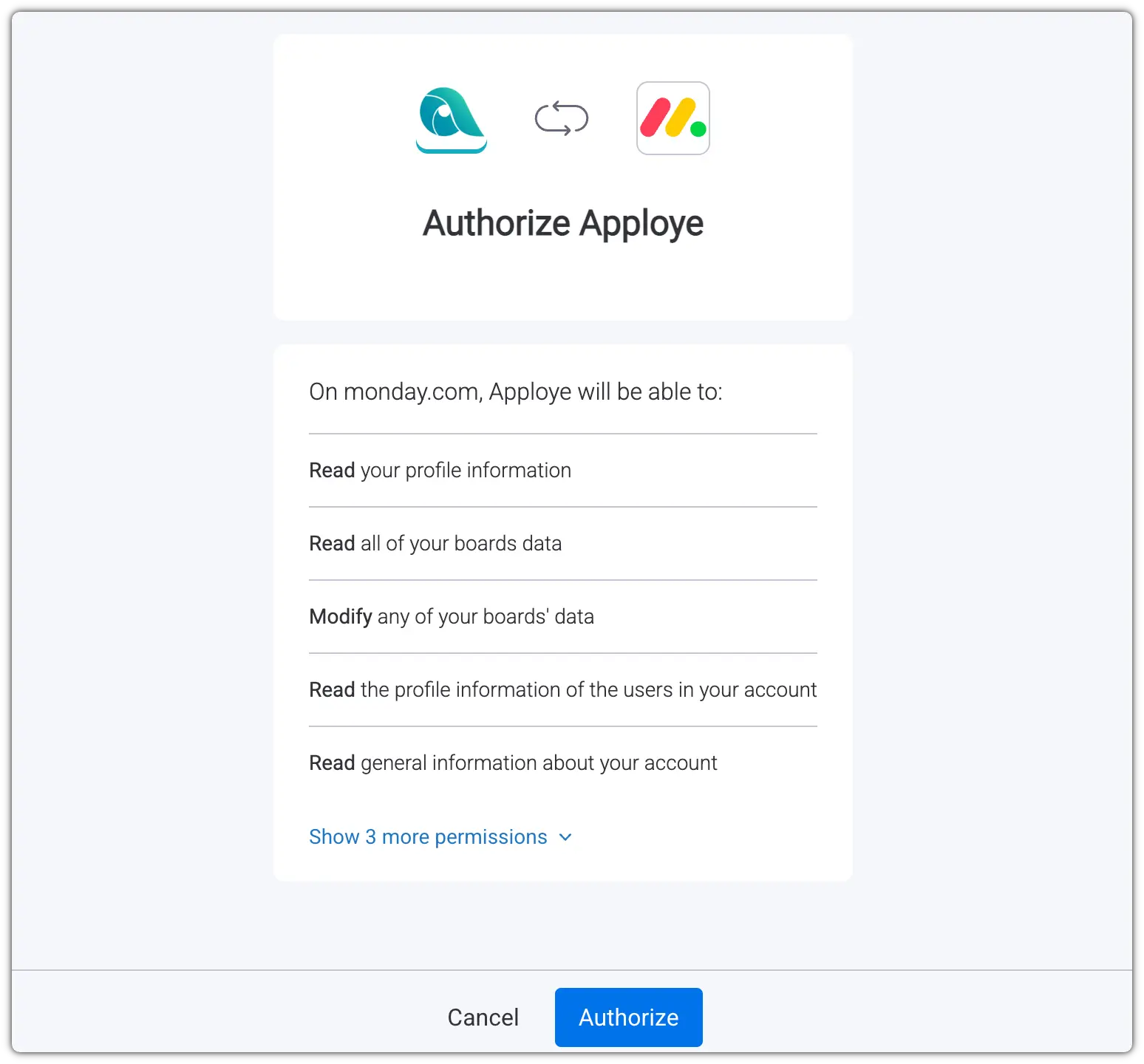
Click on the "Authorize" button to authorize from Monday.
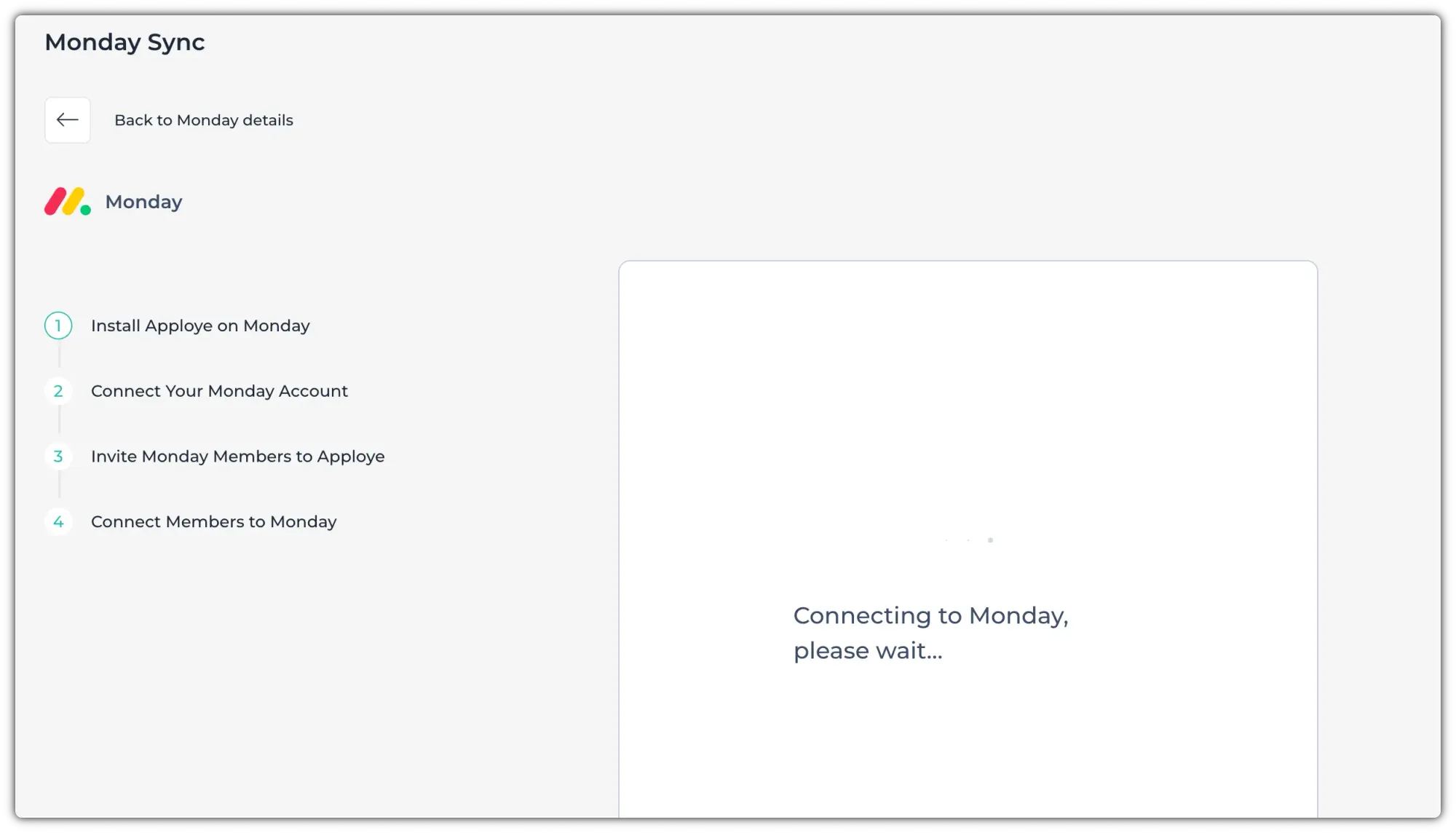
Now, wait for it to sync.
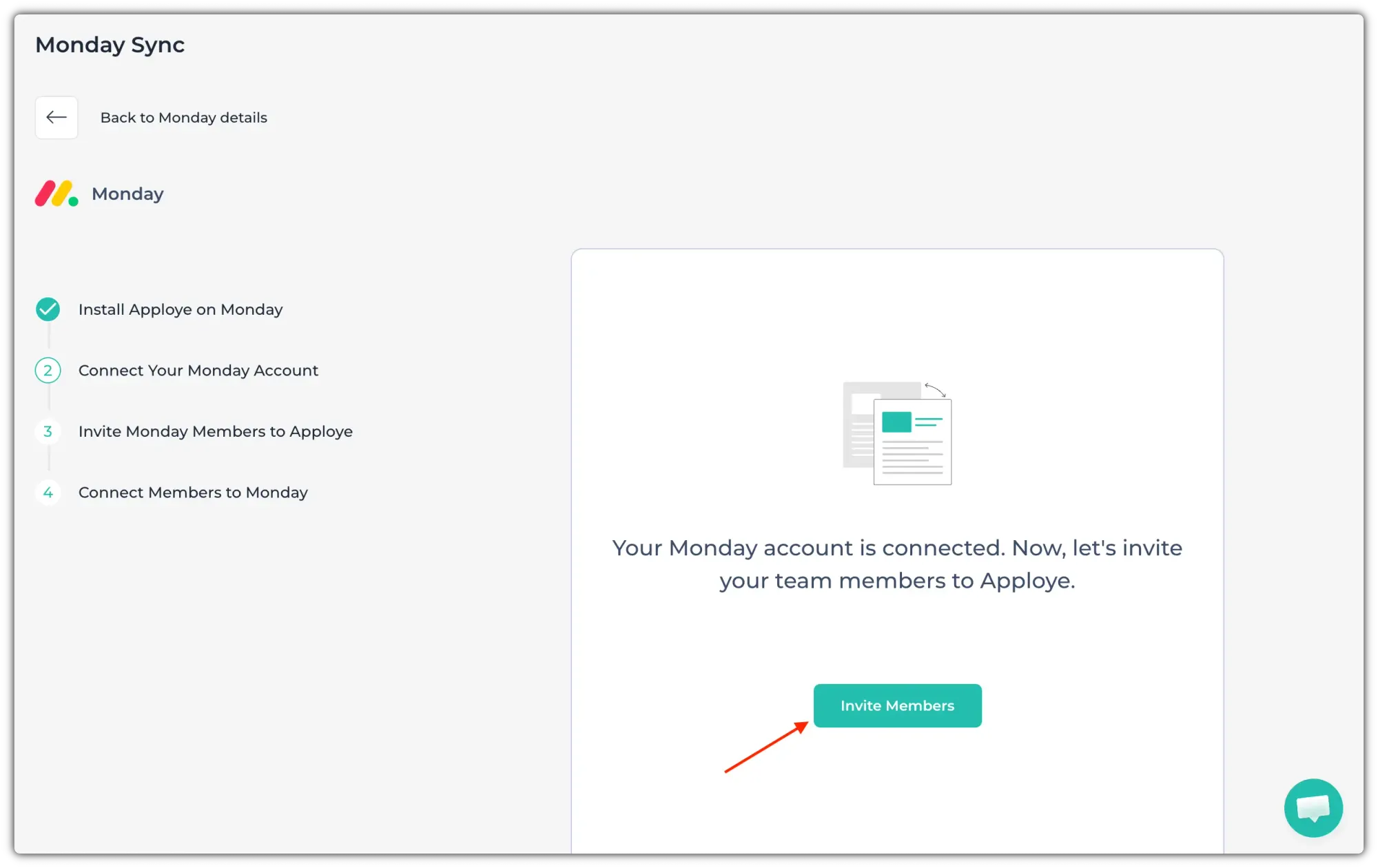
Now, click on "Invite Members".
Now, select members & send an invitation.
Then, you will be taken to the next step. Here, select members & click on "Connect Members."
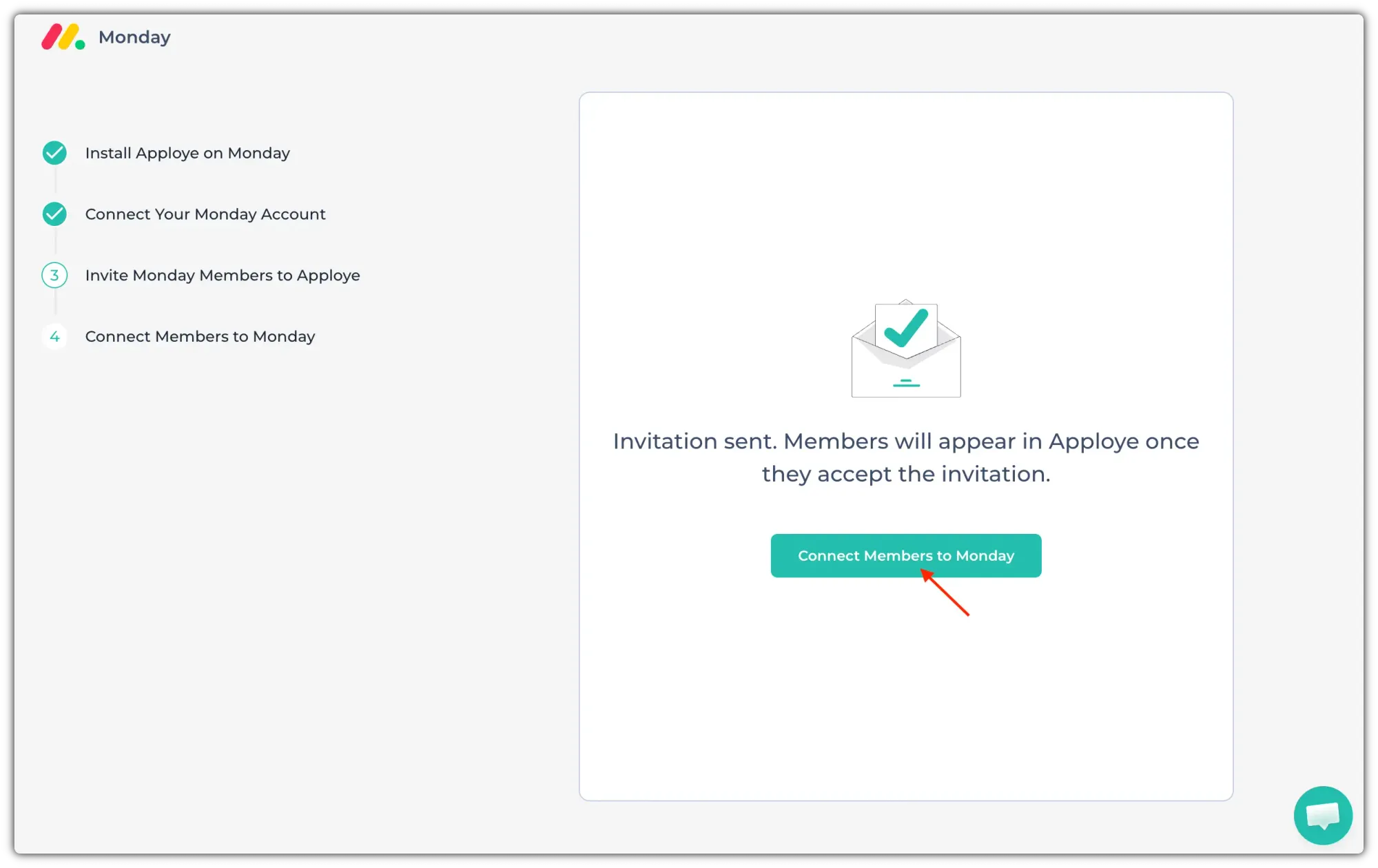
After that, you are all set. Now, you can go back.