
After you have purchased the Stealth Mode addon, follow the steps below to deploy it on employee devices.
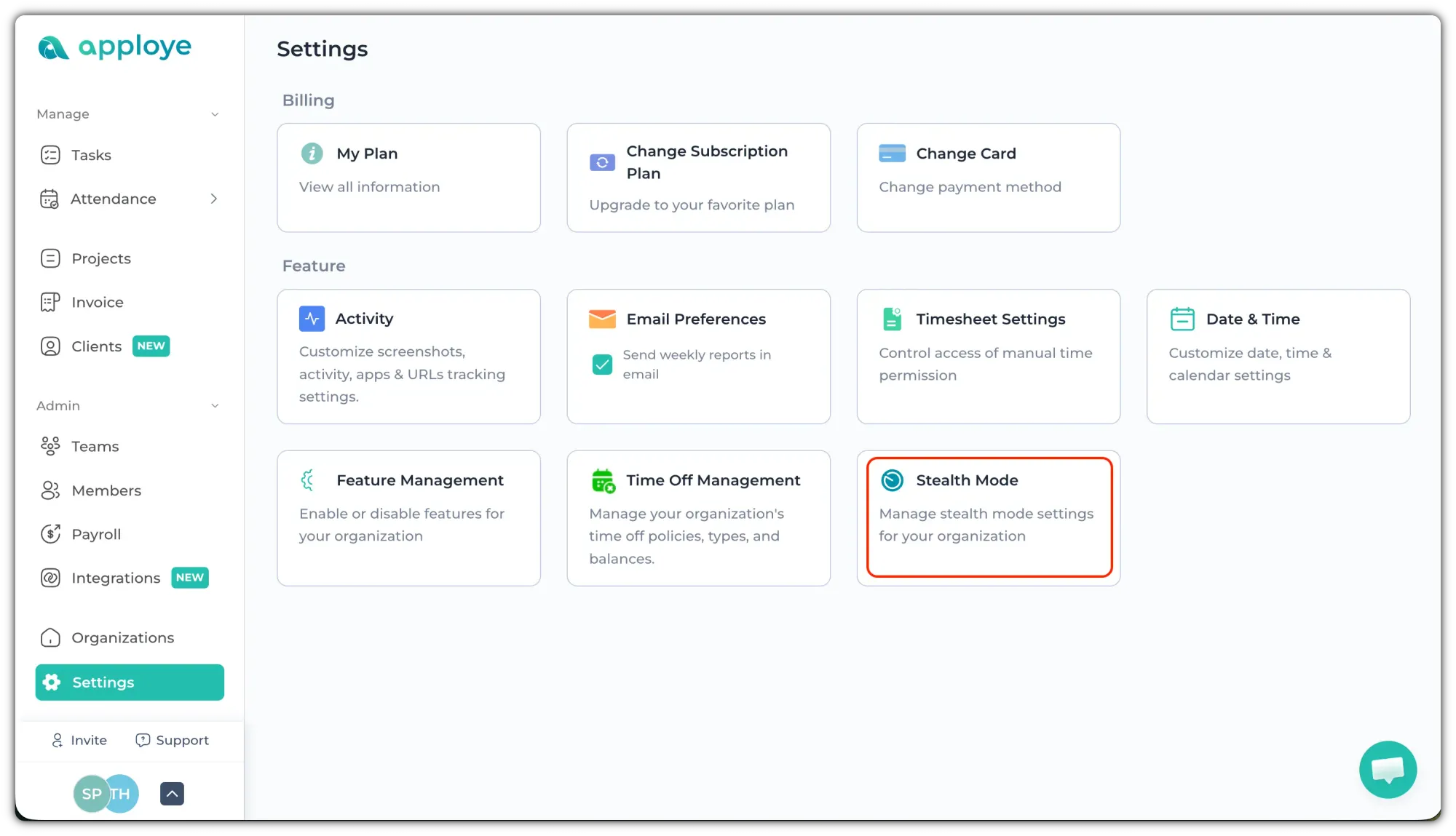
Firstly, go to Settings and click on “Stealth Mode”.
For Windows Devices
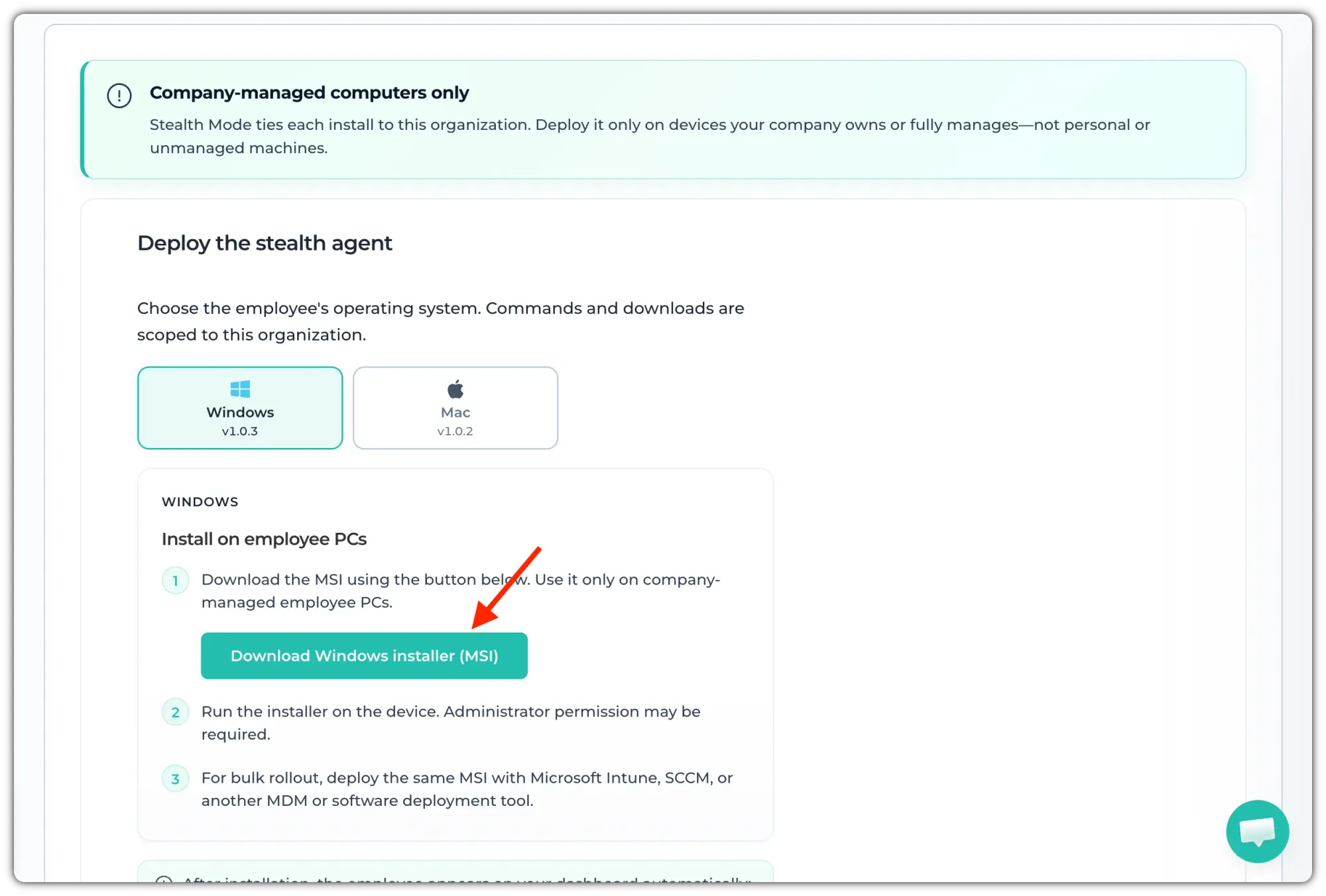
- Click the “Download Windows Installer (MSI)” button.
- After the file is downloaded, run the .MSI installer on the employee’s Windows device.
For bulk deployment, you can deploy the same MSI file using:
- Microsoft Intune
- SCCM
- Any other MDM or software deployment tool
For Mac Devices
If your employee uses a Mac:
- Open Terminal on the employee’s Mac.
- Copy the command shown in the box, by clicking the "Copy" button.
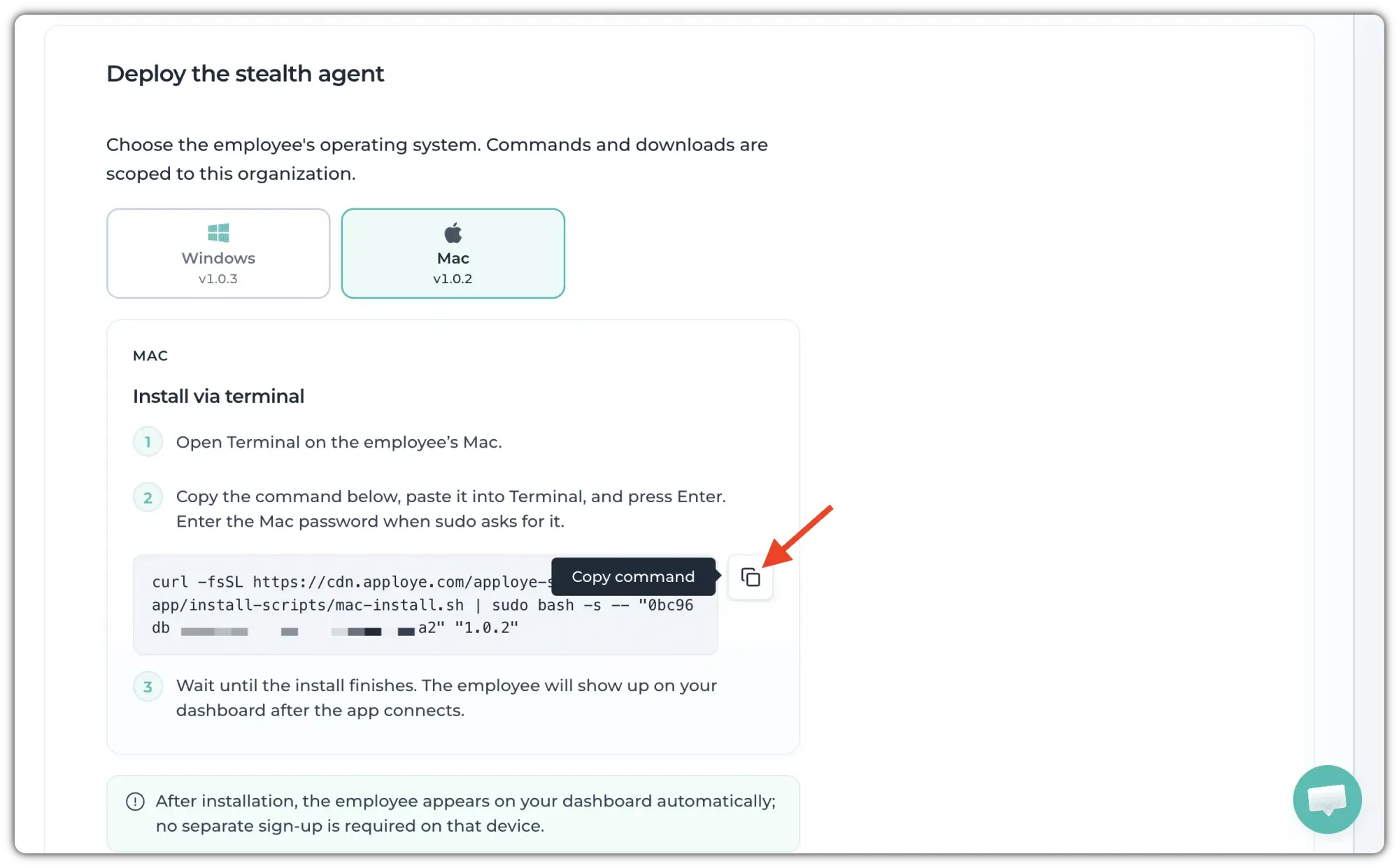
3. Paste the command into Terminal and press Enter.
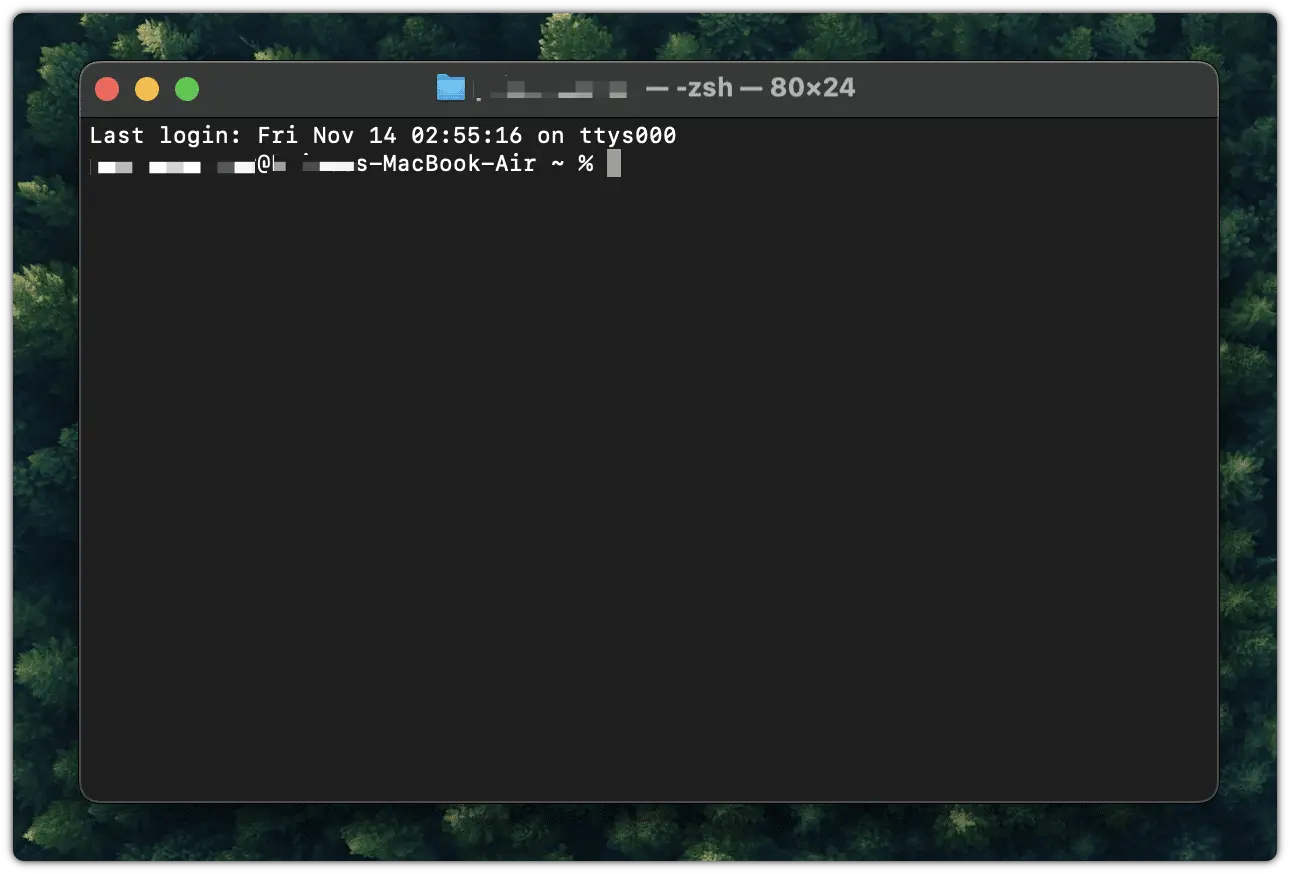
4. When prompted, enter the Mac administrator password.
After the installation is complete, the employee will automatically appear on your dashboard. No separate sign-up is required on that device.
Important Note
Deploy the Stealth App only on devices that your company owns or fully manages.
Do not install it on personal or unmanaged devices.