
Apploye provides managers with data about tracked time, activity, apps, URLs, screenshots, projects, and tasks. The goal of reviewing this information should be to understand workflows, identify potential issues, and support team members not to constantly monitor every action.
Focus on Trends, Not Every Minute
Use Apploye reports to look for patterns over time rather than examining every individual activity. Changes in tracked hours, activity levels, or project time can help identify areas that may need attention.
Understand Activity Levels
Activity percentage reflects keyboard and mouse activity during tracked time. A lower activity level does not automatically mean someone is unproductive. Meetings, reading, research, planning, and other types of work may require little keyboard or mouse interaction.
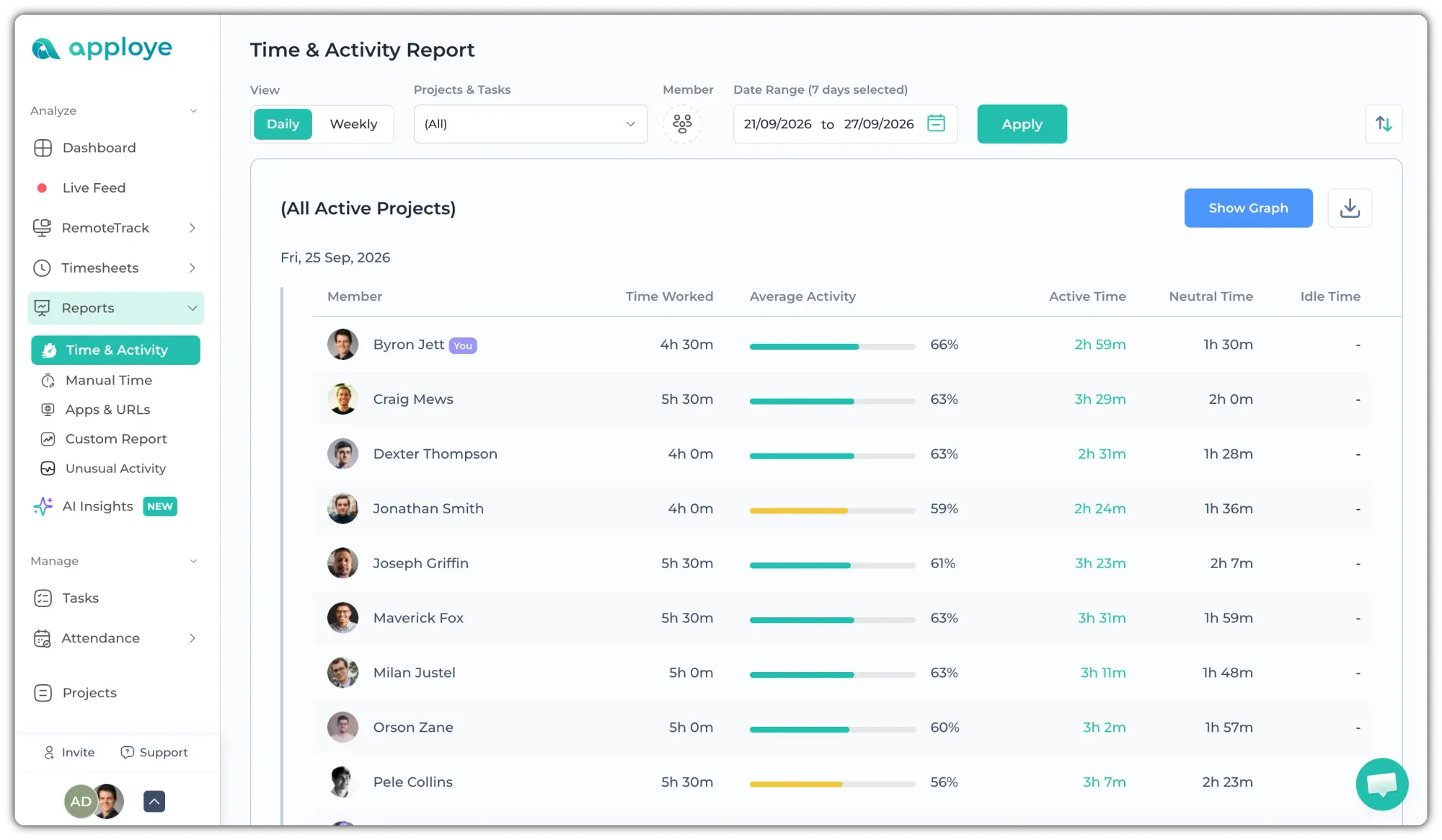
Use activity data as context rather than as a standalone measure of performance.
Review Project and Task Time
Compare tracked time with assigned projects and tasks to understand where working hours are being spent. This can help managers identify workload imbalances, unexpected time requirements, or projects that may need additional resources.
Use Screenshots as Context
Screenshots can provide additional context about work performed during tracked time. Instead of reviewing screenshots continuously, managers can use them selectively when they need to understand a particular project, task, or unusual activity pattern.
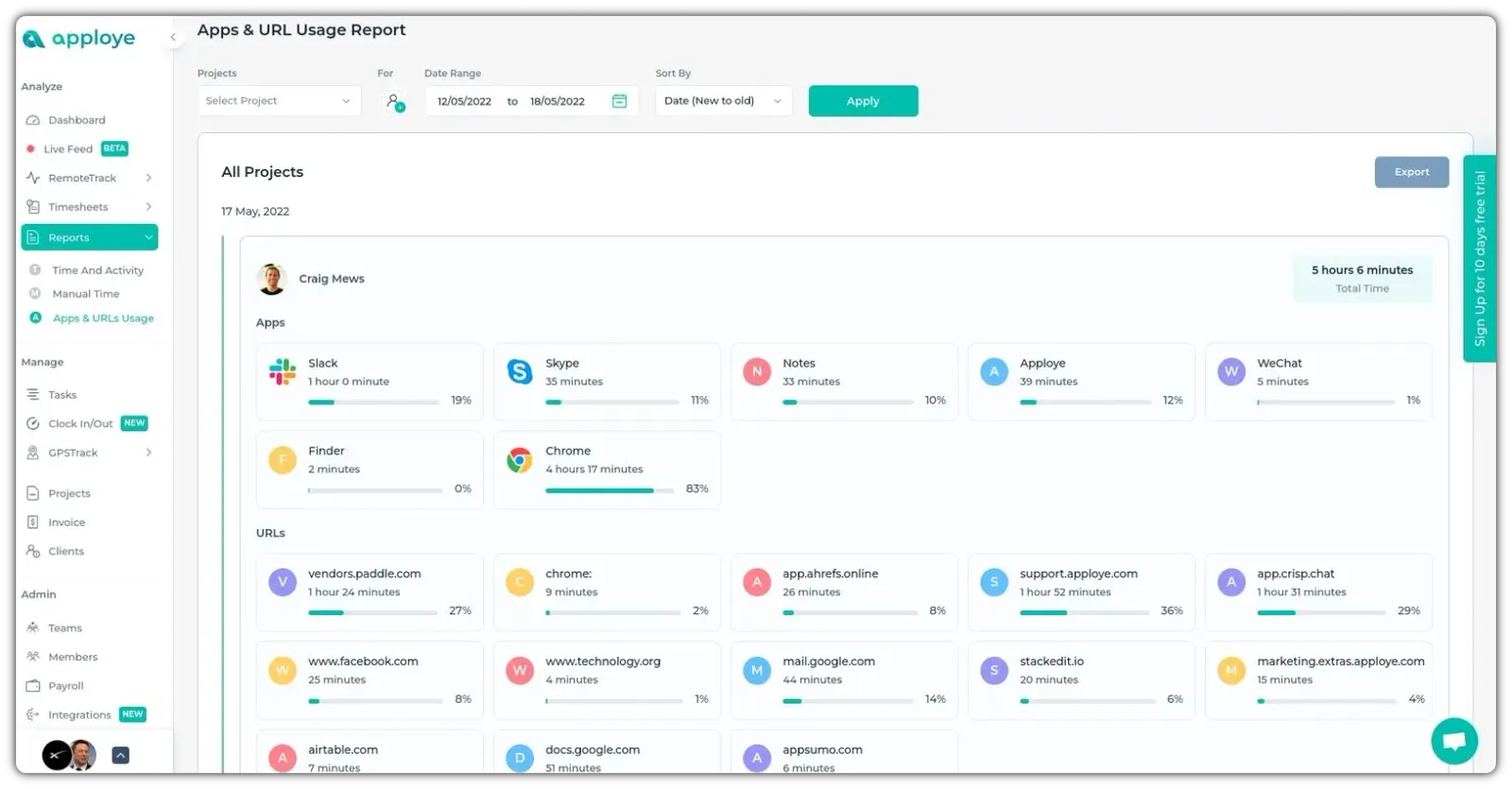
Consider Apps and URLs
Apps & URLs data can help managers understand which tools and websites are being used during work. Use this information to identify workflow patterns or potential distractions rather than judging productivity based on individual websites or applications alone.
Respect Neutral and Idle Time
Neutral time means Apploye did not detect keyboard or mouse activity, while idle time occurs after the configured inactivity threshold is reached. Neither metric should automatically be treated as proof that an employee was not working.
Combine Multiple Data Points
No single Apploye metric tells the complete story. Consider tracked time, activity levels, project and task data, screenshots, and Apps & URLs together with the nature of the employee's work.
Use Data to Start Conversations
If the data shows something unexpected, discuss it with the team member before drawing conclusions. For example, unusually high time spent on a task may indicate that the task is more complex than expected, that requirements changed, or that the employee needs additional support.
Focus on Outcomes
Time and activity data are most useful when combined with actual work outcomes. Use Apploye data to understand how work is progressing, identify obstacles, manage workloads, and improve processes.
Key Takeaway
Apploye gives managers visibility into work patterns, but effective management requires context. Use the data to understand work, not to watch every minute of it.