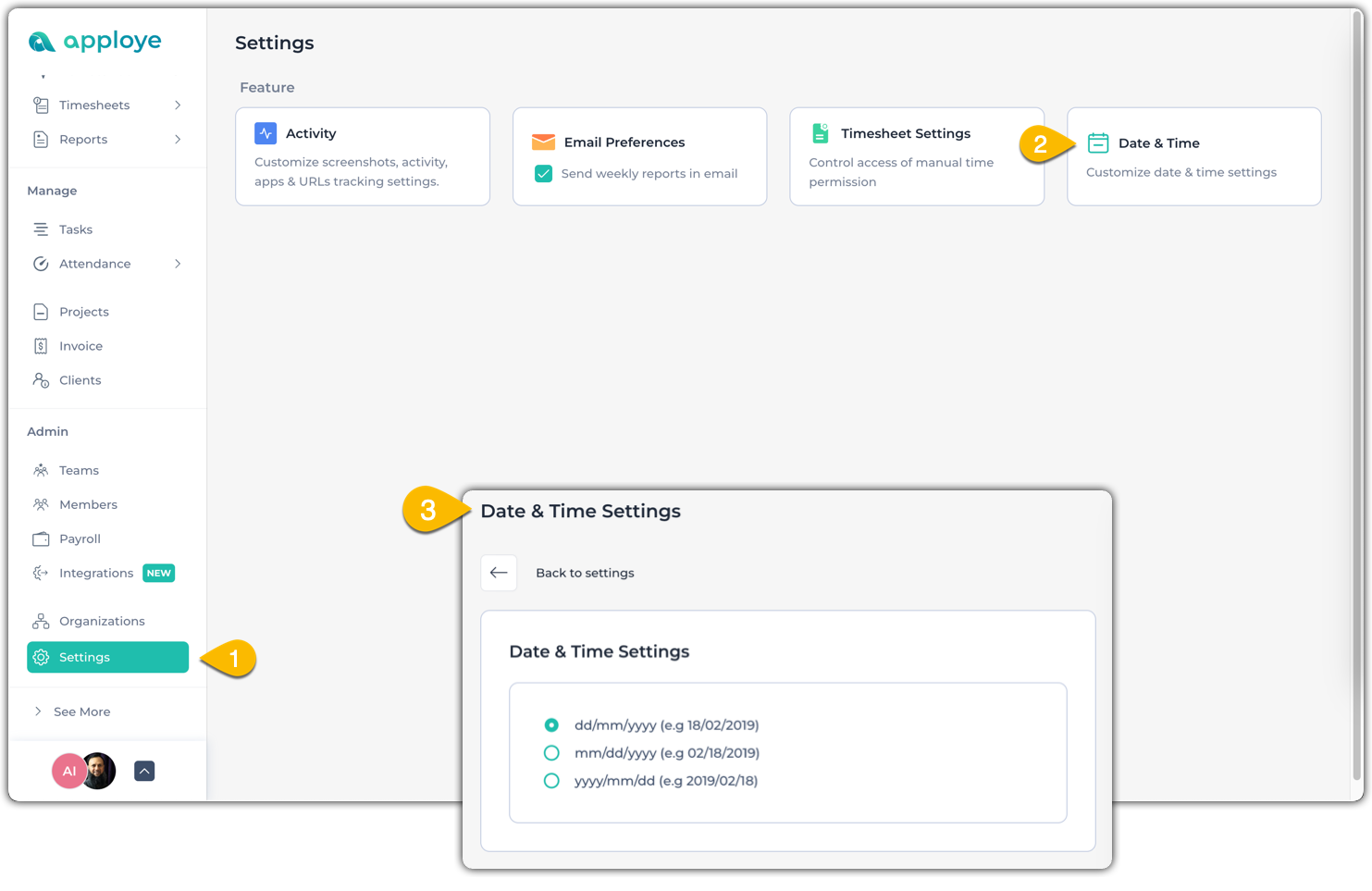
How can I change my Organization's date format Hasan Abir May 7, 2025 1 min read To change the date format, go to Settings > Date & Time. After that, choose the date & time format based on your preference. FAQ
Understanding Active, Neutral, and Idle Time in Apploye Apploye tracks user activity using three metrics: Active, Neutral, and Apploye Inc Jul 29, 2024 2 min read
How can I access the payment invoices in Apploye? Go to Settings <> My Plan <> Billing Portal. After clicking on Apploye Inc Jun 25, 2026 1 min read
