
Yes, Apploye allows you to block time tracking on specific days for your employees.
To block tracking days, go to the Members section, click the Actions button for the specific member, then select Edit Member. On the Edit Member page, scroll down to find the Blocked Days option.
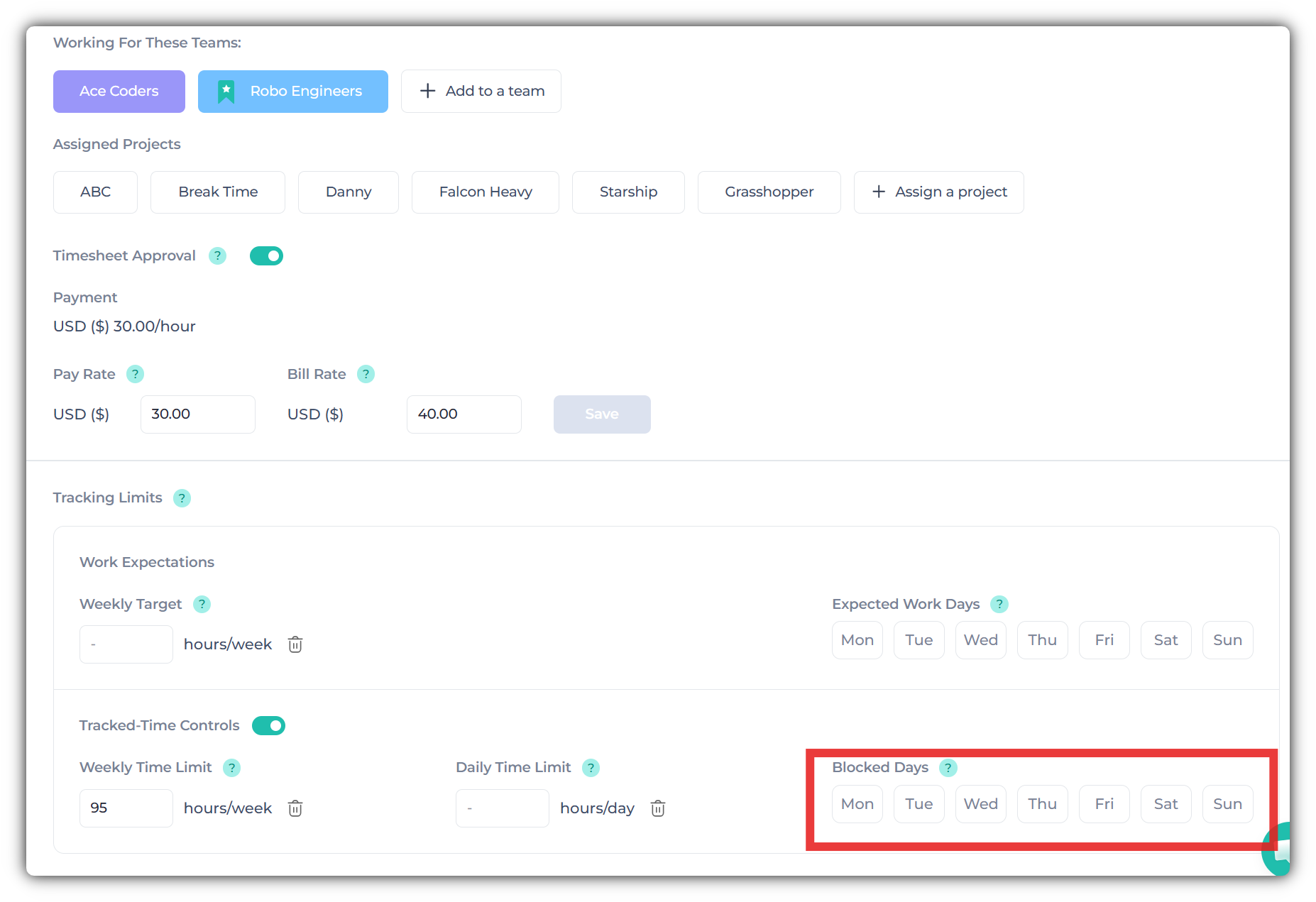
Simply select the days you want to block. Once those days are blocked, the employee will not be able to track time on the selected days.