Before you ask employees to apply for Time Off, you need to create a Time Off/Leave Policy. To create/edit the Time Off policy, go to the Time Off page and click on the settings icon.
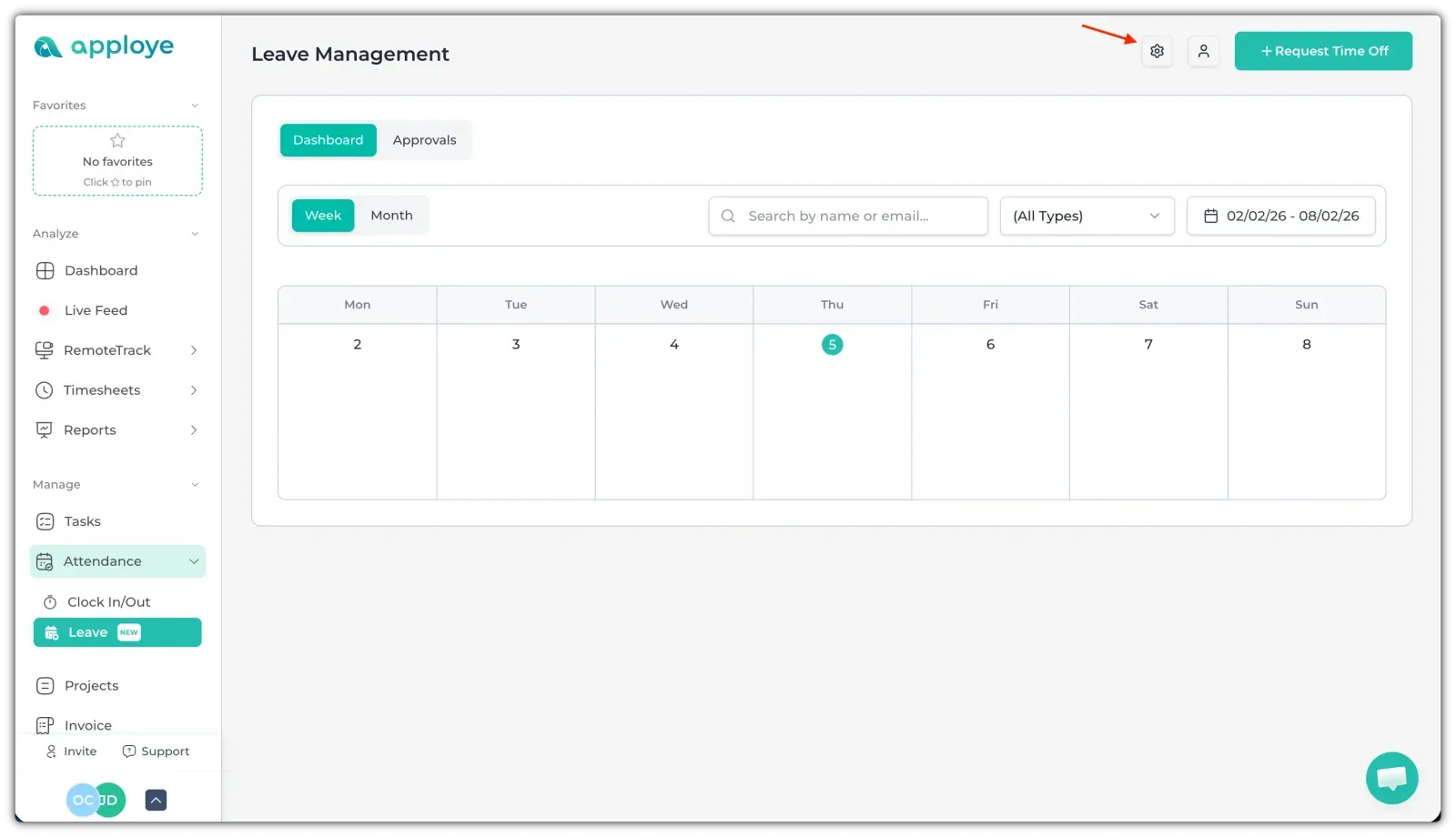
This will take you to the Time Off policy. Now, you need to create a Time Off type for the policy.
Go to "Time Off Type". Click on "+ Add Time Off Type" to add a type. It can be casual leave, earned leave, sick leave, etc. You can add any custom Time Off type from here. Give it a name & choose a color. You can also add a description for that Time Off/Leave type.
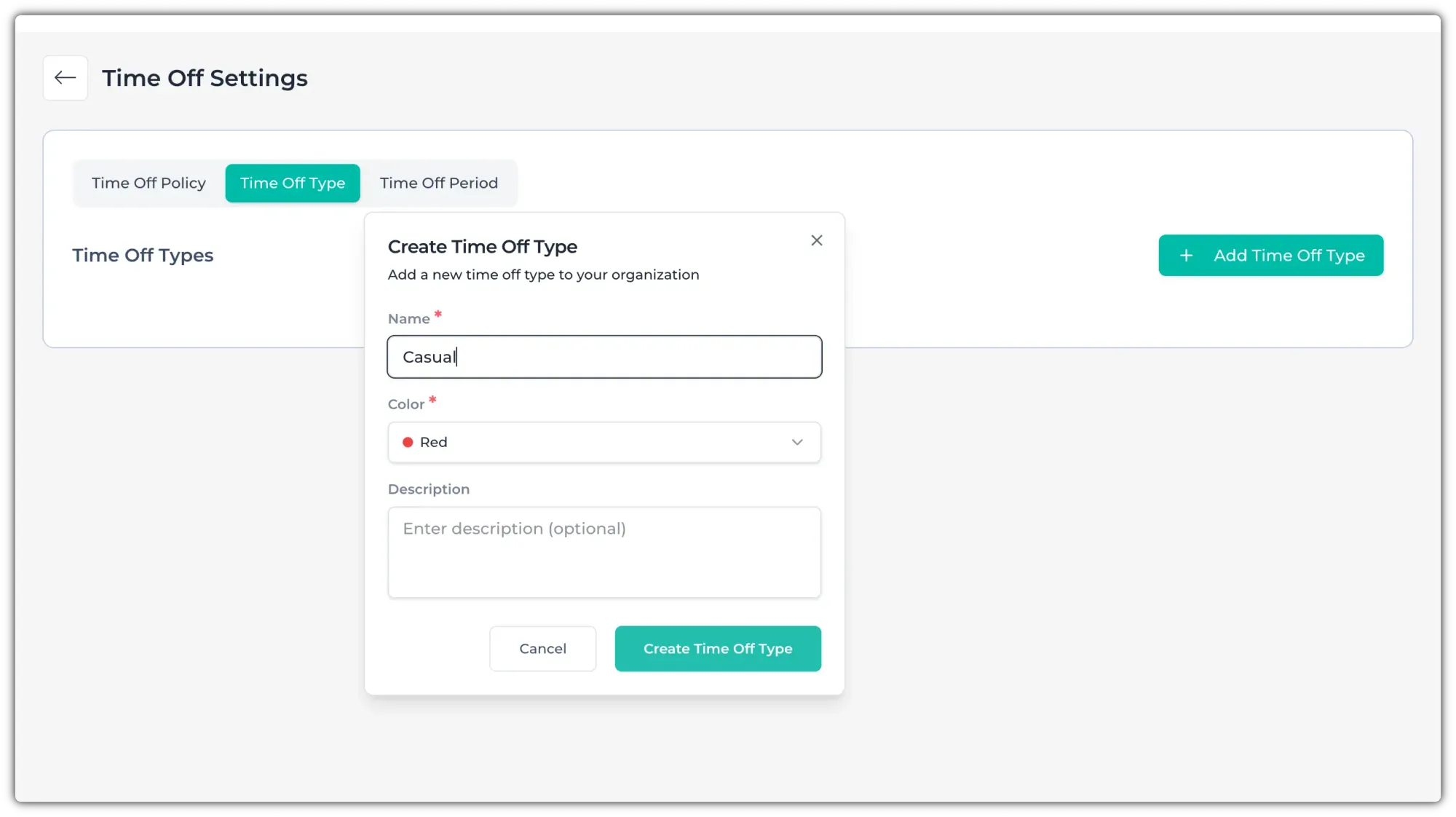
You can add more types by clicking on "+ Add Time Off Type". You can also edit using the edit/delete buttons on the right.
Now, go to "Time Off Policy" and click on the "Create Your First Policy" button.
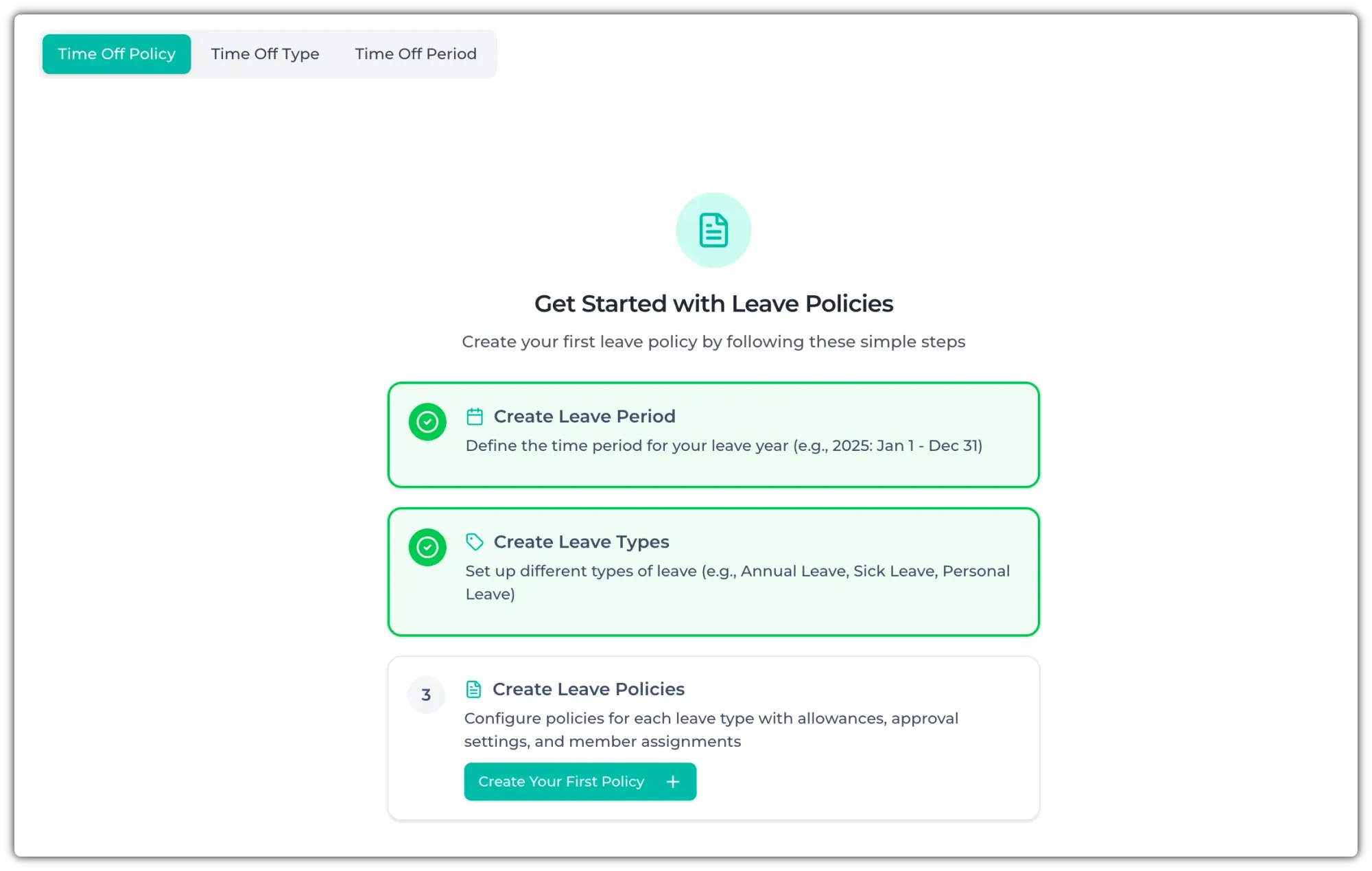
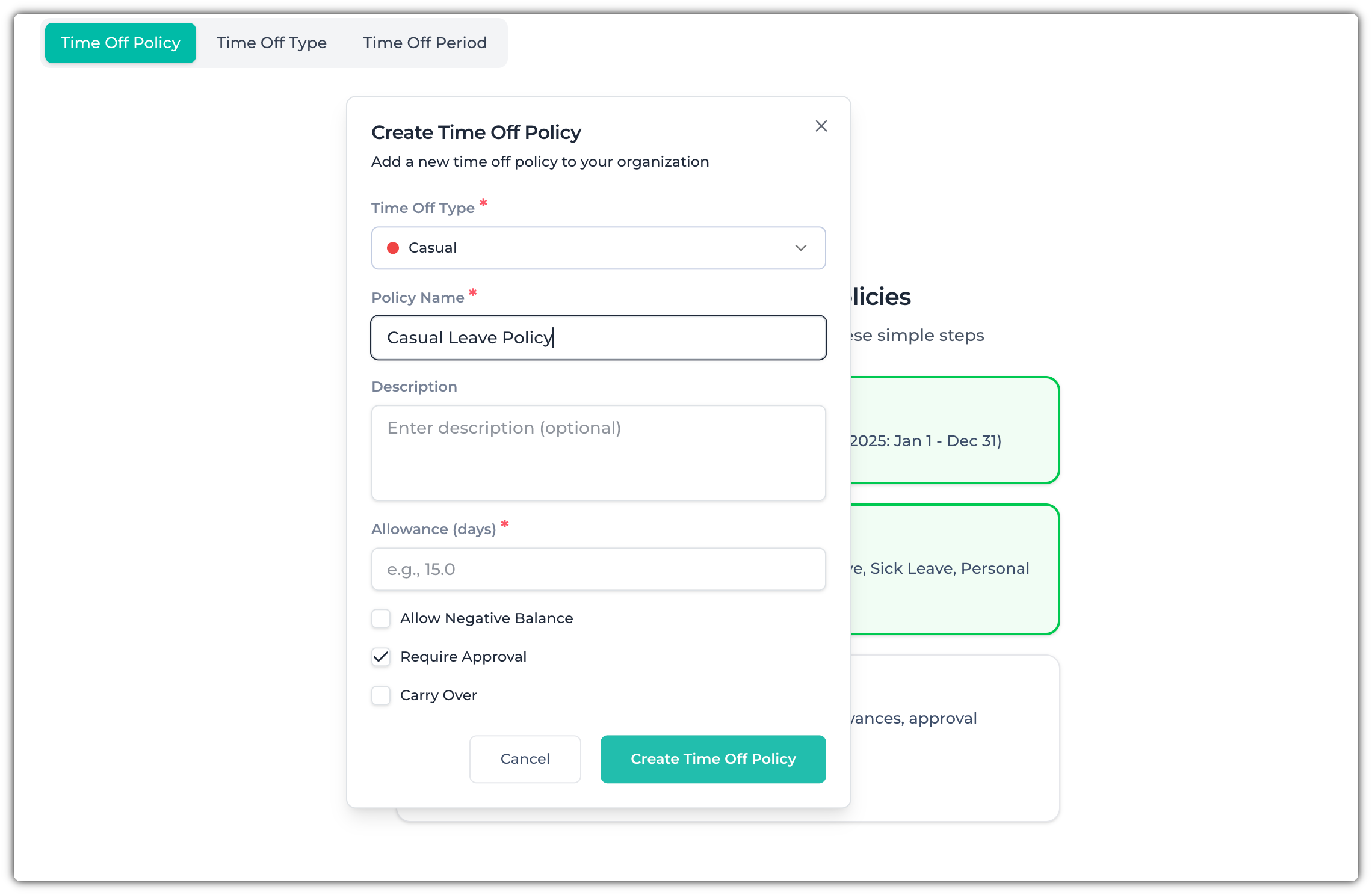
It will open a pop-up. Now, select the Time Off type, give it a name, and choose the number of days for this Time Off type. You can also choose whether to allow a negative balance, require approval, and if Time Off can carry over to the next Time Off period.
Go over these carefully, and then click on the "Create Time Off Policy" button to create it.
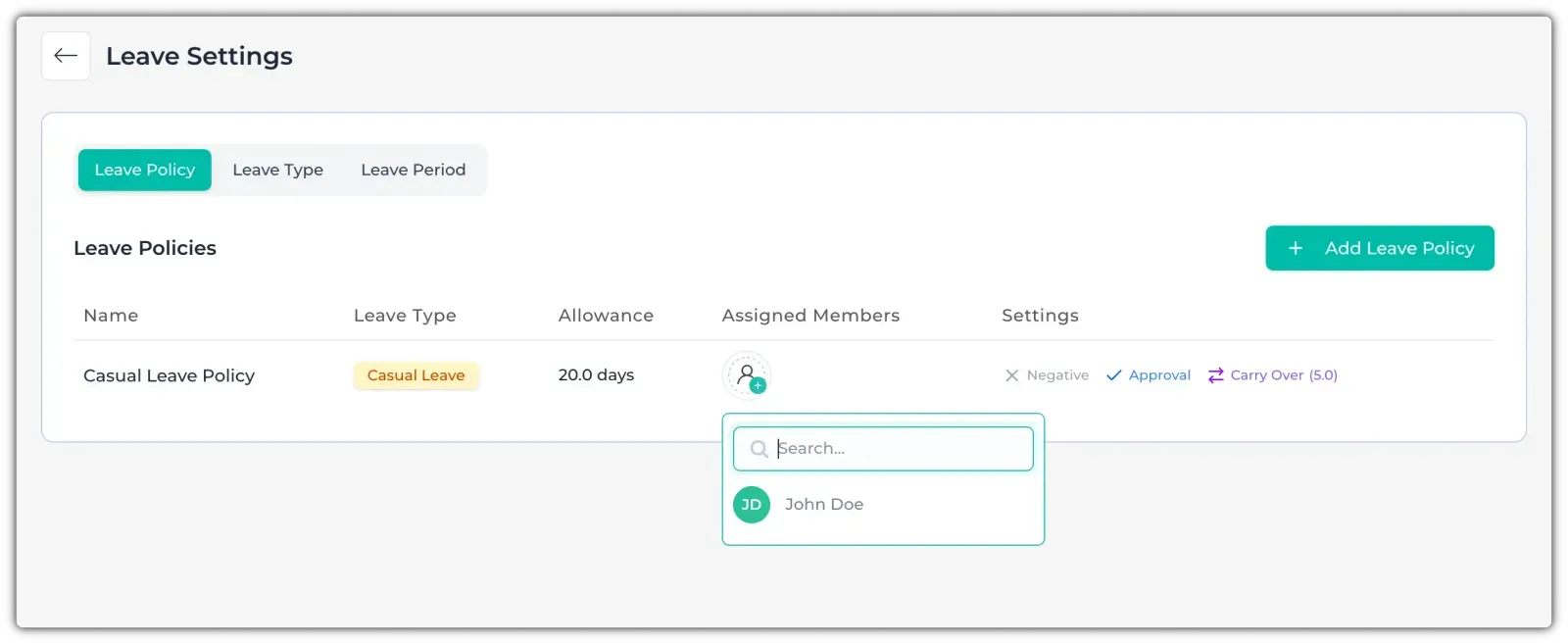
After you have created the Time Off policy, assign members to this Time Off Policy.