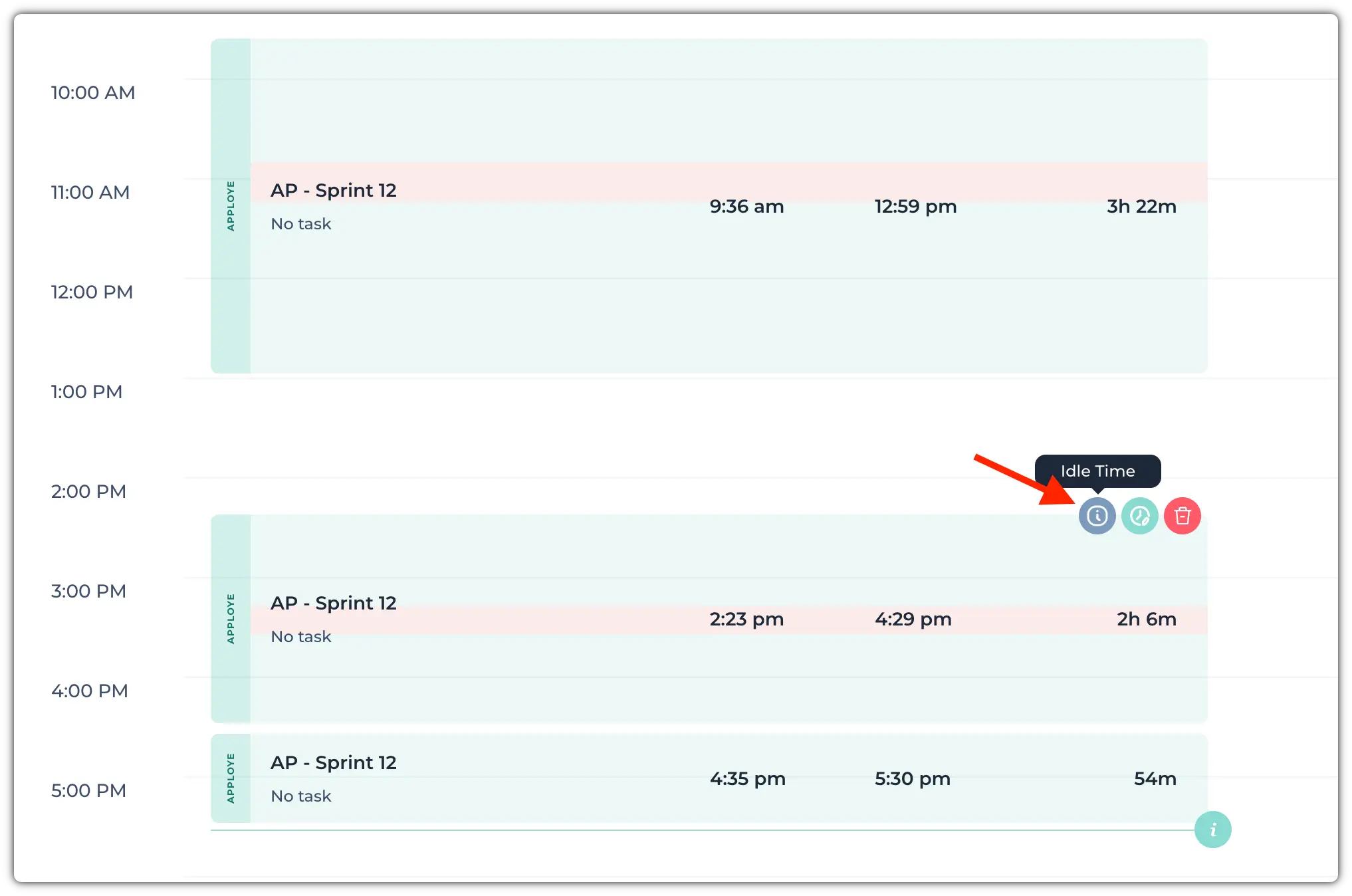
Apploye uses different colors in the timesheet to help you quickly identify the type of tracked time.
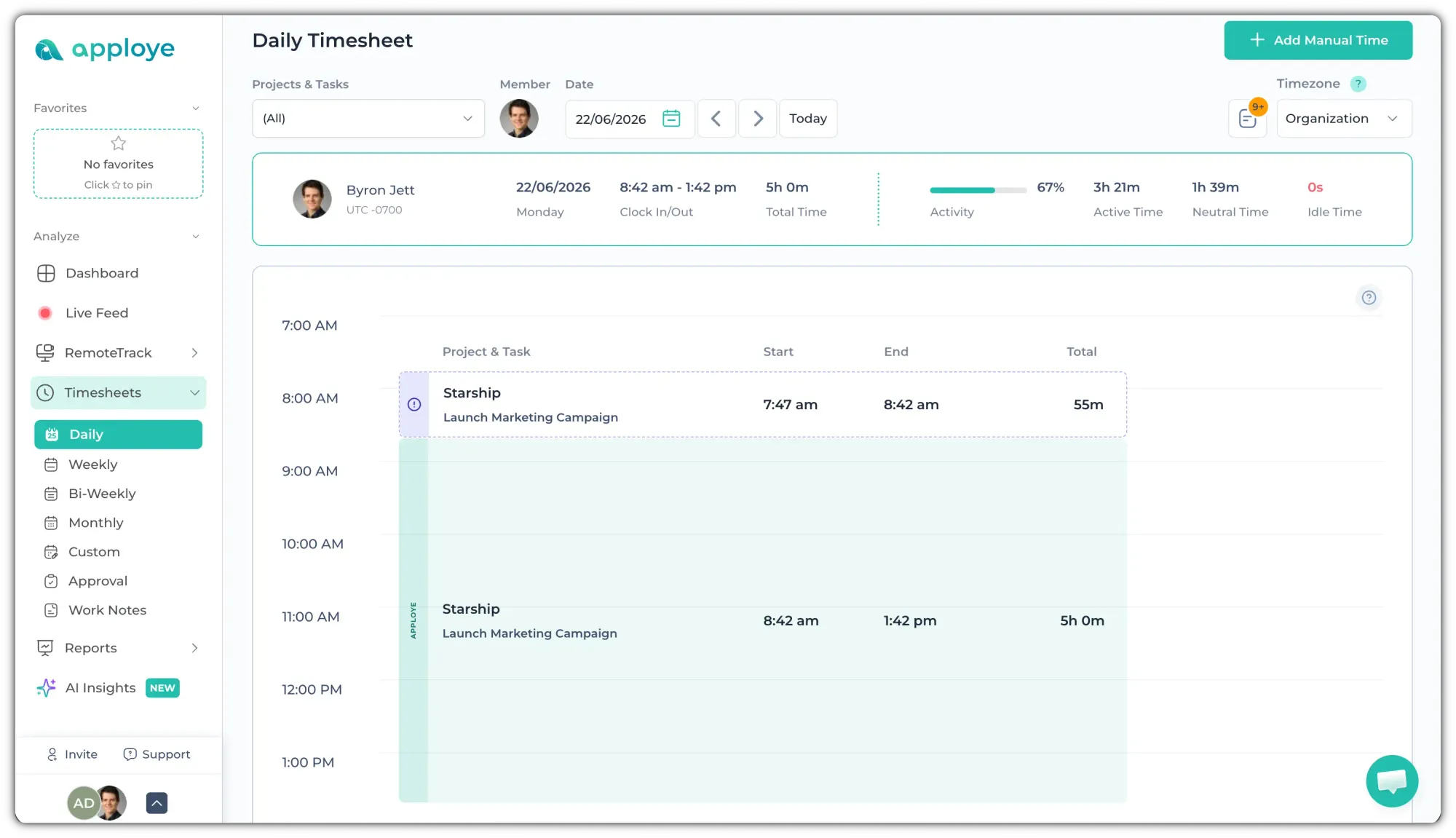
- Green - Normal work time tracked through the Apploye desktop, mobile tracker apps or the chrome extension.
- Purple - Manual time added by an employee.
- White (with Purple Border) - Manual time that is not yet approved.
- Red - Idle time, indicating periods when no keyboard or mouse activity was detected. It will be part on an existing green timeframe.