
Apploye splits tracked time into three kinds: productive, unproductive, and neutral. The split comes from the apps and websites your team used, not from how much they typed or clicked.
You'll find it in Activity Insights → Productivity.
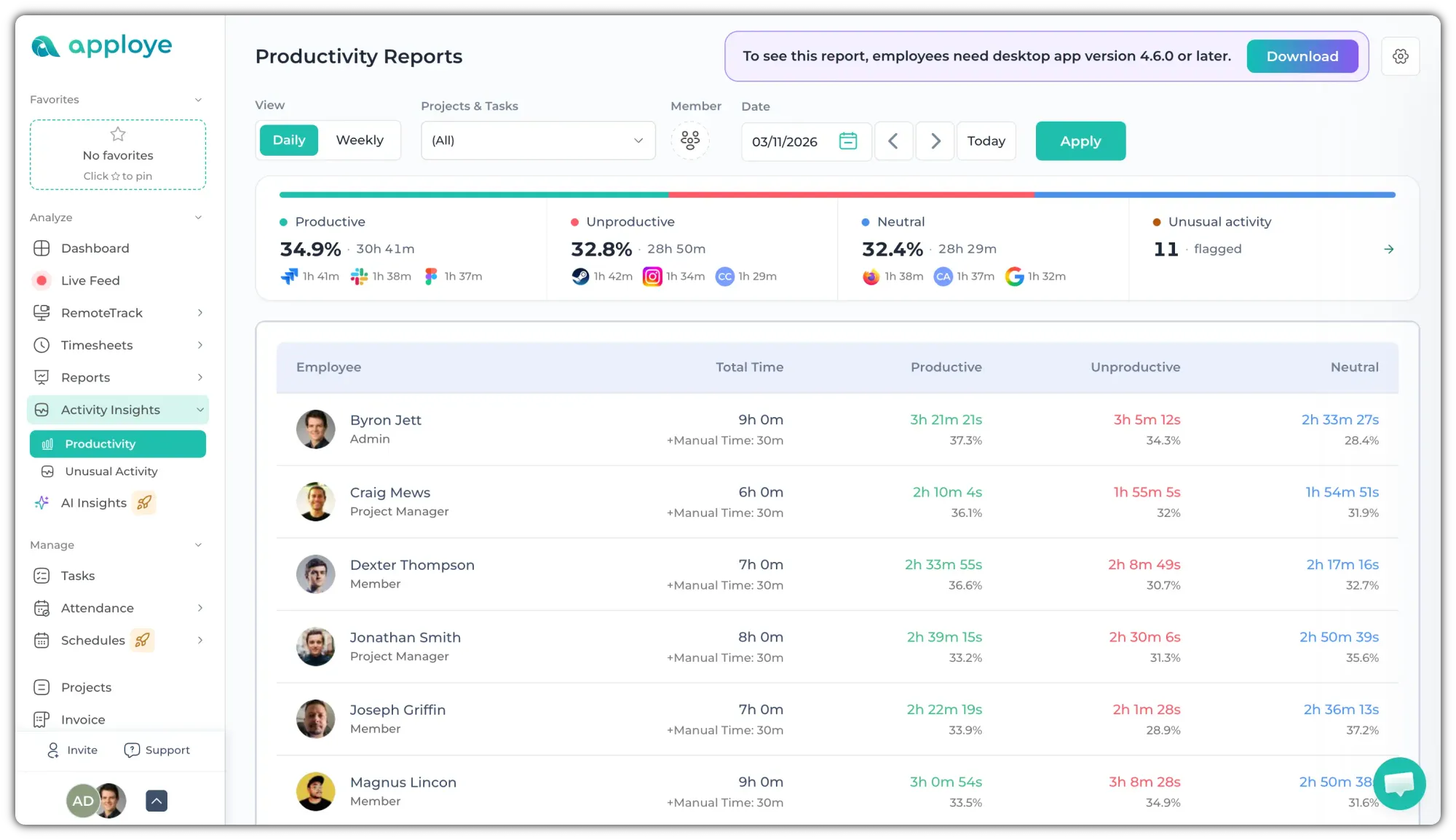
The three kinds of time
- Productive time (1): time in apps and websites labelled Productive. For example, Slack, Figma, Jira, Gmail and GitHub.
- Unproductive time (2): time in apps and websites labelled Unproductive. For example, Netflix, Disney+, Steam and YouTube.
- Neutral time (3): time in apps and websites labelled Neutral, time in apps and websites Apploye has no label for.
Every tracked minute lands in one of the three, so they add up to the member's total time.
In the report, each kind has its own colour: green for productive, red for unproductive, blue for neutral.
💡
Productivity is different from activity. Activity is keyboard and mouse input. An hour in a productive app is productive whether the activity was 30% or 90%. Check this help article to learn more about the differences.
Where the labels come from
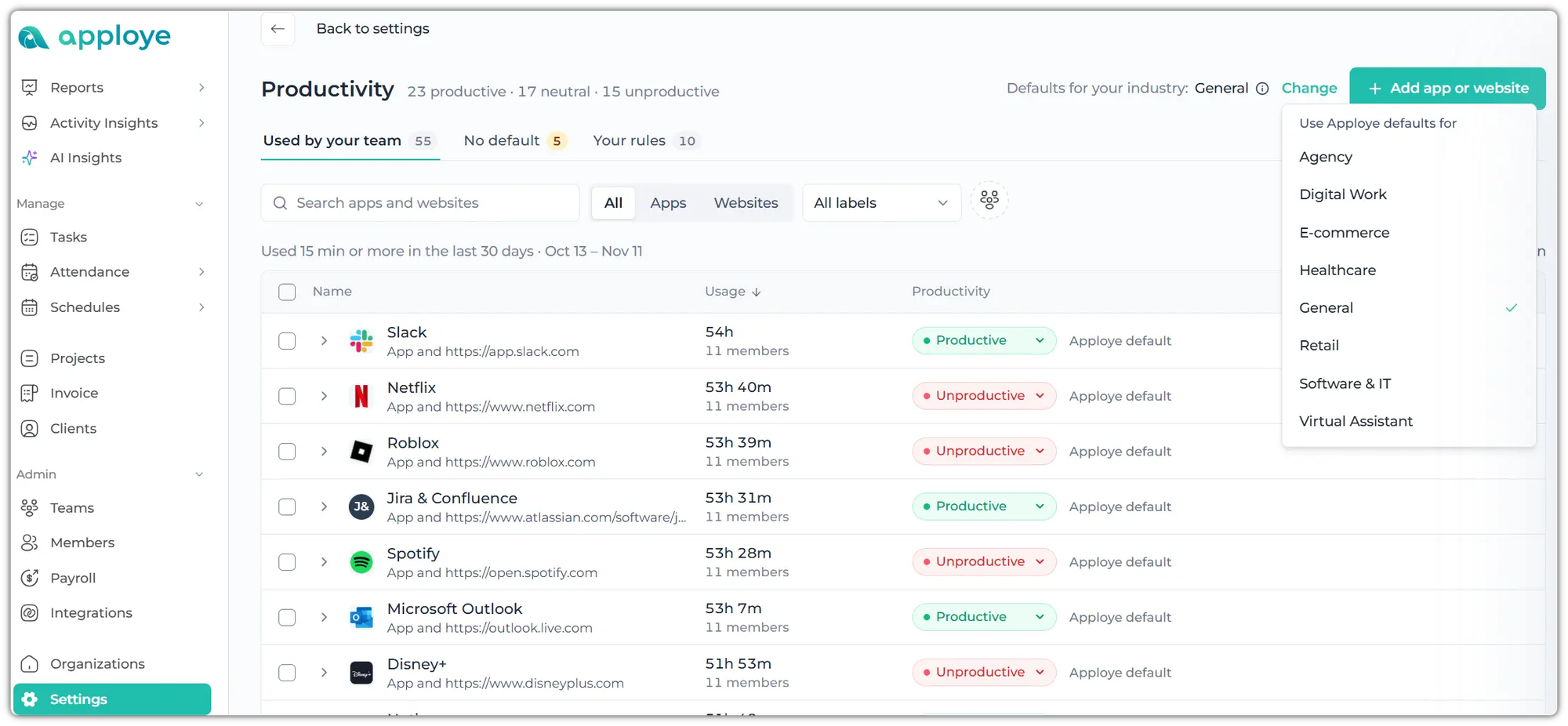
Apploye labels more than a thousand common apps and websites for you, based on the industry you pick in Settings → Productivity. Your own rules will override Apploye's. You can change any label for everyone, or for one member only.
Keep in mind
💡
Productivity is part of the Activity Insights add-on. It's included in the Power plan and available as an add-on for Elite. Members need desktop app version 4.6.0 or later.