
Apploye’s Pomodoro feature is a built-in productivity booster designed to help you work in focused, distraction-free bursts. It’s based on the classic Pomodoro Technique, where work is divided into short, timed intervals followed by brief breaks.
You can fully customize your cycle:
- Set your focused work duration (e.g., 25 minutes)
- Set your break duration (e.g., 5 minutes)
The app then automatically manages your work-rest cycles based on these settings.
How to Use the Pomodoro Feature in Apploye
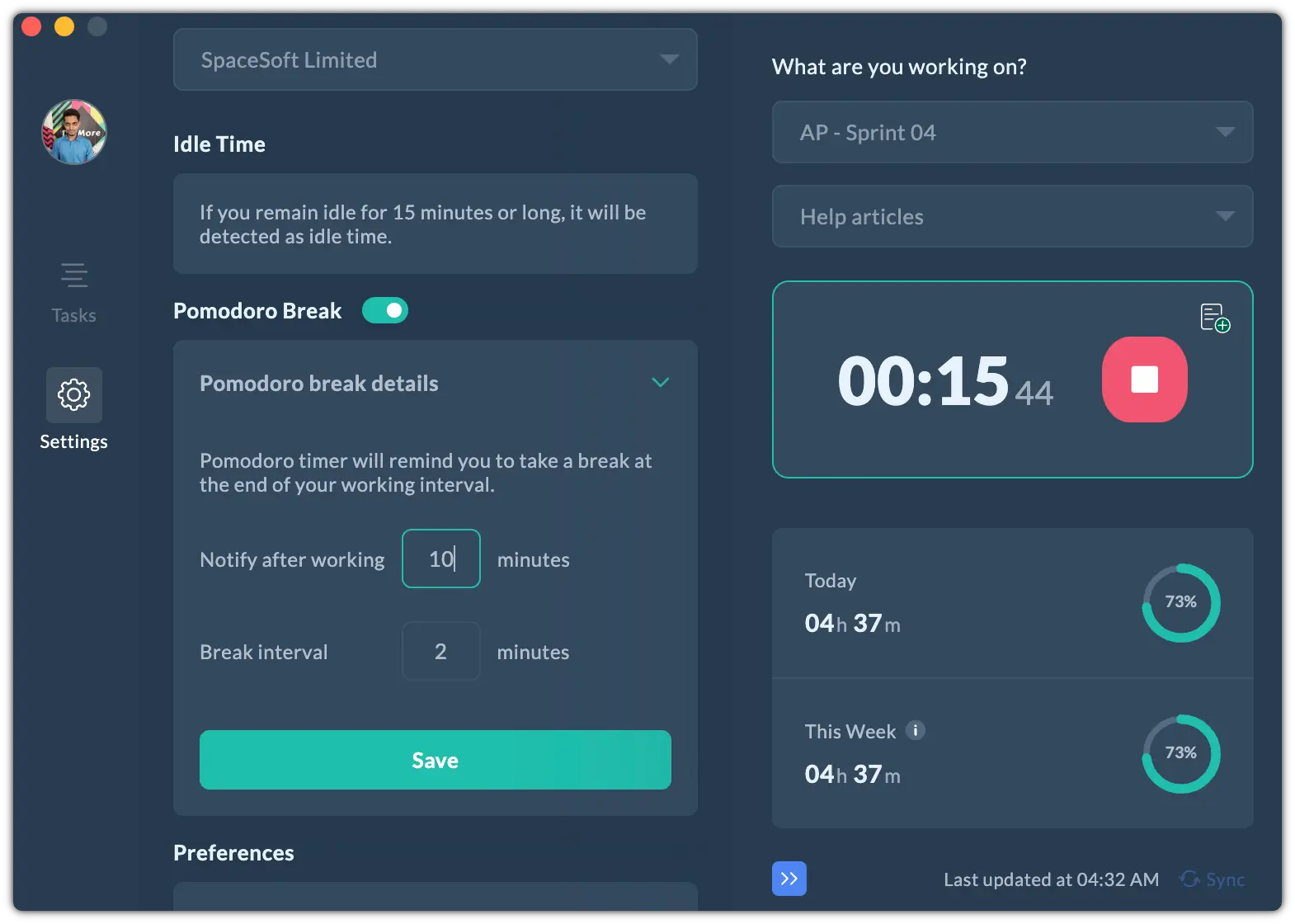
- Go to Settings from the Desktop App.
- Configure your work time and break intervals according to your preference.
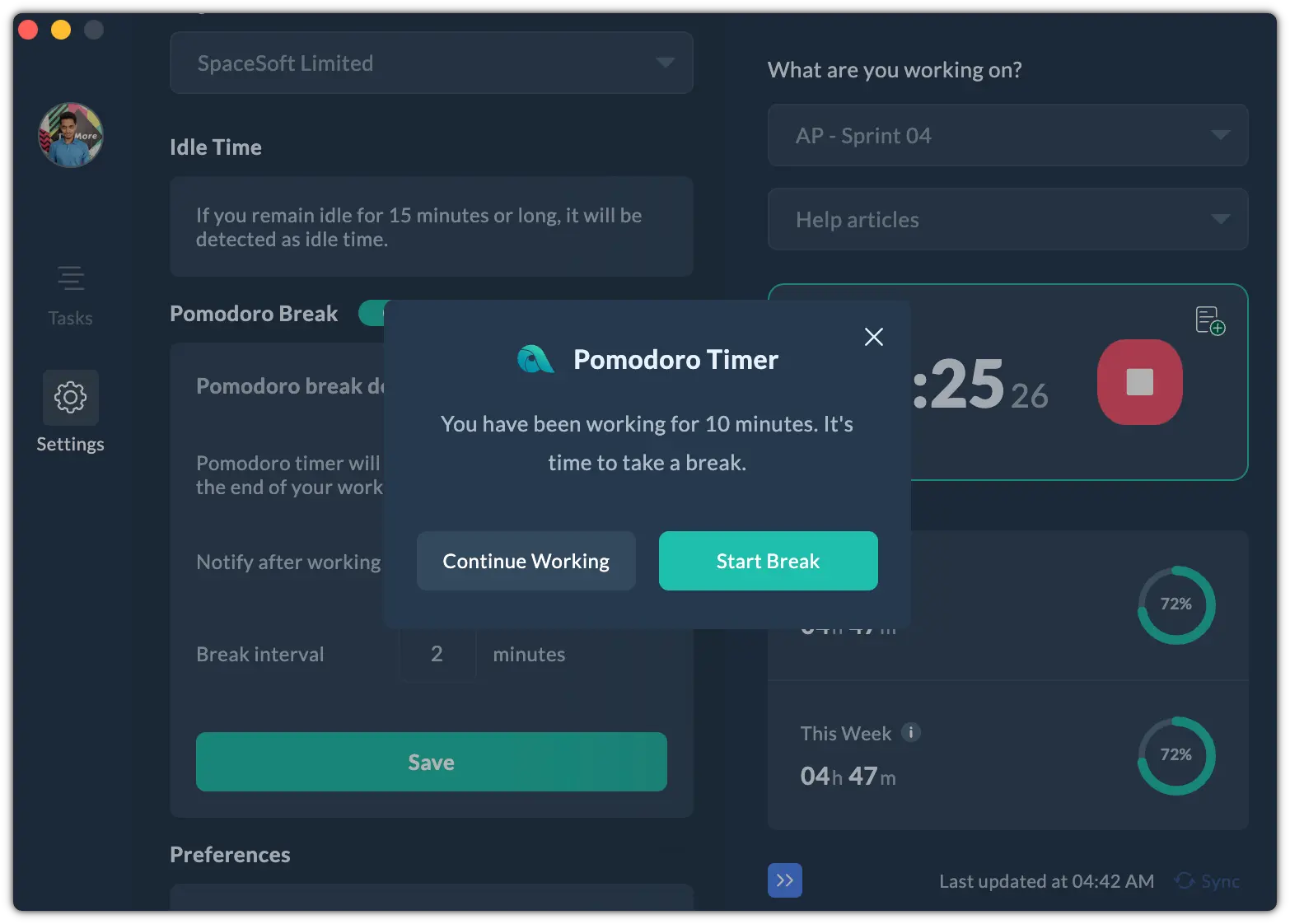
When a work session ends, Apploye displays a notification pop-up letting you know it’s time to take a break. You can:
- Click “Continue Working” to skip the break, or
- Click “Start Break” to begin your rest period.
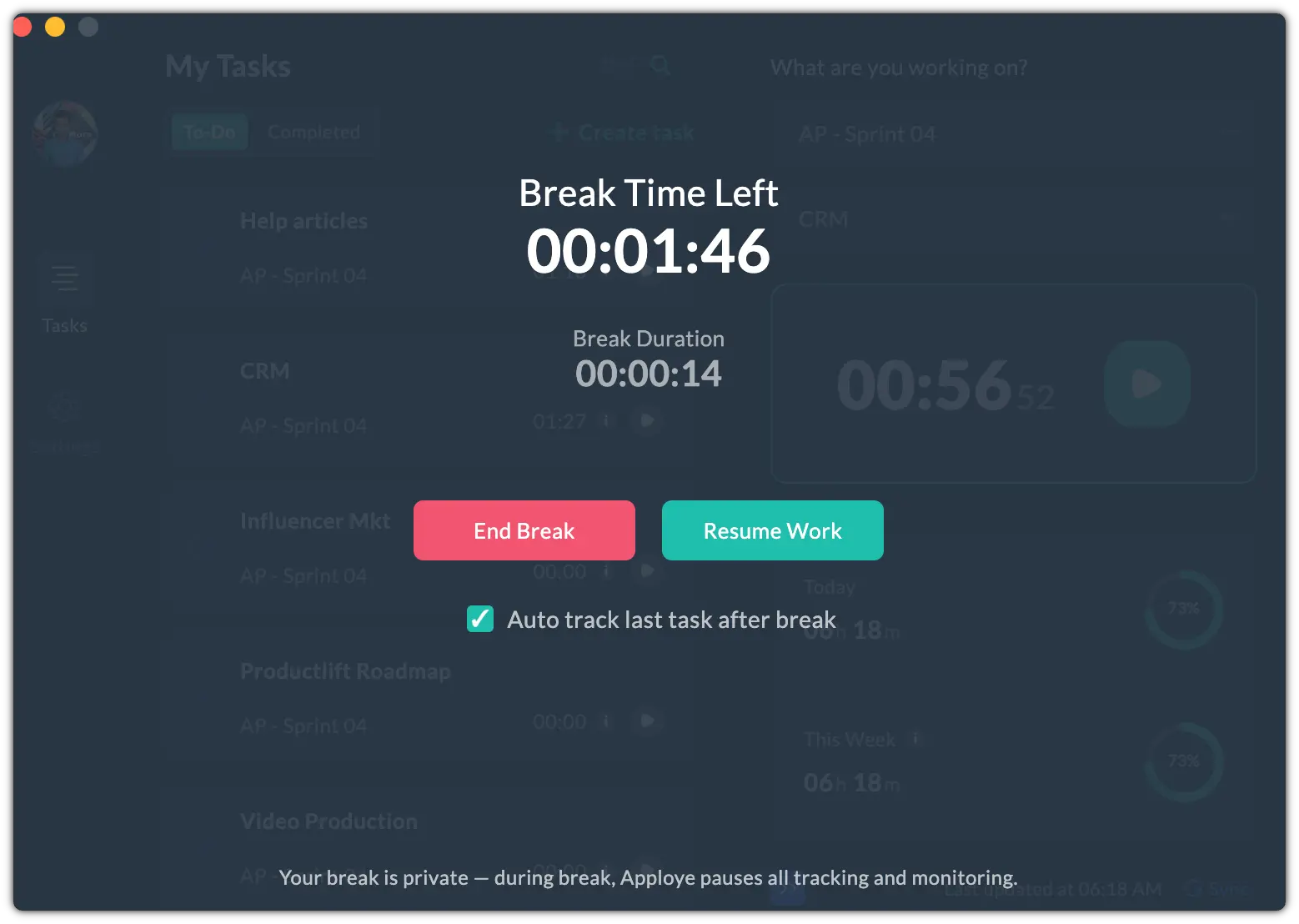
During the break, you’ll see options to End Break, or Resume Work
Make sure to keep Auto Track enabled if you want the timer to automatically resume tracking once the break ends.
💡
Breaks don’t count as tracked work. While a Pomodoro break is active, that time is not included in your tracked hours.