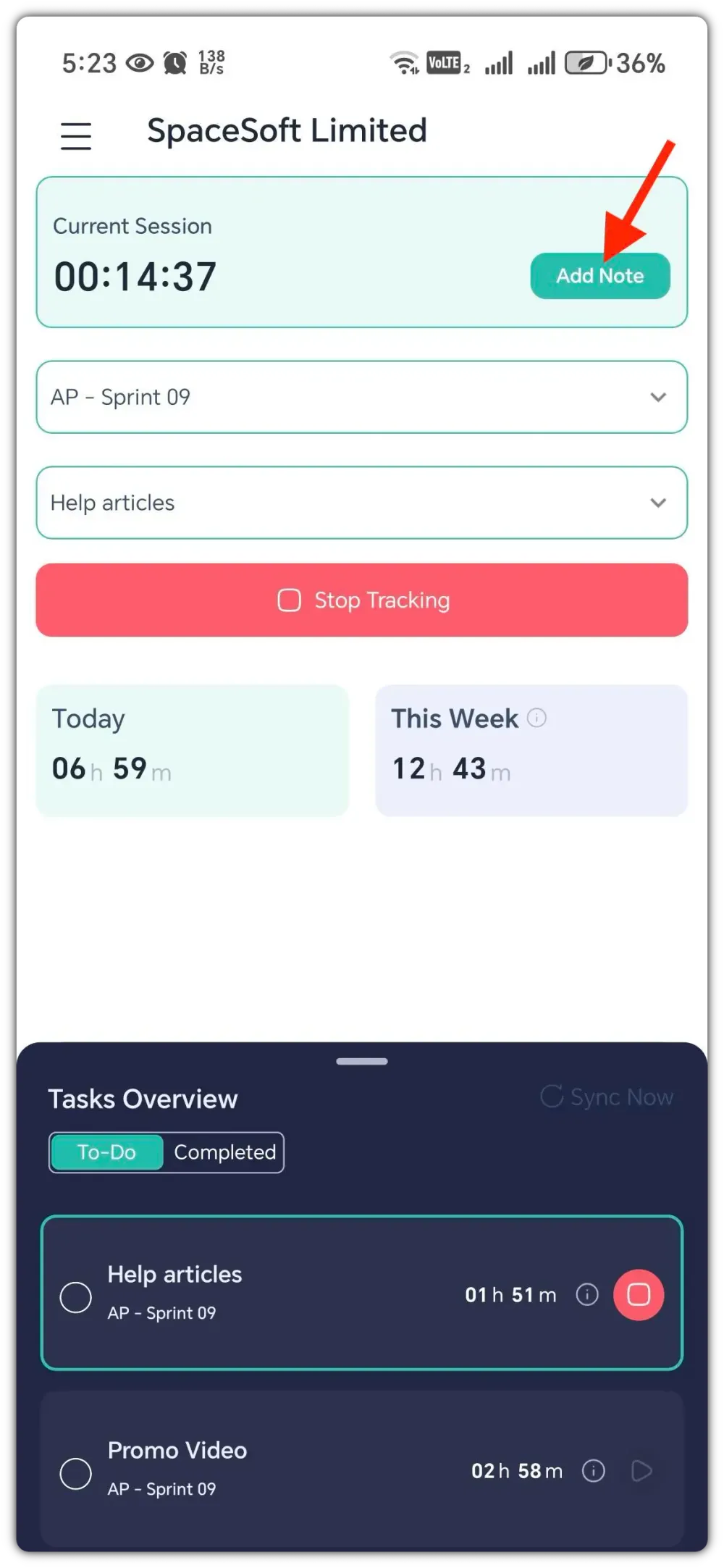
To add a work note, tap on the "Add Note" button on the top right.
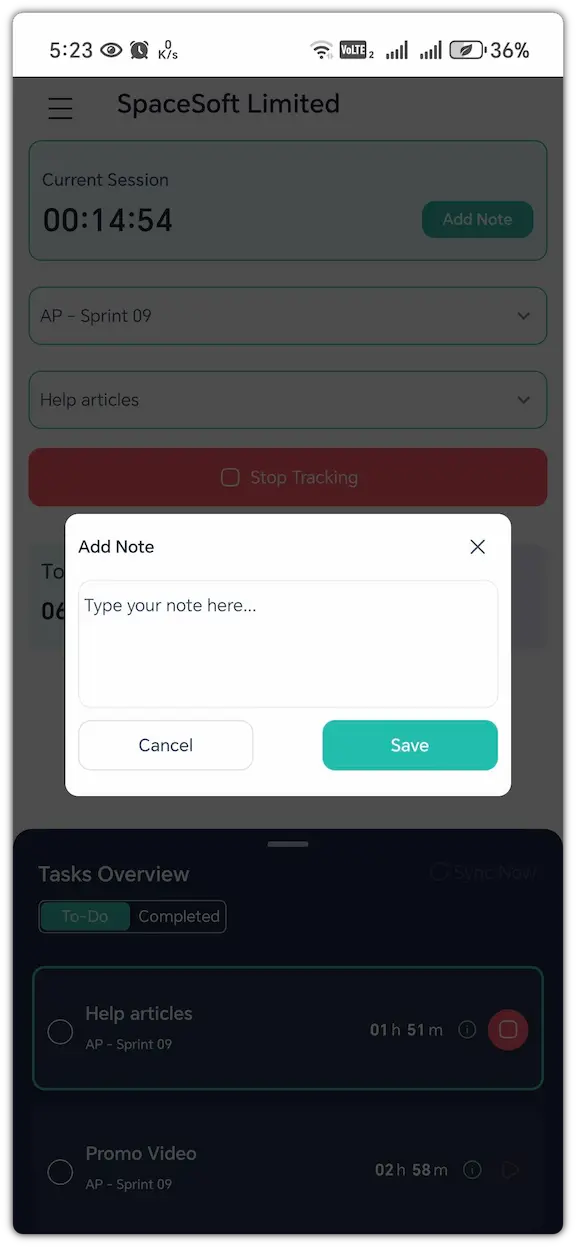
Now, a pop-up will open. Write the note here, and tap on the "Save" button.
Now, the work note will be saved. To view the notes, go to Timesheets>Work Notes from the web app.

To add a work note, tap on the "Add Note" button on the top right.
Now, a pop-up will open. Write the note here, and tap on the "Save" button.
Now, the work note will be saved. To view the notes, go to Timesheets>Work Notes from the web app.