
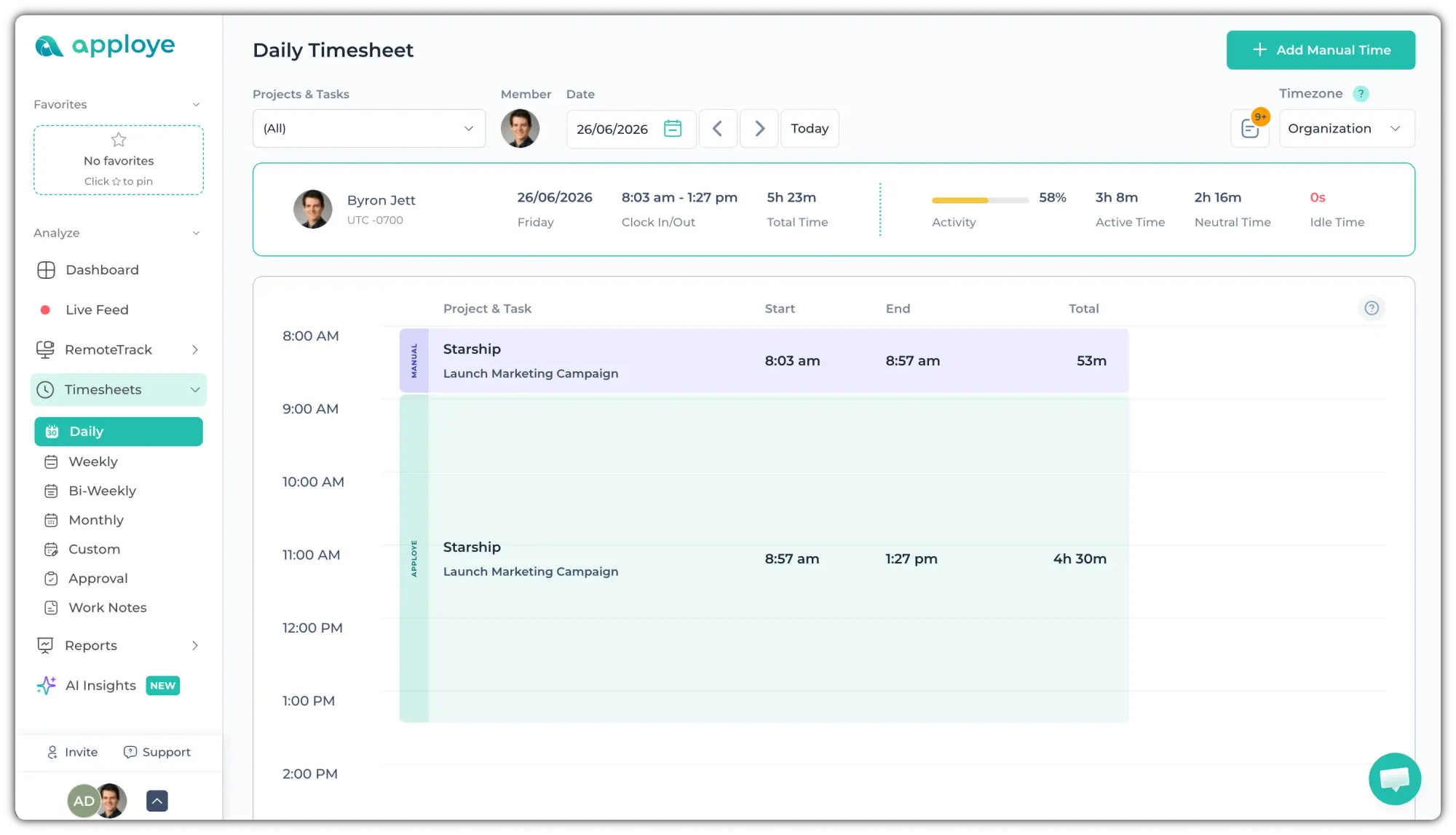
Apploye uses different colors in the Daily Timesheet to help you quickly identify the type of recorded time. Manual time is marked in Violet/Purple color. You can go to Timesheet > Daily to check the timesheets by color.
Before it is approved, it will look white, with a purple border. There will be a "!" icon on the left, instead of "MANUAL" or "M".
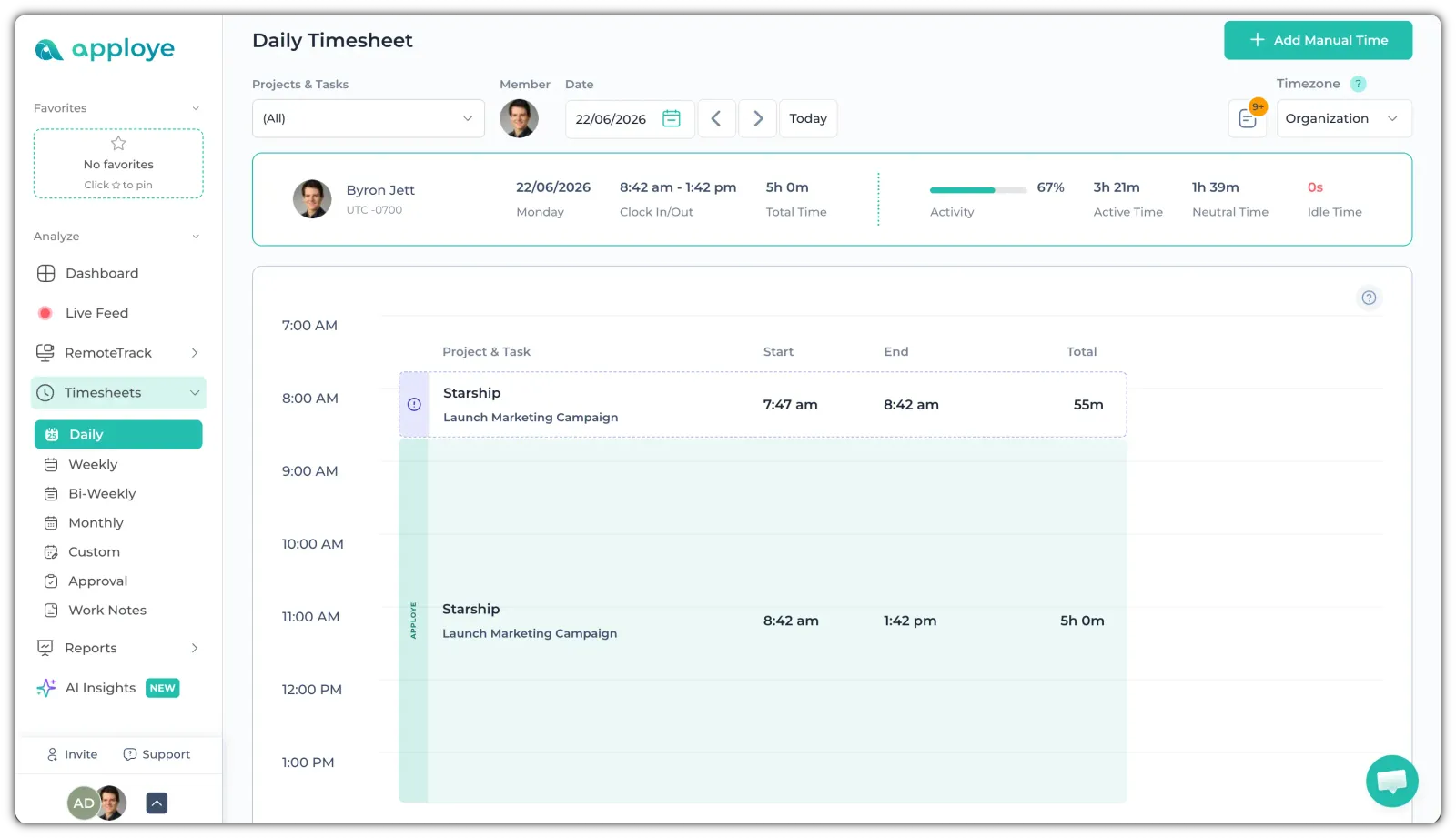
Regular time, tracked through the Apploye desktop app, mobile app, or Chrome extension, is displayed in green.
💡
If you want to see previously added manual time together, go to Reports > Manual time.