Get Full Visibility & Improve Productivity
Employee Monitoring Software with Screenshots and Activity Tracking
What Do You Want To Track? • Prepare Your workspace

Get Full Visibility & Improve Productivity
What Do You Want To Track? • Prepare Your workspace

$0 to Start

Enjoy a 30% Discount on all paid plans

No credit card required - 30-day money back guarantee


Trusted by the best





As seen on





Get complete visibility of employee work time and activities with Apploye computer monitoring software. Your employees, contractors, or freelancers start working by manually clocking in. Then the application starts tracking time and takes random screenshots of employee screens. You can also video record activities, but only when employee manually starts the app. Fully transparent process, without any spying.
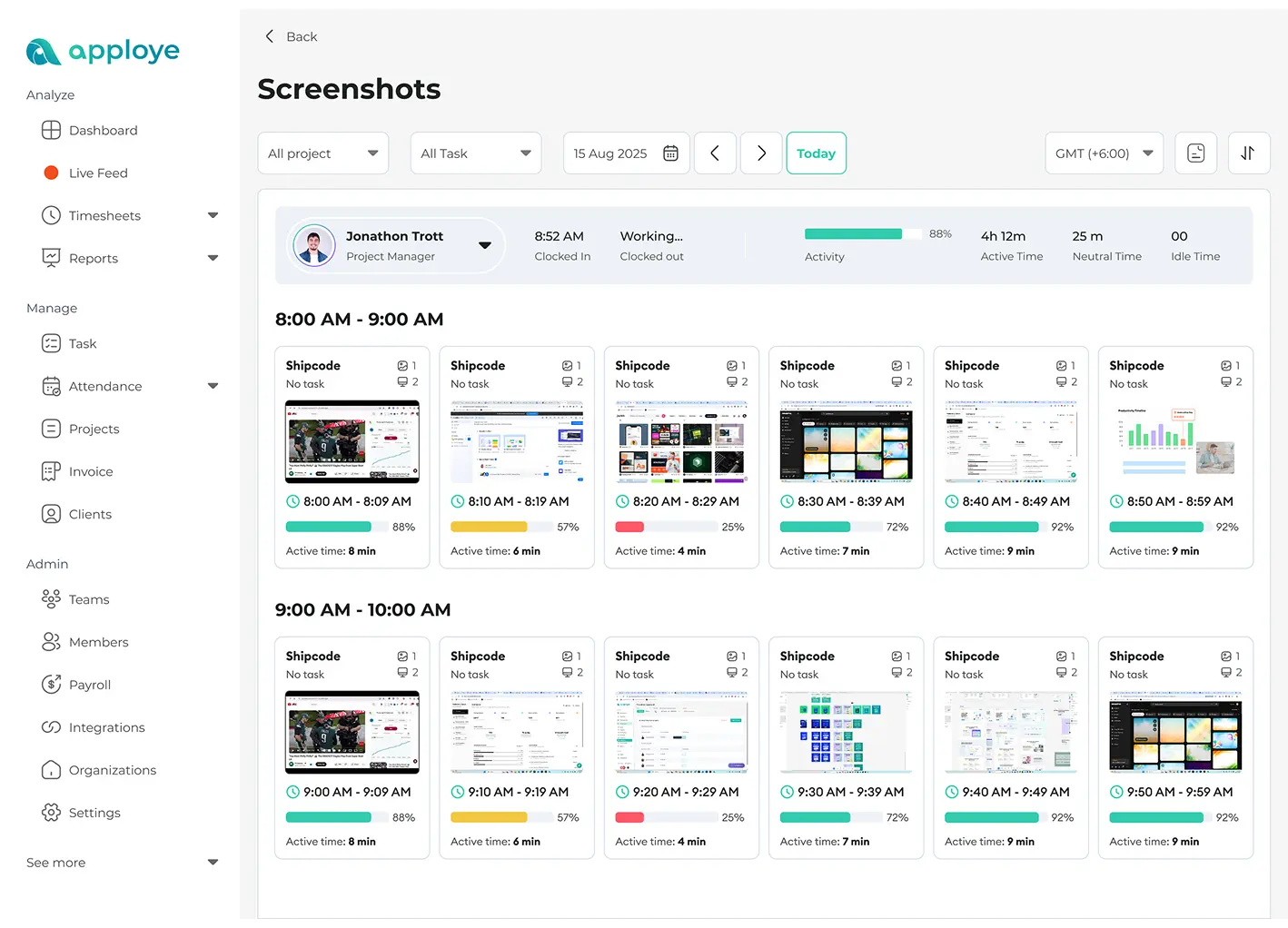
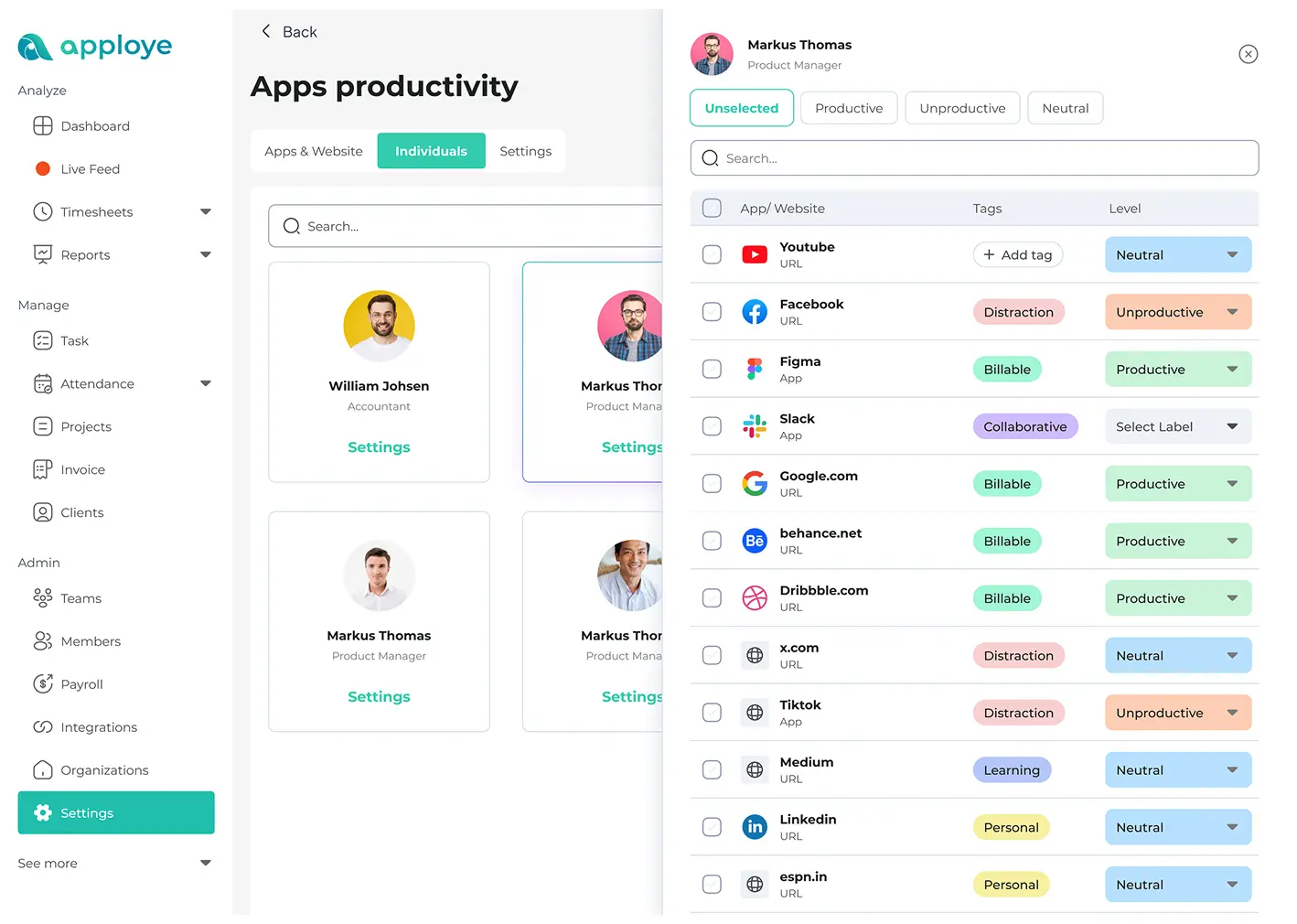
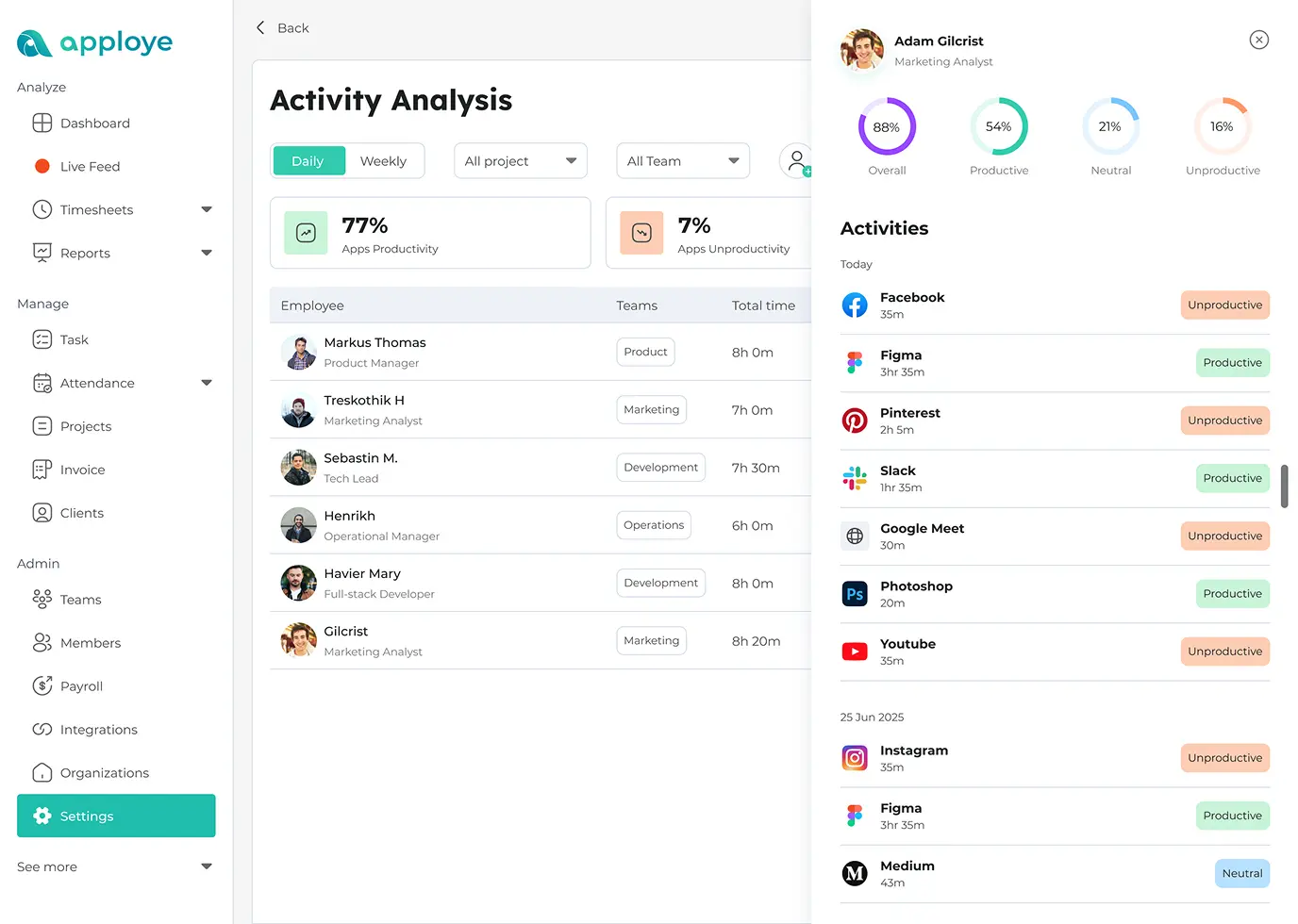
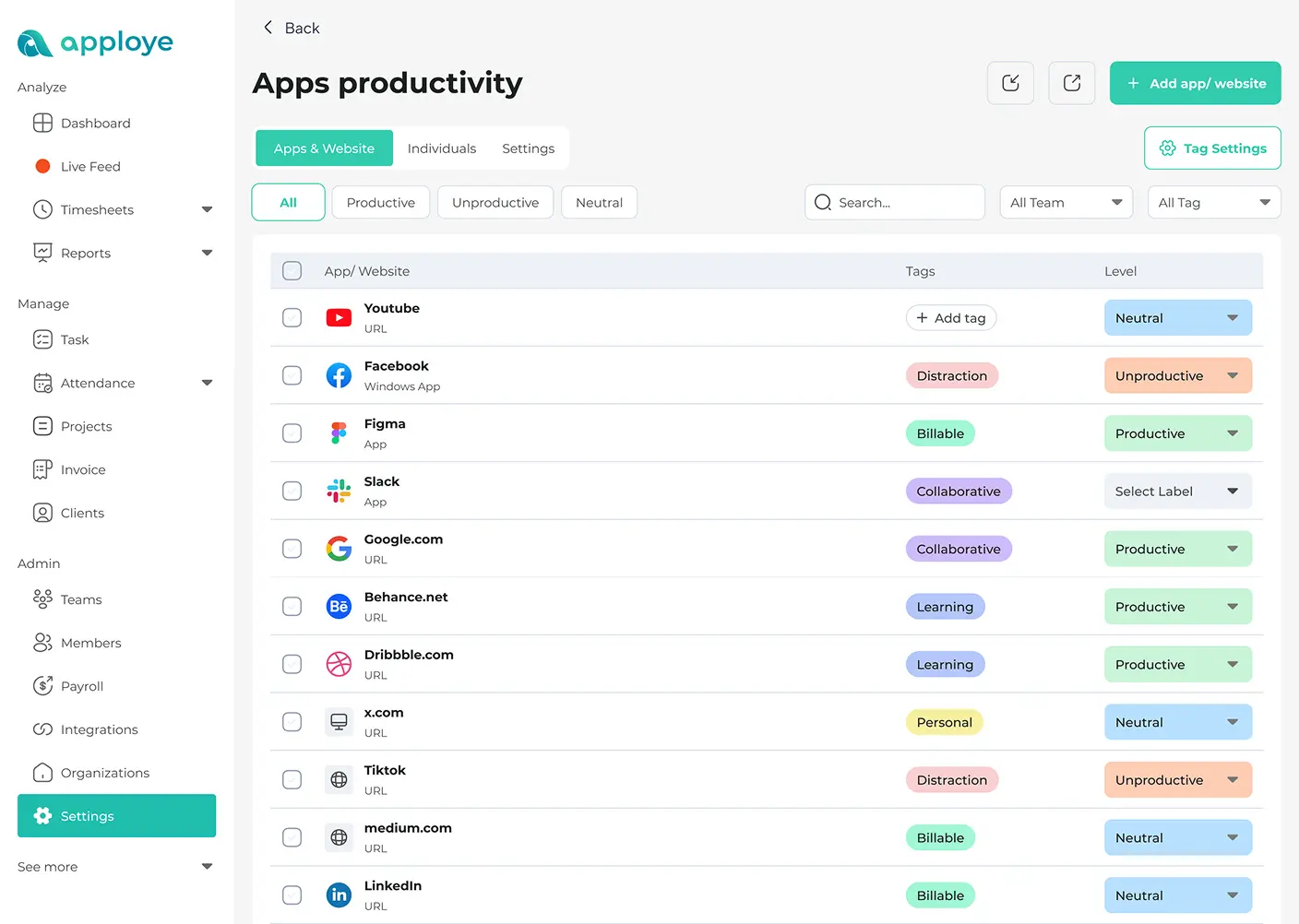
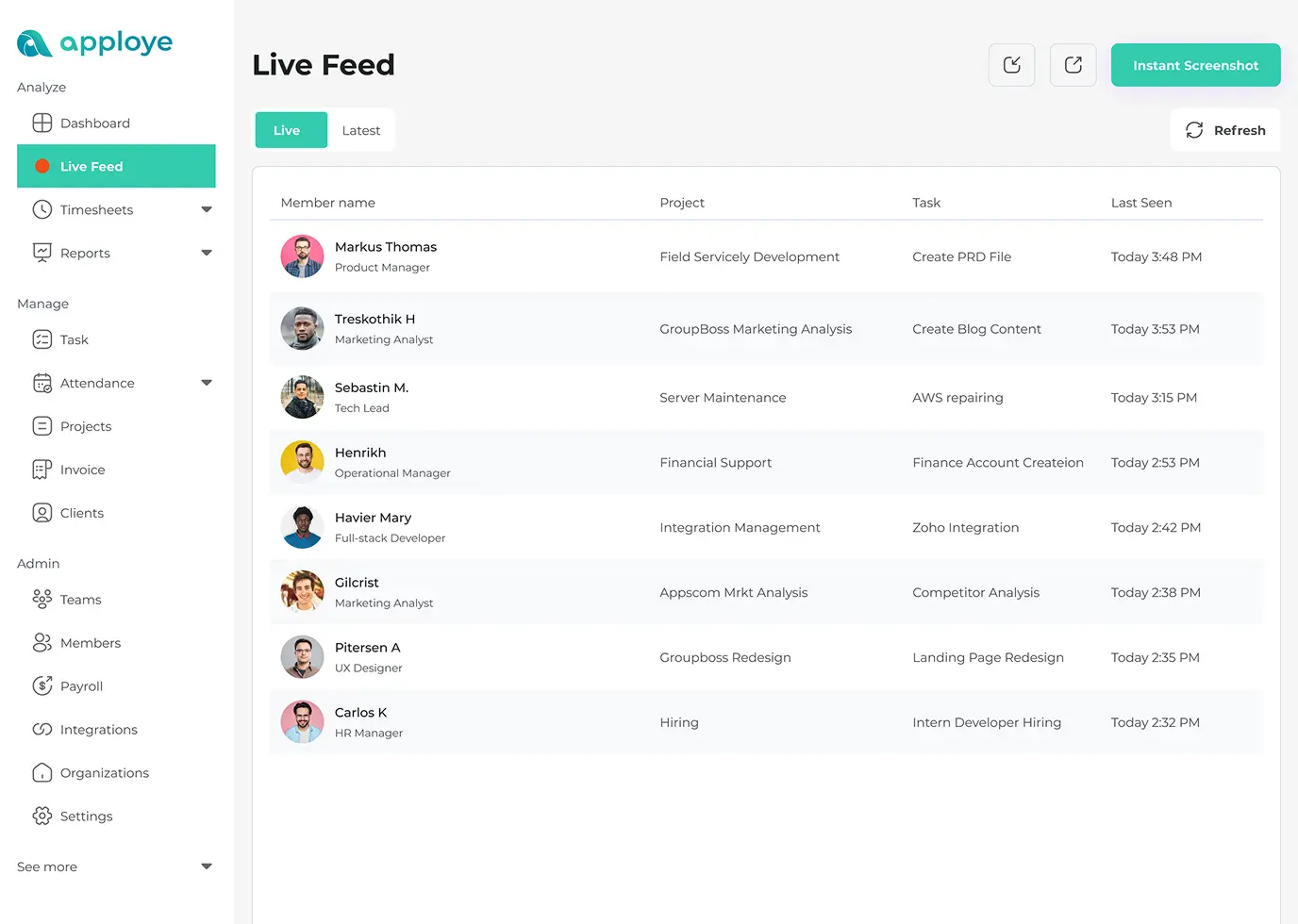
Observe the work progress in real time with your team's online activities and app usage. You can view which web and applications your employees are using during work and spot any anomalies in real time. You can also see project-wise online activities along with time tracking data for taking better decisions.
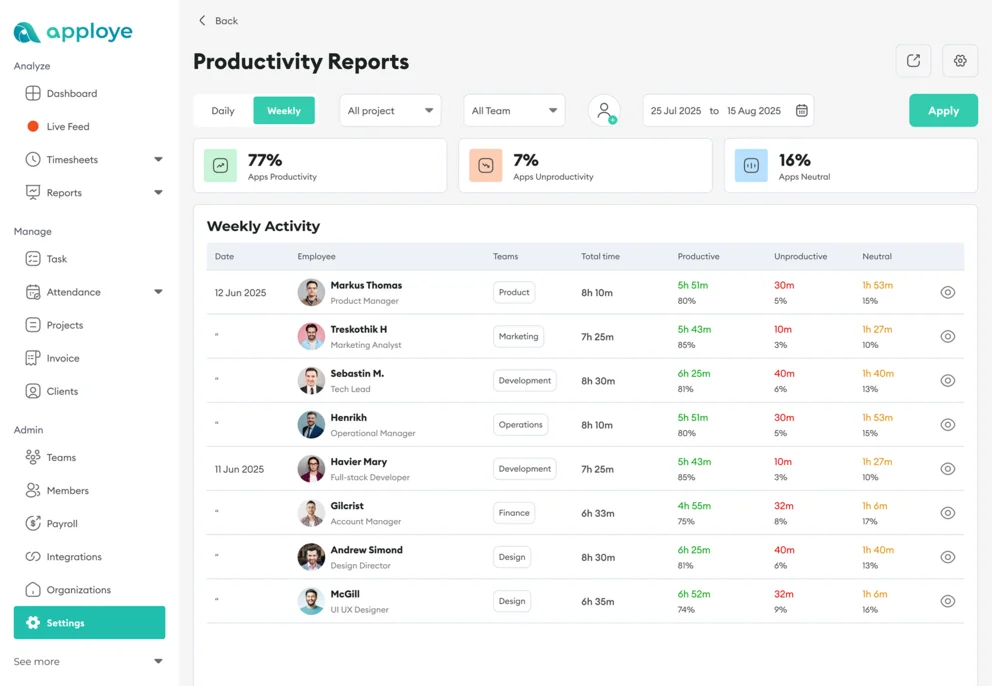
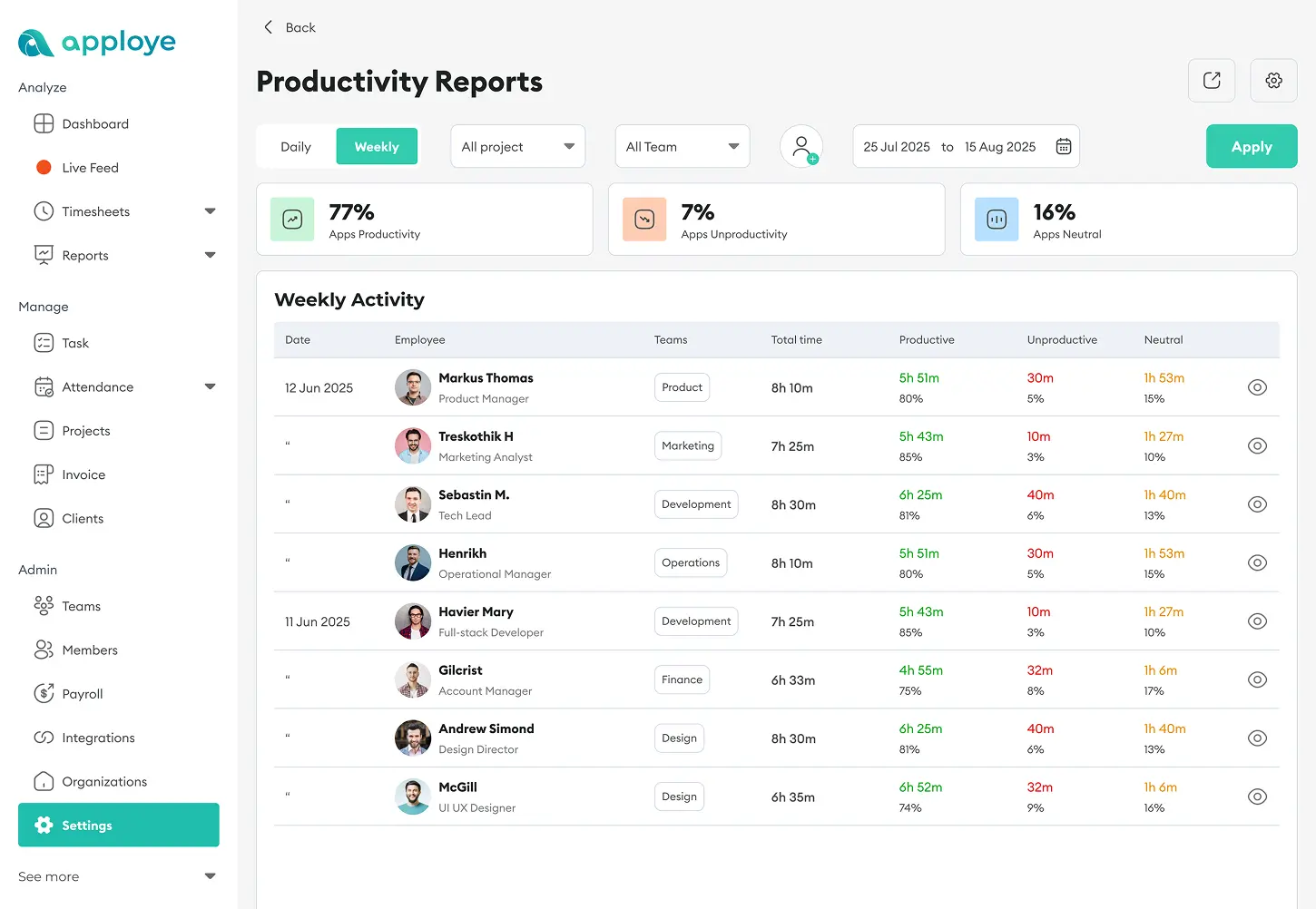
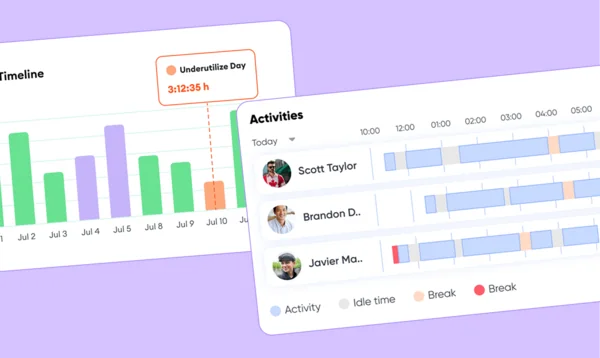
Check how active your employees are during office hours and improve workforce productivity without spying on them. Track employee computer activity with productivity monitoring system to find who is performing. You can spot active time, neutral time, and idle time based on user activity of your remote, hybrid, or in-house teams. Balance team workload without being invasive.


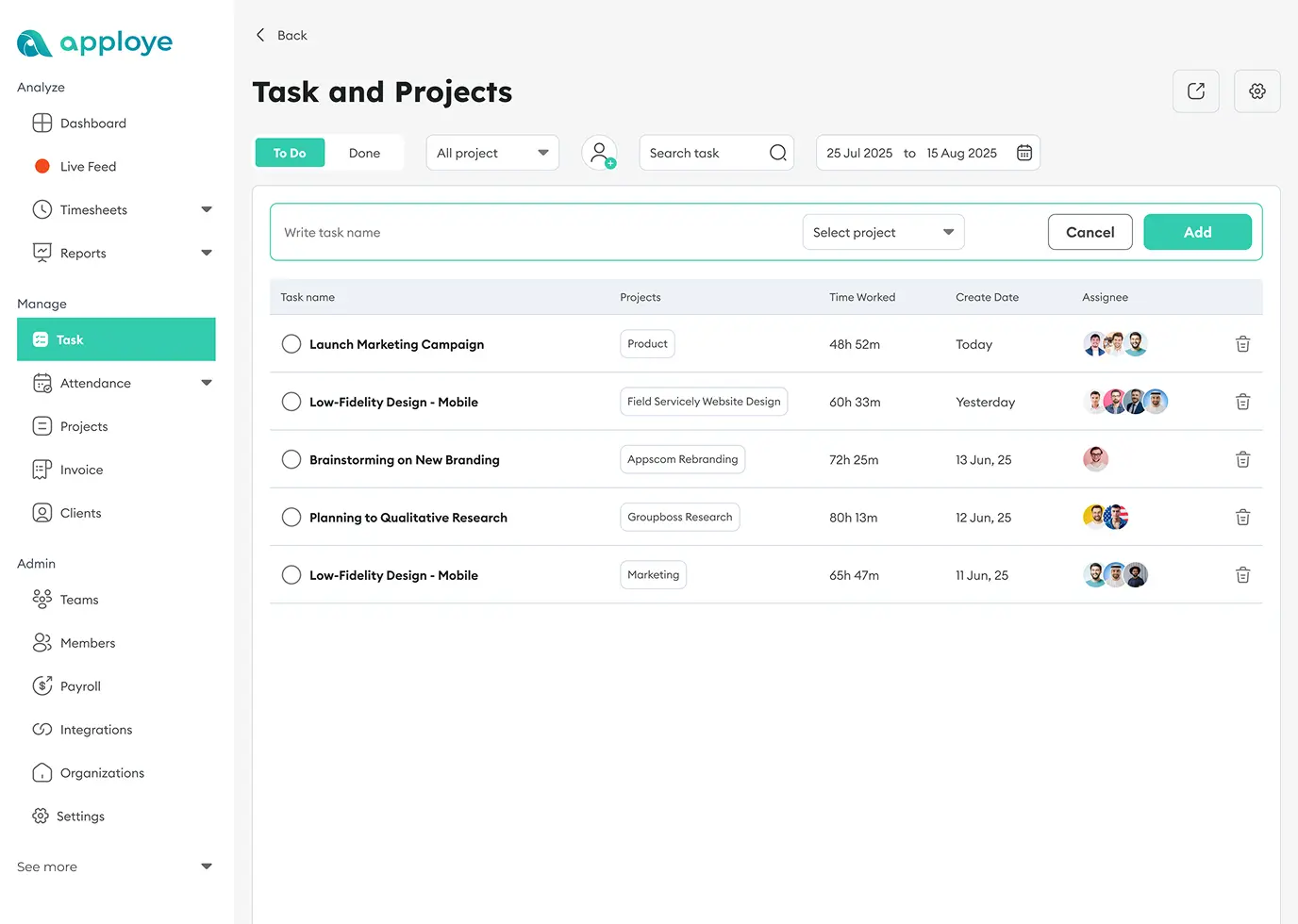
No need to use any other platforms for managing your employees or freelancers if you use Apploye. You can create and assign tasks and see projects in progress remotely. Also, it allows you to track task completion time with activity and performance reports. Plus, you can view screenshots and recordings for further proof of work.
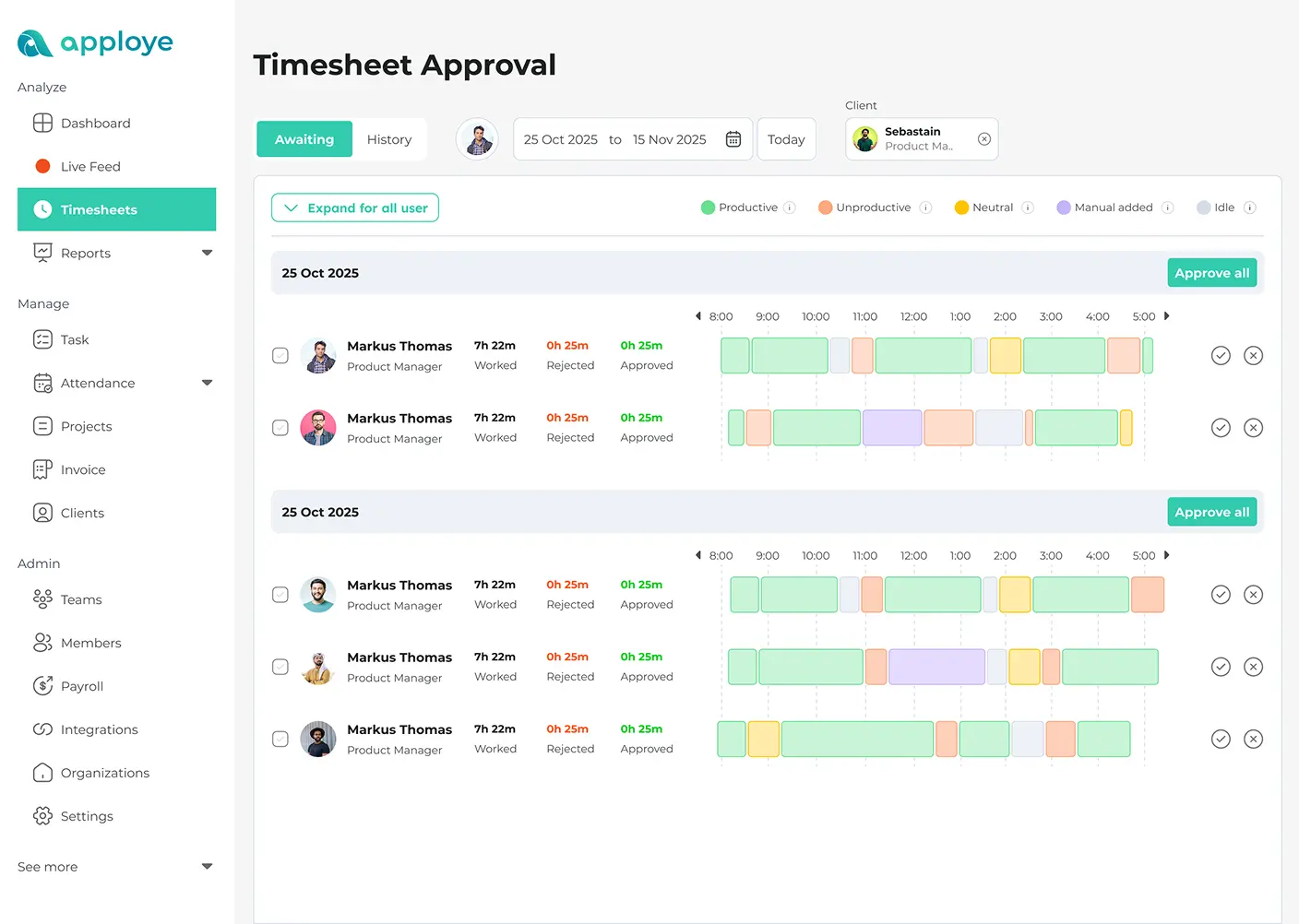
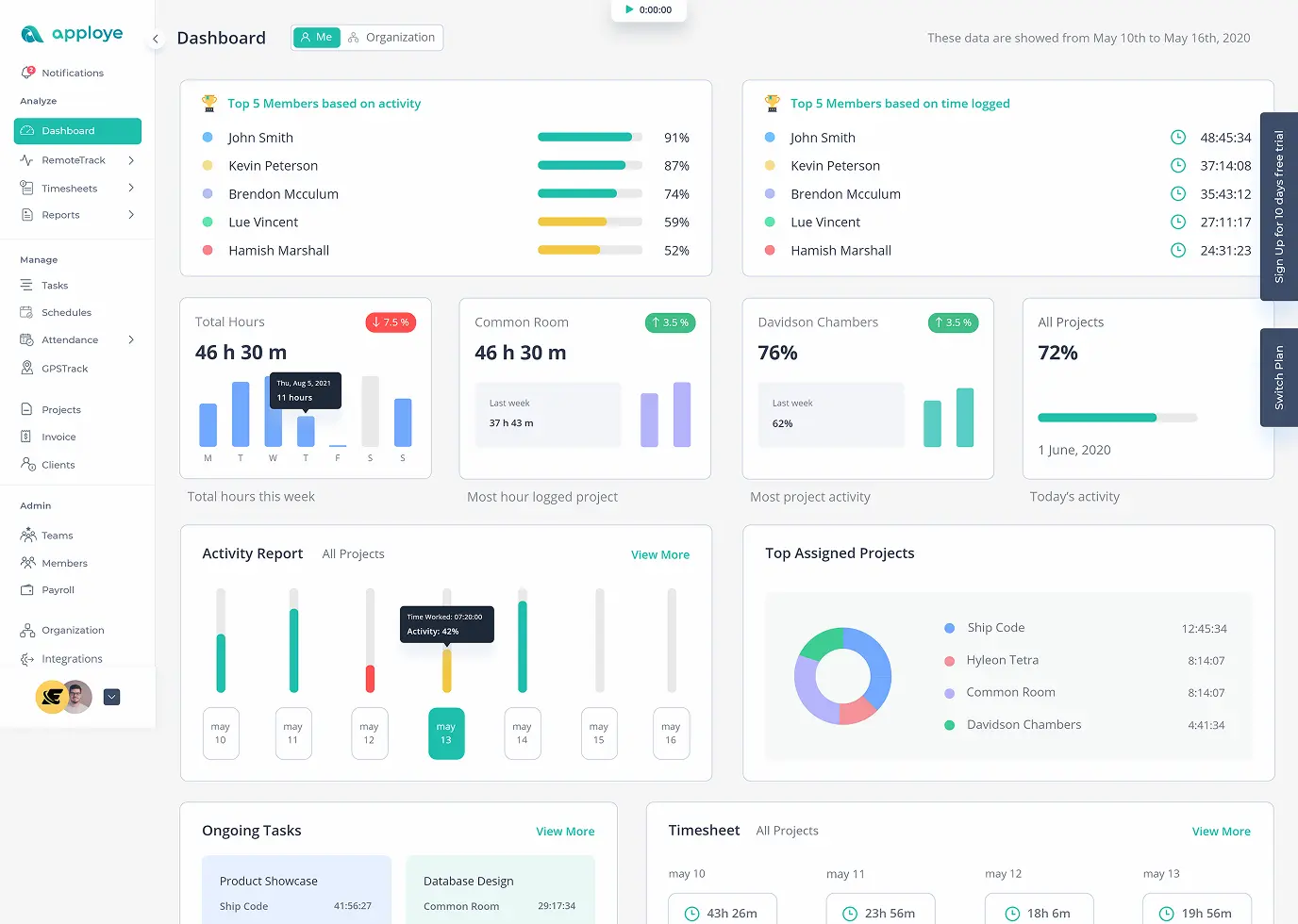
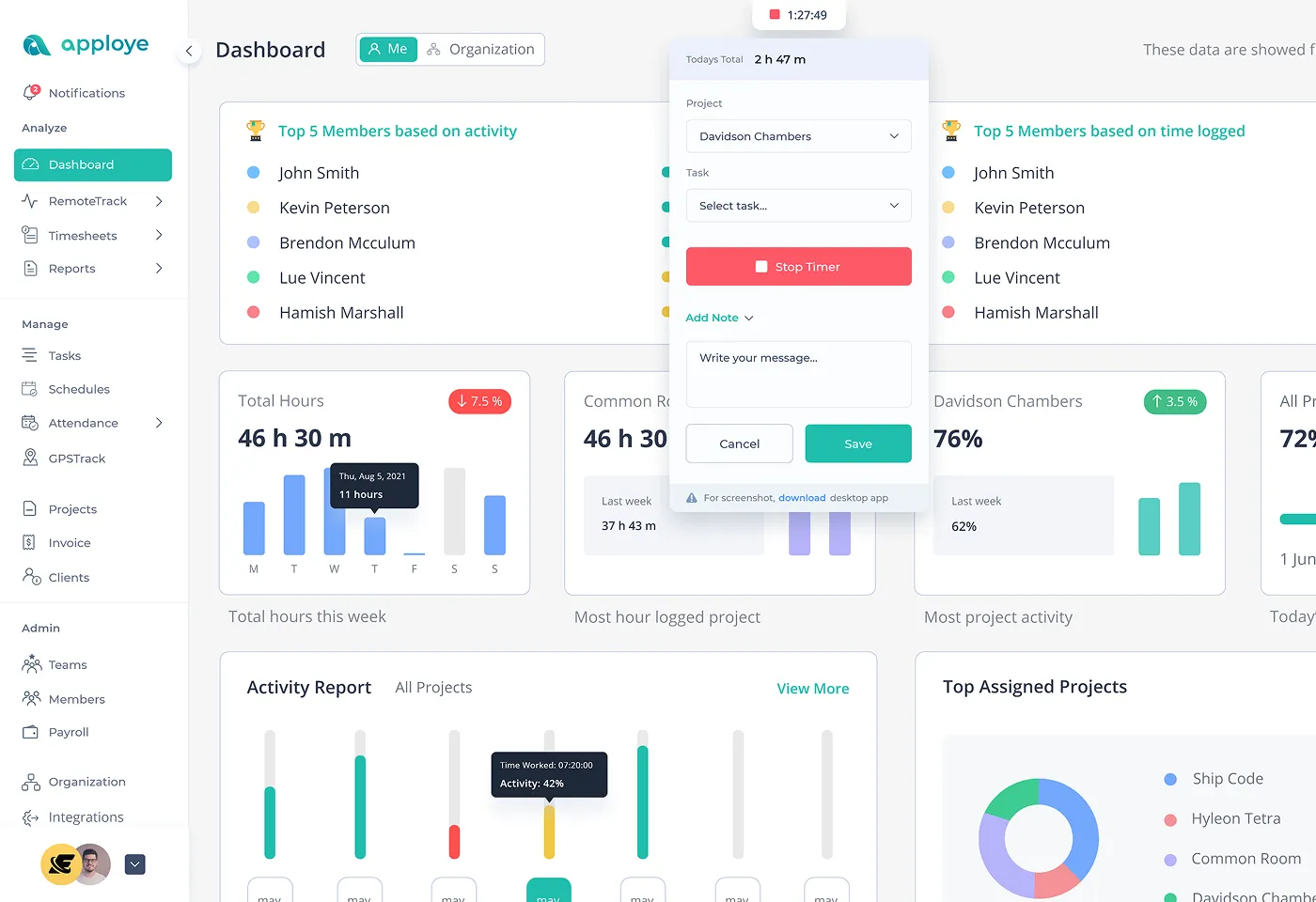
Apploye allows managers to deeply analyze team output with insightful reports. Intuitive dashboard and reporting will help you get a clear picture of how your employees spend their time. You can access and download timesheets, activity reports, productivity reports, and screenshot logs. Therefore, you can analyze team performance along with work hours and increase efficiency in business operations.

Limit data access, organize team levels with the best team performance monitoring software.

Capture and analyze pc screenshots to increase accountability.

Track and manage project time and increase project efficiency.

Analyze activity data and improve team productivity and balance workloads.

View website and application usage while on the job for deeper work insights.

Integrate with any software stack with default integration or Rest API.
Check employee clock-in and clock-out for smooth HR operations

Watch every insight and statistic of your team's activity and performance.

Increase project efficiency and accountability with project and task management.
Apploye is a non-intrusive, ethical, and legal employee monitoring software.
Apploye's features are in line with most workplace regulations. It properly encrypts all the user data transmitted or stored. And Apploye is also GDPR and HIPAA compliant monitoring software.
You have full control of your data starting from tracking to sharing. Plus, you can delete their data whenever you want.
Apploye never records sensitive data like user details, passwords, etc. Also, it doesn't record keystrokes, mouse movements; it just tracks the frequency of the activities.
Without direct user approval and alert Apploye never tracks time, takes screenshots, or takes any employee data.

Just enter your email and a new password to sign up, then enter your organization name. That's all. No credit card required, no lengthy forms.

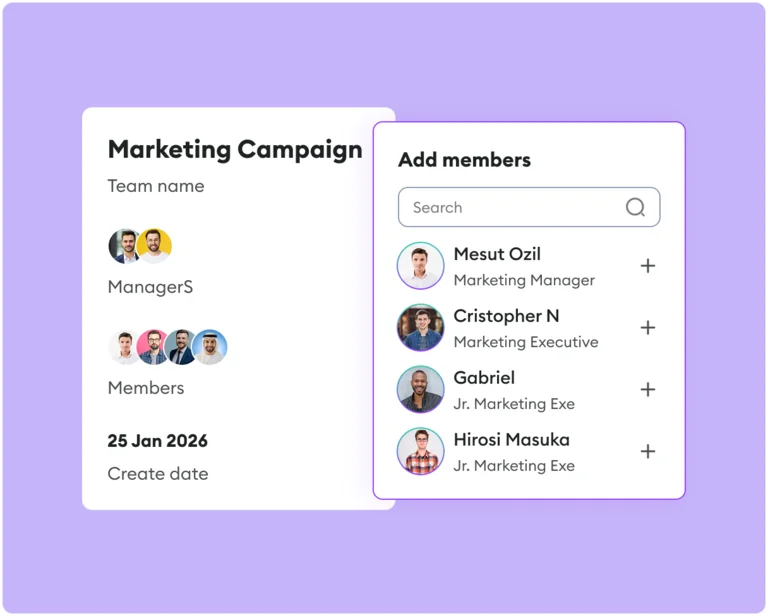
Send invites to your members directly from the dashboard. They'll join your organization with a single tap and download the app.

Your employees then open Apploye app, create a task or project, and start monitoring.
Sign Up & Start Free
Just enter your email and a new password to sign up, then enter your organization name. That's all. No credit card required, no lengthy forms.

Invite Teams
Send invites to your members directly from the dashboard. They'll join your organization with a single tap and download the app.
Start Tracking
Your employees then open Apploye app, create a task or project, and start monitoring.



No Credit Card Required
See Why Teams Love Our Productivity Monitoring Tool
Time tracking accuracy increased by 40%, payroll errors dropped by 30%
Since adopting Apploye, Wing Assistant has seen a remarkable improvement in both time tracking and payroll efficiency. We have been able to scale our VA teams, successfully across multiple regions with minimal administrative burden.

If you have a remote team you NEED this
If you have a remote team you NEED this. I manage a remote team and figuring how productive or even if they are working or slacking off was a big issue. Early on I was screwed over again and again, then I switched over to Apploye and life changed again. Loads fast, easy to use, lots of updates and powerful. Get this and move your company to the next level.
Great and affordable time tracker for our projects
To me, the best takeaway is that it improves productivity for both myself and my team with its work cycles while still reminding us to take periodic breaks. It's also really helpful in stopping us invest too much time in less important tasks or ideas and instead moving on to other priorities.
Lifesaver for Time Tracking a Team
It's been wonderful and a lifesaver from not having to use the competitor tools that cost an arm and a leg
40% improvement in time-tracking accuracy
Apploye's automatic time-tracking feature became a cornerstone for monitoring employee hours in real-time across departments, ensuring productivity and client satisfaction.
Monitor employee hours accurately and reliably
Apploye's time-tracking capabilities allowed Jezweb to monitor employee hours accurately and reliably, regardless of location.
Superb Software + Top Class Customer Service
I've recently bought this software to track my remote team. Works like charm. Lovely, as well the customer support was at a different level all together.
Saved a ton of money with a little investment
We have saved a ton of money with a little investment with Apploye compared to the many ask what we used to do. I would personally suggest to go ahead and try out Apploye and you will really thank me for this decision.
Useful tool for remote teams!
I found it extremely easy to use, it feels native and UX is great unlike other similar tools I tried. I also find reports useful, they are a par of our monthly meetings now.
Apploye's friendly and responsive support helps us a lot
We've been using Apploye happily almost a year now. Not to forget, Apploye's friendly and responsive support which helps us a lot. Specially, at the beginning when we were implementing Apploye in our organization. At the end I would like to say a big thank you to Apploye for helping "Douglas Tech Academy" for delivering awesome classes to our future generations.
Great team tracking software to stay on track!
With everyone on the team moving remote, we're able to prioritize employees work duties and improve overall productivity with Apploye.
One of my best software purchases
Best productivity monitoring/tracking tool. I consider this as one of my best software purchases in recent times. Apploye served my employees time and productivity track from day one. Back office teams and on-field members tracking is done efficiently. Whatever initial day niggles existed are all ironed out and now is a stable product.
What's stopping you if you can start for FREE?
Yes, Apploye has a completely free version (up to 10 users). With the free version, you can track time, monitor activity with screenshots, and get performance reports.
Basic to moderate level of employee monitoring with Apploye is free. But if you want extended monitoring like continuous screenshots, constant tracking, you'll need the Elite or Power plan that starts from $4.5 per user per month.
No. Apploye just detects keypress and mouse movement to check productivity level. The app focuses on time, apps/URLs, and optional screenshots/screen capture; not invasive keystroke logging.
Yes, Apploye complies with all the security regulations. So, it is completely legal to use. Apploye also encrypts all the employee data and company information. That way, you can use the app with total peace of mind.
Yes. Employees have their own dashboards so everyone understands what's collected and why.
Yes. Apploye allows you to turn screenshots off entirely, blur sensitive data, or apply policies by team.
Most teams start tracking within minutes. Just sign up, invite users, and deploy desktop/mobile apps. That's all!
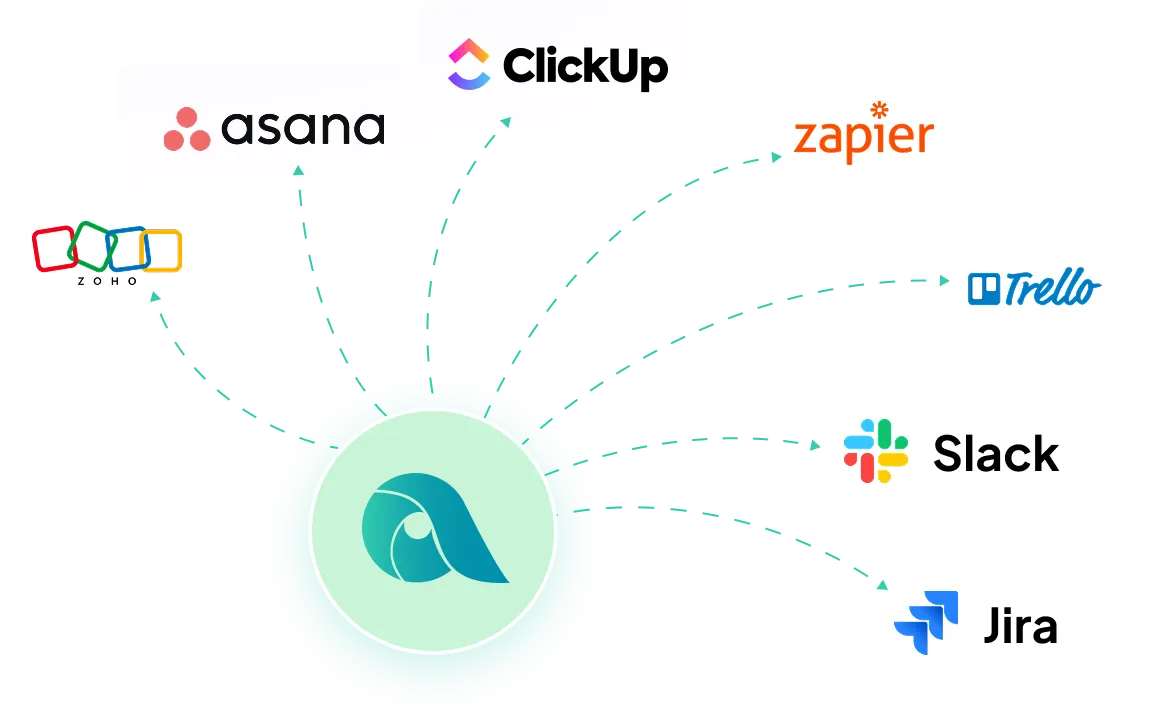
Apploye integrates with almost all the popular project management systems like Asana, Jira, Clickup, etc. Apploye is actively working on newer integrations that are upcoming.