







.webp)

.webp)
.webp)

.webp)


.webp)















.webp)














.webp)
.webp)
.webp)
.webp)










Should You Use Employee Monitoring Software?
Most companies already do. Gartner reports that about 7 in 10 large employers now monitor their staff, up from 6 in 10 in 2022. Around 78% of U.S. employers use some form of employee monitoring software today.
Here's a simple test to see whether you need a tool to monitor your employees. Only move ahead if you can say yes to all three:
- You have a clear, specific reason.
- Your team knows what you track and why.
- You track only what you need, and you keep that data locked down.
Miss any one of those, and monitoring can backfire. Get all three right, and it becomes a tool people accept.
What Employee Monitoring Software Does
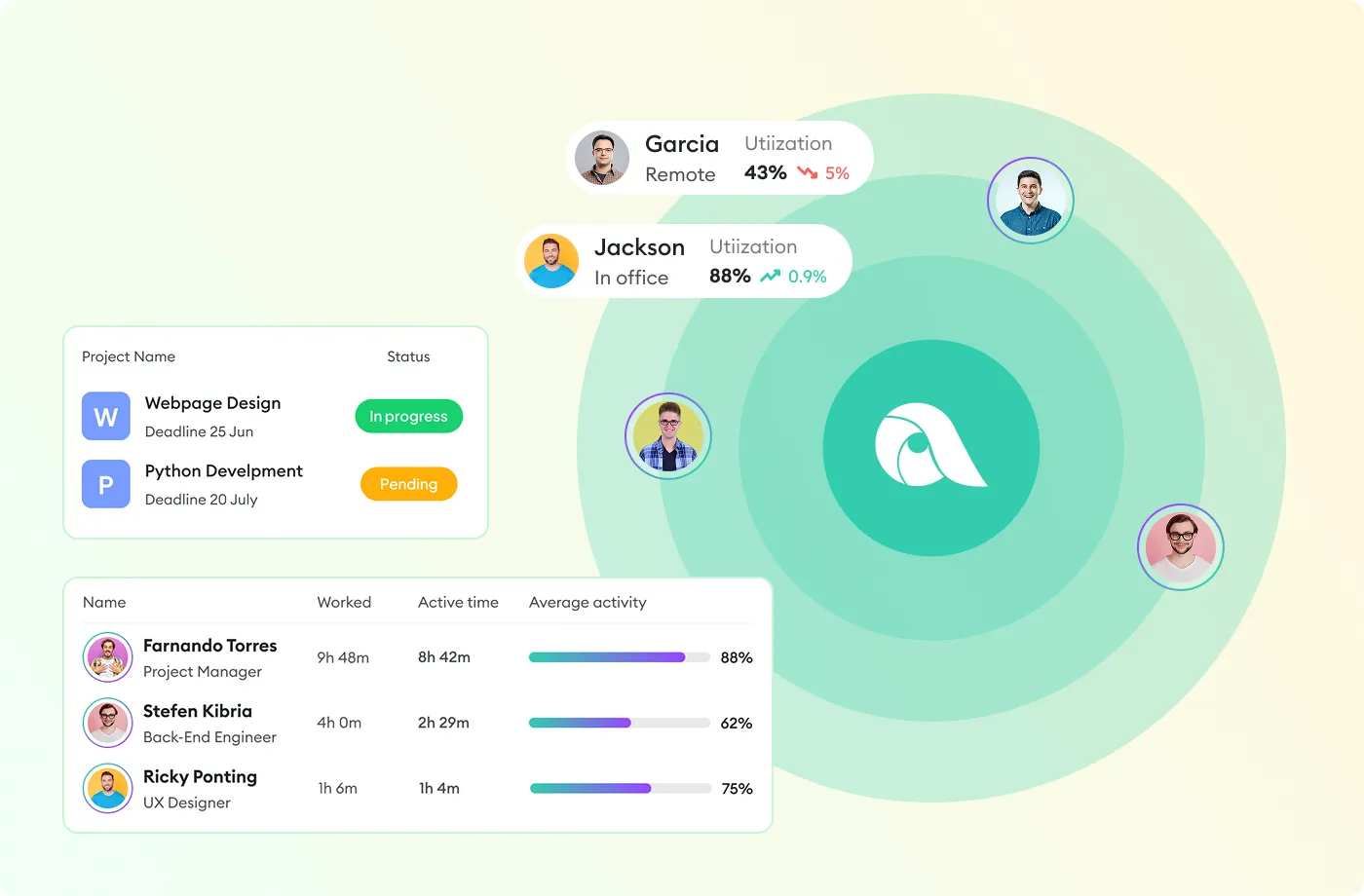
Employee monitoring shows you how work gets done. It works for in-office, remote, and hybrid teams.
It's not spy software. Good monitoring tools measure output and activity, not every private move.
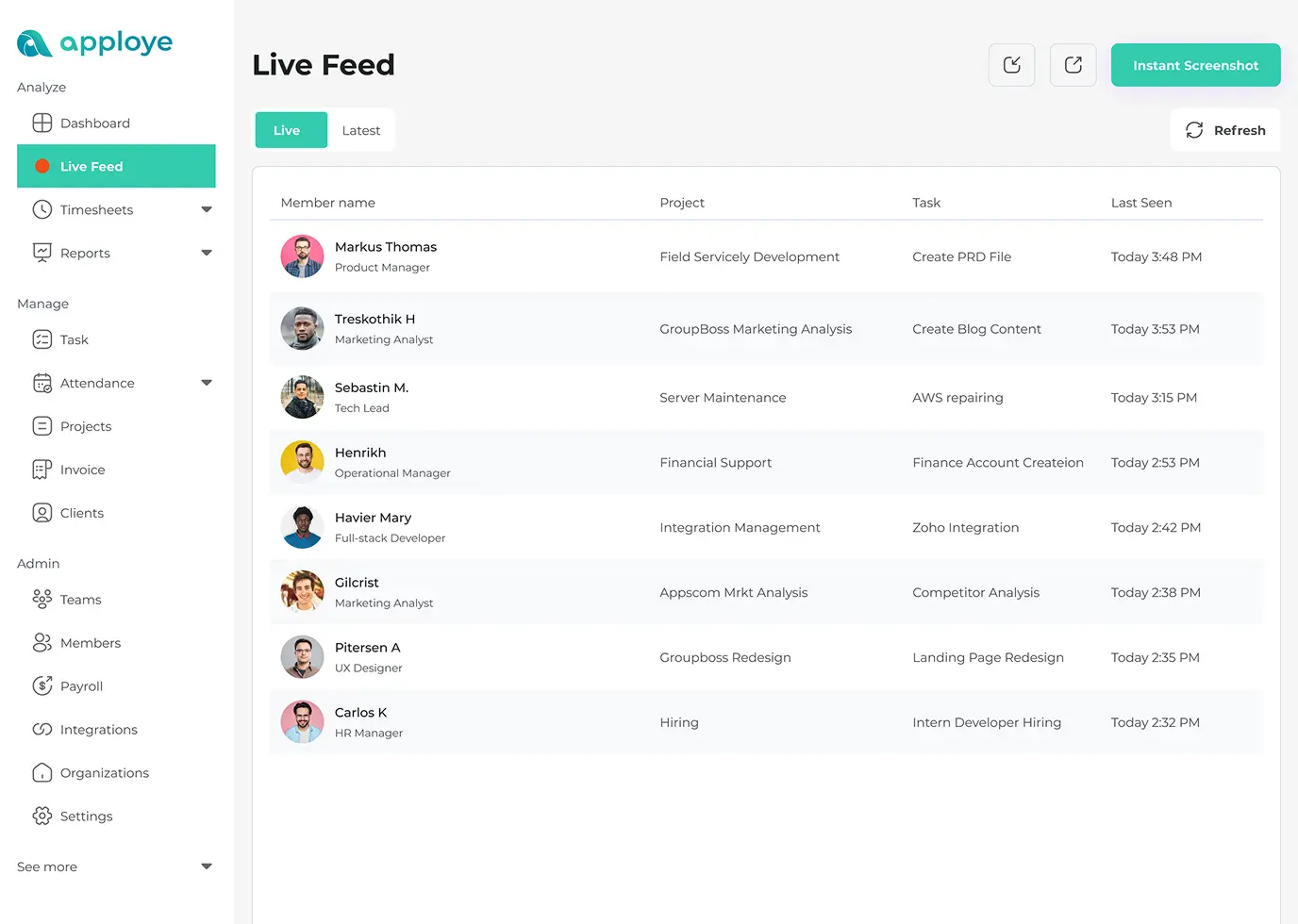
Here's what Apploye employee monitoring does:
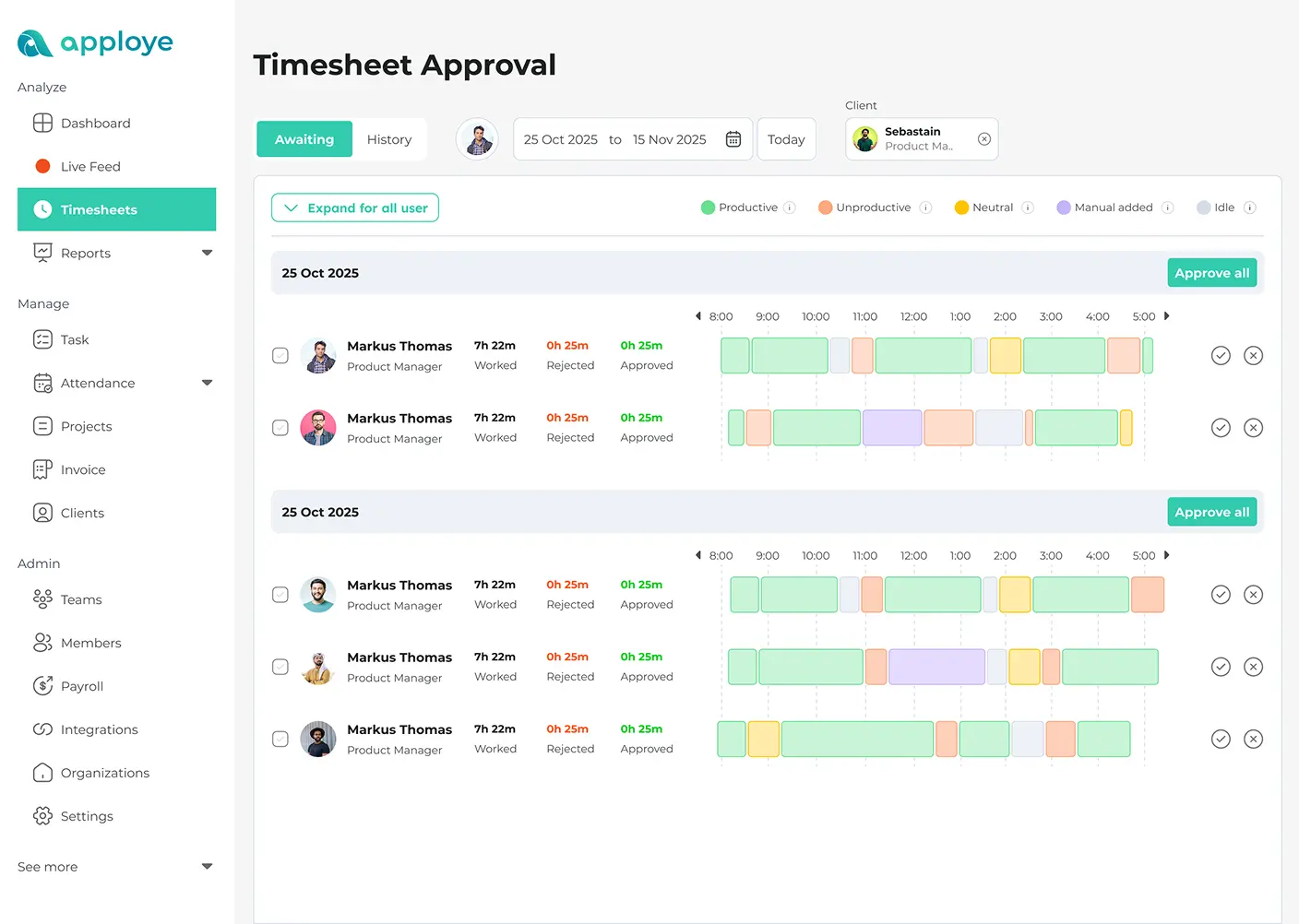
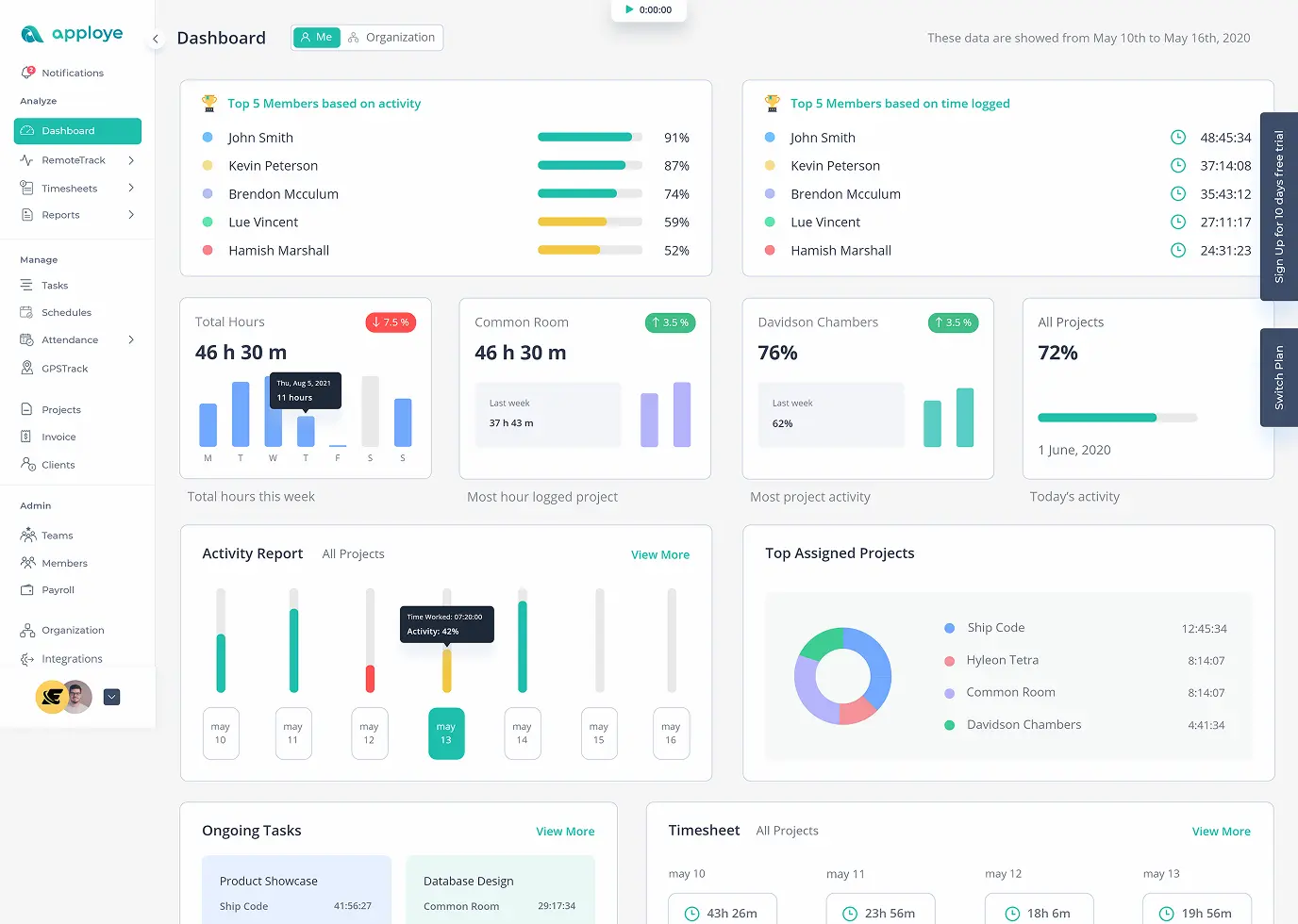
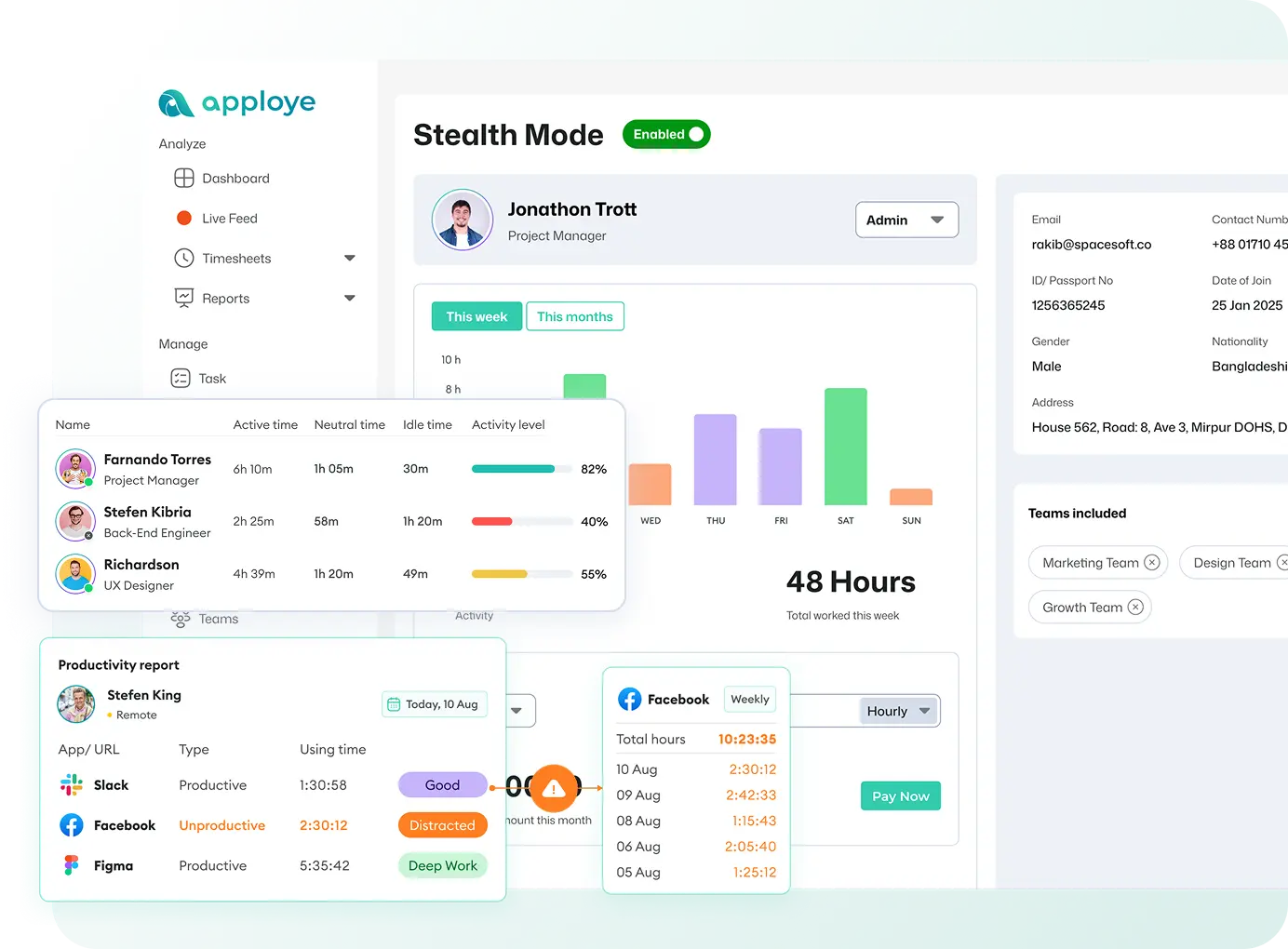
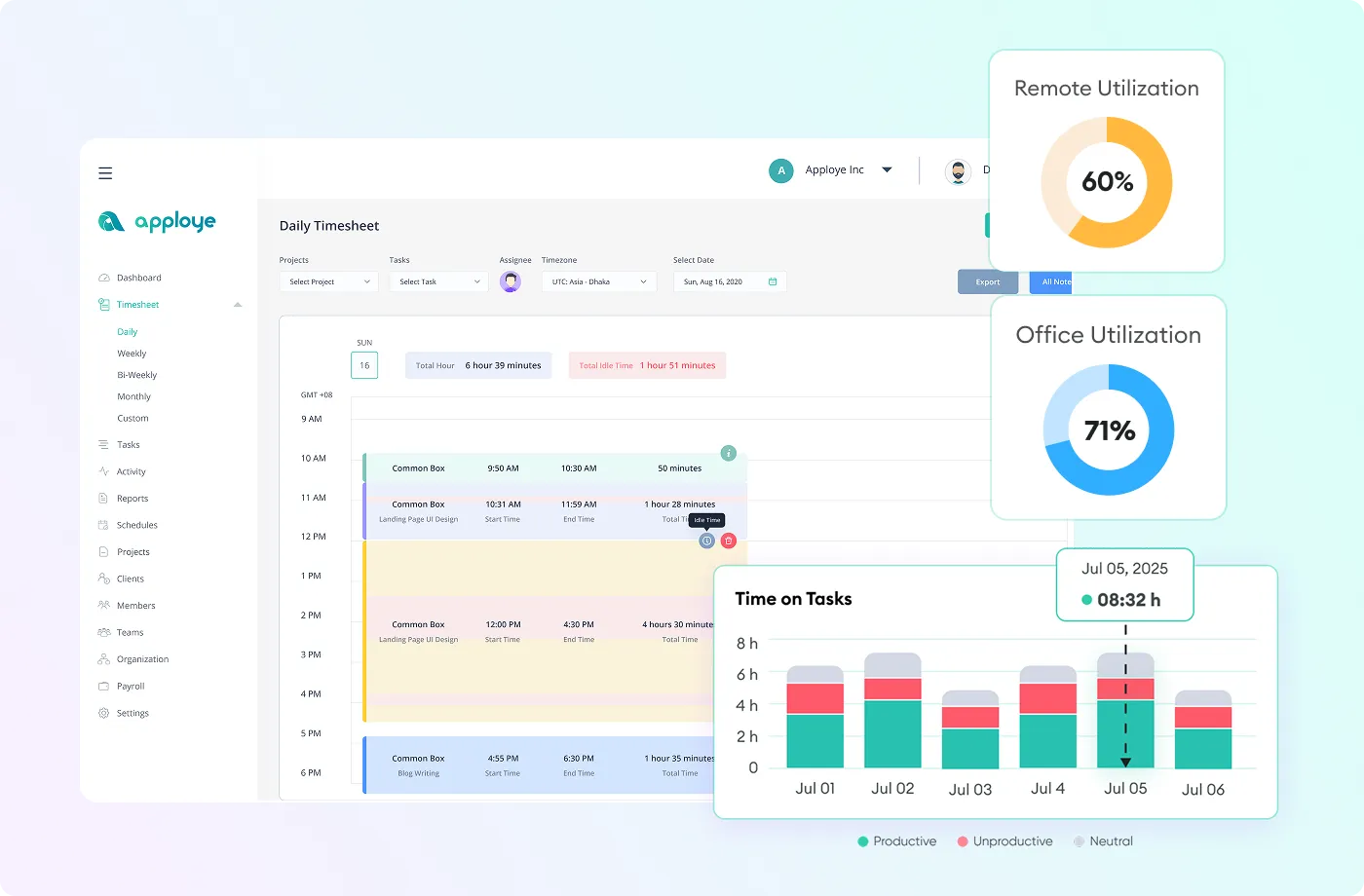
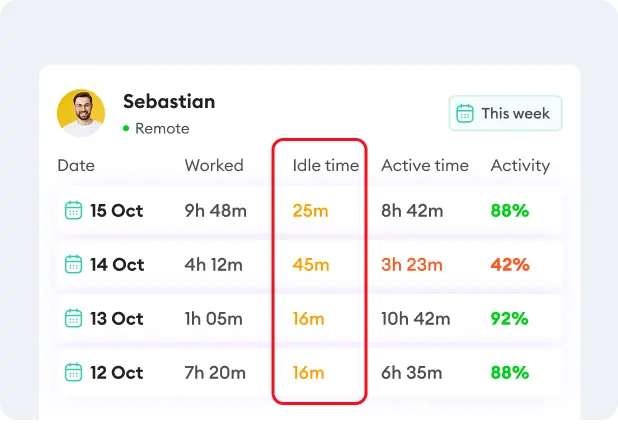
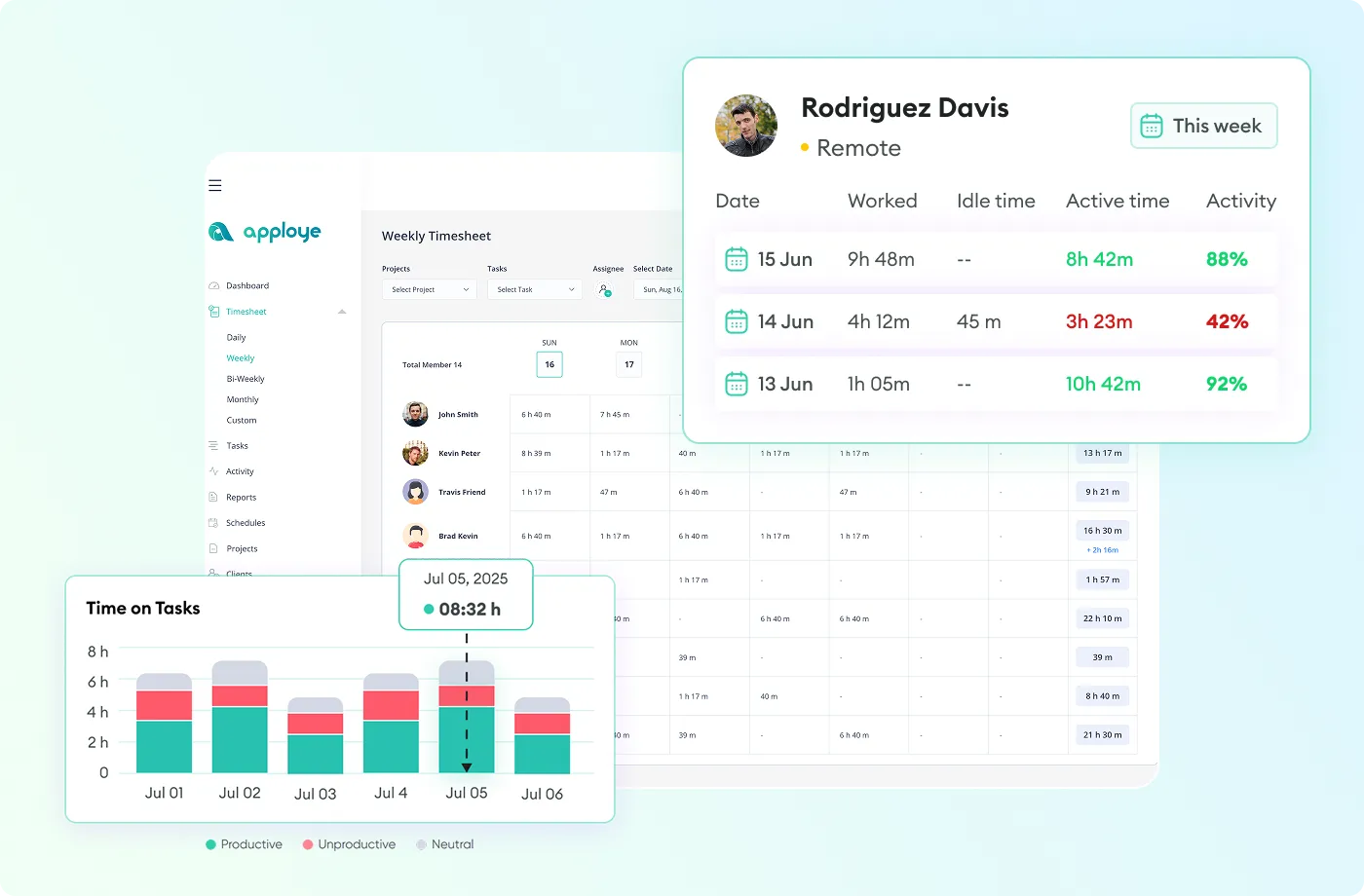
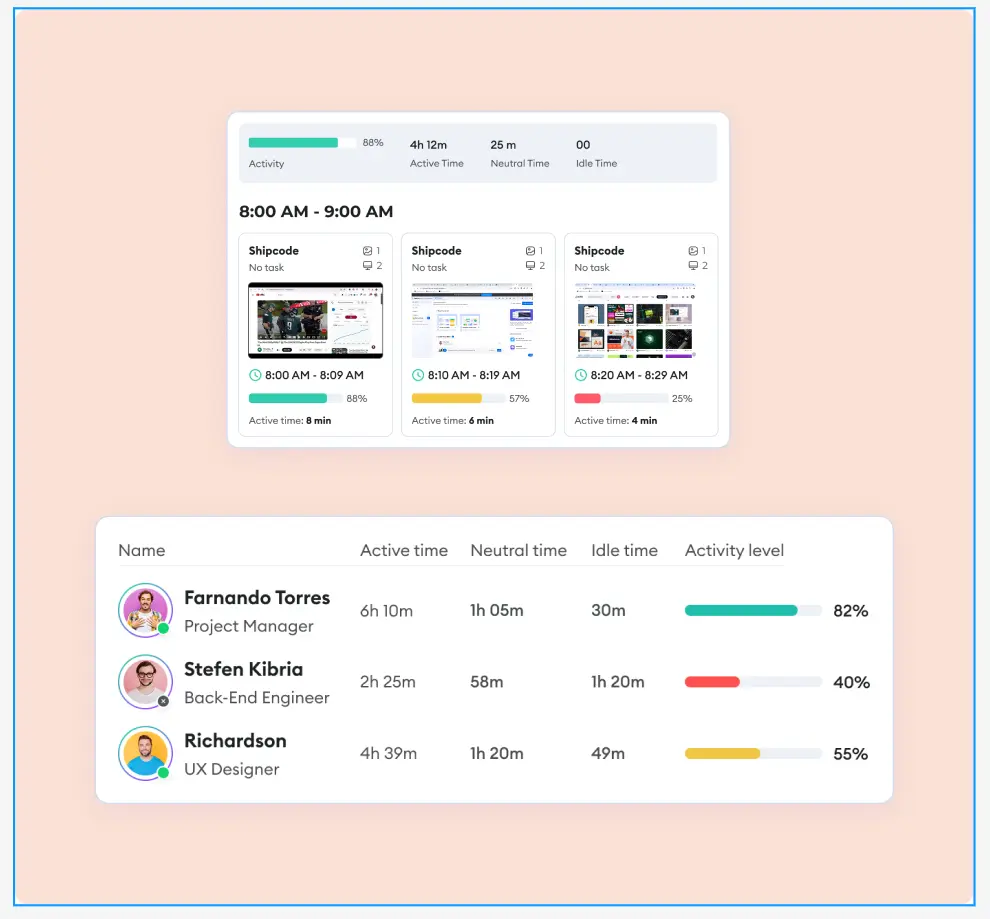
- Records work time, active time, and idle time.
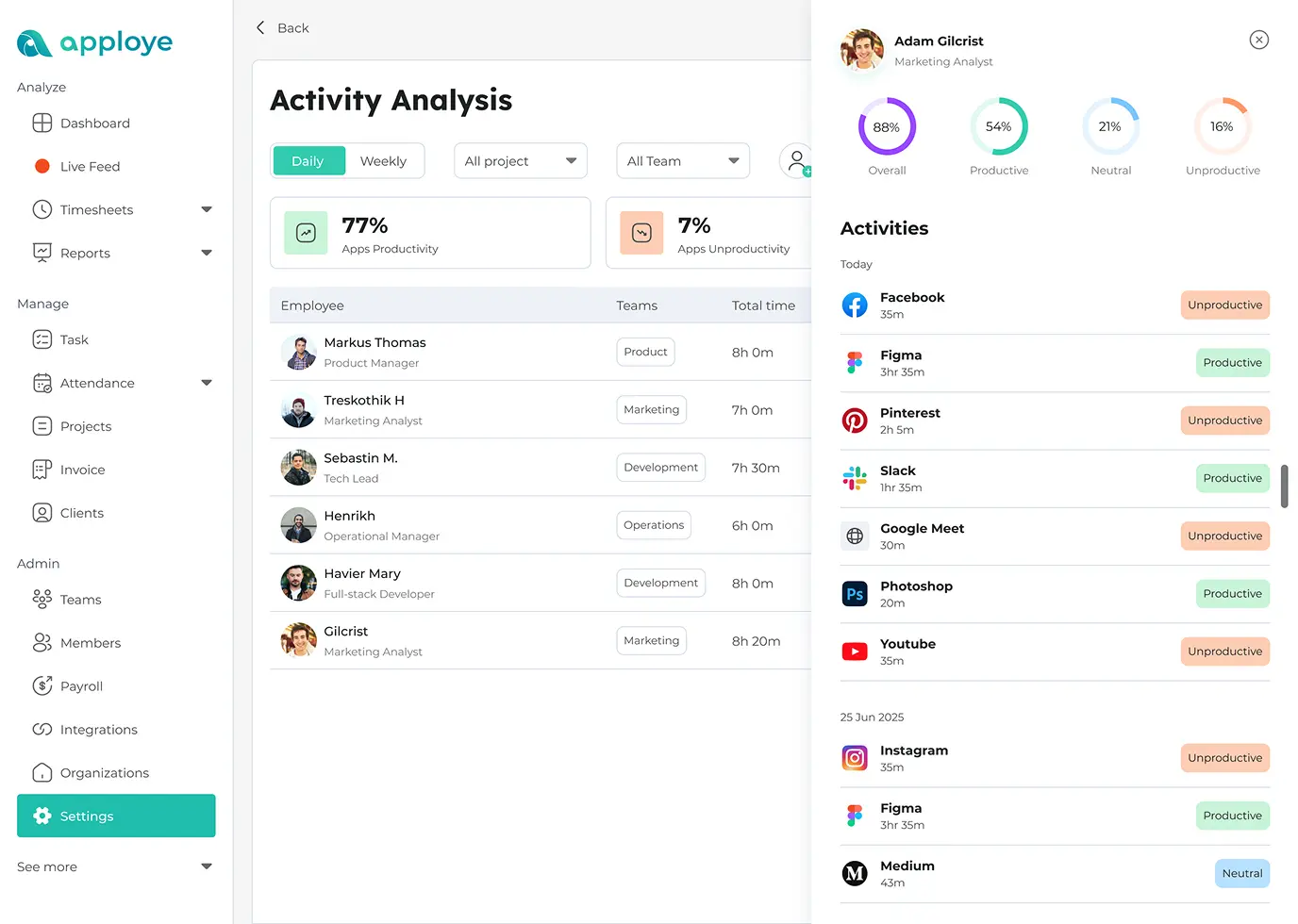
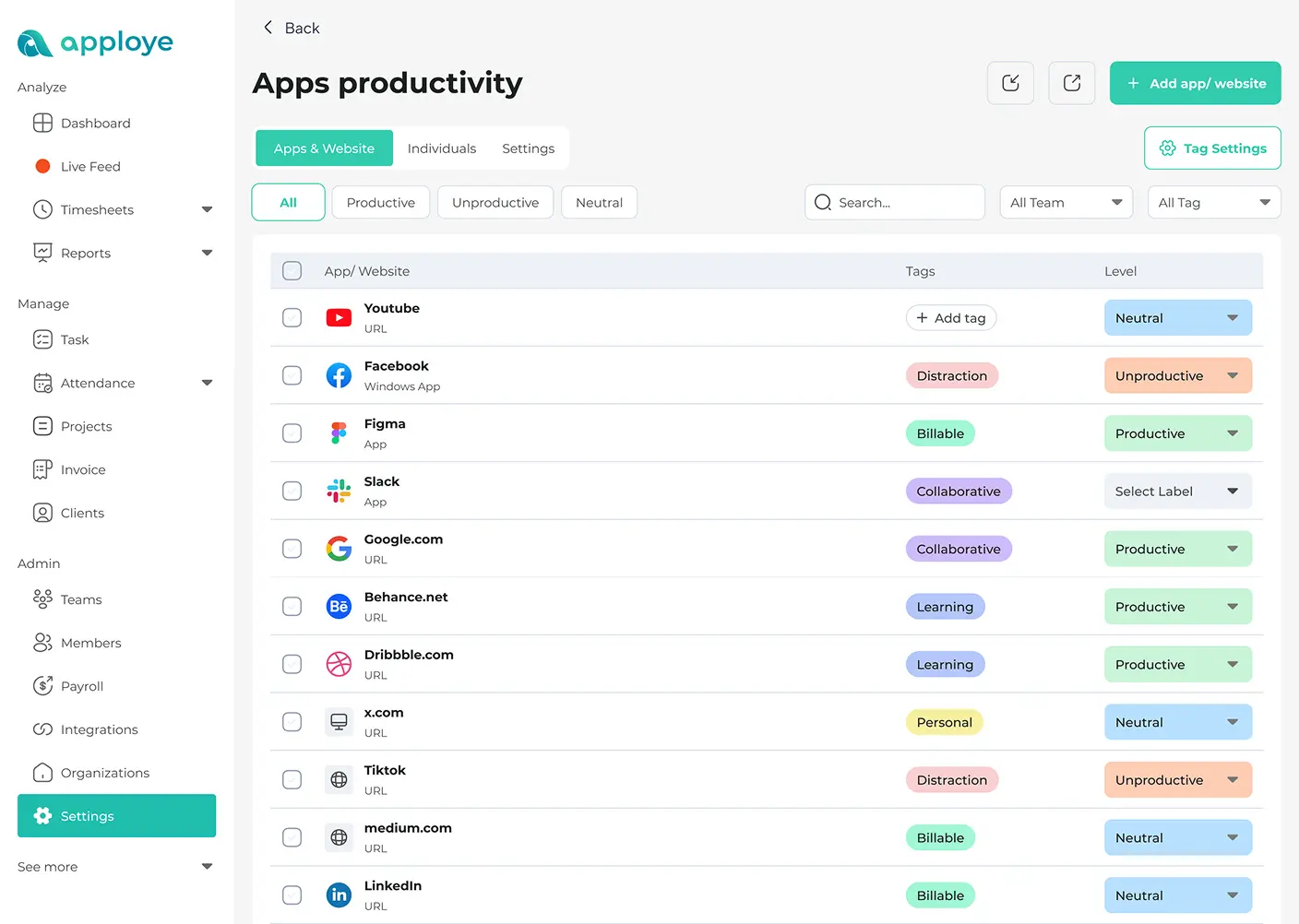
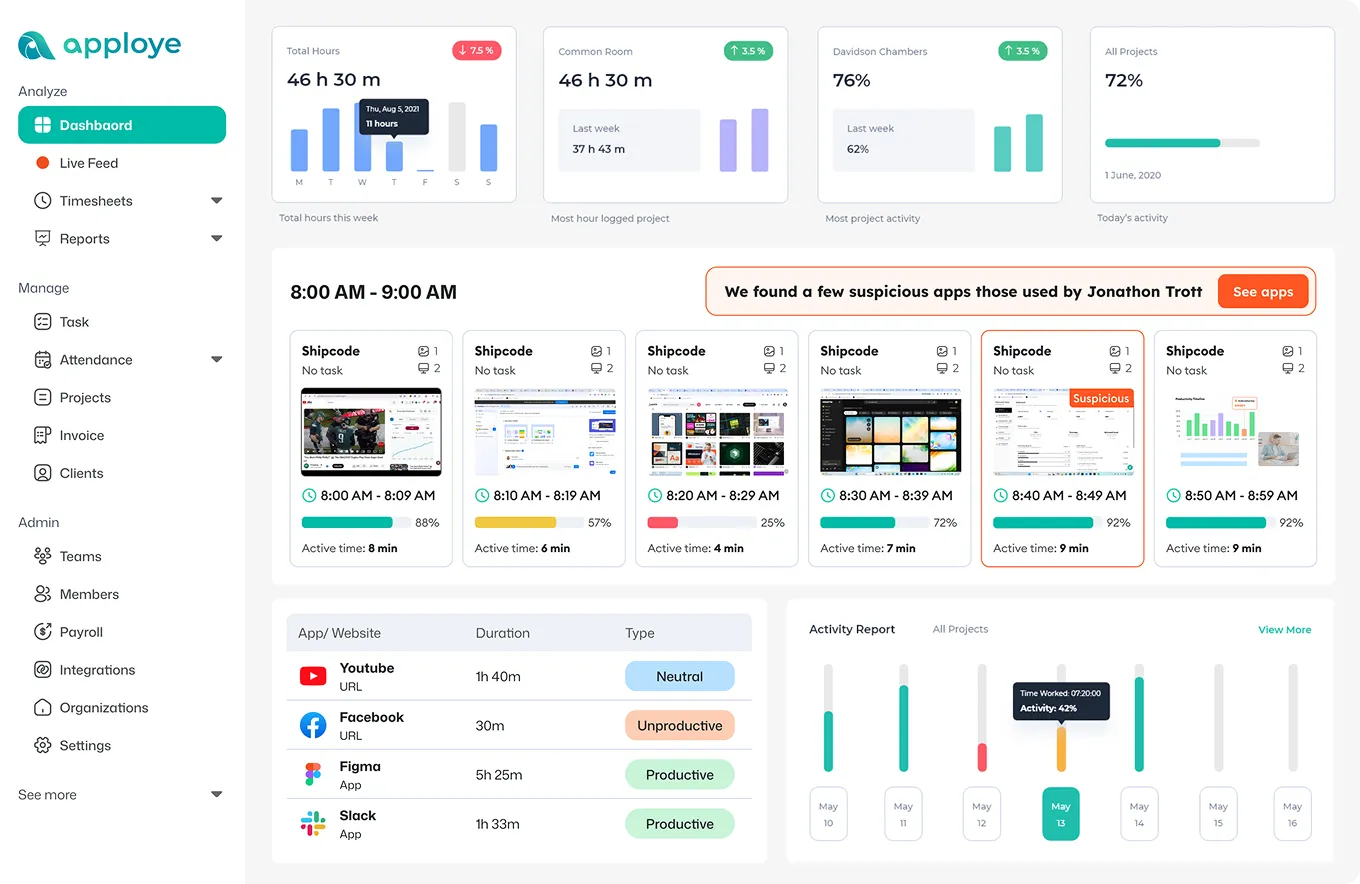
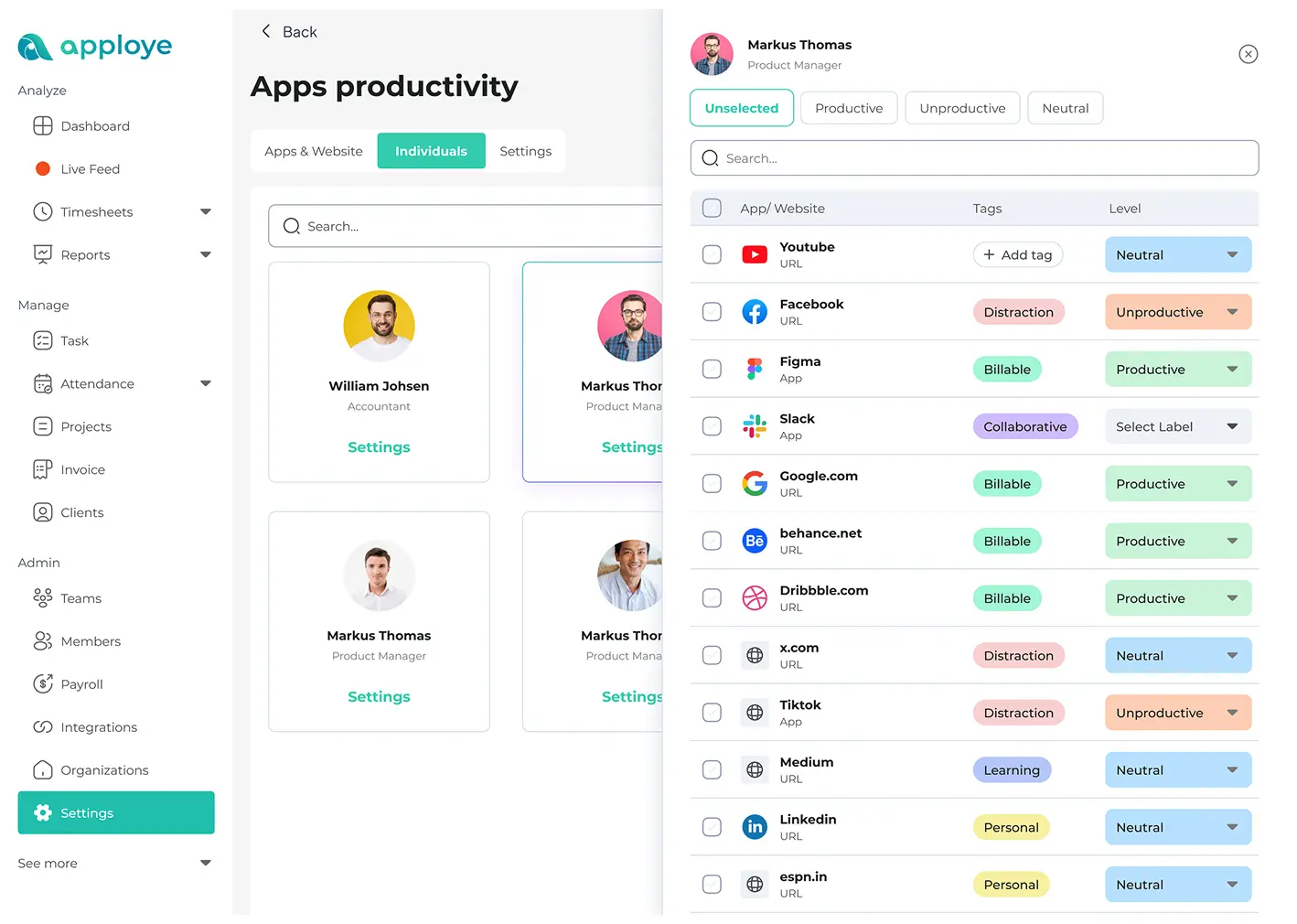
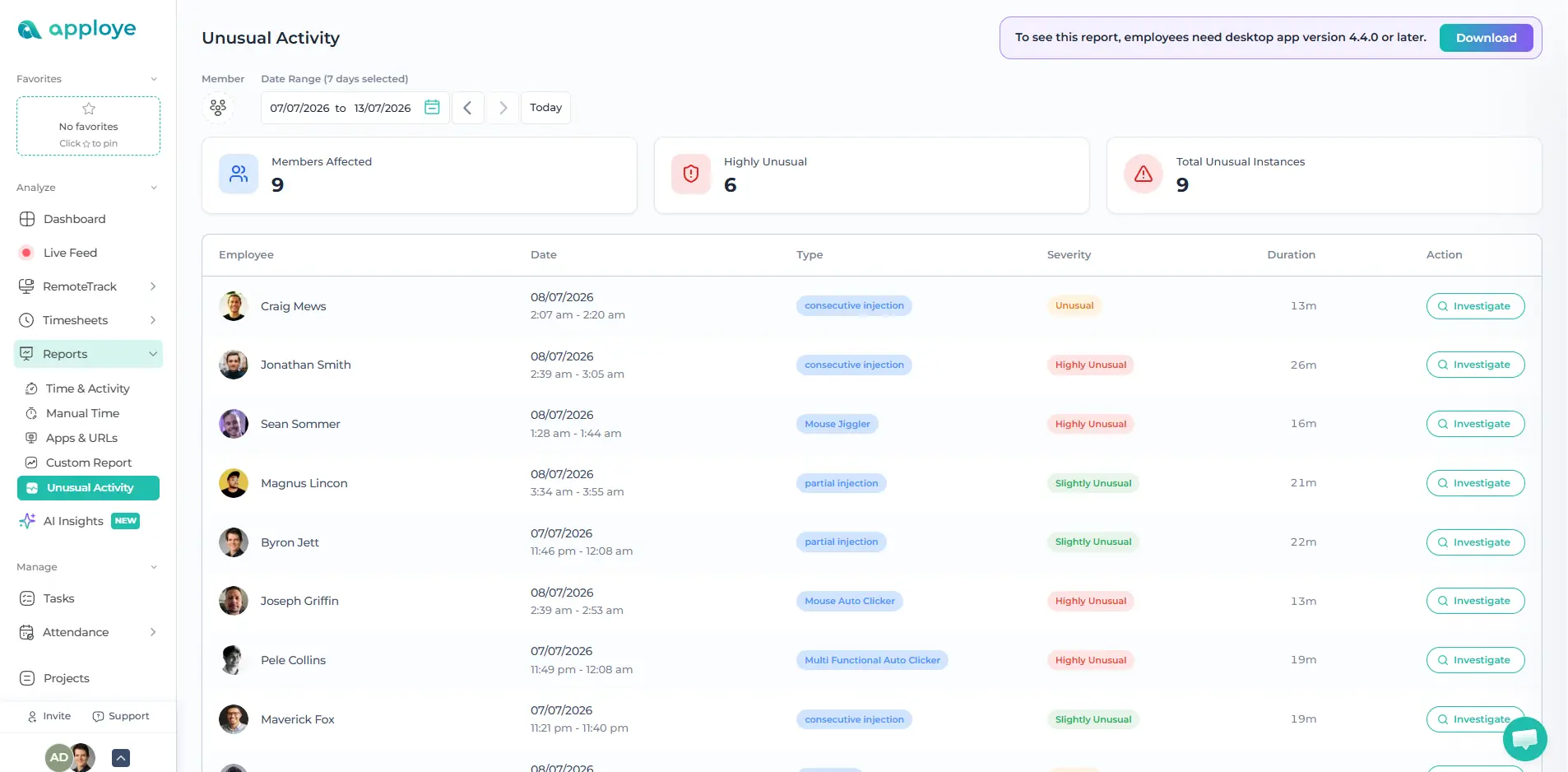
- Shows which apps and websites your team uses during work.
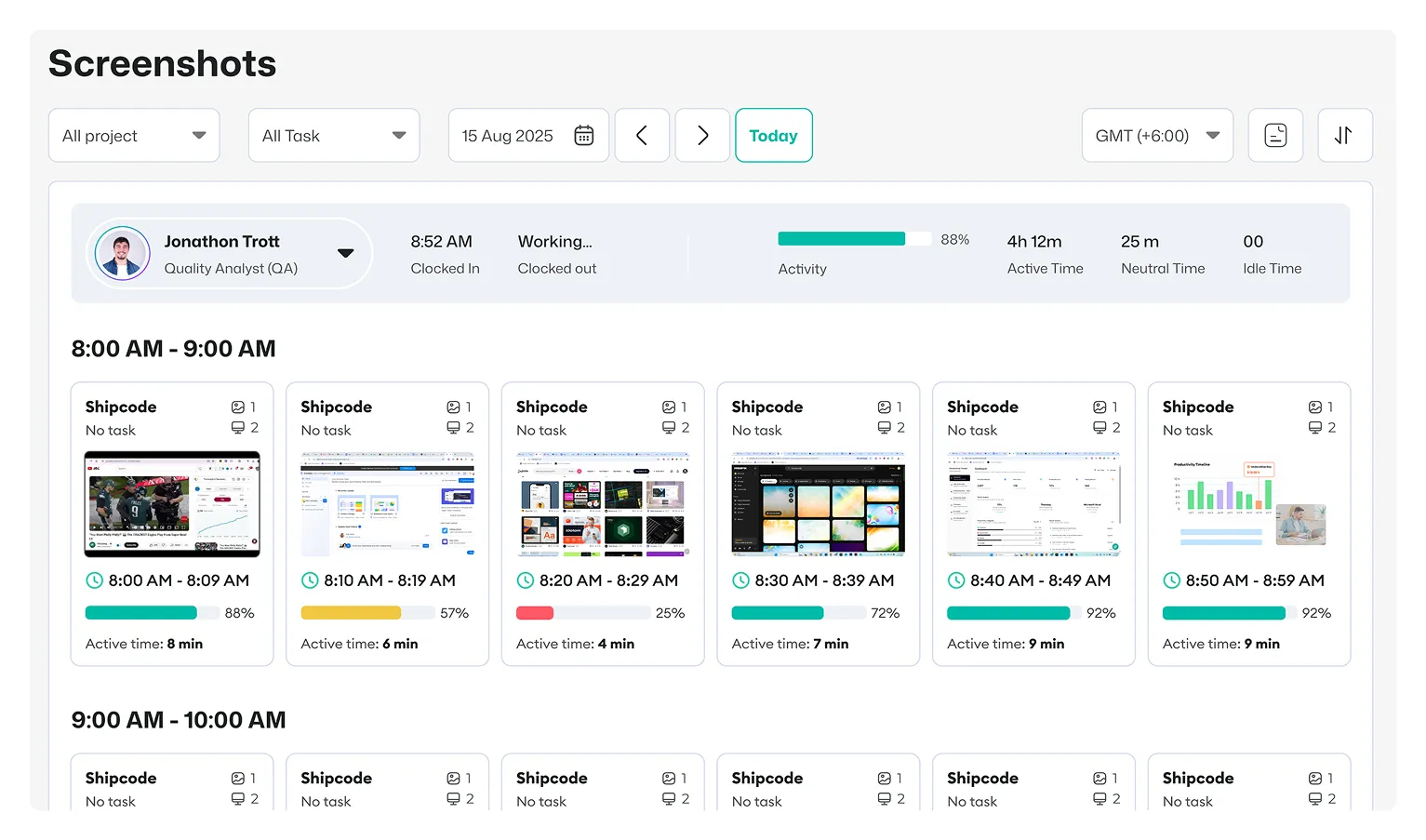
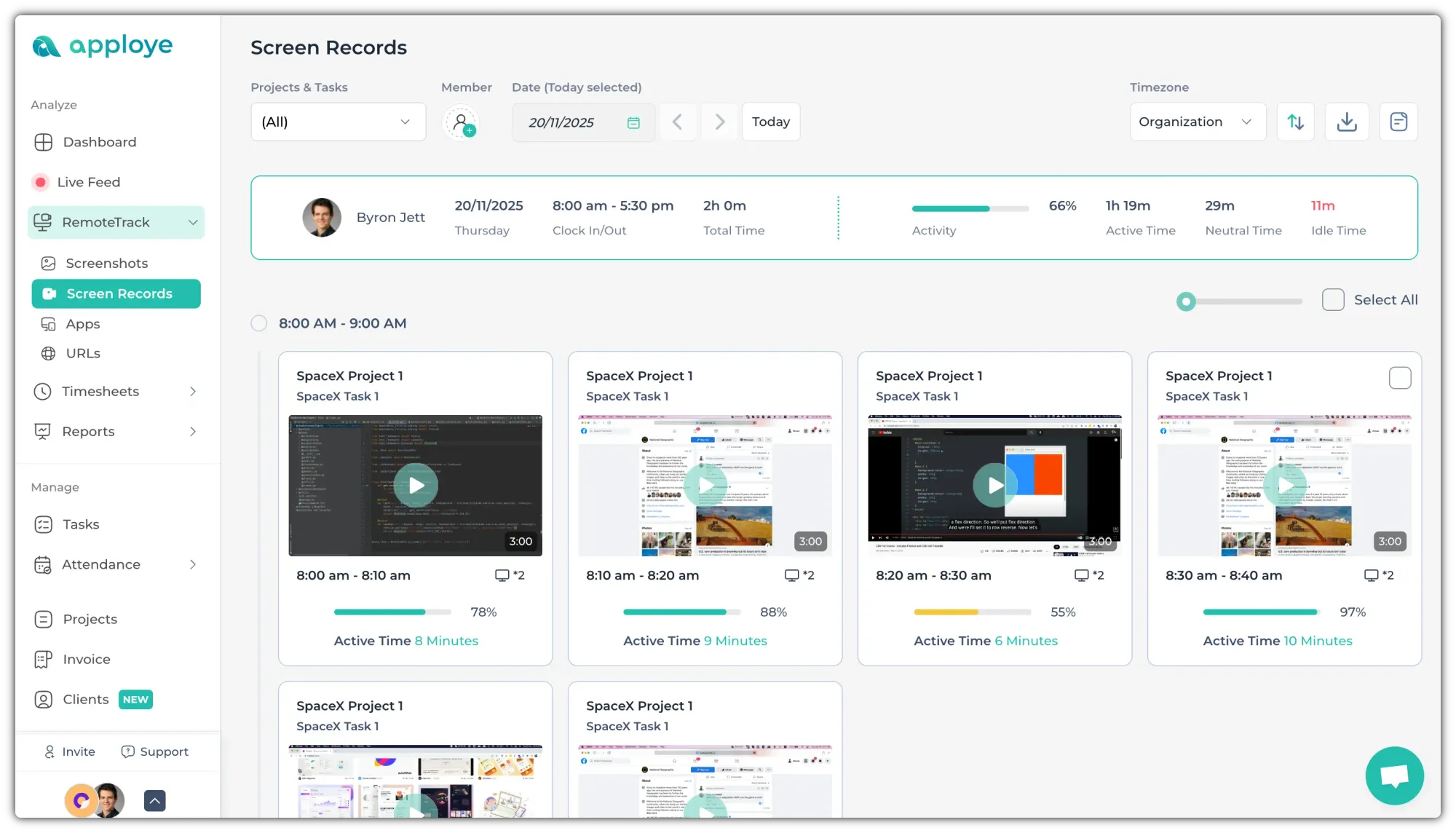
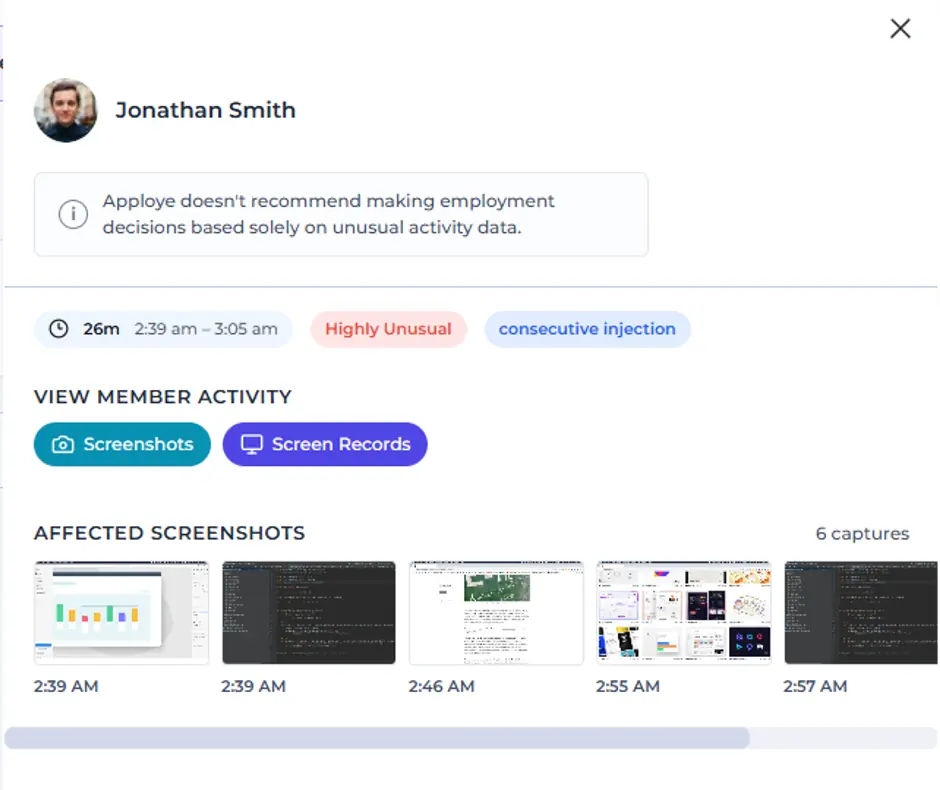
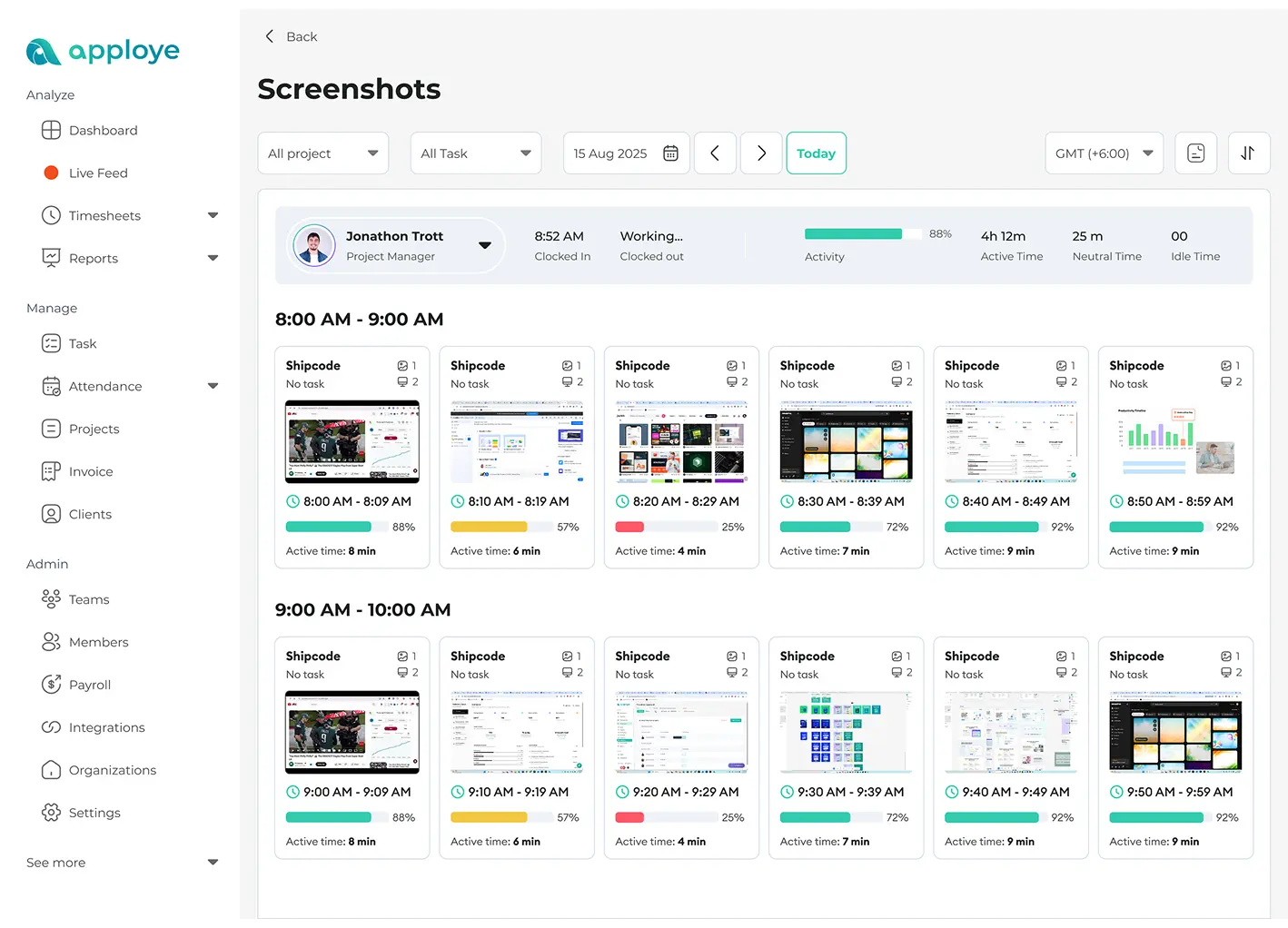
- Takes screenshots so you can verify progress.
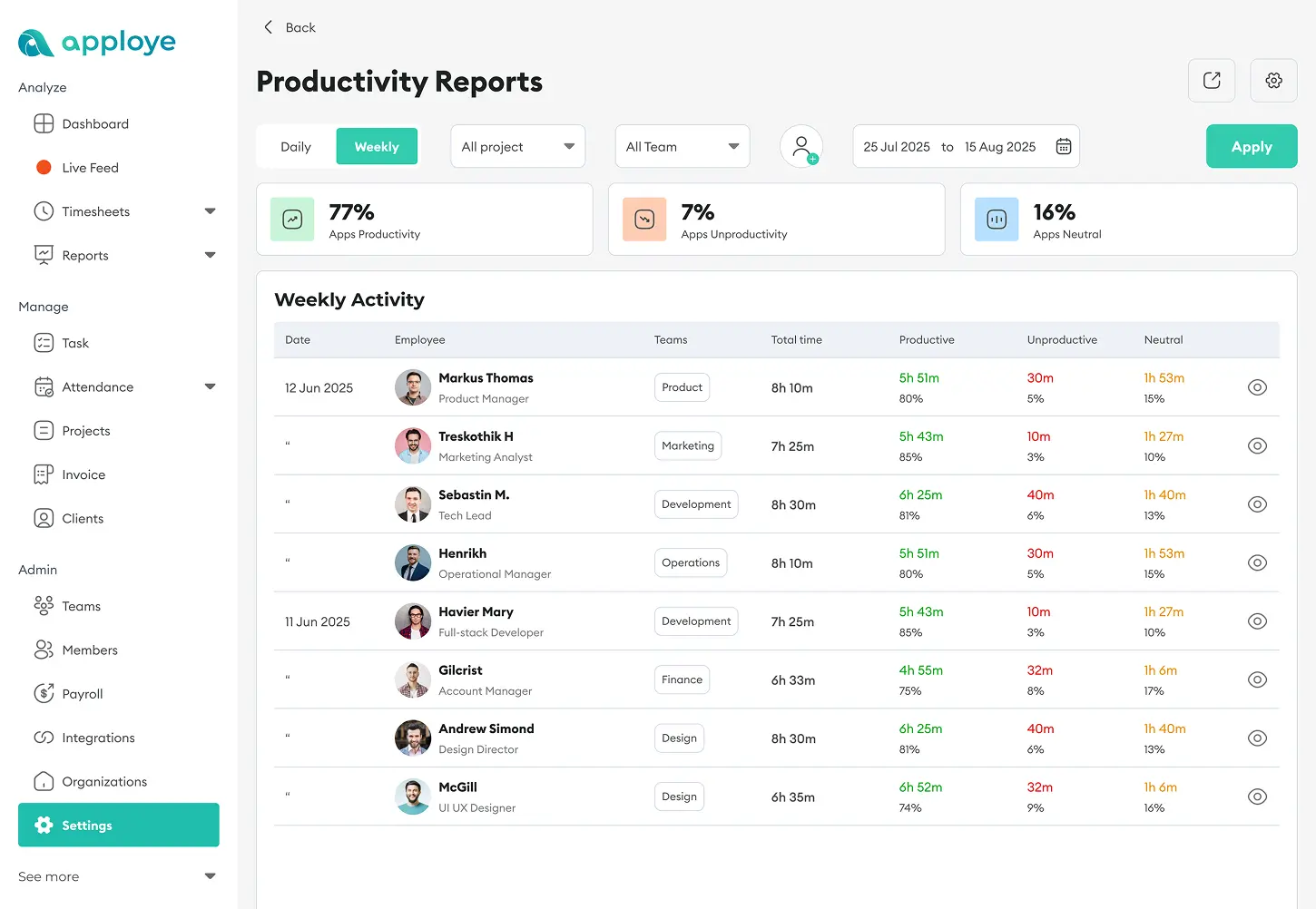
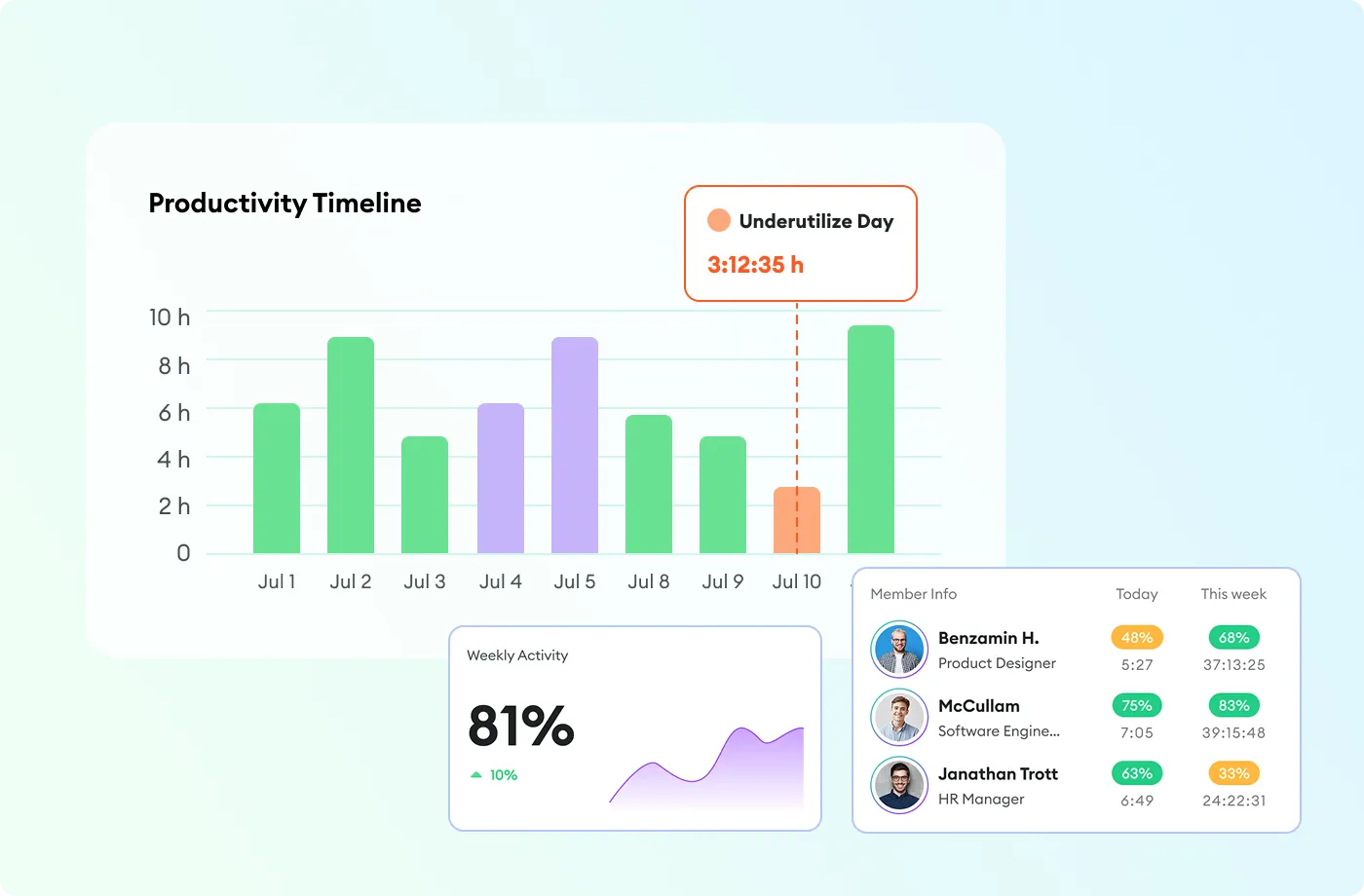
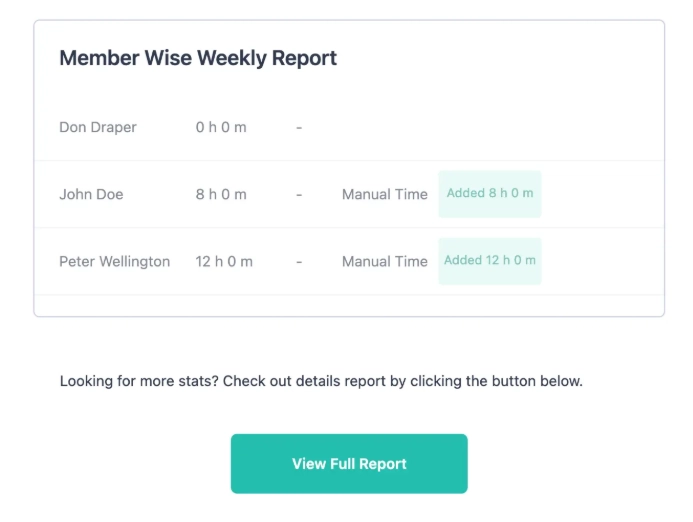
- Turns all of that into clear reports you can act on.
Your team can see their own dashboards, so nobody feels watched in secret.
What You Can Track
You don't need to track everything. Pick what fits your goals:
- Time: See active vs. idle hours per person.
- Apps and websites: Spot which tools drive work and which ones are wasting time.
- Screenshots and Screen Recording: Get visual proof of work with screen monitoring.
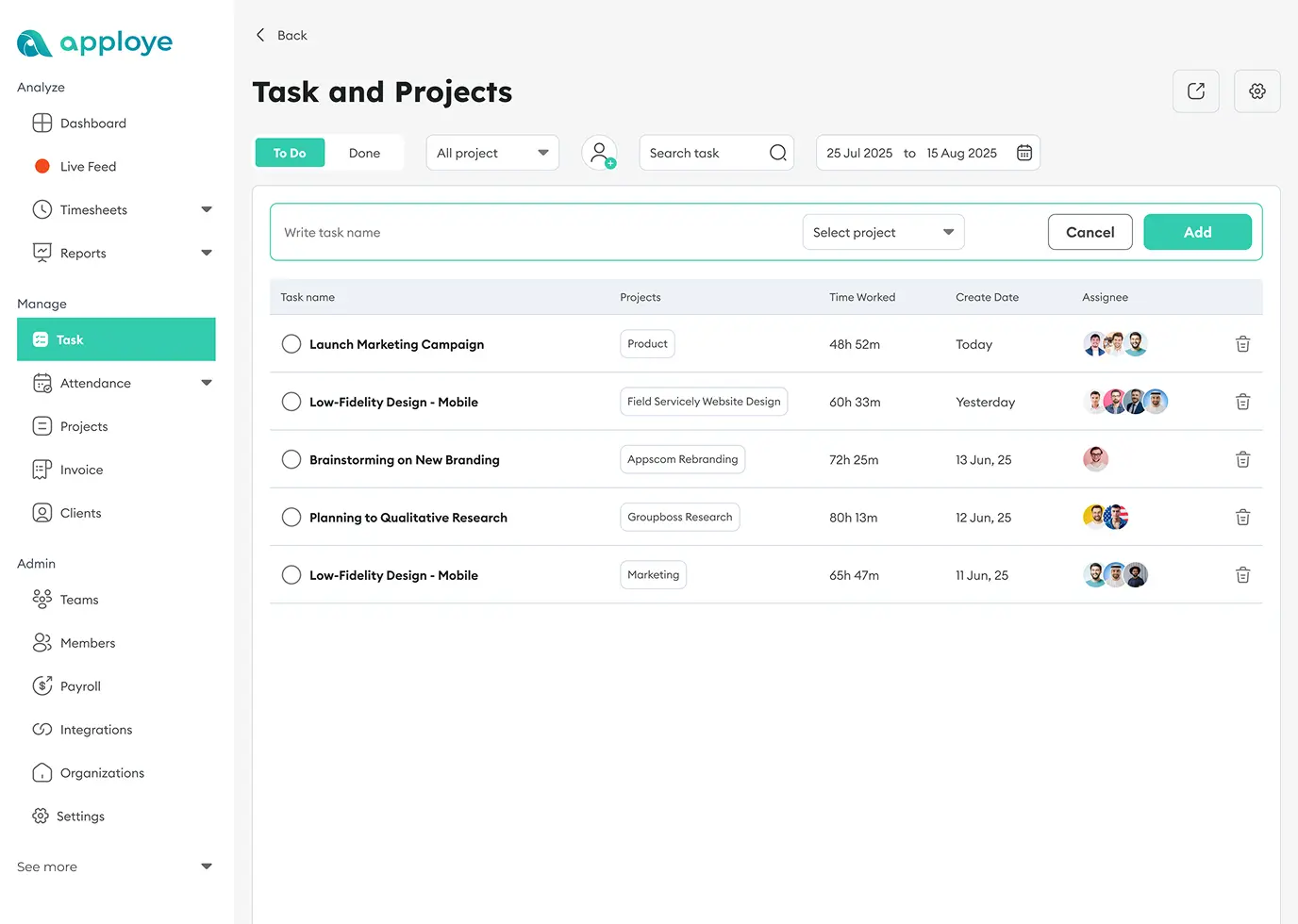
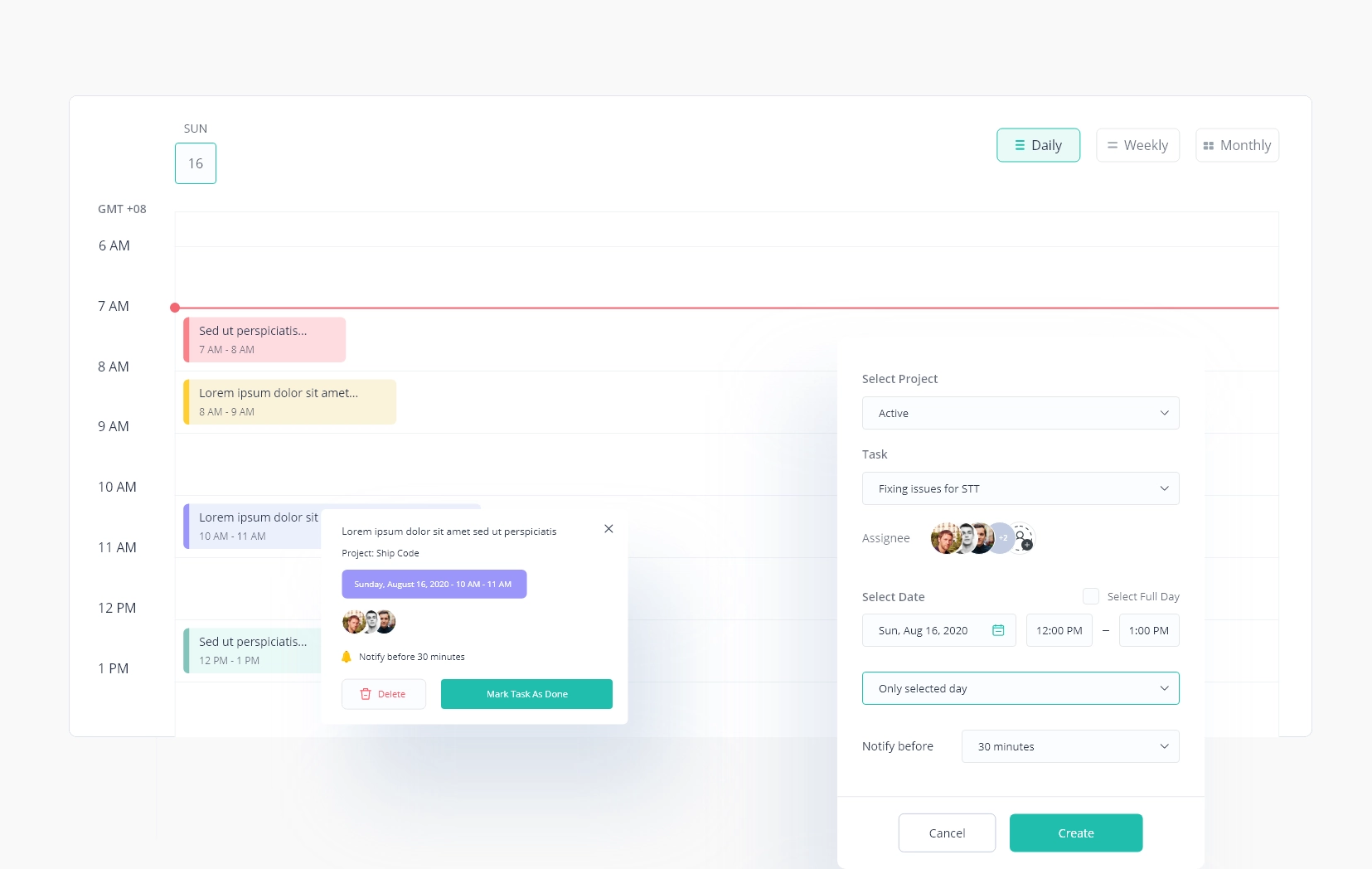
- Projects and tasks: Watch what's assigned, what's due, and what's stuck.
What You Get Out of Employee Monitoring Software
Real Proof, From a Real Customer
After switching to Apploye, Wing Assistant improved time-tracking accuracy by 40% and cut payroll errors by 30%. That lets them scale their VA teams across regions with far less admin work. [Source: Wing Assistant case study]
Less Busywork
No more hand-filled timesheets or status reports. Payroll and billing get faster on their own.
Smarter Spending
See which paid apps your team actually uses. Cancel the ones nobody opens.
Better Focus
When goals and time data are clear, you can move people off low-value work and onto what matters.
Who Gets the Most Value from Employee Monitoring Tools
Employee monitoring software isn't just for big or remote companies. But a few groups feel the payoff fast:
- Remote and hybrid teams: Get visibility across time zones without hovering with remote employee monitoring.
- Agencies and freelancers. Bill clients accurately with proof of work behind every hour.
- Call centers and BPOs. Manage large teams, spot top performers, and keep quality high with a call center monitoring tool.
- Law, finance, and IT firms. Track work to the minute and reduce billing disputes.
- Scaling startups. Find wasted effort early and grow without adding managers.
How to Choose the Right Worker Monitoring Software
Not every tool is the same. Some just clock hours. Others give you real insight and grow with you.
Look for these:
The Right Features
- Work hours tracking
- Productivity scores based on output
- App and website tracking
- Project-level time so you can bill correctly
- Integrations with your payroll, HR, and project tools
Easy Setup
If the tool is hard to use, your team won't. Look for a fast install, clear dashboards, and support for Windows, Mac, mobile, and Linux.
Fair Pricing
Don't pay for features you won't use. Check for a free plan, a real trial, and no hidden storage fees. Apploye, for instance, is free for up to 10 users, and the starting price is much lower than most employee monitoring tools.
Transparent vs. Stealth Mode
Transparent mode builds trust and works for most teams. And stealth mode should be rare and reserved for real security investigations.
The best tool isn't the one with the most features. It's the one that fits how your team works.
Is Employee Monitoring Legal and Ethical?
Yes to both, if you do it right.
The data shows why care matters. In one ExpressVPN survey, 49% of employees admitted they've pretended to be online, and 54% said they'd consider quitting if surveillance increased. People don't hate that tracking exists. They hate not knowing what's monitored or why.
So follow these four rules:
- Have a real reason: Security, compliance, accurate billing, fair workloads.
- Be transparent: Tell people in writing what you track, how, and who sees it.
- Collect the minimum: Skip keystroke logging and webcam spying. Use the least invasive option that works.
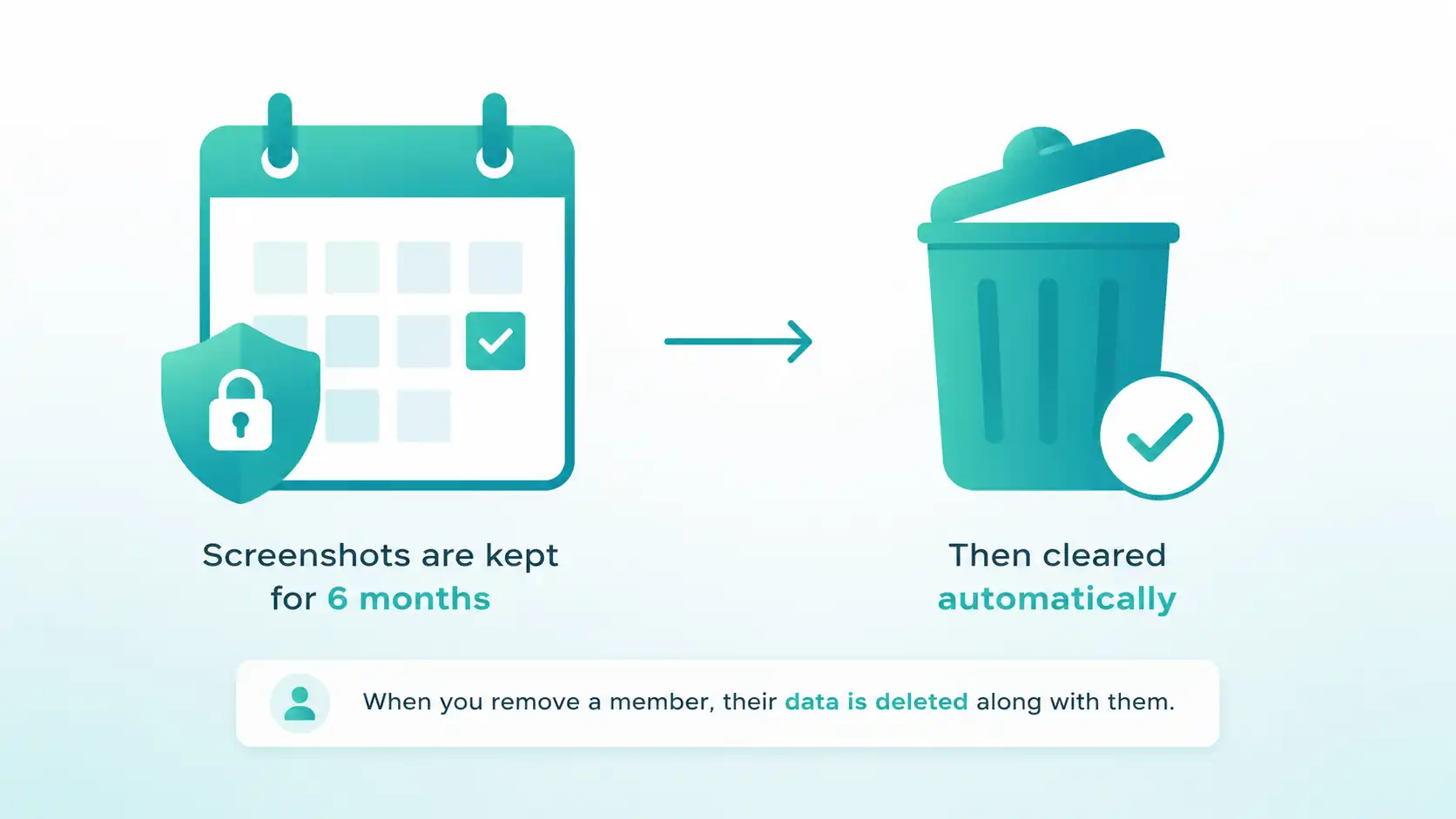
- Protect the data: Encrypt it, limit access by role, and delete it when you no longer need it.
On the legal side, rules change by location. In the U.S., states like New York require written notice before you monitor. Europe's GDPR only allows monitoring that's necessary and disclosed. Always check the laws where your team works.
A quick word on screenshots. They make sense for regulated work, client billing, and specific investigations. They're a poor fit for creative, trust-based teams where output is the better measure. When you do use them, blur sensitive data and let people turn them off by team.
For the full picture, see our deeper guides on monitoring laws, ethics, and pros and cons.