
Attorney Time Tracking Software

Apploye attorney time tracking software tracks billable hours by client and matter, reviews timesheets before billing, and stops reconstructing your day from memory at the end of the week. Built for attorneys, paralegals, and law firms who bill by the hour.

No credit card required

Free up to 10 users

Cancel anytime

Mac Windows Linux iOS Android Chrome
Time tracking dashboard for accounting firms
Forbes Advisor 2025
USA Today
Business Insider
Forbes Advisor 2026
Entrepreneur
Capterra
G2
GetApp
Software Advice
GDPR
HIPAA
SOC 2
ISO

Join 29,000+ Organizations

How Attorney Time Tracking Software Helps Law Firms

Track Time by Client and Matter

Organize work by client, case, and matter.

  • Client, case, and matter tied to every entry
  • Tasks tracked individually under each matter
Set Up a Project for Your Matter
Track Time by Client and Matter

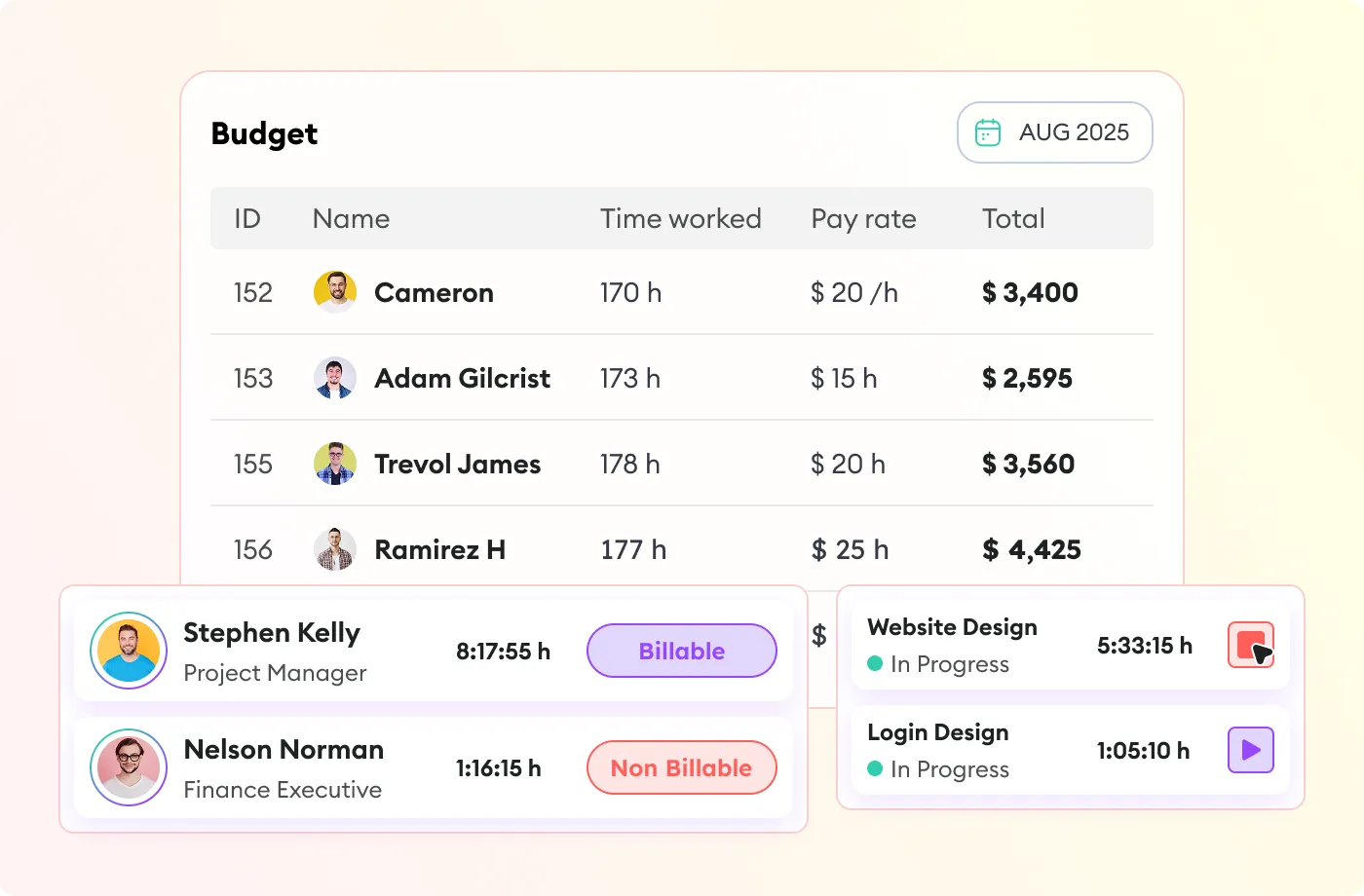
Different Rates for Every Role in the Firm

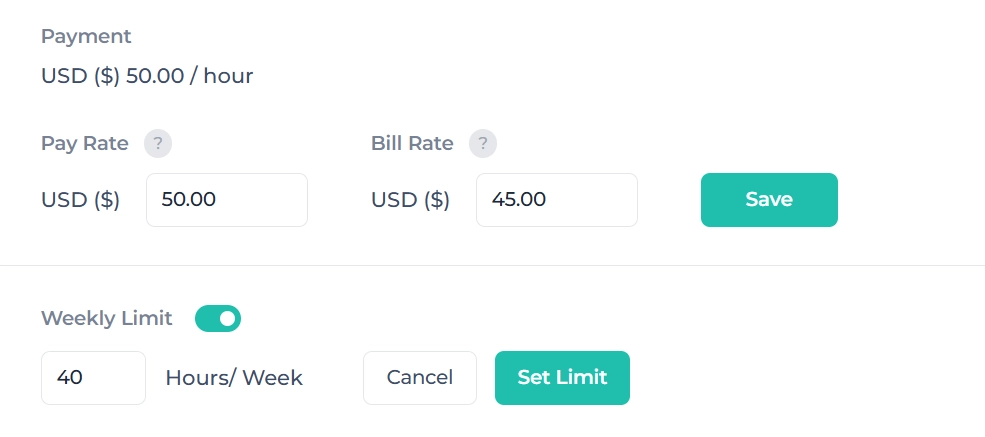
Partners, associates, and paralegals aren't usually billed the same way at a law firm.

  • Rates set per person, per project, or per matter
  • Applied automatically as time is tracked
  • No manual rate lookup at invoicing time
Set Up Billing Rates
Different Rates for Every Role in the Firm

Review Before It Bills

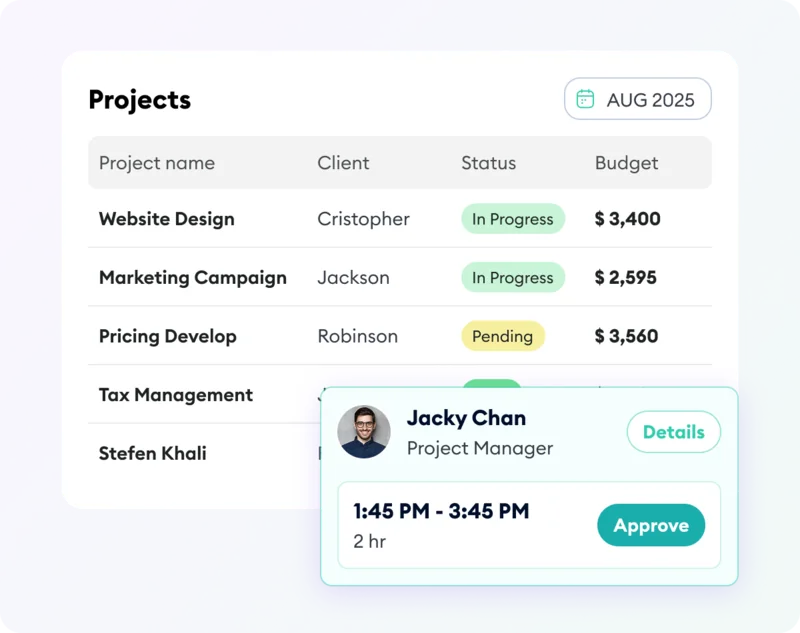
Once time is tracked, it doesn't have to go straight to invoicing.
  • Timesheets reviewed and approved before billing
  • A partner or admin catches anything unusual first
  • The same approved records get used for client billing
See Timesheet Approval
Review Before It Bills

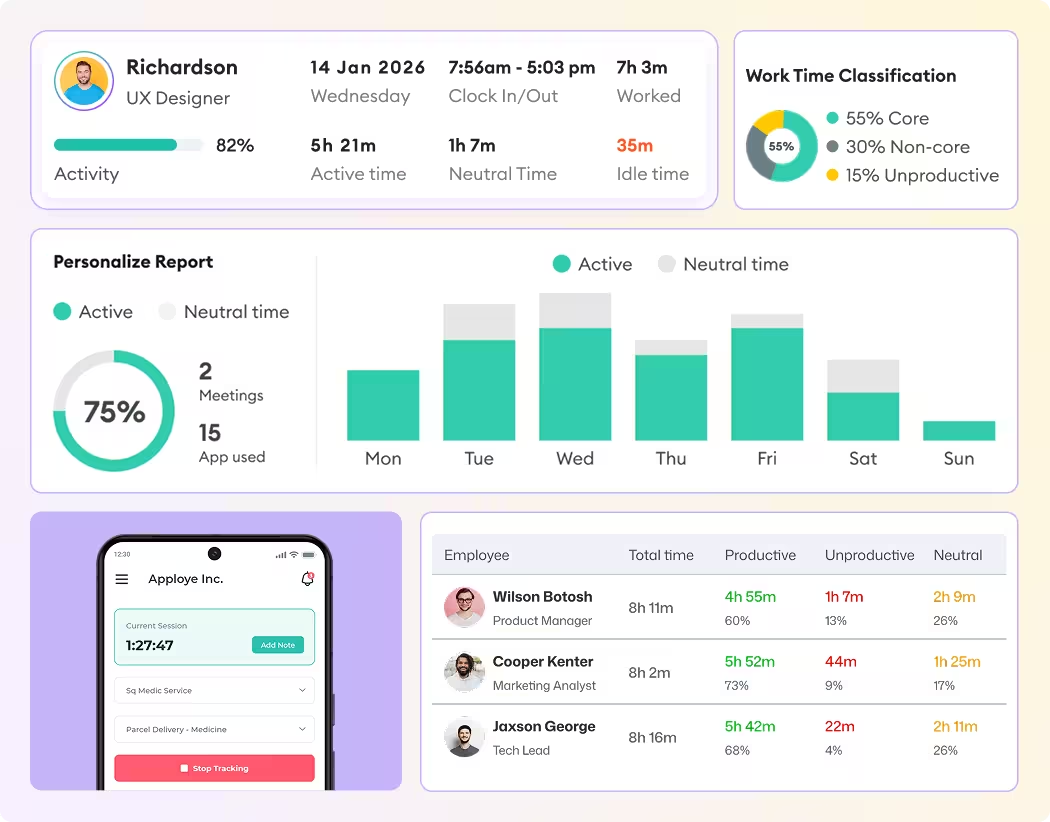
Billable Time and Utilization

Firm profitability depends on more than just logging hours

  • Track utilization trends over weeks, months, or quarters
  • Spot who's overloaded or underutilized before it affects delivery
  • Per-attorney and firm-wide views
See Utilization Tracking
Billable Time and Utilization

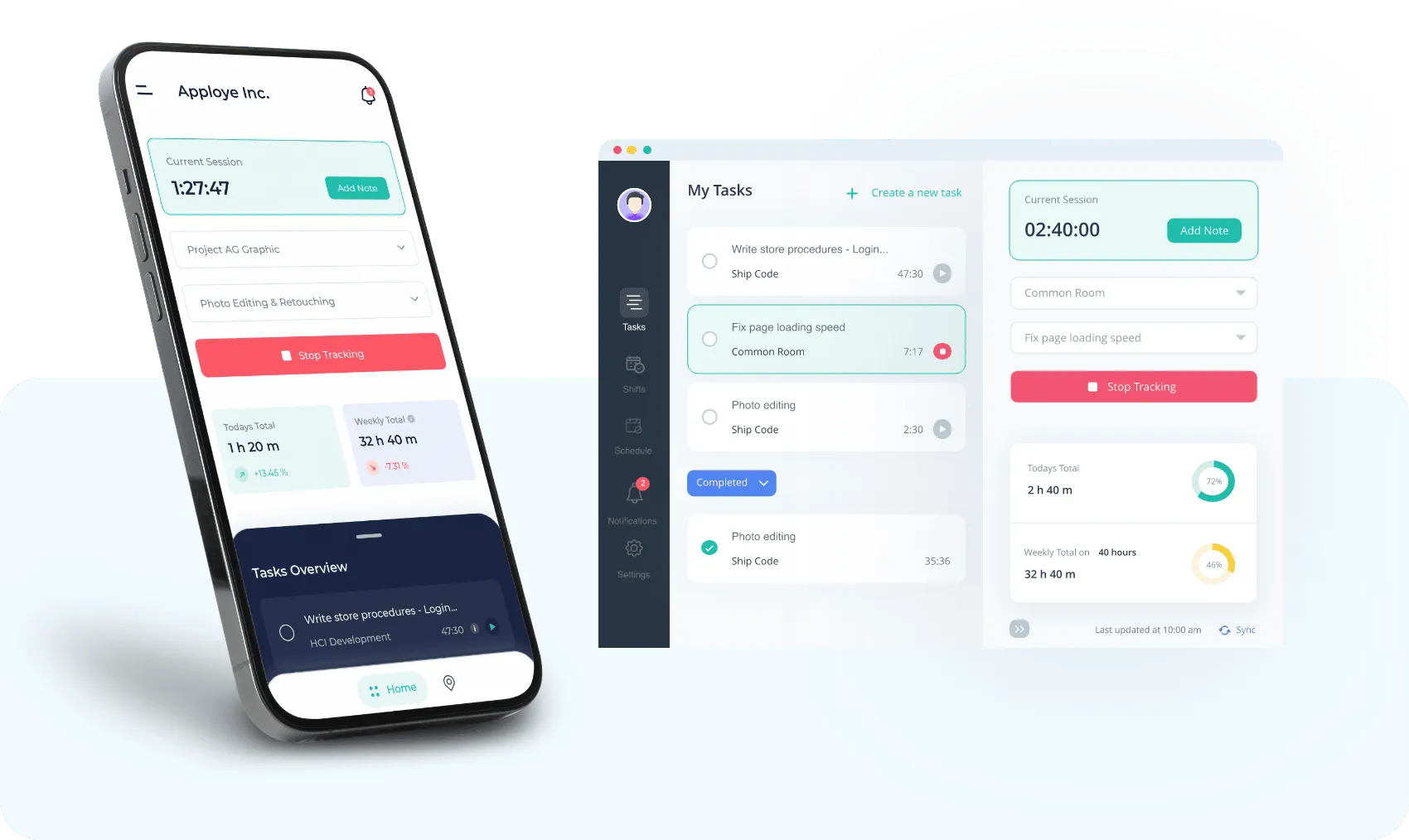
Remote Time Tracking

Attorneys don't spend the whole day at a desk. You can be anywhere for your job.

  • Track time from a phone after a hearing or client visit
  • Add missed time manually later if something gets skipped
  • Records sync to the same desktop dashboard
Track Time on Mobile
Remote Time Tracking

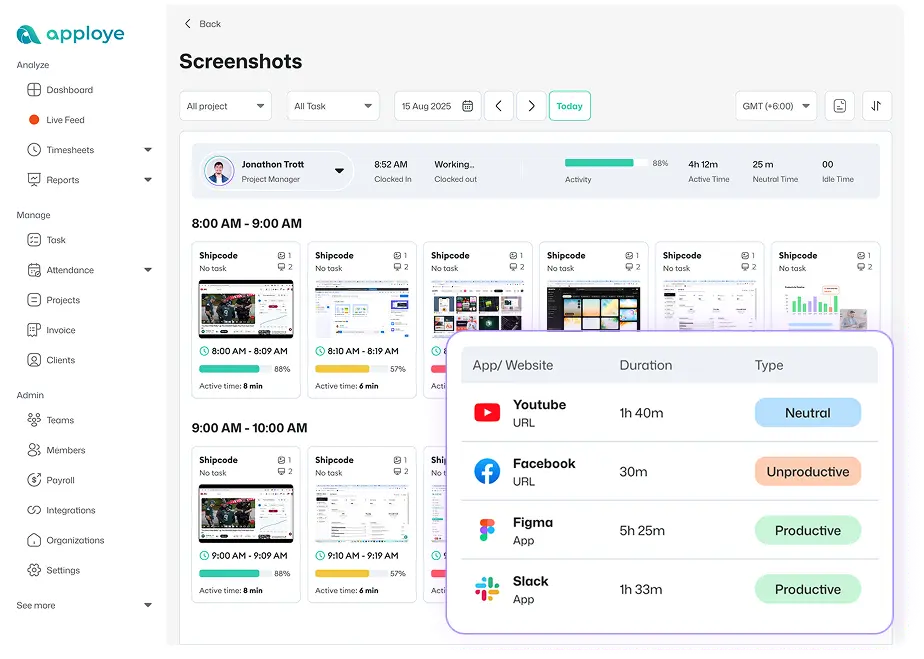
Screenshots At Your Fingertips

Any tool that captures screenshots creates some risk of catching privileged material on an attorney's screen.

  • Turn screenshots off entirely, firm-wide or per person
  • Blur screenshots for staff handling privileged work
  • Zero risk if the feature is never turned on
See Screenshot Controls
Screenshots At Your Fingertips

Fits Around the Software Your Firm Already Uses

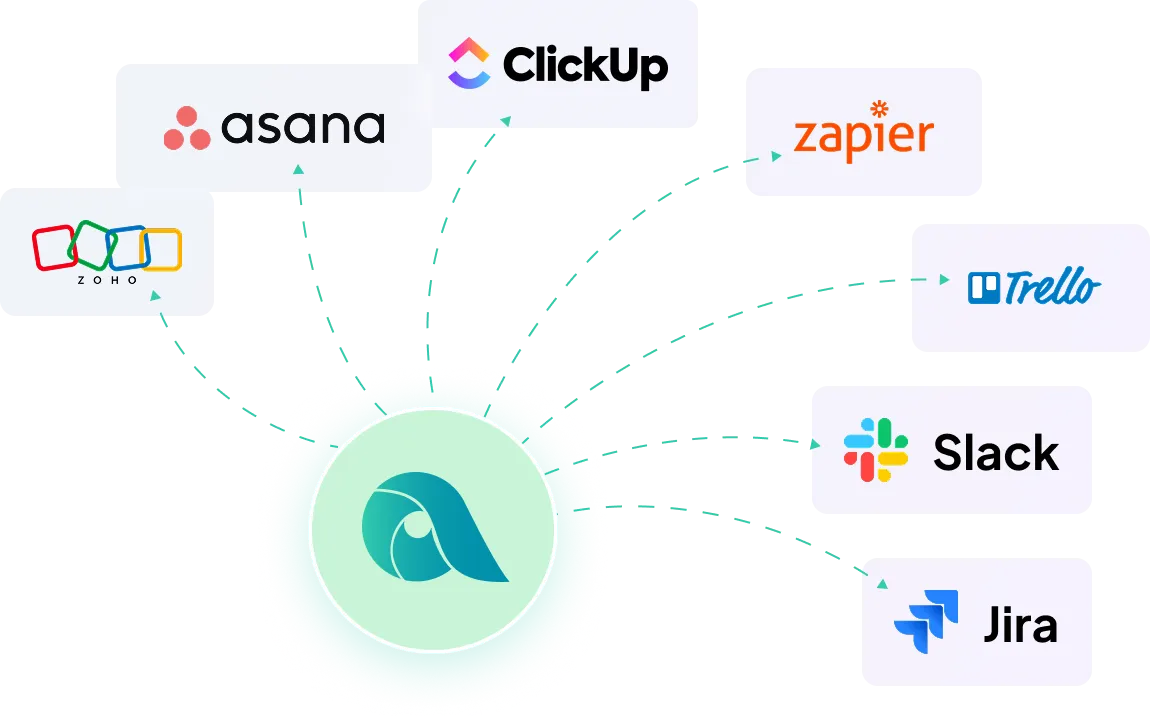
Apploye connects with the project and task tools lawyers and legal teams may already use for matter tracking.

Diagram showing Apploye software integrations with other tools like Asana, Zapier, Trello, Slack & others.

Apploye vs. Other Attorney Time Trackers

How Apploye compares to the other time tracking software for lawyers and law firms.

Features

Apploye
Harvest
Toggl Track
Clockify

Free plan

10 users

1 user, 2 projects

5 users

5 users, disputed

Starting price

$4.50/user/mo

$9/seat/mo + fees

$9/user/mo

$3.99/user/mo

Timesheet approval

Included

All plans

Enterprise only, $14

Premium only, $18

Not included

Screenshots

Included
Not included
Not included

$7.99 to unlock

Payroll

Included
Not included
Included
Included

Invoicing

Included
Included
Included

Standard plan+

Multi-rate billing

Included
Included
Included

Starter+

Included

Mobile tracking

Included
Included
Included
Included

Get From Legal Work to Billing in 3 Steps

one

Track the Work

Attorneys start tracking their work hours.

two

Keep It Under the Right Matter

Choose the project and task, then mark the time as billable or non-billable.

three

Review Before Billing

Check the timesheet, approve the hours, and use the same records for client billing.

one

Track the Work

Attorneys start tracking their work hours.

Track the Work
two

Keep It Under the Right Matter

Choose the project and task, then mark the time as billable or non-billable.

Keep It Under the Right Matter
three

Review Before Billing

Check the timesheet, approve the hours, and use the same records for client billing.

Review Before Billing
Track the Work Keep It Under the Right Matter Review Before Billing

Frequently Asked Questions

How do lawyers track billable hours?

By recording time against a client and matter as work happens, then marking each entry billable or non-billable before it moves to invoicing.

Can attorneys track time by client and matter?

Yes. Set up each matter as a project in Apploye, then track time and tasks against it.

Can lawyers track time from their phones?

Yes. Apploye's mobile apps let you track from court, a client meeting, or anywhere away from a desk.

Can time tracking help reduce billing disputes?

Yes. A detailed record by client, matter, and task is easier to explain to a client than a single lump-sum number on an invoice.

What should be included in a legal time entry?

Client, matter, date, timekeeper, duration, billing status, and a clear description of the work. Firms with stricter billing rules may require additional coding.

Does Apploye replace legal practice management software?

No. Apploye tracks time, separates billable from non-billable work, reviews timesheets, and bills clients from recorded time. It doesn't include trust accounting, LEDES billing, UTBMS codes, or native legal matter management.

Can a solo attorney use Apploye?

Yes. It works the same way for a single practitioner as it does for a full firm.

Does Apploye track law firm utilization?

Yes. Once time is marked billable or non-billable, Apploye calculates the percentage of billable time automatically, per attorney or firm-wide.

What is the 6-minute billing rule for lawyers?

Many firms bill in one-tenth-of-an-hour (six-minute) increments, the ABA-associated standard for litigation and general practice. It's a billing convention, not something every time tracker automates.

Does Apploye support 6-minute legal billing increments?

No, not automatically. Apploye tracks time to the actual minute rather than rounding to a fixed increment.

Does taking screenshots on attorney devices risk exposing privileged information?

It can, with any tool that captures screenshots. However, Apploye's screenshots are optional and can be turned off entirely, or blurred, specifically for staff working with privileged documents. Firms that want zero screenshot risk can track time and billable hours without turning the feature on at all.