What is an Idle Time Calculator?
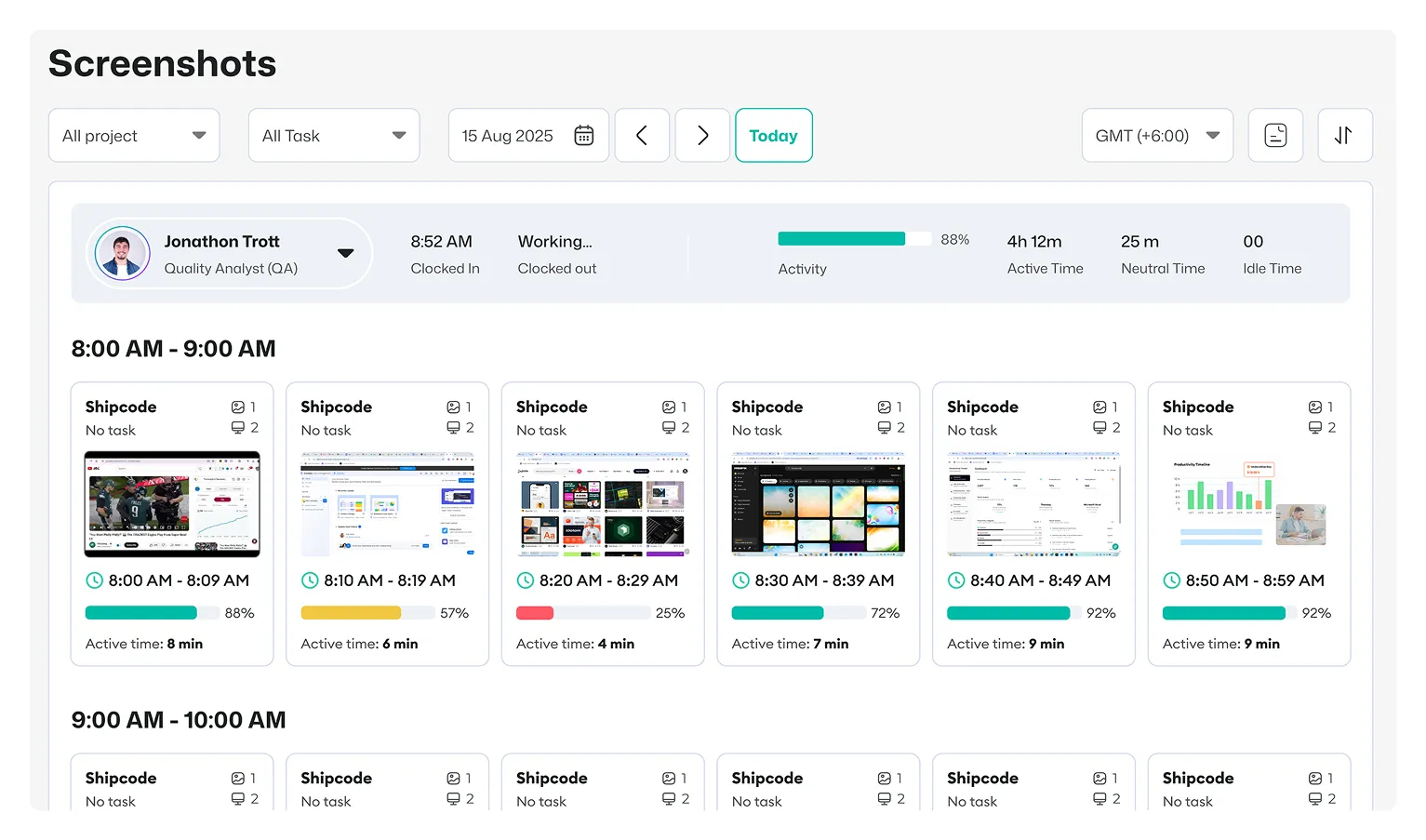
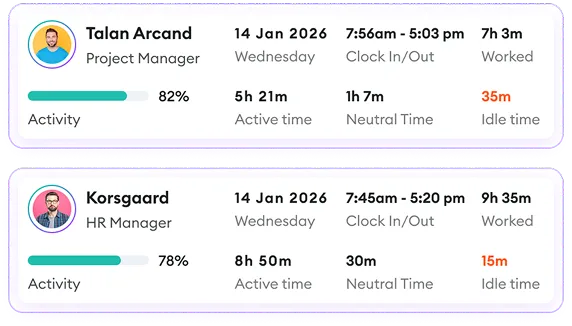
An employee idle time calculator helps businesses and individuals measure how much tracked work time is spent inactive compared to active working time.
Idle time refers to periods when a person is logged in or tracking time but has no activity, such as keyboard input or mouse movement, for a defined period.
For teams managing remote, hybrid, or distributed employees, understanding idle time helps create more accurate timesheets, identify workflow interruptions, and improve productivity decisions.
How to Calculate Idle Time?
Idle Time Percentage Formula:
Idle Time Percentage = (Idle Time ÷ Total Tracked Time) × 100
Let’s say your total tracked time is 40 hours and idle time is 4 hours. Then, (4 ÷ 40) × 100 = 10%. The employee had a 10% idle time rate during the tracked period.
How Does the Idle Time Calculator Work?
Our idle time calculator follows three simple steps:
1. Enter Total Tracked Hours
Add the total number of hours recorded during the selected period.
Example:
- Daily working hours
- Weekly tracked hours
- Monthly tracked hours
2. Enter Idle Hours
Add the amount of time when no activity was detected.
Examples:
- Long inactive periods
- Extended breaks
- Unused tracked hours
3. Review Your Productivity Insights
The employee productivity calculator shows:
✓ Idle time percentage
✓ Active working hours
✓ Potential cost impact
How Much Does Idle Time Cost Your Business?
Even a small amount of idle time can become a significant financial loss when it is multiplied across many employees and over a long period. For example, consider a company with 10 employees, where each employee experiences an average of 5 hours of idle time per week. If the average hourly cost of each employee is $25 per hour, the weekly productivity loss can be calculated as:
5 hours × 10 employees × $25 per hour = $1,250 lost productivity per week
Although $1,250 may seem manageable for a single week, the impact becomes much larger over time. Over the course of one year, the total loss would be: $1,250 × 52 weeks = $65,000.
Who Can Use This Work Idle Time Calculator?
- Remote Teams: Understand productivity patterns across distributed employees.
- Agencies: Track billable hours and improve project profitability.
- BPO Companies: Analyze workforce efficiency across multiple shifts.
- Freelancers: Understand how much time is spent actively working.
- Managers: Identify workflow issues and improve team processes.

 Productivity TrackingMeasure daily performance
 Workforce AnalyticsGet workforce intelligence
 Activity MonitoringCheck user behaviour
 Screenshot MonitoringMonitor screen activity
 Employee TimesheetTrack work hours
 Screen RecordingRecord work sessions
 Payroll & InvoiceOrganize projects efficiently
 Payroll & InvoiceAutomated payment processing
 ReportingGenerate insightful reports
 EnterpriseProductivity for larger organizations
 Computer MonitoringTrack computer usage
 Staff MonitoringOversee team performance
 Time RecordingCapture work hours
 Online TimesheetsDigital time logging
 Attendance TrackingMonitor employee presence
 Insightful ReportsInsightful time reports