
Offline Time Tracking Software

Apploye offline time tracking software keeps tracking hours through dead zones, bad wifi, or a power outage. Apploye stores everything locally and syncs automatically the moment you're back online.

No credit card required

Free up to 10 users

Cancel anytime

Mac Windows Linux iOS Android Chrome
Time tracking dashboard for accounting firms
Forbes Advisor 2025
USA Today
Business Insider
Forbes Advisor 2026
Entrepreneur
Capterra
G2
GetApp
Software Advice
GDPR
HIPAA
SOC 2
ISO

Join 29,000+ Organizations

Where Offline Time Tracking Software Actually Matters

Keeps Tracking With No Connection at All

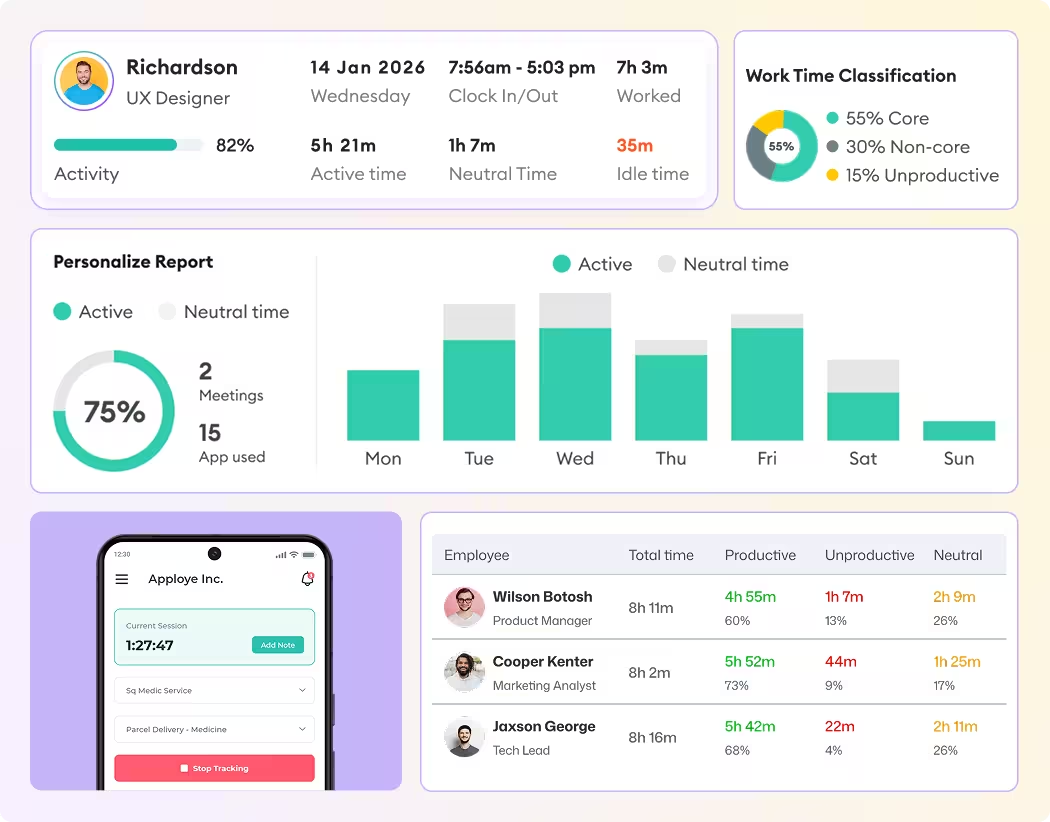
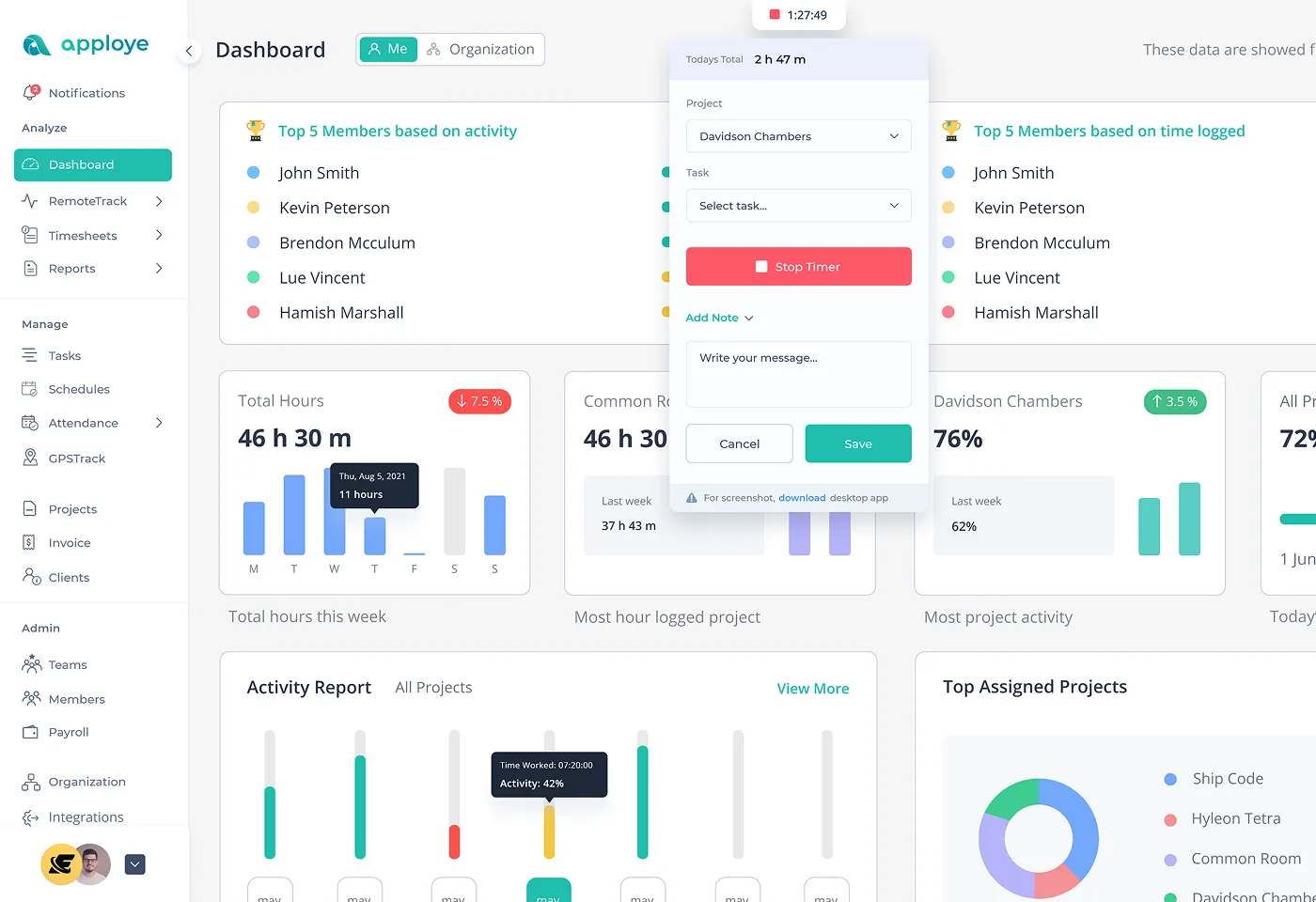
The moment the connection drops, Apploye doesn't stop. Time, activity, and screenshots keep getting recorded locally on the device.

  • Local storage, no internet required to keep tracking
  • Works the same on desktop and mobile
  • No manual step needed to "enable" offline mode
See How Apploye Works
Keeps Tracking With No Connection at All
Syncs Automatically Once You're Back Online

Syncs Automatically Once You're Back Online

The moment a connection comes back, everything stored locally moves to the dashboard.

  • Automatic sync on reconnect
  • Timestamps reflect when the work actually happened, not when it synced
  • Nothing waits on someone remembering to hit sync
See Sync in Action

Screenshots and Activity Still Get Captured Offline

Offline tracking isn't limited to a bare clock-in and clock-out. The same visibility you get online continues while disconnected.

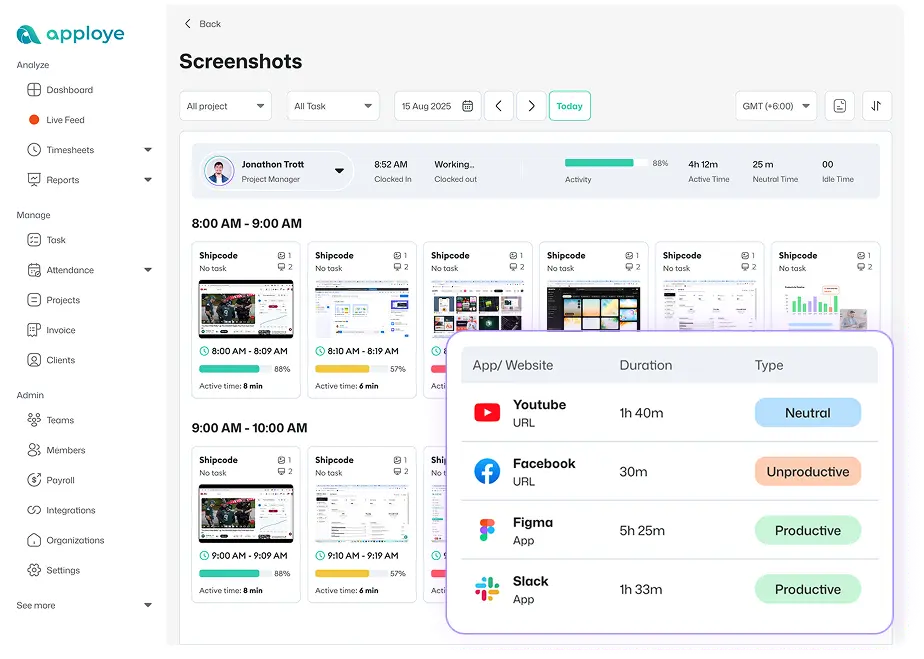
  • Screenshots captured on the same schedule online or off
  • Activity levels still calculated from keyboard and mouse use
  • Idle time still flagged even without a connection
See What Gets Captured Offline
Screenshots and Activity Still Get Captured Offline
Manual Time Entry for Anything Missed

Manual Time Entry for Anything Missed

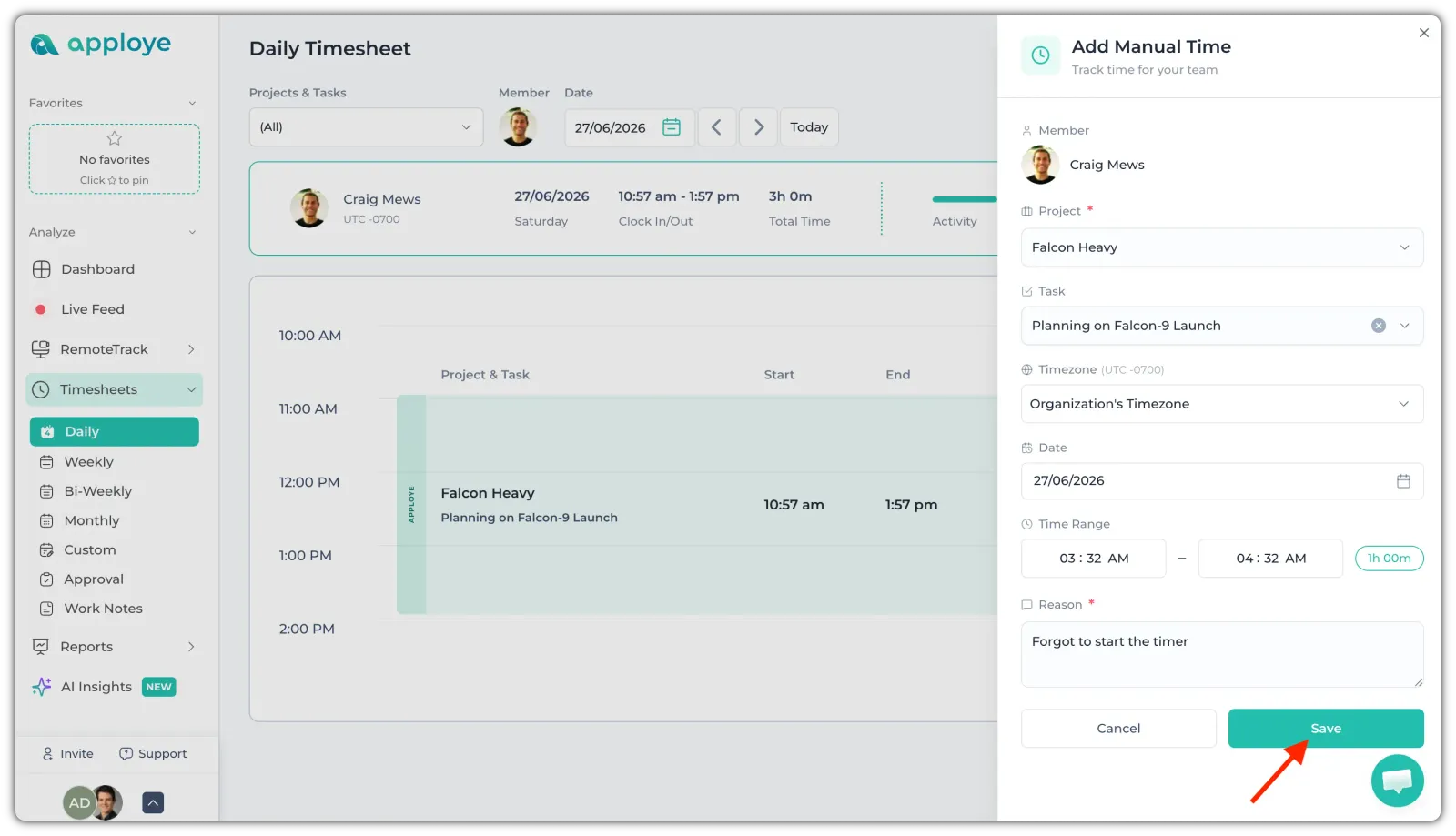
Offline coverage handles most of it, but if something genuinely wasn't captured, entering it by hand takes seconds.
  • Add missed hours directly with specified hours
  • Same categorization as anything else tracked automatically
Check Manual Entries

Timesheet Approval Before It Counts

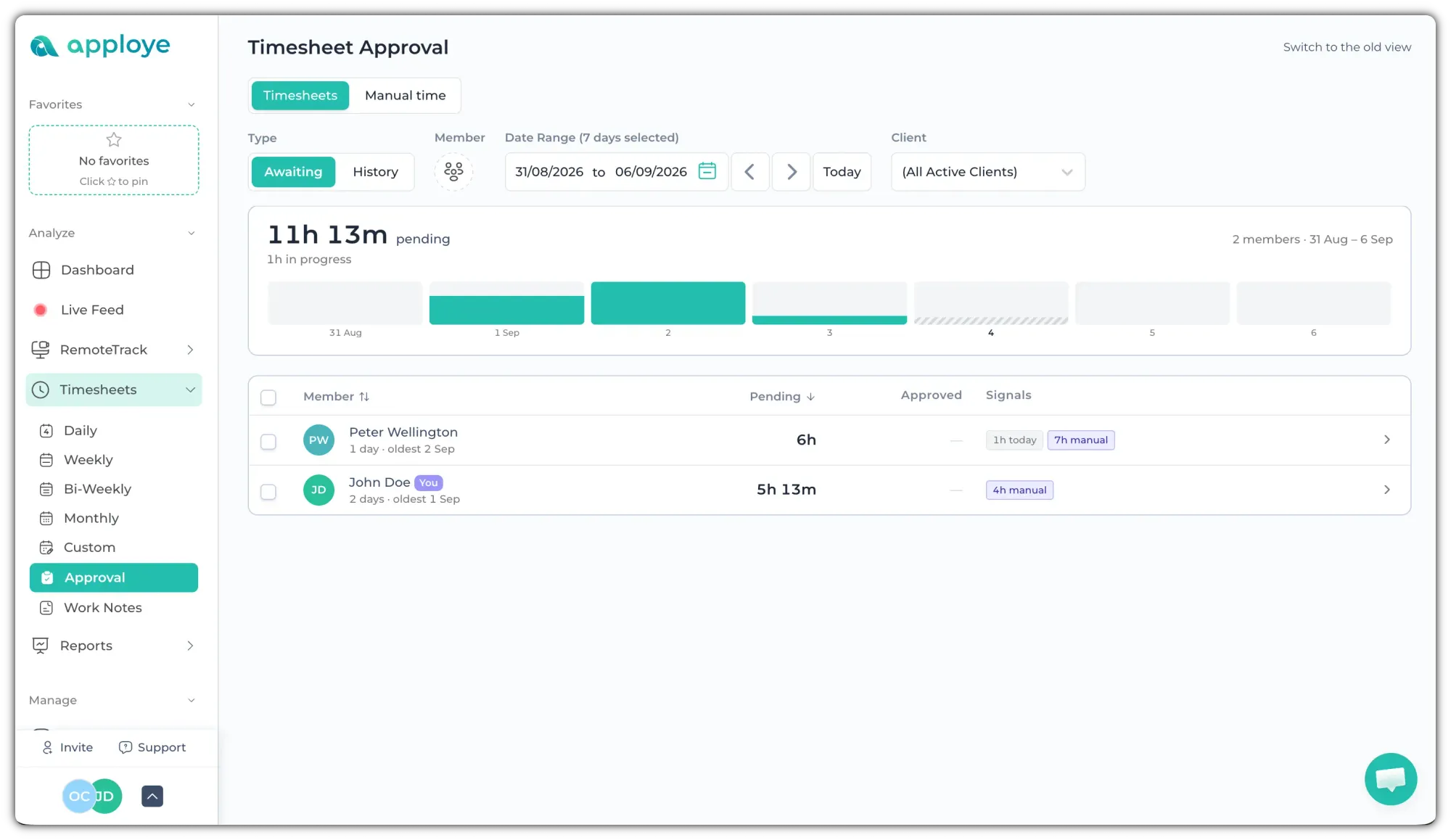
Time tracked while disconnected wasn't watched in real time by anyone. A review step before it becomes payroll or a client invoice catches anything that needs a second look.

  • Review and approve before hours move to billing
  • Same approval flow whether time was tracked online or off
  • Nothing skips review just because it happened offline
See Time Approvals
Timesheet Approval Before It Counts
Works Offline on Mobile and Desktop

Works Offline on Mobile and Desktop

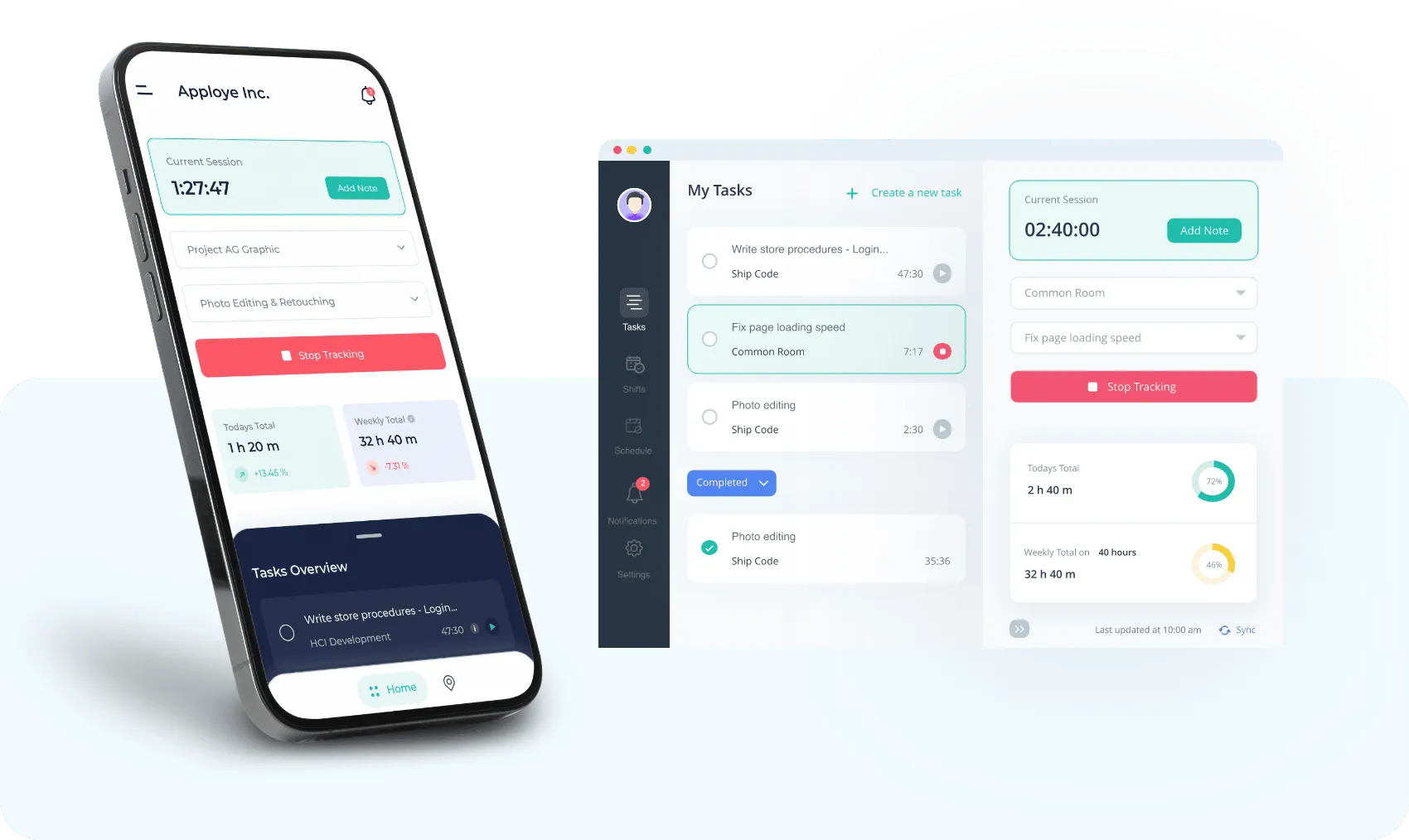
Offline tracking isn't a desktop-only feature. The iOS and Android apps track and store data locally the same way, so losing signal on a phone doesn't mean losing the hours.

  • Available on both iOS and Android
  • One-click tracking by project and task, online or off
  • Manual time entry built in for anything missed
Track Time on Mobile

Frequently Asked Questions

What is offline time tracking?

Offline time tracking is software that keeps recording work hours and activity when there's no internet connection, storing everything locally on the device, then syncing automatically once the connection comes back.

Does offline time tracking sync automatically once I'm back online?

Yes. Apploye syncs offline data to the dashboard automatically once the device reconnects, no manual trigger required.

Does offline tracking work during a power outage, not just bad wifi?

Yes. This isn't only about internet connectivity. If power goes out while tracking, Apploye keeps recording and syncs once the device is back online.

Can I add missed time manually if something wasn't captured while offline?

Yes. Manual time entry and timesheet approval cover exactly this, so a gap doesn't indicate any lost hours.

Can I see what my team is doing in real time while they're offline?

No, not while they're actually offline. Data only uploads once a connection returns, so there's nothing to view live until sync happens.

Can offline tracking be gamed or abused?

Not easily. Offline time is held to the same standard as online time: screenshots are captured on the same schedule, activity levels are still calculated from keyboard and mouse use, and idle time is still flagged. All of it syncs with timestamps that show when the work actually happened. Before any of those hours reach payroll or an invoice, they go through timesheet approval, so a manager can review anything that looks off.

Is my data secure while it’s stored locally, before it syncs?

Yes. Offline data stays on the device the person is tracking on and can only be accessed through the Apploye app. Once a connection returns, it’s sent to your dashboard over an encrypted connection and handled with the same security as all other Apploye data.

Stop Losing Hours to Bad Connections, at Zero Cost

What's stopping you if you can start for free?

Apploye Dashboard - Employee Productivity Tracking