What's the Difference Between a Time Card and a Timesheet?
People use these interchangeably. They aren't the same, and knowing the difference tells you which tool you actually need.
A time card records when someone worked, for example, clock in, clock out, breaks. It answers how many hours we pay for. It's a payroll document.
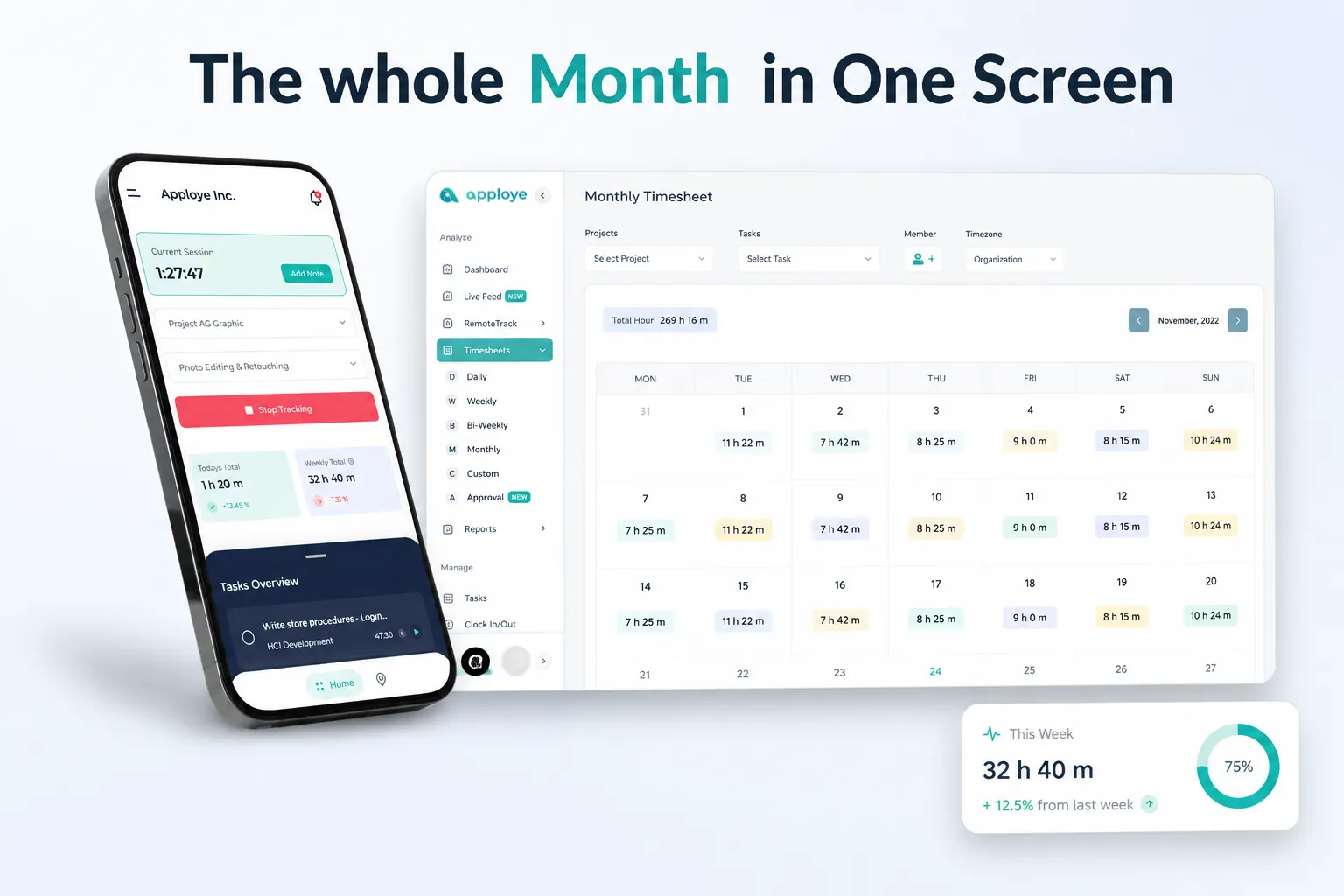
A timesheet records what someone worked on, for example, hours broken down by project, client, or task, often with several entries per day. It answers where the time goes. It's a billing and planning document.
If you're processing payroll, you need a time card. If you're invoicing a client for project work, you need a timesheet, and that's where project time tracking and billable hours tracking do the job properly.
This calculator produces a time card. For a single shift rather than a full pay period, use the work hours calculator instead.
How to Use the Time Card Calculator
1. Pick your pay period: Toggle weekly or biweekly and enter the period start date. The day rows fill in automatically.
2. Enter clock in and clock out for each day: Add the lunch out and lunch in times if breaks are punched, or enter total break minutes if your workplace auto-deducts a fixed amount.
3. Set your overtime rule: Choose whether overtime starts after 8 hours in a day, 40 hours in a week, or both, and set the multiplier. Federal US rules use the weekly 40-hour standard; several states, including California, also apply daily overtime.
4. Add the hourly rate: Gross pay calculates automatically, with regular and overtime hours priced separately.
5. Print, download, or export: Print a signature-ready time card, save it as a PDF for your records, or export CSV to import into payroll.
How Time Card Hours are Calculated
Per day
Daily minutes = (clock out − clock in) − unpaid break minutes
If clock out is earlier than clock in, add 1,440 minutes (24 hours) first. That's the overnight shift case.
Per period
Period total = sum of all daily totals
Overtime hours = period total − 40 (weekly rule)
Regular hours = period total − overtime hours
Gross pay
Gross = (regular hours × rate) + (overtime hours × rate × multiplier)
Minutes to decimal conversion
Payroll needs decimals, not minutes. This is where manual time cards go wrong most often. 8 hours 15 minutes is 8.25, and not 8.15.
Should You Round Time Card Entries?
The quarter-hour convention
Many US employers round punches to the nearest quarter hour under a long-standing practice sometimes called the 7-minute rule: minutes 1–7 past a quarter round down, 8–14 round up. Under federal FLSA guidance, rounding has historically been permitted as long as it's neutral over time, meaning it can't systematically favor the employer.
Why neutral rounding is getting harder to defend
Courts in some states have grown notably less tolerant of rounding practices, particularly in California, where recent decisions have pushed employers toward recording actual punch times rather than rounded ones. If your time system can capture exact minutes, the safer position is to use them.
What this means practically
- If you round, round the period total, not every individual entry.
- Audit your rounding periodically to confirm it isn't drifting in one direction.
- Never round only in the employer's favor.
- Check your state rules, and get counsel on your specific policy.
Automatic tracking sidesteps the question entirely, because there's nothing to round.
Time Card Calculation Examples
Standard week, no overtime
Mon–Fri, 8:00 AM to 4:30 PM, 30-minute unpaid lunch each day. 8h 30m − 30m = 8h 00m per day × 5 = 40h 00m. At $19/hour: $760.00, no overtime.
Week with weekly overtime
Mon 9h, Tue 8.5h, Wed 9.5h, Thu 8h, Fri 9h (breaks already deducted) = 44 hours. 40 regular + 4 overtime At $23/hour with 1.5× overtime: (40 × $23) + (4 × $34.50) = $920 + $138 = $1,058.00
Biweekly period with a night shift
Week 1: 38.25 hours. Week 2: includes a 10:00 PM–6:30 AM shift with a 30-minute break, totaling 41.5 hours. Overtime is calculated per week, not per period. So week 1 has none and week 2 has 1.5 overtime hours. Combining both weeks into an 80-hour threshold is a common and expensive mistake.
Who a Time Card Calculator is For
- Small business owners running payroll from paper punch cards or a spreadsheet each pay period.
- Restaurant, retail, and hospitality managers dealing with split shifts, variable schedules, and a lot of part-time staff.
- Construction and field supervisors collecting crew hours from job sites — see construction time tracking for the automated version.
- HR and payroll admins double-checking what a payroll system produced before a run goes out.
- Employees verifying that a paycheck matches the hours on their card before raising a discrepancy.

 Productivity TrackingMeasure daily performance
 Workforce AnalyticsGet workforce intelligence
 Activity MonitoringCheck user behaviour
 Screenshot MonitoringMonitor screen activity
 Employee TimesheetTrack work hours
 Screen RecordingRecord work sessions
 Payroll & InvoiceOrganize projects efficiently
 Payroll & InvoiceAutomated payment processing
 ReportingGenerate insightful reports
 EnterpriseProductivity for larger organizations
 Computer MonitoringTrack computer usage
 Staff MonitoringOversee team performance
 Time RecordingCapture work hours
 Online TimesheetsDigital time logging
 Attendance TrackingMonitor employee presence
 Insightful ReportsInsightful time reports