
Time Tracking Software for Developers & Dev Teams

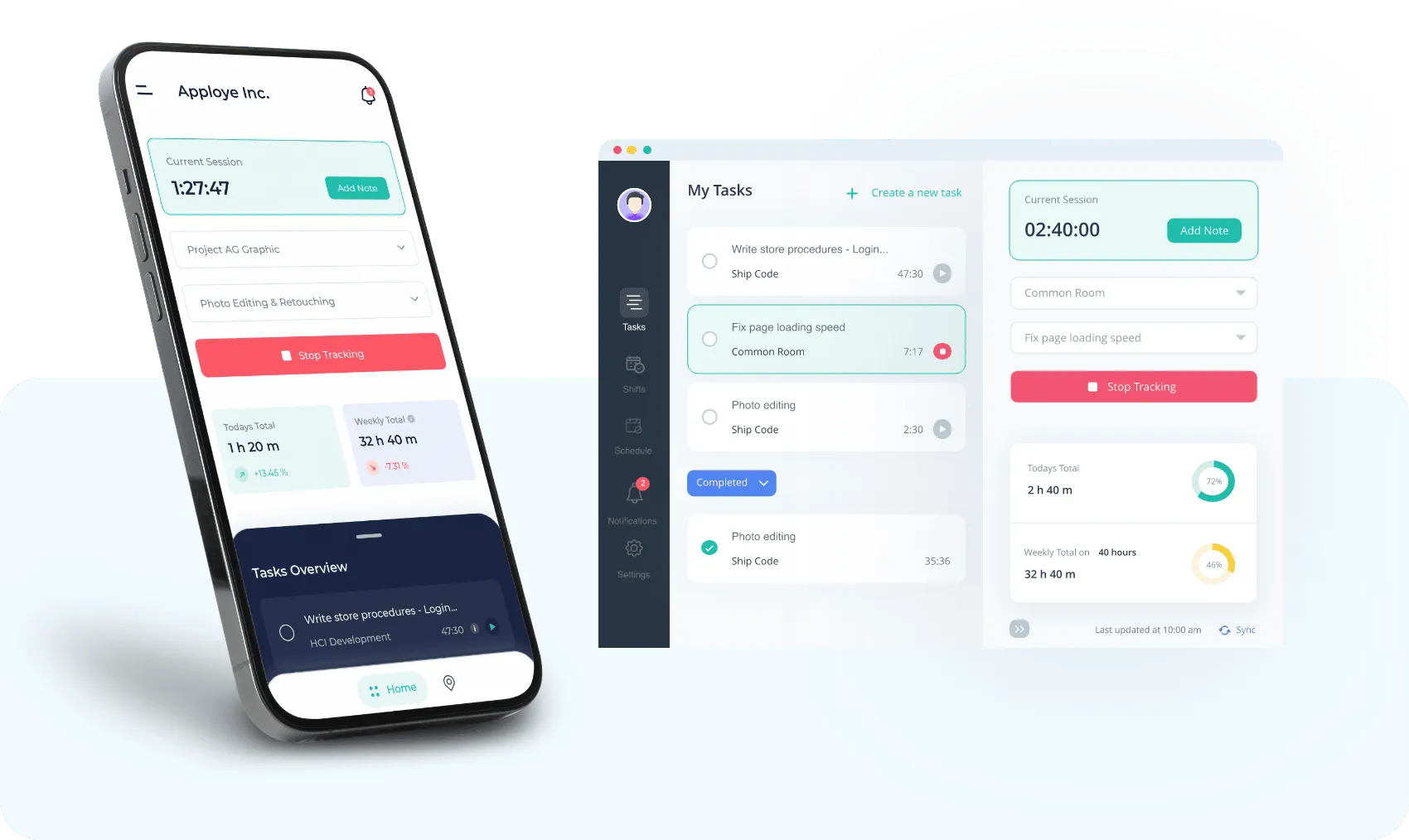
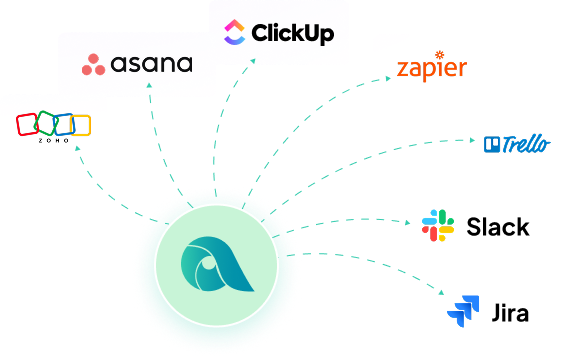
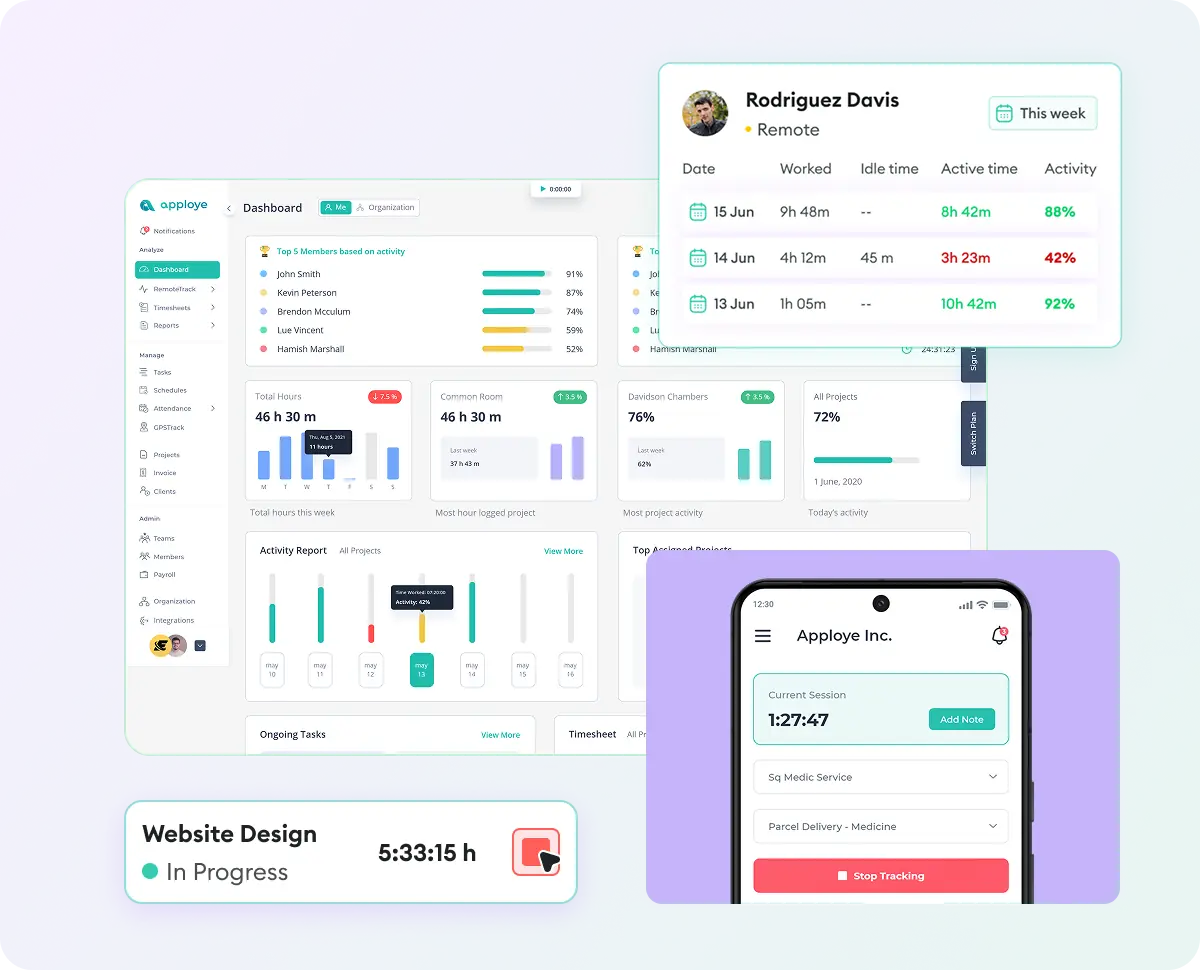
Start a timer on the task you're working on. Apploye turns that time into accurate timesheets, project budgets, and client invoices, and syncs it with Jira, ClickUp, Asana, or Trello.

No credit card required

Free up to 10 users

Cancel anytime

Mac Windows Linux iOS Android Chrome
Time tracking dashboard for accounting firms
Forbes Advisor 2025
USA Today
Business Insider
Forbes Advisor 2026
Entrepreneur
Capterra
G2
GetApp
Software Advice
GDPR
HIPAA
SOC 2
ISO

Join 29,000+ Organizations

How does Apploye Track a Developer's Time?

Apploye Works with Jira, ClickUp, and Other Project Tools

Apploye imports your Jira projects and keeps their structure: epics, stories, and sub-tasks. Developers start a timer on the issue they're working on from the desktop or mobile app. Tracked time syncs back to Jira every hour, so worklogs stay current without anyone typing them in.

Apploye Works with Jira, ClickUp, and Other Project Tools

Apploye Runs on Windows, Mac, and Linux Too

Yes. Apploye has native desktop apps for Linux (Ubuntu), macOS, and Windows. There's also a Chrome extension and iOS and Android apps, so the whole team uses the same tracker whatever machine they're on.

Apploye Runs on Windows, Mac, and Linux Too

What Happens When I Lose Internet?

The timer keeps running. Offline time is stored locally and syncs automatically when you reconnect, so a flight or a bad hotel Wi-Fi doesn't leave a gap in your timesheet.
What Happens When I Lose Internet?

What If I Forget to Start the Timer?

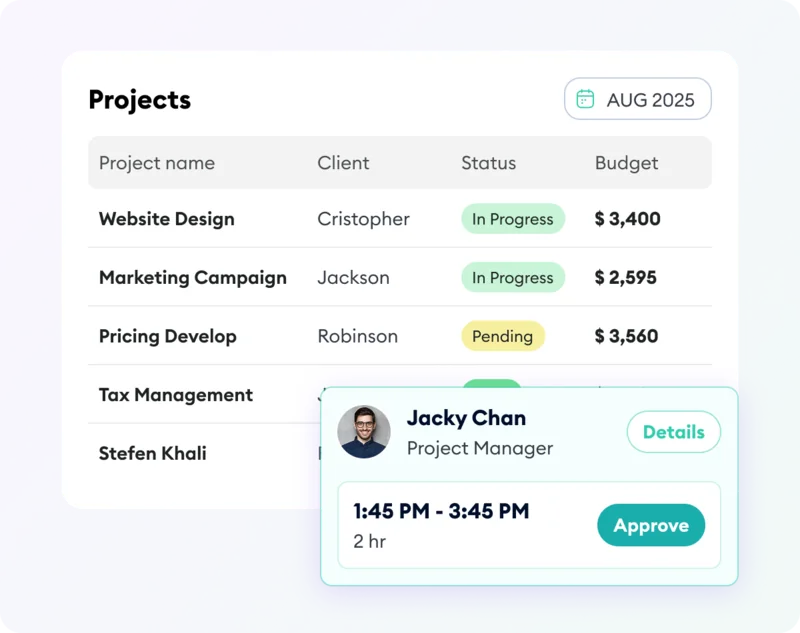
Add the time manually with a short reason, and your manager can approve it. Apploye also reminds you to resume tracking after your laptop wakes from sleep.
What If I Forget to Start the Timer?

Does Reading Code Count as Idle Time?

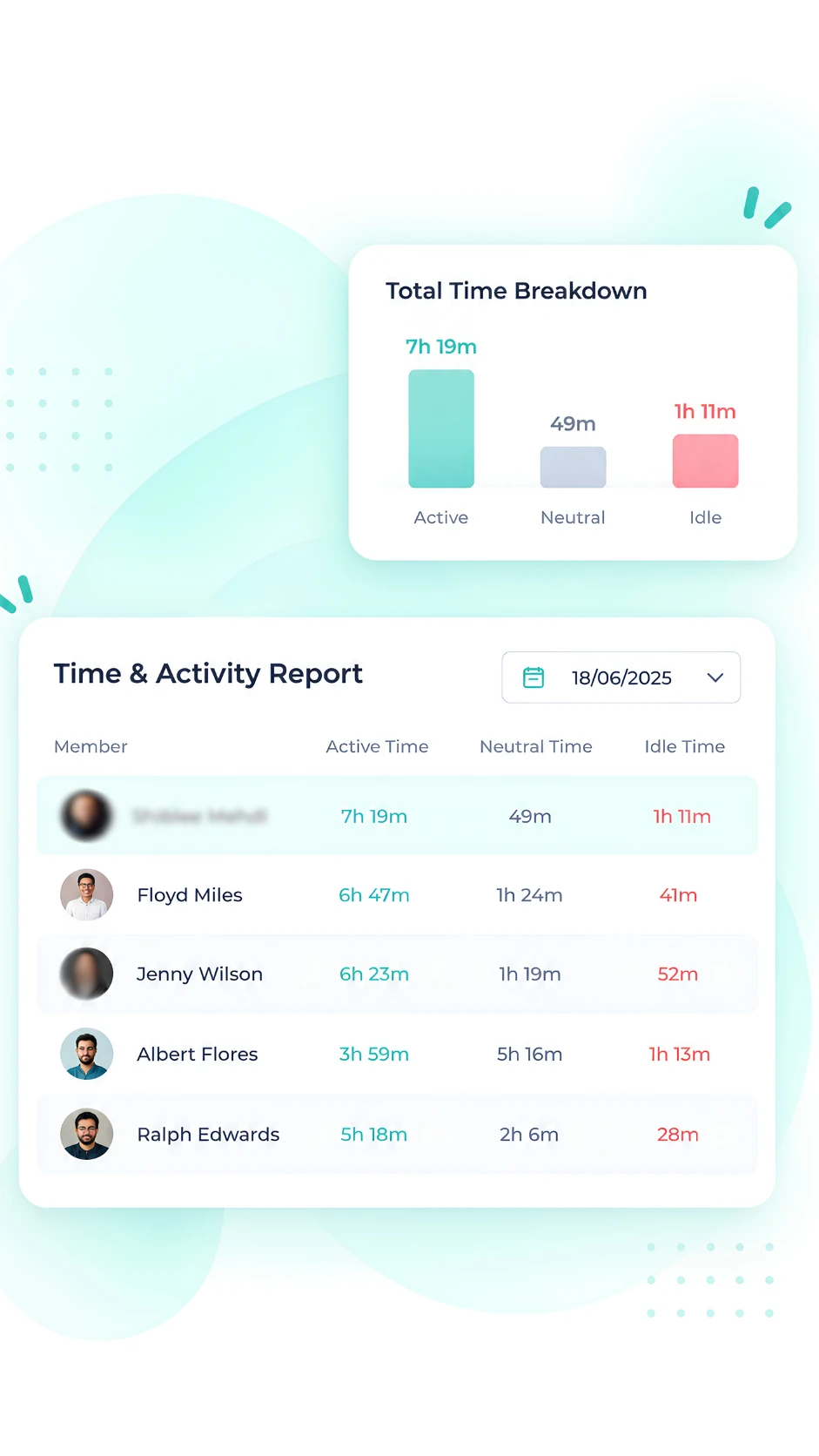
Only if you set it that way. Admins choose how many minutes without keyboard or mouse input count as idle, and whether idle time is removed from tracked hours. Set a generous threshold for engineers who spend time reading, reviewing, and thinking.

Does Reading Code Count as Idle Time?

Bill Clients from Tracked Dev Hours

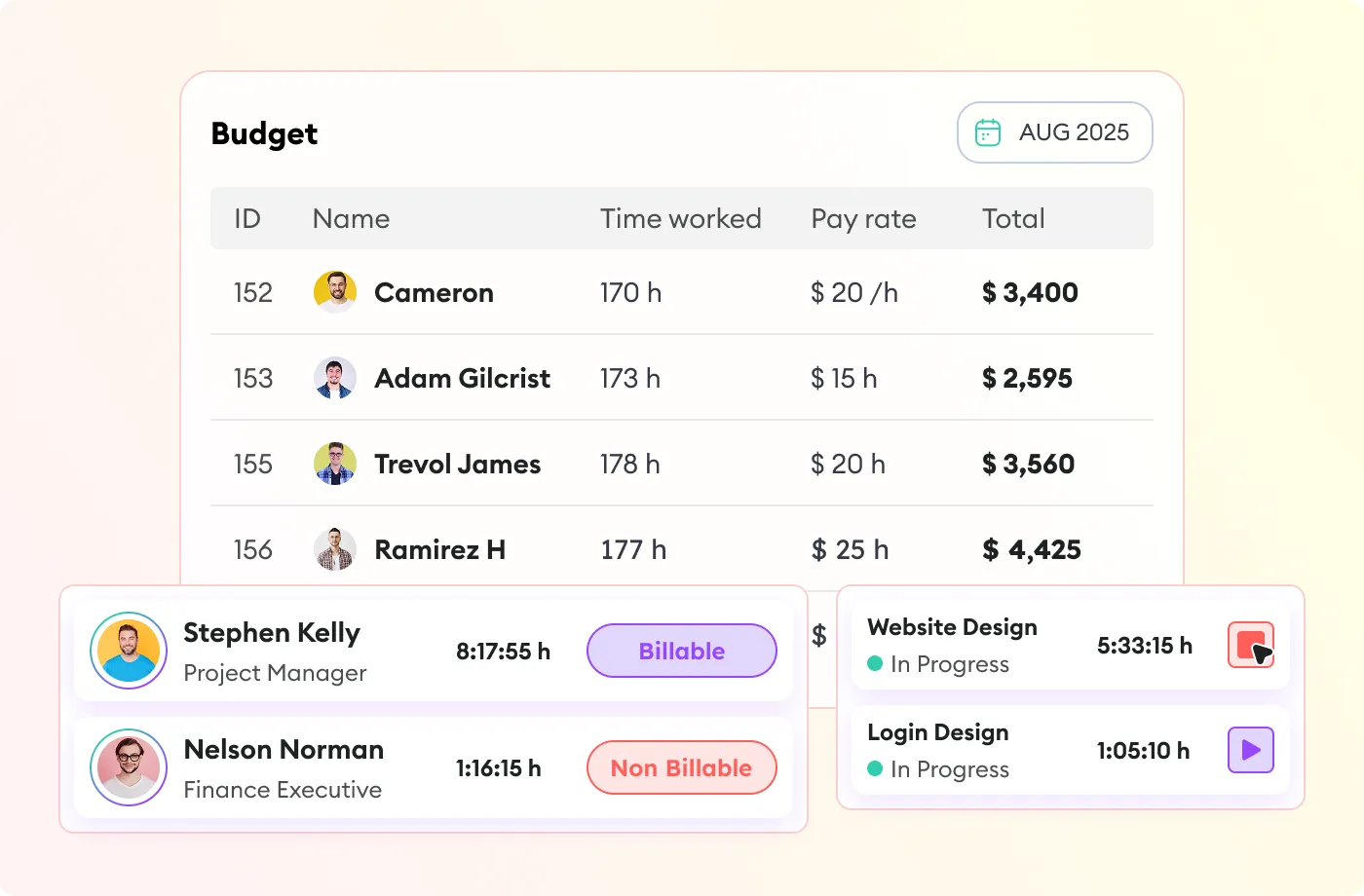
Mark work as billable or non-billable, set bill rates per person, and create invoices from tracked hours. Set project budgets in hours or money and watch actual time against them. Clients can get read-only access to see the work behind the invoice.

Bill Clients from Tracked Dev Hours

See Where Sprint Time Actually Goes

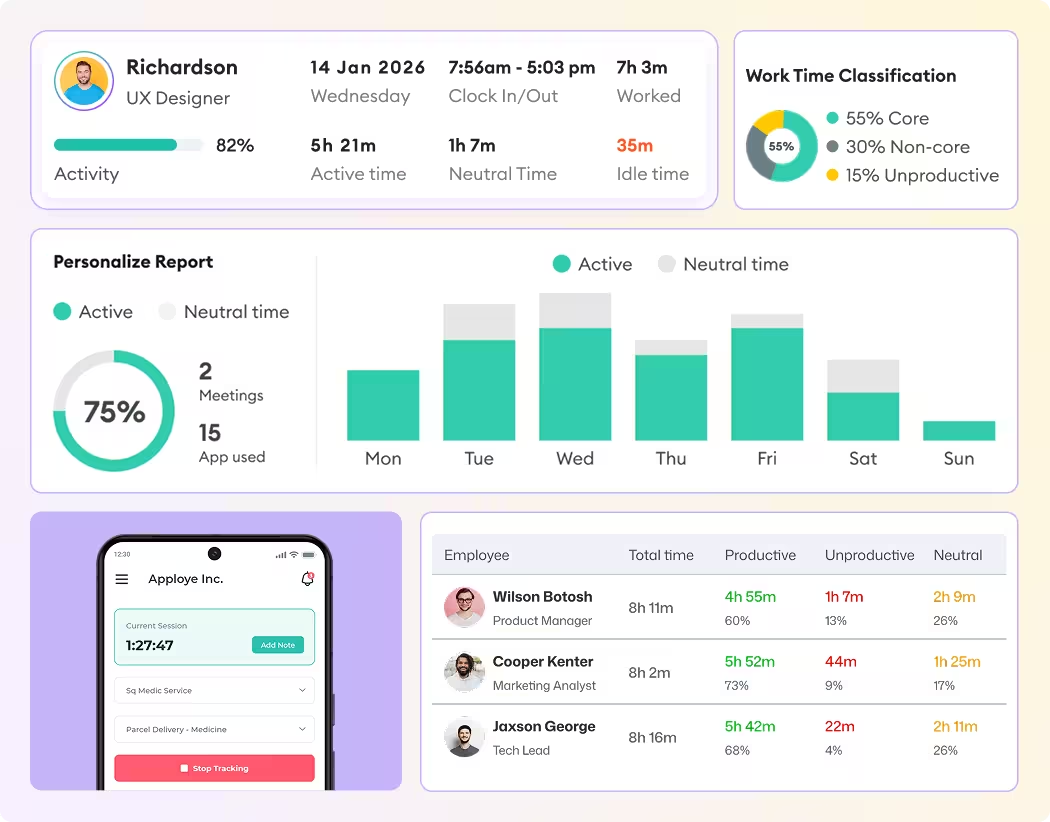
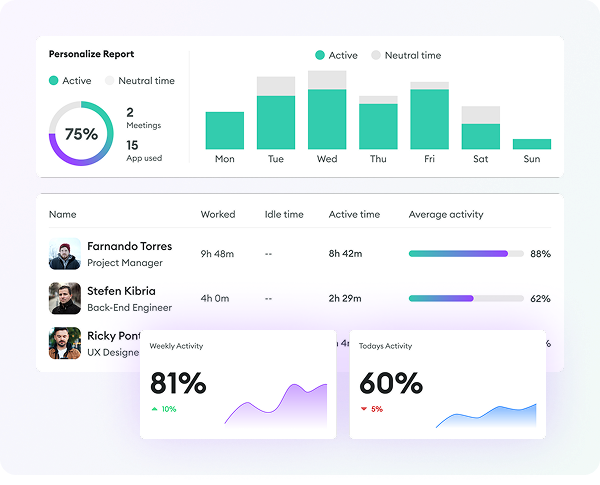
Reports break tracked hours down by person, project, issue, and date range. Export timesheets as CSV, or build custom daily, weekly, or monthly reports. Compare a feature's estimate with the hours it really took, and plan the next one with real numbers.

See Where Sprint Time Actually Goes

Connect Apploye to Your Own Tools

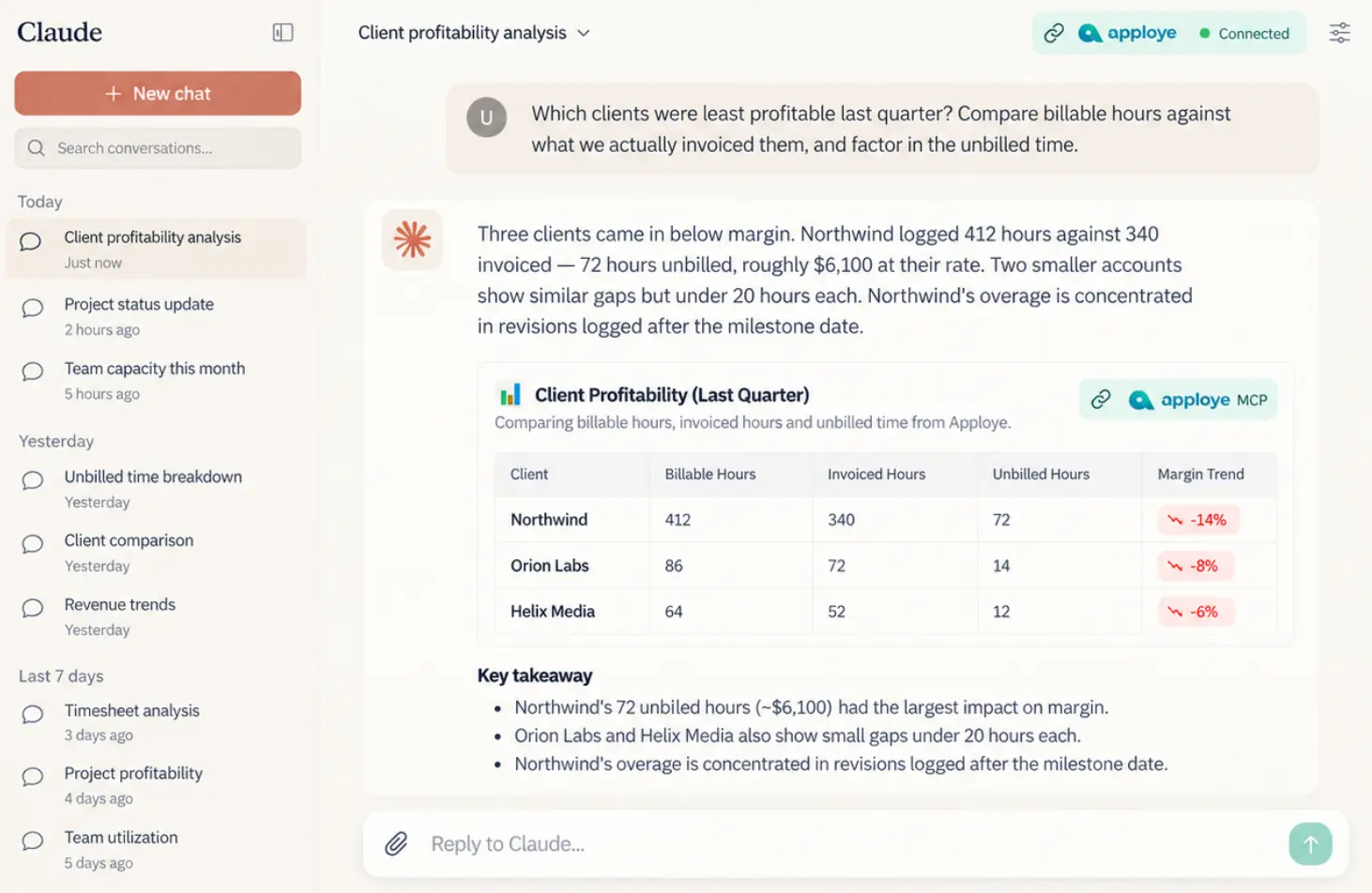
Apploye has a public API for timesheets, members, and projects. The Advanced API add-on adds webhooks, higher rate limits, and an MCP server, so AI assistants like Claude, ChatGPT, Cursor, Codex, and other AI agents can query your time data.

Connect Apploye to Your Own Tools

Apploye vs. Other Attorney Time Trackers

How Apploye compares to the other time tracking software for lawyers and law firms.

Features

Apploye
Harvest
Toggl Track
Clockify

Free plan

10 users

1 user, 2 projects

5 users

5 users, disputed

Starting price

$4.50/user/mo

$9/seat/mo + fees

$9/user/mo

$3.99/user/mo

Timesheet approval

Included

All plans

Enterprise only, $14

Premium only, $18

Not included

Screenshots

Included
Not included
Not included

$7.99 to unlock

Payroll

Included
Not included
Included
Included

Invoicing

Included
Included
Included

Standard plan+

Multi-rate billing

Included
Included
Included

Starter+

Included

Mobile tracking

Included
Included
Included
Included

Get From Legal Work to Billing in 3 Steps

one

Track the Work

Attorneys start tracking their work hours.

two

Keep It Under the Right Matter

Choose the project and task, then mark the time as billable or non-billable.

three

Review Before Billing

Check the timesheet, approve the hours, and use the same records for client billing.

one

Track the Work

Attorneys start tracking their work hours.

Track the Work
two

Keep It Under the Right Matter

Choose the project and task, then mark the time as billable or non-billable.

Keep It Under the Right Matter
three

Review Before Billing

Check the timesheet, approve the hours, and use the same records for client billing.

Review Before Billing
Track the Work Keep It Under the Right Matter Review Before Billing

Frequently Asked Questions

How do lawyers track billable hours?

By recording time against a client and matter as work happens, then marking each entry billable or non-billable before it moves to invoicing.

Can attorneys track time by client and matter?

Yes. Set up each matter as a project in Apploye, then track time and tasks against it.

Can lawyers track time from their phones?

Yes. Apploye's mobile apps let you track from court, a client meeting, or anywhere away from a desk.

Can time tracking help reduce billing disputes?

Yes. A detailed record by client, matter, and task is easier to explain to a client than a single lump-sum number on an invoice.

What should be included in a legal time entry?

Client, matter, date, timekeeper, duration, billing status, and a clear description of the work. Firms with stricter billing rules may require additional coding.

Does Apploye replace legal practice management software?

No. Apploye tracks time, separates billable from non-billable work, reviews timesheets, and bills clients from recorded time. It doesn't include trust accounting, LEDES billing, UTBMS codes, or native legal matter management.

Can a solo attorney use Apploye?

Yes. It works the same way for a single practitioner as it does for a full firm.

Does Apploye track law firm utilization?

Yes. Once time is marked billable or non-billable, Apploye calculates the percentage of billable time automatically, per attorney or firm-wide.

What is the 6-minute billing rule for lawyers?

Many firms bill in one-tenth-of-an-hour (six-minute) increments, the ABA-associated standard for litigation and general practice. It's a billing convention, not something every time tracker automates.

Does Apploye support 6-minute legal billing increments?

No, not automatically. Apploye tracks time to the actual minute rather than rounding to a fixed increment.

Does taking screenshots on attorney devices risk exposing privileged information?

It can, with any tool that captures screenshots. However, Apploye's screenshots are optional and can be turned off entirely, or blurred, specifically for staff working with privileged documents. Firms that want zero screenshot risk can track time and billable hours without turning the feature on at all.