





Best Call Center Software in 2026: Top Picks Reviewed & Ranked
Our 12 Best Call Center Software Picks
60% of customers hang up after just 1-2 minutes on hold, and most of them never call back. The worst part is, they tell others about their bad experience.
Legacy systems mismanage agent schedules while offering zero visibility into who's actually working. Every one of those dropped calls is lost revenue you'll never recover.
For many, choosing the best call center software can fix all that. With that purpose, we have listed down 12 of the best call center tools that you’ll regret not using in 2026!
Core Features That Every Call Center Software Should Have
At a minimum, a solid call center solution should include automatic call distribution (ACD) and interactive voice response (IVR). Beyond that, look for real-time analytics and reporting dashboards, CRM integrations, call recording and quality management tools, and omnichannel support (voice, email, chat, SMS).
Workforce management features like scheduling, attendance tracking, and productivity monitoring are also essential. However, most call center apps don’t deliver on that. Finally, built-in AI capabilities for transcription, agent assist, and sentiment analysis are nice to have to make analysis easier.
Our Evaluation Criteria to Find the Best Contact Center Apps
Every tool on this list was assessed across the following dimensions:
- Feature depth and reliability: Does it do what it promises at scale?
- Ease of use and onboarding speed: Can a new agent be operational in hours, not weeks?
- Pricing transparency: Are there hidden add-on costs that inflate the base rate?
- AI and automation capabilities: Is the AI genuinely useful or just a marketing checkbox?
- Workforce management tools: Can managers track productivity, schedules, and agent performance?
- Integration ecosystem: Does it connect with the CRM and helpdesk tools your team already uses?
Apart from these criteria, we have our tested methodology for every review, for every software. We remain unbiased, transparent, and data-driven to deliver the best possible recommendations.
Top Call Center Tracker Software: Fair Ranking & Detailed Reviews
Here's a quick side-by-side before we dive into the details:

Yes
$4.50
Real-time productivity tracking, detailed timesheets, and seamless employee monitoring alongside call management.
Genesys Cloud CX
No
Enterprise-grade compliance features, deep AI analytics, and highly customizable routing across global operations.
No
100% uptime SLA, autonomous AI agents, and Talkdesk Data Cloud for turning transcripts into real-time context.
No
Unified video, messaging, and voice platform with an AI receptionist and deeply embedded Salesforce/CRM plugins.
No
Powerful predictive/progressive dialers, high-volume outbound compliance, and Genius AI for real-time agent assistance.
No
Built-in proprietary voice AI for live sentiment analysis, real-time transcription, and automated call summaries.
No
Unified ticketing and voice workspace, plus Zendesk QA for automated agent performance evaluation.
Best for unified communications
No
Easy-to-use visual Call Flow Builder, threaded multi-channel conversations, and built-in reputation/review monitoring.
No
Aircall
No
CloudTalk
No
Local phone numbers for 160+ countries, custom advanced call routing rules, and an AI-powered sales dialer.
GoTo Connect
No
$27.00
1. Apploye - Best Call Center Workforce Management and Monitoring Software

Pricing
- Starter: Completely free for 10 users
- Elite: $4.5/user/mo
- Power: $8/user/mo
- Enterprise: Custom pricing
Key Features
- Automatic time tracking with one-click clock-in/clock-out
- Detailed timesheets (daily, weekly, monthly, and custom date range) views with approvals
- Screenshot monitoring for proof of work and accountability
- App and URL tracking for a detailed breakdown of work
- Real-time productivity scoring
- Project and task management with per-project billing rates and per-employee pay rates
- Payroll-ready reports in Excel and PDF format
- Integrations with Jira, Asana, Trello, ClickUp, and more
Productivity Tracking That Reveals Blindspots
I noticed that most call centers fail to deliver what’s actually needed for managers. The visibility into what agents are doing. Apploye's real-time call center monitoring fixes this without turning your workplace into a minefield.
It tracks active versus idle time automatically, showing productivity scores per agent. So, instead of micromanaging, I could manage everyone with data.
Timesheets That Eliminate Payroll Headaches
I have faced countless times: agents “claiming” they have worked the full shift. However, it’s impossible to keep them under surveillance every minute. Apploye's automated timesheets log every second of agent activity from the moment the app is started. It completely removes the guesswork and the opportunity for manipulation.
When needed, I could review, approve, or reject timesheet entries with a mandatory note system. Payroll exports are clean, formatted, and ready for processing without any hassle.
Remote Agent Oversight That Actually Works
For remote teams, I understand the struggle. Without clear oversight, nothing moves. Agents working across multiple locations are bound to misuse the working hours.
That’s why Apploye's screenshot feature is a lifesaver. It keeps a proof of work without the need to check in every 10 minutes. Critically, the screenshot system is designed with worker privacy in mind. It can be disabled, and data is fully encrypted and secure.
Scalable Pricing Without Enterprise Lock-In
Most call center workforce management tools charge enterprise rates for basic visibility. Fortunately, Apploye starts at $4.50 per user per month, a price point that a small business like mine can easily afford. It’s a fraction of what competitors like Genesys or Talkdesk charge.
For small to mid-sized call centers, this opens up the window to get more productive while staying profitable.
Apploye Pros and Cons




2. Genesys Cloud CX - Best for Omni-Channel Support
Pricing
- Cloud CX 1: $75/user/mo (voice only)
- Cloud CX 2: $110/user/mo (adds digital channels)
- Cloud CX 3: $150/user/mo (adds workforce management)
- Cloud CX 4: $240/user/mo (adds journey management and expanded AI)
Key Features
- True omnichannel routing across voice, email, chat, SMS, and social media
- Enterprise-grade compliance with GDPR, HIPAA, and PCI standards.
- Customizable reporting dashboards with deep historical and real-time analytics
- AI-powered IVR with natural language understanding and sentiment detection
- Workforce engagement, including forecasting, scheduling, and quality management
- 350+ third-party integrations with Genesys AppFoundry marketplace
- 360-degree customer journey analytics with predictive engagement tools
- Robust SLA uptime with global redundancy architecture
What I Liked About Genesys Cloud CX
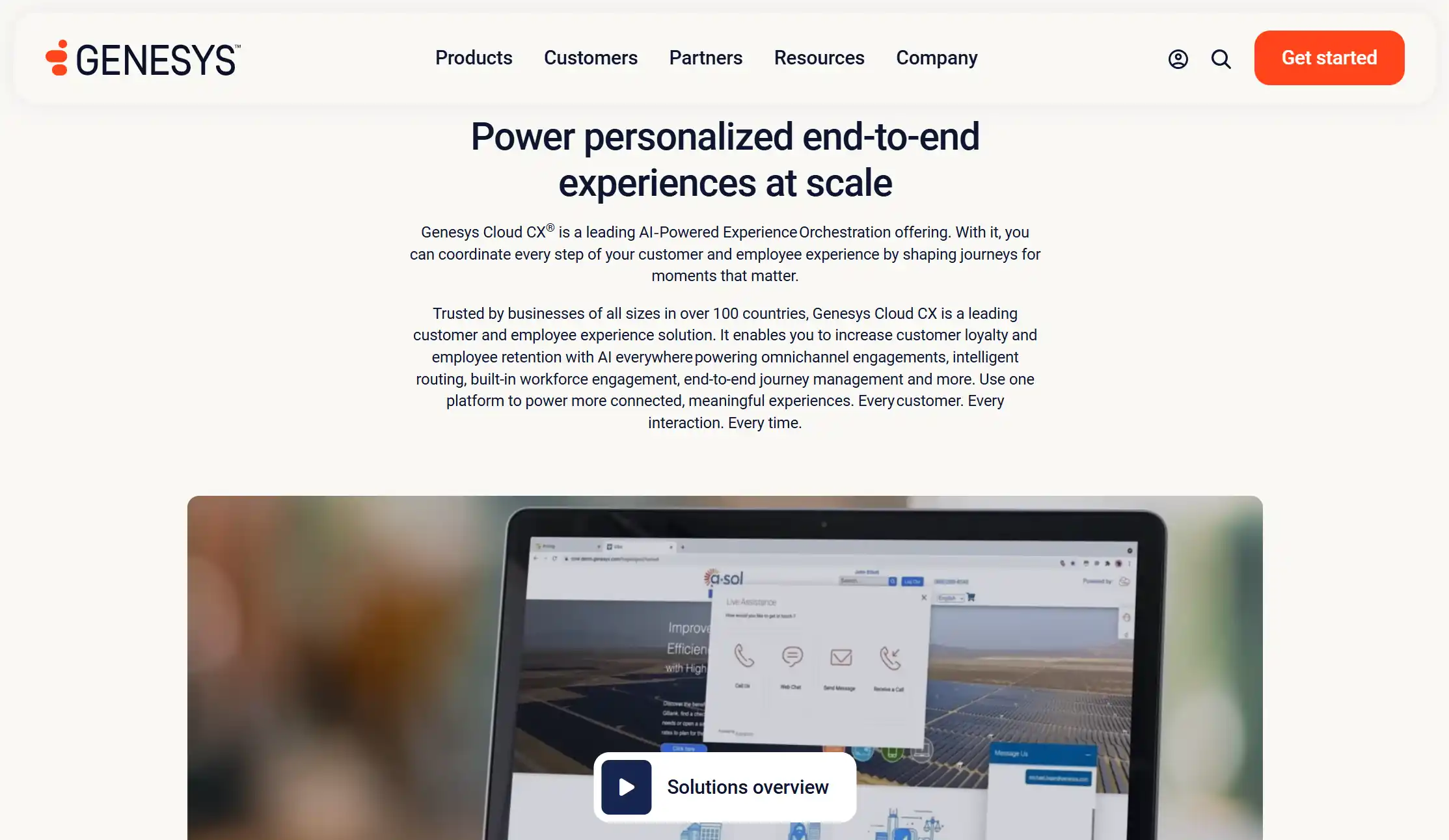
Genesys is the platform I would choose when complexity is not a concern, but capability absolutely is. After reviewing dozens of call center apps, it's clear that Genesys Cloud CX earns its enterprise reputation, especially in terms of omnichannel routing and compliance.
The sentiment detection built into its IVR is genuinely impressive. The system could easily identify emotional urgency in a caller's tone and escalate priority in real-time. That’s a feature most competitors simply can't match.
For large, regulated industries like financial services, healthcare, and government contracting, it covers all standards. HIPAA, PCI DSS, and FedRAMP compliance are a major differentiator. The analytics suite is also genuinely powerful, with customizable dashboards that operations teams and directors of CX consistently praise for their flexibility and depth.
Improvement Areas
Genesys is expensive by any measure. I saw a G2 user report that it took 19 months to recover the investment and get a positive ROI. So, for small teams, it’s a tough call. Plus, the WFM module is not that polished yet. For teams under 200 agents, the cost and complexity rarely justify the investment.
Genesys Pros and Cons
3. Talkdesk - Best for AI Performance Enablement
Pricing
- CX Cloud Essentials: ~$85/user/mo
- CX Cloud Elevate: ~$115/user/mo
- CX Cloud Elite: ~$145/user/mo
- Talkdesk Express (SMB tier): Custom pricing
Key Features
- 100% uptime SLA; one of the only platforms to guarantee it in writing.
- Autonomous AI agents via the Talkdesk CXA platform for customer journey automation
- Talkdesk Copilot for real-time suggestions, scripts, and next-best-action cards during live calls
- Industry-specific pre-packaged solutions for healthcare, financial services, and retail
- FedRAMP-authorized CX Cloud Government Edition for compliance-sensitive teams
- Built-in quality management with automated QA scoring.
- Low-code Studio visual workflow builder
- Epic healthcare EHR integration with advanced patient outreach dialing
What I Liked About Talkdesk
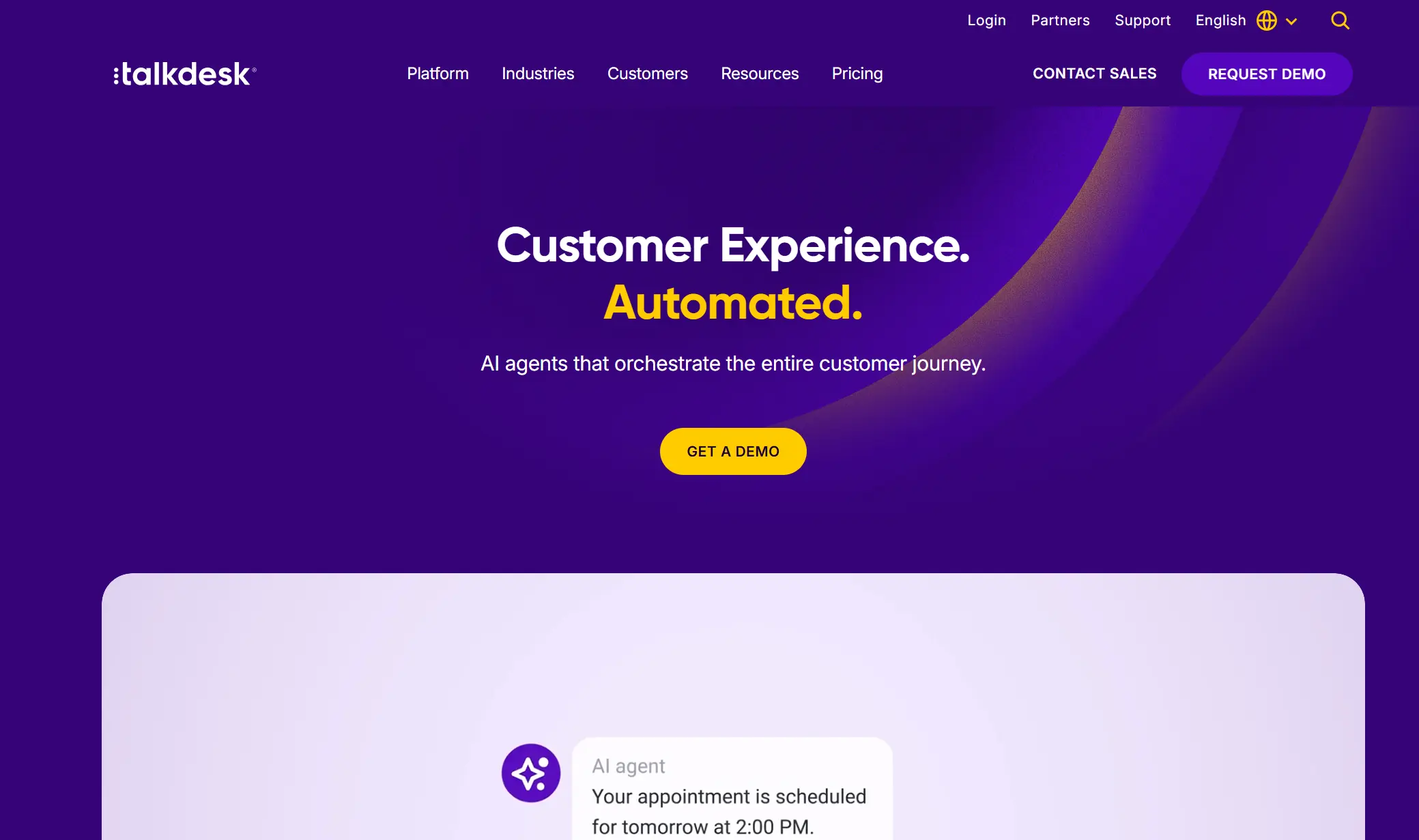
The major differentiator, to me, of Talkdesk is surely the AI implementations. The Copilot feature pushes contextual assist cards to an agent's screen during a live customer call. I noticed it pulls data from the trained knowledge base to show the right answers before agents start hunting for it. For call centers, this translates directly to faster resolutions and better CSAT scores.
Talkdesk is also quite user-friendly for most agents. I realized that when my agents frequently shared positive feedback on how easy it was to use.
The healthcare vertical offering is particularly impressive. FedRAMP authorization and Epic integration make Talkdesk the obvious choice for patient contact centers. Pass robust compliance without custom development work.
Improvement Areas
Talkdesk's base pricing is competitive, but still costly for small teams. And when you add the outbound dialer, WFM module, and premium support, the cost goes almost 20–60% above. Oddly, Salesforce and HubSpot CRM integrations are also sold as add-ons. Overall, considering the price, Talkdesk can offer more features.
Talkdesk Pros and Cons
4. RingCentral — Best for CCaaS & CRM Integrations
Pricing
- Core: $20/user/mo
- Advanced: $25/user/mo
- Ultra: $35/user/mo
- RingCentral Contact Center: Custom pricing
Key Features
- Unified video, messaging, and voice on a single cloud-native platform
- AI Receptionist for automated inbound call handling and intelligent routing
- 300+ integrations, including Salesforce, HubSpot, Microsoft Teams, Zendesk, and ServiceNow
- RingCentral Connect (CPaaS layer) for custom workflow and telephony customization
- Omnichannel support across voice, chat, email, and social media
- Workforce management with scheduling, performance monitoring, and compliance features
- Real-time analytics dashboards with supervisor monitoring tools
- Global infrastructure with enterprise-grade security and compliance
What I Liked About RingCentral
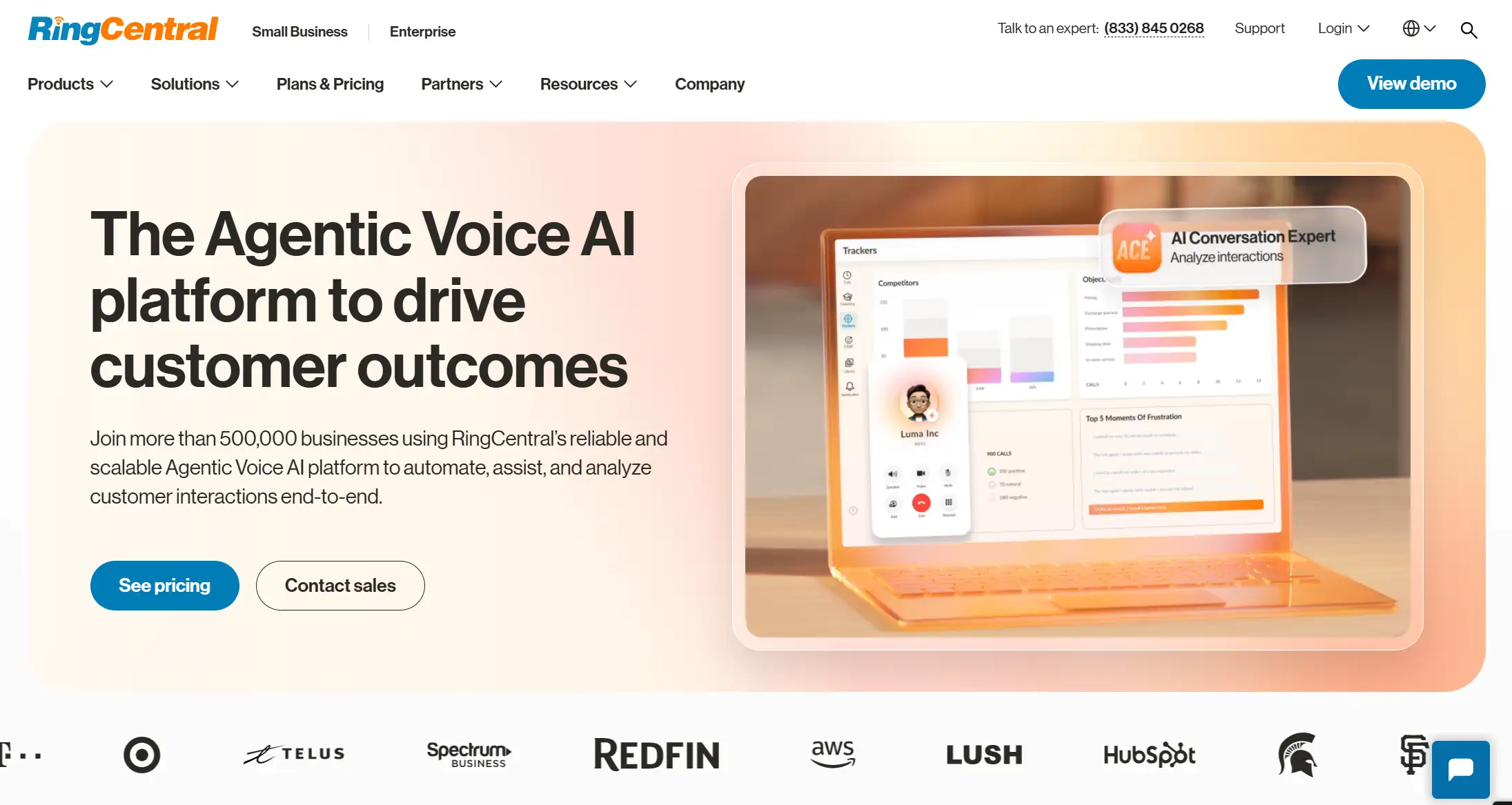
RingCentral's strongest suit is its CRM integration depth. I was genuinely impressed by how seamless the whole process was. While almost every CCaaS platform claims Salesforce compatibility, RingCentral embeds it in the system. Agents could freely move within the CRM interface, with calls, notes, and activity logged automatically.
The unified UCaaS and CCaaS architecture also means everything lives on the same system. Your call center, internal communications, and video meetings — all for a single bill.
With their new custom AI agent creation module, I didn’t have to think twice before experimenting. It needed zero-code, and the automation could ease note-taking, follow-ups, and scheduling.
Improvement Areas
RingCentral's per-user pricing model is expensive for growing teams. That’s not even the major drawback. I, along with many of my agents, faced call quality issues consistently. RingCentral should definitely work on its call quality and connection issues.
RingCentral Pros and Cons
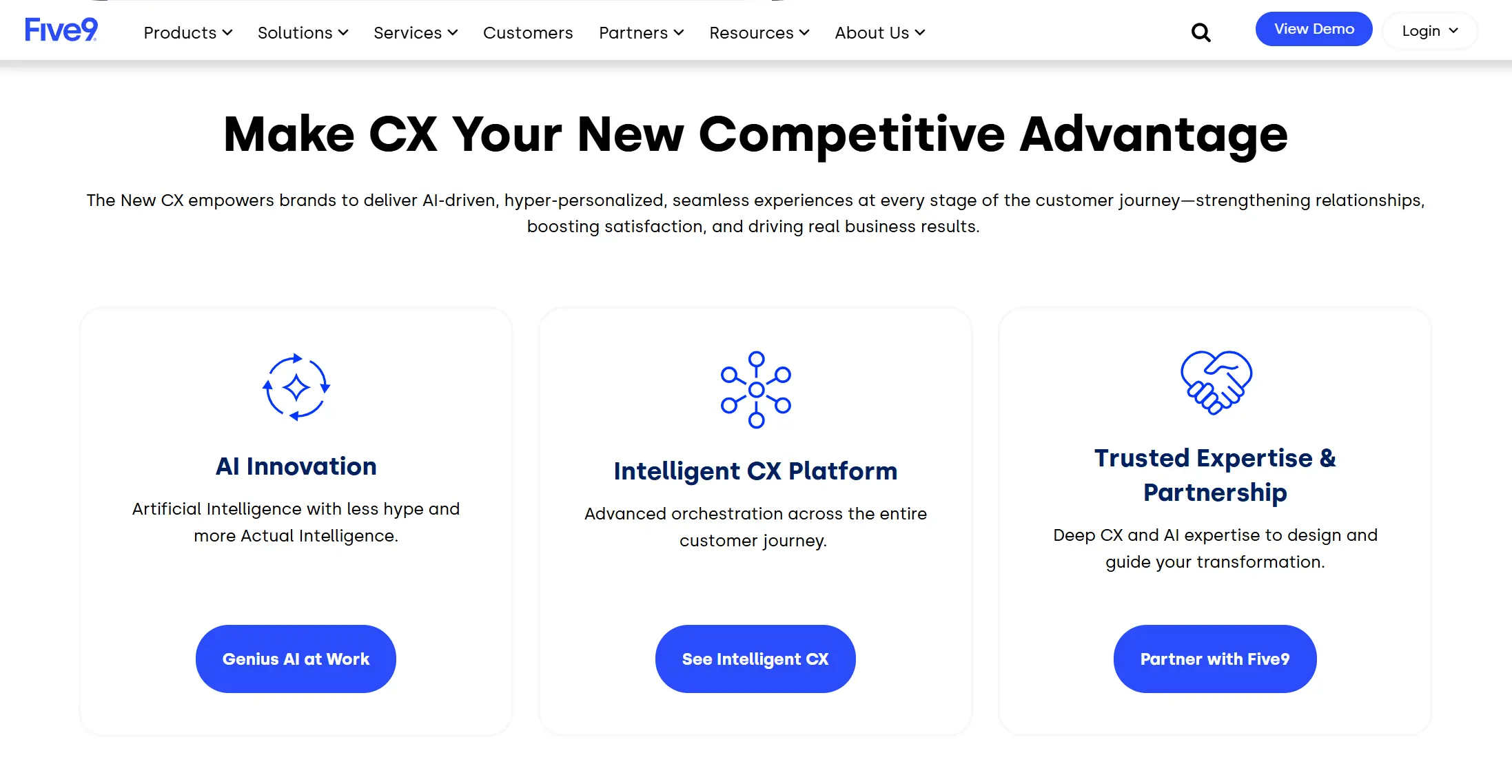
5. Five9 — Best for Automated Call Routing
Pricing
- Core: ~$149/user/mo
- Premium: ~$169/user/mo
- Optimum: ~$199/user/mo
- Ultimate: ~$229/user/mo
(50-seat minimum; 36-month standard contract)
Key Features
- Predictive, progressive, and power dialer modes for high-volume outbound operations
- Genius AI for real-time agent assistance, call transcription, and automated summaries
- 120+ customizable reports covering real-time and historical performance data
- TCPA compliance built into outbound dialer workflows — essential for US-based sales operations
- Five9 WEM (Workforce Engagement Management) for scheduling, QA, and performance analytics
- Native CRM integrations with Salesforce, ServiceNow, Microsoft Dynamics, Oracle, and Zendesk
- Conversational AI designer for building custom IVR flows and intelligent virtual agents
- Blended inbound/outbound routing that dynamically redistributes agents during volume spikes
What I Liked About Five9
If you run a high-volume outbound call center, Five9 is the perfect fit. Collections, inside sales, telemarketing, appointment setting — Five9's dialer suite offers the complete package.
As an agentic platform, it integrates AI in almost everything. From note-taking to assisting, I could see the implementation of AI in every tab. I particularly liked the global voice feature, where I could turn the local app into a global platform, running across multiple countries.
The concurrent pricing model is also worth understanding. Unlike per-seat models, Five9 charges for simultaneous users, not total headcount. For shift-based operations where 50 agents might work three rotating shifts, you're effectively paying for 50 concurrent licenses. But you end up getting 150 named agents' service. That math saves serious money at scale.
The reporting depth with 120+ customizable reports is more than I could want. Five9 also managed to get consistent recognition from Aragon Research for its conversational AI capabilities.
Improvement Areas
The 50-seat minimum and 36-month standard contract make Five9 completely inaccessible for small teams. Not only that, but the implementation is also quite complex and time-consuming. Lastly, the call quality exists even with the smart integrations of AI.
Five9 Pros and Cons
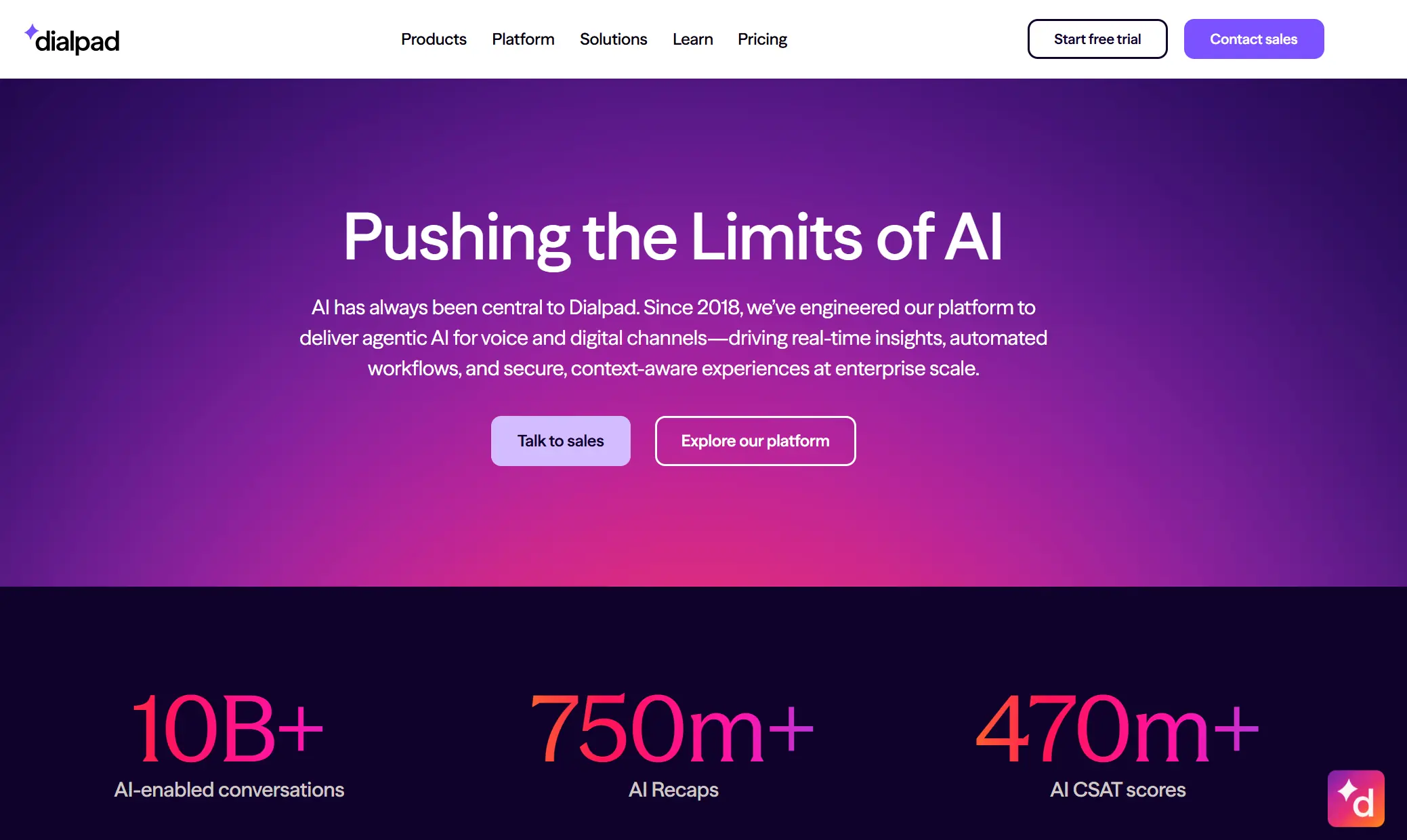
6. Dialpad AI - Best for Coaching & Recognition
Pricing
- AI Contact Center Essentials: ~$80/user/mo
- AI Contact Center Advanced: ~$115/user/mo
Key Features
- Built-in proprietary Voice AI for live transcription, sentiment analysis, and post-call summaries
- AI Assist Cards surface for quick information screening
- CSAT scoring and automated coaching workflows triggered by call quality signals
- Code-free interface for building and modifying call routing flows
- Unified platform for voice, video, messaging, and contact center
- Mobile app with full agent and supervisor functionality for on-the-go oversight
- Real-time supervisor dashboard with live monitoring and whisper coaching capabilities
- Custom moment detection with AI
What I Liked About Dialpad AI
Dialpad's "AI everywhere" philosophy isn't marketing fluff; I’ve actually seen it everywhere in the system. The live transcription and sentiment analysis genuinely work during calls, not just in post-call review mode.
I could easily watch a live sentiment graph for every active agent and intervene immediately. For sales and collections teams, I found it directly impacted the bottom line.
The automated post-call summaries also eliminate the manual wrap-up work that eats 5–10 minutes of agent time after every interaction — at scale, that recaptures hours of productive capacity daily.
Improvement Areas
Dialpad's pricing is deceptively low at the entry tier, but with a catch. Features like quality of service reports aren't available on any current plan. The Pro plan also has a three-user minimum, and advanced analytics require the higher tier. Many agents find the call routing and forwarding a bit janky and inconsistent.
Dialpad AI Pros and Cons
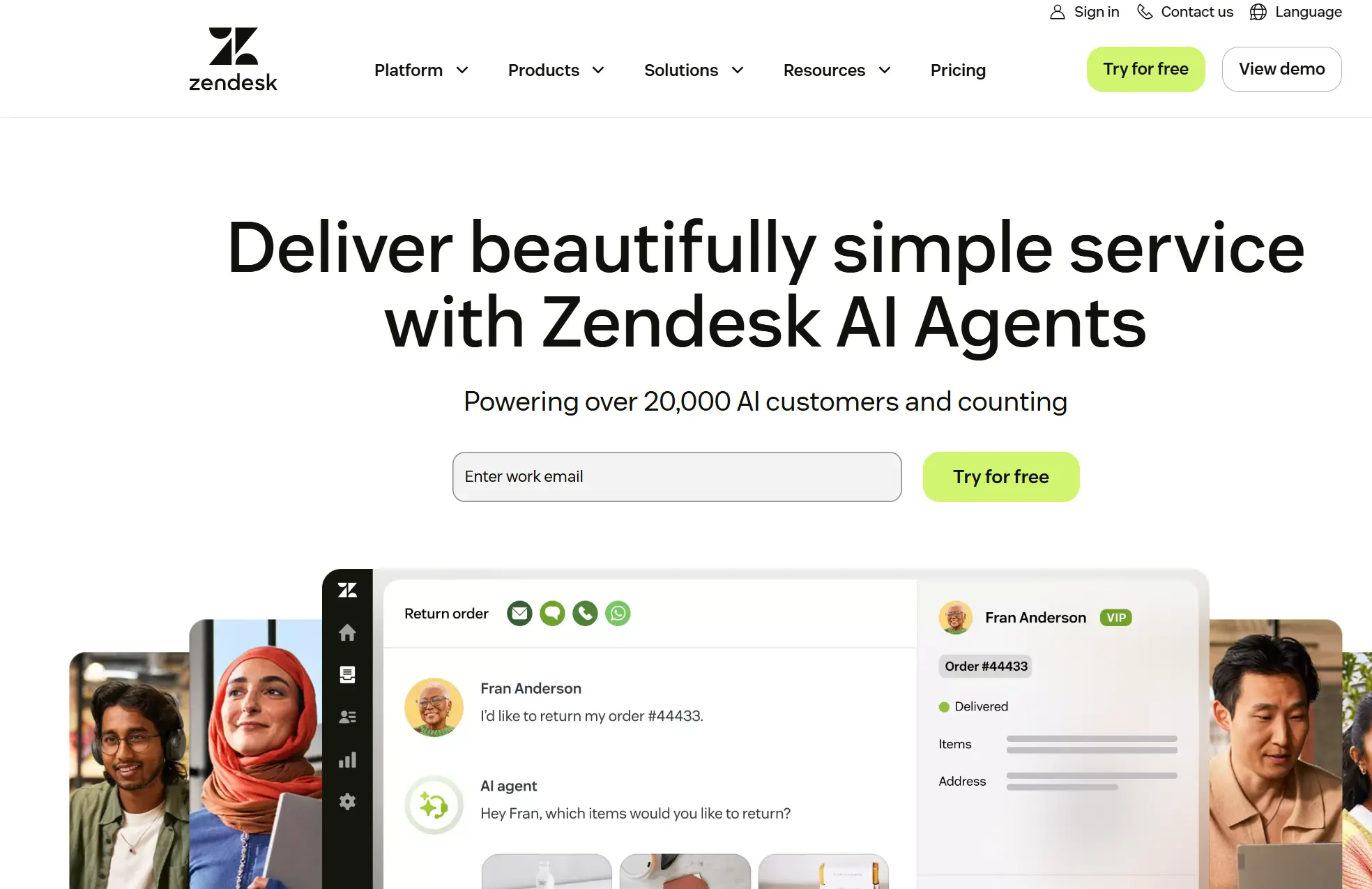
7. Zendesk - Best for Customer Success & Support
Pricing
- Suite Team: $19/agent/mo
- Suite Growth: $55/agent/mo
- Suite Professional: $115/agent/mo
- Suite Enterprise: Custom pricing
Key Features
- Unified ticketing and voice workspace
- Zendesk QA for automated agent performance evaluation and quality scoring
- AI-powered ticket routing, auto-tagging, and suggested responses
- Integration with 1,500+ apps via the Zendesk Marketplace
- Customer satisfaction (CSAT) surveys are triggered post-interaction automatically
- Knowledge base and self-service portal for customer-facing deflection
- Real-time and historical reporting dashboards for supervisors
- Talk partner edition for integrating a third-party voice provider
What I Liked About Zendesk
Zendesk's core advantage is the unified customer context it brings to every interaction. When an agent picks up a phone call inside Zendesk, they see the full history. That includes tickets, previous interactions, CSAT scores, and open issues. I was shockingly delighted to see how nicely it worked for most calls. For support-heavy call centers where first-contact resolution (FCR) is the top KPI, this context is incredibly valuable.
The Zendesk QA product also excels. With AI, I saw it automatically evaluate recorded calls against a defined rubric. Then it flagged low-scoring interactions for me to review. It completely reshaped how I approached the QA process before using it.
Improvement Areas
Zendesk is genuinely powerful as a support platform, but its voice capabilities trail pure-play call center tools. Due to that, the $19 entry price seems hefty. Plus, native outbound dialing capabilities are also limited without a third-party Talk partner.
Zendesk Pros and Cons
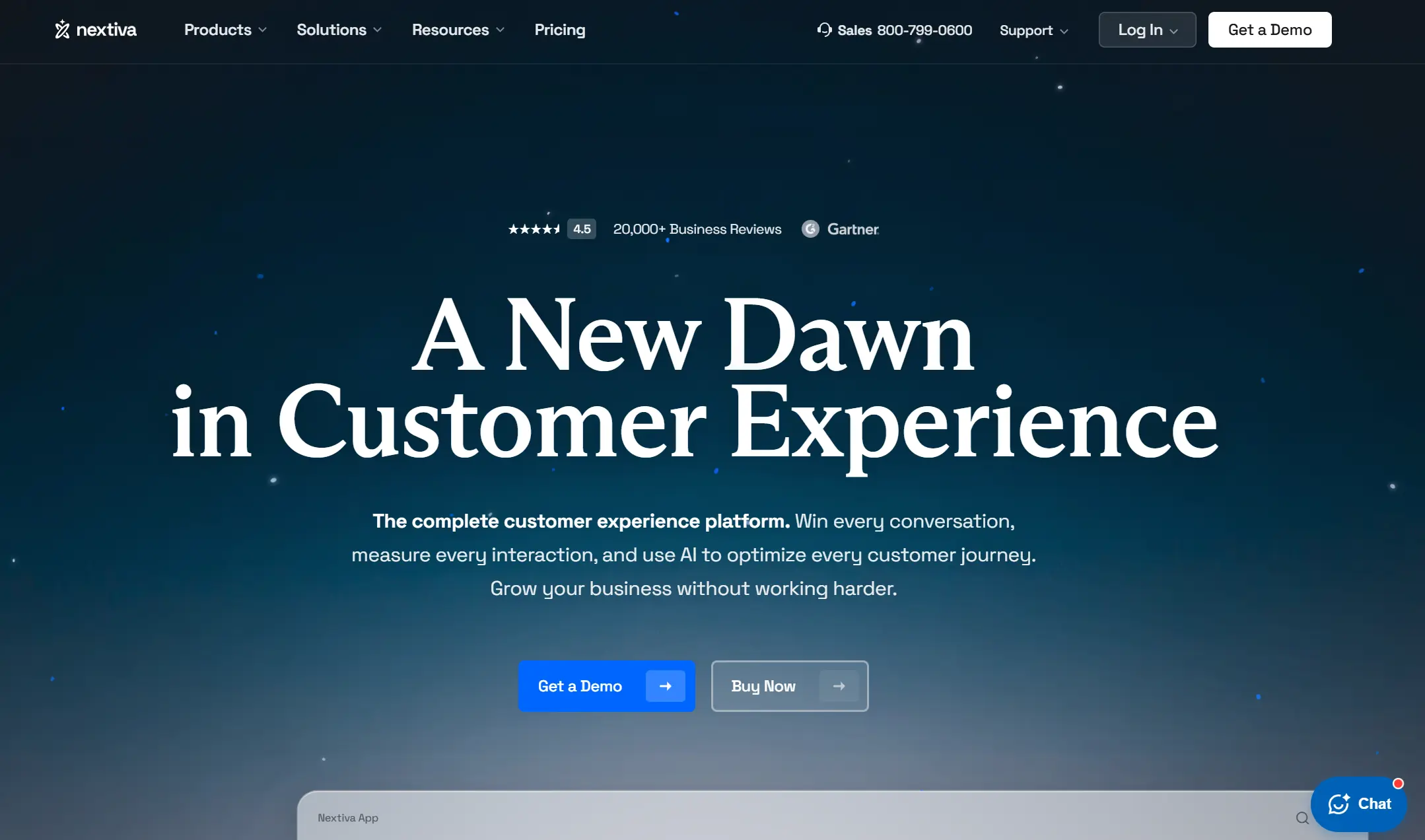
8. Nextiva - Best for Unified Communications
Pricing
- Digital: $21/user/mo
- Core: $30/user/mo
- Engage: $40/user/mo
- Power Suite: $60/user/mo
Key Features
- Intuitive drag-and-drop IVR designer that requires no-code
- Threaded multi-channel conversations that link calls, texts, emails, and social interactions to a single customer view
- Built-in reputation management and review monitoring for customer-facing teams
- 99.999% uptime SLA across all plans
- Business analytics with real-time and historical reporting
- AI-powered virtual assistant and intelligent call routing
- Unified phone, video, and messaging in a single platform
- CRM integrations with Salesforce, HubSpot, and Microsoft Teams
What I Liked About Nextiva
I’ll admit it: Nextiva deserves its "unified communications" crown. The platform doubles down on delivering on the promise of a single place for voice, video, messaging, and digital channels. The most praiseworthy element is that it unifies everything while keeping the UI intuitive.
The Call Flow Builder is among the most intuitive IVR design tools I've seen. Coming from a non-technical background, I can attest to this wholly. The simple drag-and-drop canvas is simple and easy to deploy. Nextiva's combination of reliable uptime, ease of use, and integrated communications is hard to beat at its price point.
Improvement Areas
Nextiva's analytics are solid but not exceptional. If you want deep call center reporting and workforce management capabilities, then Nextiva is not for you.
Nextiva Pros and Cons
9. Vonage - Best for Interactive Voice Responses
Pricing
- Mobile: $19.99/user/mo
- Premium: $29.99/user/mo
- Advanced: $39.99/user/mo
Key Features
- Highly programmable Voice and SMS APIs for building deeply customized IVR flows
- Flexible call routing with multi-level IVR, time-of-day routing, and skills-based distribution
- Visual IVR builder alongside API access for developers who need full customization control
- Custom CRM integration toolkit for bespoke connection to proprietary systems
- Call recording, voicemail-to-text, and call analytics are included across plans
- Real-time dashboard with agent status and queue monitoring
- International number support across 96+ countries
- 99.999% uptime SLA
What I Liked About Vonage
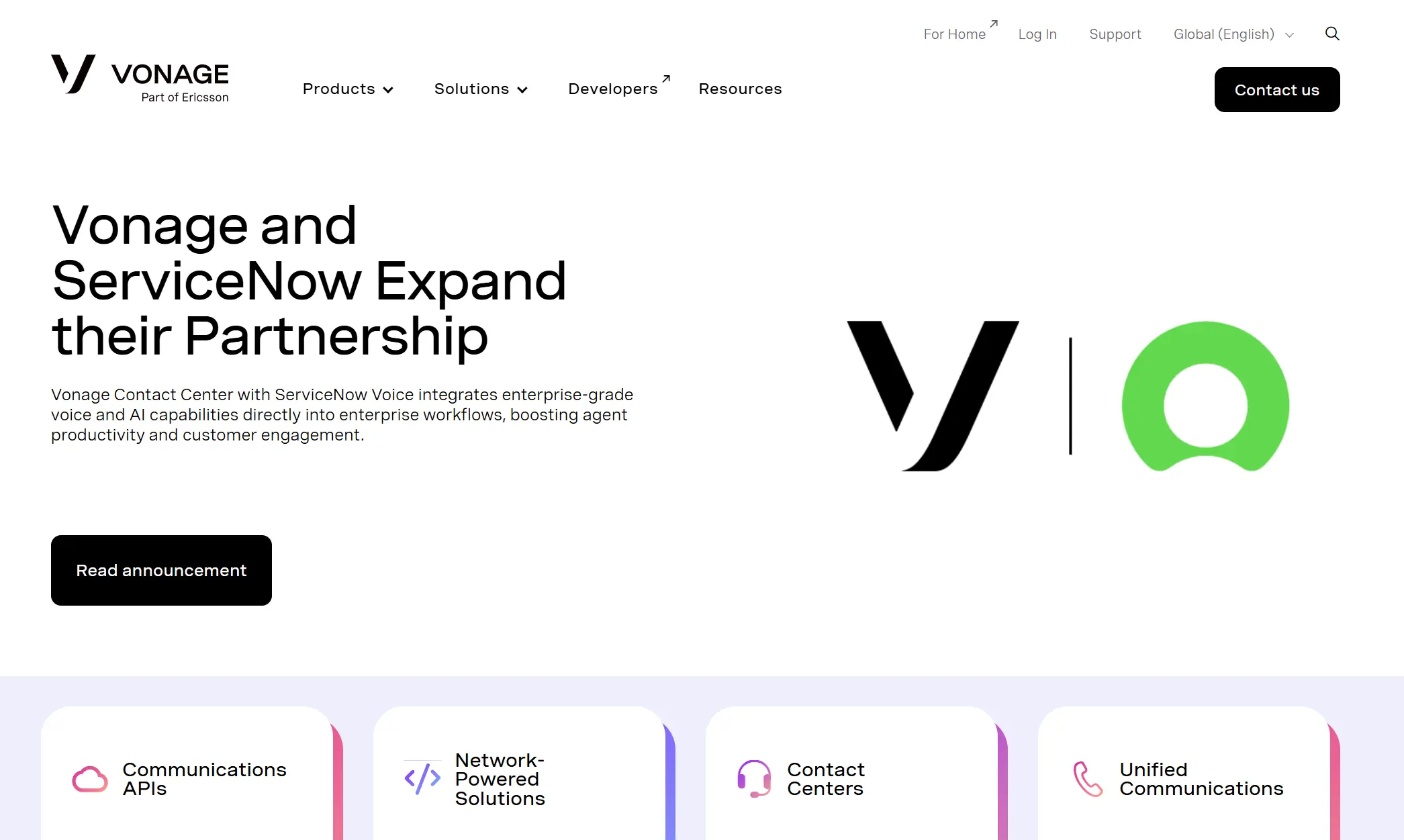
Vonage excels by blending "low-code" ease with "pro-code" depth. While competitors offer basic menus, Vonage’s AI Virtual Assistant and Conversation Analyzer allow teams to automate complex sentiment-based routing without a developer.
However, I believe the real differentiator is the Vonage AI Studio. It's a great drag-and-drop designer for complex conversational flows. Surprisingly, it integrates directly with live CRM data. This enables hyper-personalized customer journeys, like dynamic routing based on a caller's recent purchase history. Coupled with their global Tier-1 carrier network, it provides the next level of call quality and international deliverability.
Improvement Areas
Vonage's full potential requires developer resources to unlock. So, teams without in-house technical talent may find the advanced customization out of reach. The platform also trails competitors on native AI capabilities.
Vonage Pros and Cons
10. Aircall — Best for Fast Time to Deployment
Pricing
- Essentials: $30/user/mo (min. 3 users)
- Professional: $50/user/mo
- Custom: Contact sales
Key Features
- Easy setup and integrations
- Shared inbox for collaborative call handling, internal notes, and warm transfers
- 100+ native integrations with CRMs, helpdesks, and productivity tools
- Real-time analytics dashboard with call performance tracking
- Power dialer for outbound sales teams
- Live call monitoring with listen, whisper, and barge modes
- Call tagging and disposition logging for post-call categorization
- International numbers available in 100+ countries
What I Liked About Aircall
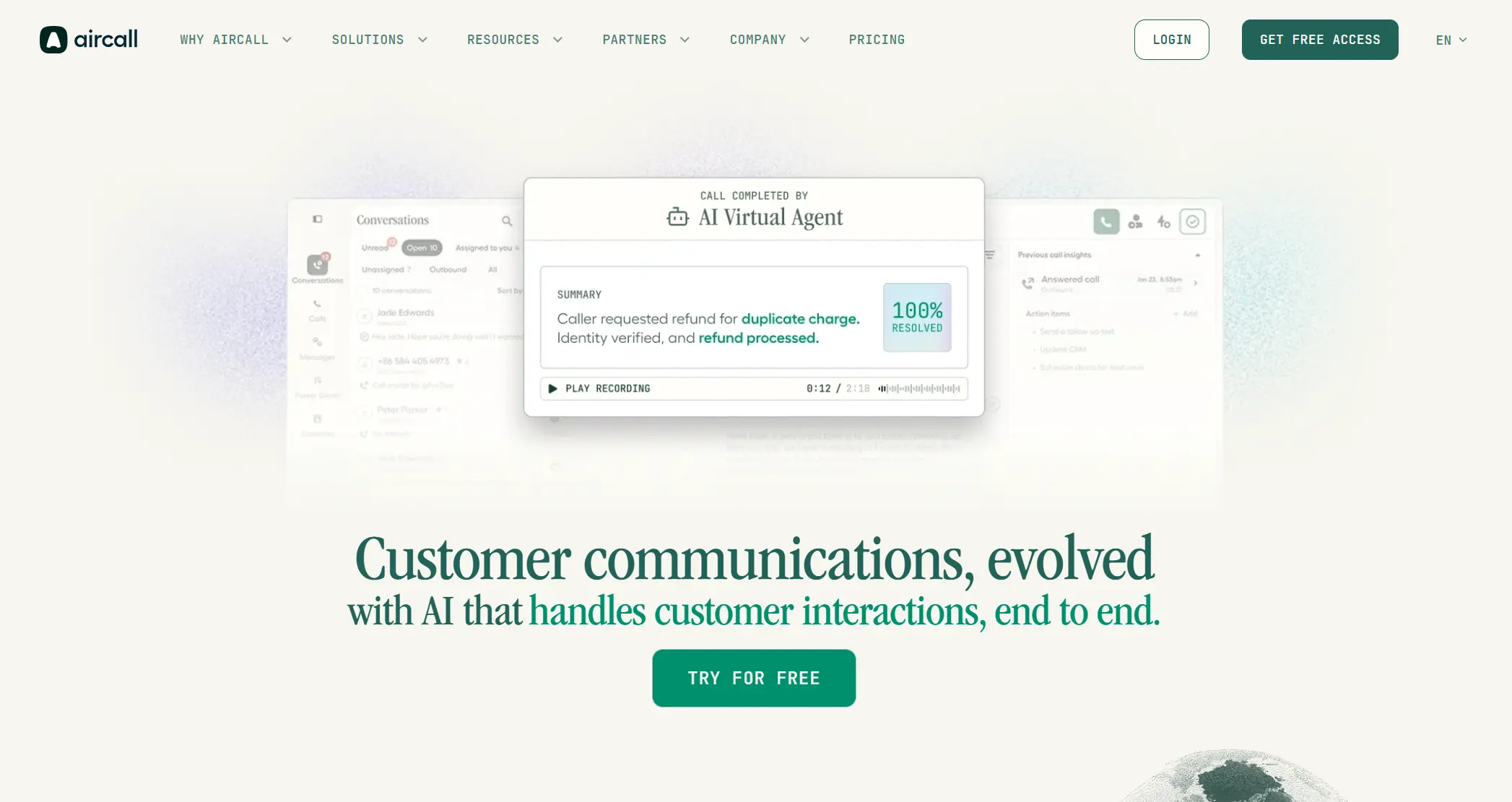
I found Aircall’s setup speed to be its biggest selling point. It bypasses the usual weeks of implementation and technical headaches. You can literally launch a functioning call center in one afternoon. The platform feels purpose-built for fast-moving sales and support teams. I was most impressed by the massive library of native integrations. You can sync 100+ tools without writing a single line of code. This makes connecting your CRM or helpdesk feel completely effortless.
The shared inbox also changes how teams collaborate on calls. I loved how agents can tag teammates directly on call recordings. Leaving internal notes ensures no context is lost during a handoff. It transforms a standard phone system into a collaborative workspace. You get full visibility into every customer interaction in real time. This level of transparency is rare for mid-market phone solutions. It effectively removes the barriers between your team and your data.
Improvement Areas
Aircall is a strong starter platform, but teams processing very high call volumes or needing advanced workforce management and analytics will eventually hit its ceiling. The minimum 3-user requirement also makes it inaccessible for solo operators.
Aircall Pros and Cons
11. CloudTalk - Best for Reporting and Analytics
Pricing
- Starter: $25/user/mo
- Essential: $30/user/mo
- Expert: $50/user/mo
- Custom: Contact sales
Key Features
- Local phone numbers in 160+ countries for global call center operations
- Custom advanced call routing rules, including time-based, skills-based, and VIP routing
- AI-powered sales dialer with predictive and power dialing modes
- Advanced call analytics with customizable dashboards and historical reporting
- Sentiment analysis and AI-generated call transcriptions
- 35+ native CRM and helpdesk integrations
- Real-time agent status dashboards for supervisor oversight
- Call tagging, notes, and automatic CRM data sync
What I Liked About CloudTalk
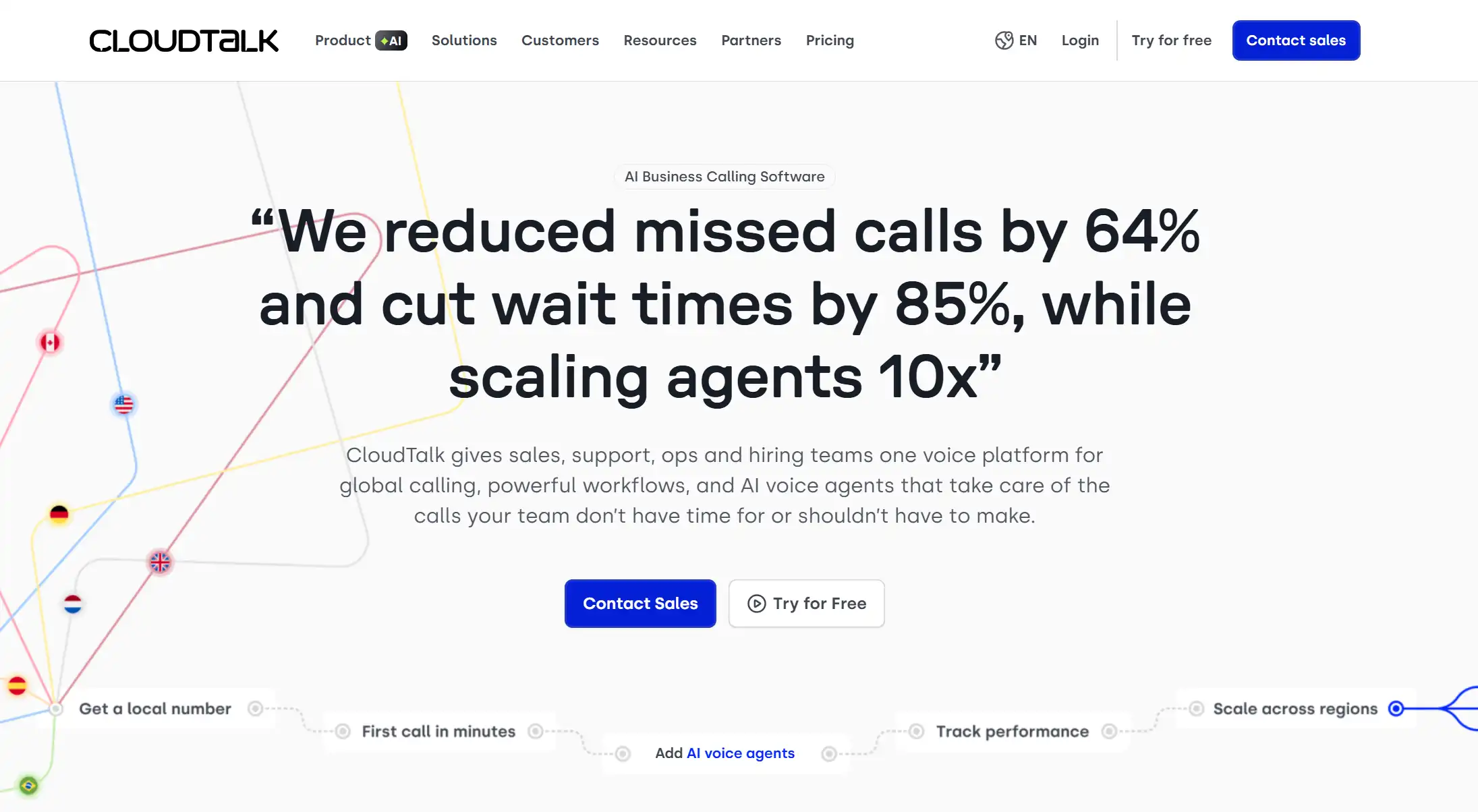
CloudTalk genuinely punches above its weight in the analytics department. I found the reporting suite far more flexible than most mid-market tools. You can slice performance data by agent, team, or specific campaign easily. This level of granular detail replaces generic averages with actual actionable insights. It feels like getting enterprise-level intelligence without the enterprise-level price tag.
The platform also offers an impressive reach with 160+ country coverage. I noticed this makes scaling international or multilingual teams remarkably simple. You can establish a local presence in minutes regardless of your physical location. It removes the typical barriers to entry for growing global call centers. The interface remains intuitive even when managing complex, geographically distributed workflows.
Improvement Areas
CloudTalk's AI features — while present — are less mature than Talkdesk or Dialpad. Also, advanced WFM functionality requires third-party tools.
CloudTalk Pros and Cons
12. GoTo Connect - Best for Role-Based Dashboards
Pricing
- Phone System: $27/user/mo
- Connect: $32/user/mo
- Contact Center: Custom pricing
Key Features
- Drag-and-drop call routing configuration without coding
- Role-based dashboards that surface different metrics for agents, supervisors, and executives
- Unified meeting, phone, and messaging capabilities across plans.
- Unlimited extensions for growing teams
- Call recording, voicemail, and ring group management
- Real-time supervisor dashboard with agent monitoring and live queue visibility
- Integration with popular CRM and productivity tools
- Mobile and desktop apps for remote and hybrid teams
What I Liked About GoTo Connect
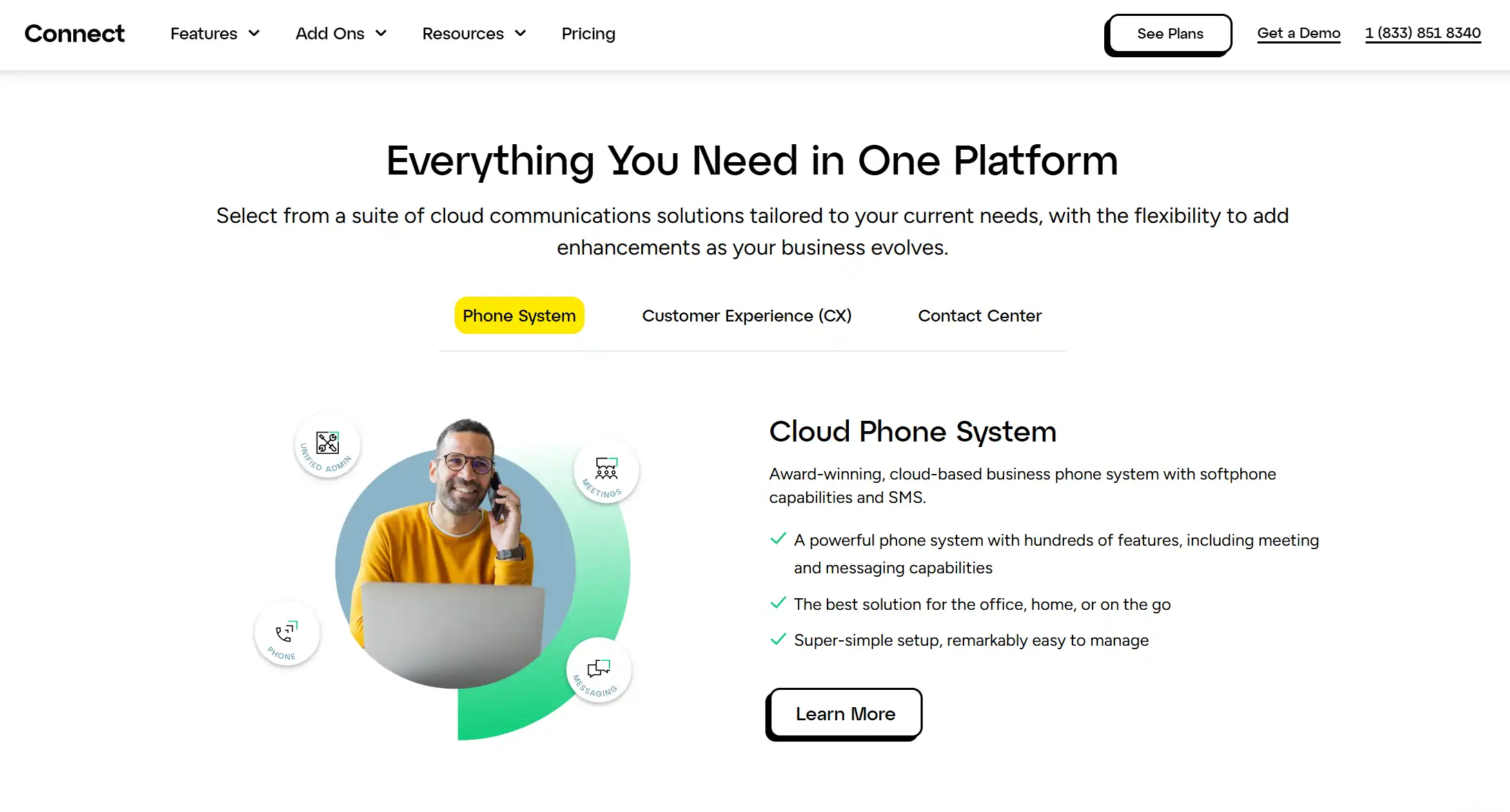
I found GoTo Connect’s role-based dashboards to be a standout operational fix. They solve the problem of data overload by showing only what matters. My agents could see their daily targets while I get high-level business reviews. I love that this works right out of the box without a complex setup. It makes professional-grade analytics accessible to teams without dedicated data experts.
The visual dial plan editor is another major highlight for me. It is easily one of the most intuitive routing tools at this price. You can map out complex call flows using a simple drag-and-drop interface. I noticed it takes the guesswork out of updating your business hours or greetings. Even non-technical managers can make real-time changes without requiring IT support. It’s a rare blend of enterprise power and genuine user-friendliness.
Improvement Areas
GoTo Connect's AI capabilities are quite limited. The full contact center feature set requires a custom pricing tier. Analytics are average at best, nothing impressive.
GoTo Connect Pros and Cons
Conclusion
The right call center software depends entirely on what your team actually needs. It’s never about the tool with the flashiest demo or stunning UI.
However, what Apploye offers is unparalleled. Complete productivity management of your agents. That's where Apploye fills a critical gap that no other tool on this list addresses.
At $4.50 per user per month, it’s the most affordable on the list.
Or, you can just start with the 10-day free trial today - no credit card needed.
Frequently Asked Questions
Most enterprise call centers use platforms like Genesys Cloud CX, Five9, or Talkdesk for call routing and customer interactions. Workforce tracking tools like Apploye handle agent time and productivity monitoring. The most popular choices depend on team size, with cloud-based CCaaS solutions dominating in 2026 due to their lower infrastructure costs and faster deployment cycles.
Salesforce is the most widely deployed CRM in enterprise call center environments, followed closely by HubSpot for SMBs and Microsoft Dynamics for organizations already embedded in the Microsoft ecosystem. Most modern call center platforms — including RingCentral, Five9, and Talkdesk — offer deep native integrations with all three, though the depth of those integrations varies significantly by platform and tier.
Salesforce remains the gold standard for large call center CRM deployments due to its integration ecosystem and customization depth, but it comes with significant licensing costs and implementation complexity. HubSpot is the better choice for growing SMBs that want CRM functionality with an accessible interface and reasonable pricing; Zendesk bridges CRM and call center functionality natively in a single platform, making it uniquely efficient for support-focused teams.
For pure call quality and uptime reliability, Talkdesk's 100% uptime SLA and Nextiva's 99.999% SLA are industry benchmarks. RingCentral's cloud-native architecture also delivers consistent call quality at scale. For small teams that need a fast, reliable phone system without enterprise complexity, Aircall and Vonage are consistently praised for call quality and ease of use.
CallHippo's free plan and $16 entry price make it the most accessible option for very small teams just getting started, while Aircall's rapid deployment and clean interface suit slightly larger SMBs that need professional call management immediately. Apploye complements either platform by adding the workforce tracking layer that small business owners need to manage remote agents without hiring a full-time HR team.
There is no single "best" provider — the right answer depends on your priorities. Genesys and Five9 lead for enterprise scale and compliance depth. Talkdesk and Dialpad lead for AI-driven performance management. Nextiva leads for ease of use and unified communications. And Apploye leads for workforce time tracking and remote agent productivity visibility. For most growing call centers, the smartest stack combines a CCaaS platform for customer-facing operations with Apploye for the workforce management layer.