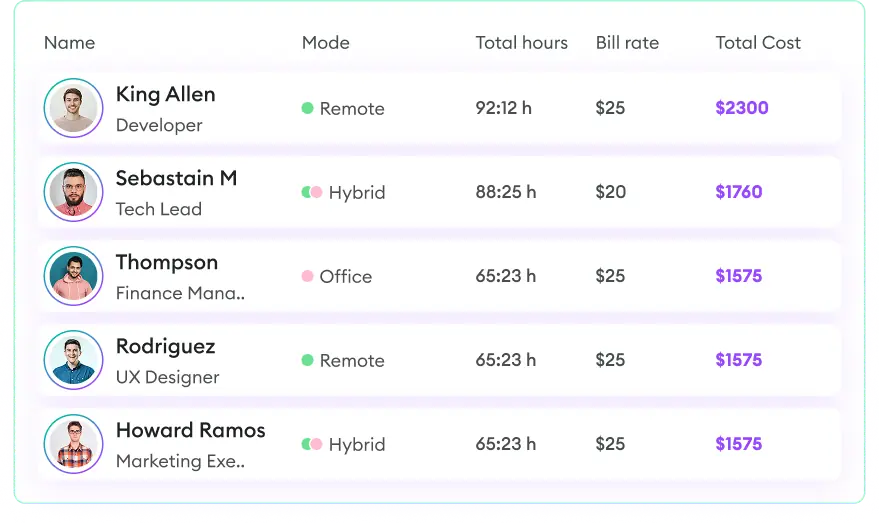
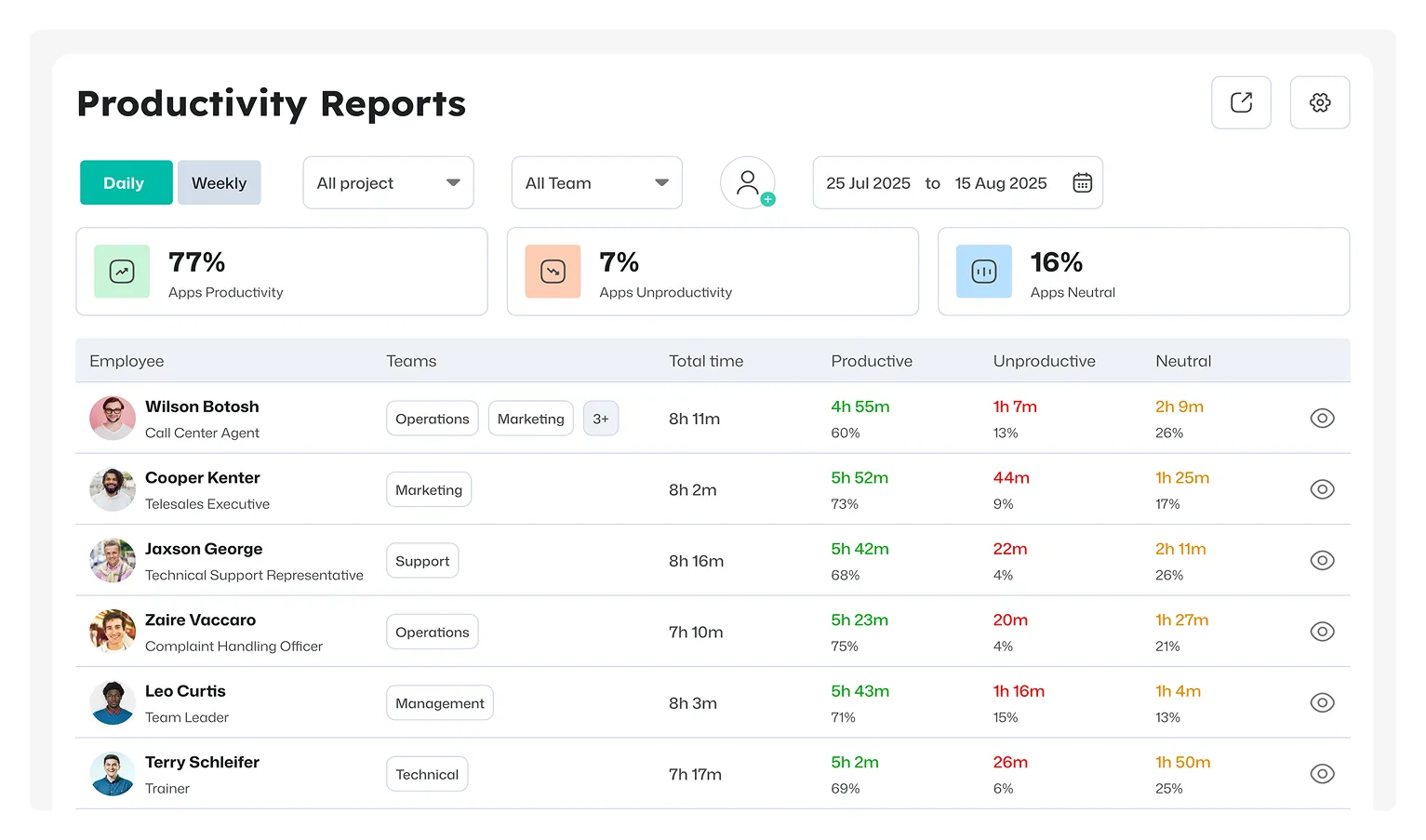
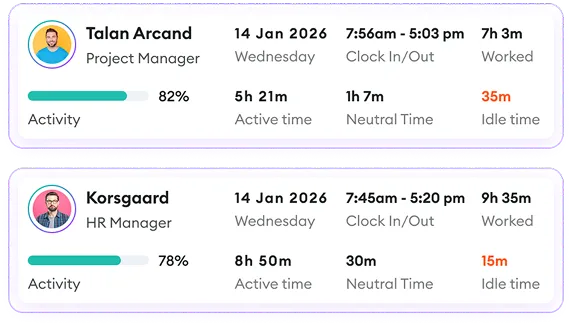
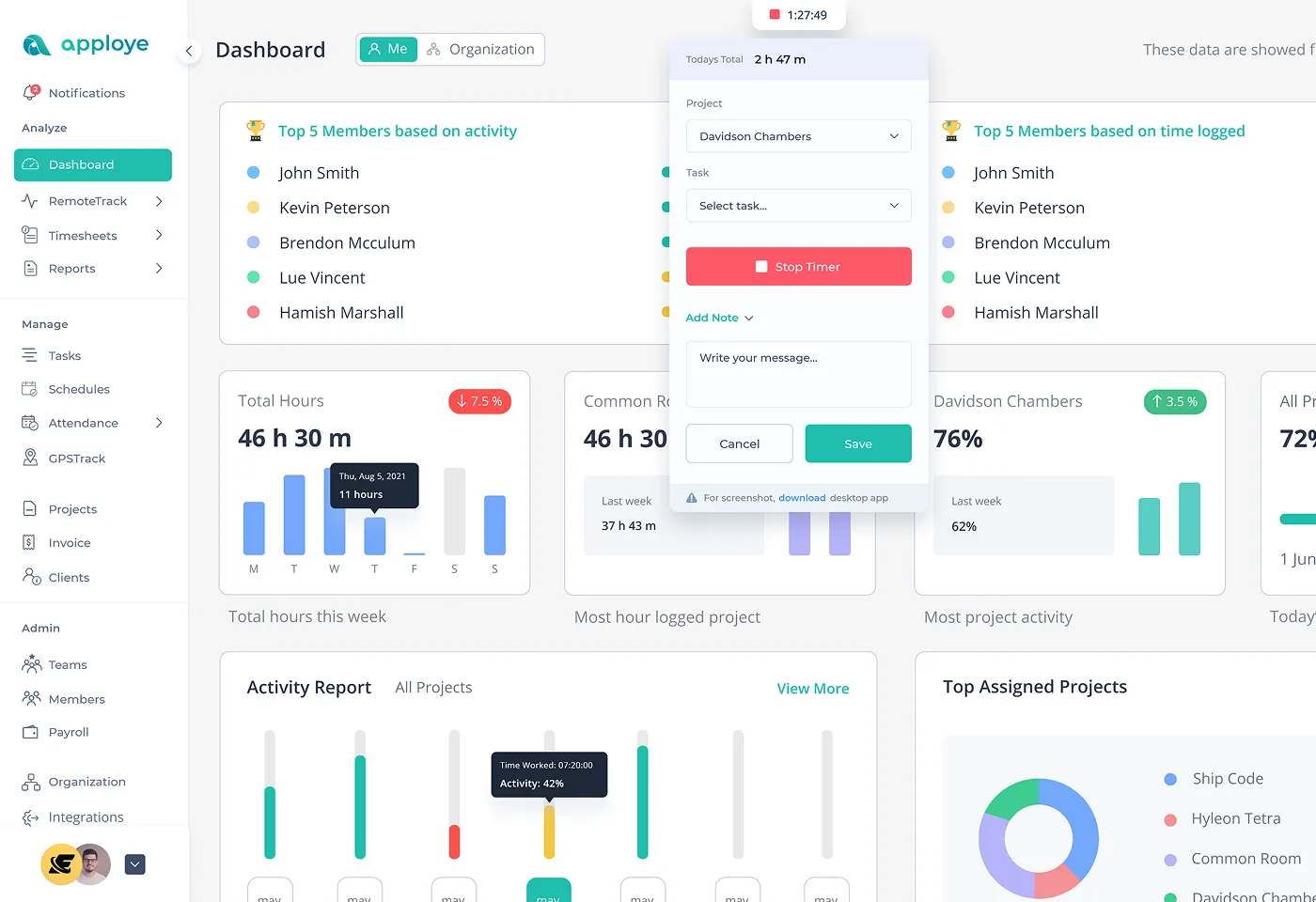
Apploye tracks employee time across projects and tasks and provides timesheets and reporting that can help teams analyze how working hours are being used.
How to Use the Calls per Hour Calculator
- Step 1: Pick your focus - Decide whether you want to measure one agent or the whole team.
- Step 2: Add the call count - Enter how many calls were handled in the period you're reviewing.
- Step 3: Add the hours - Enter the total hours worked over that same period.
- Step 4: Hit Calculate - The tool shows the average number of calls handled per hour.
Calculating Calls Per Hour: Formula and Worked Example
The formula is straightforward:
Calls Per Hour = Total Calls Handled ÷ Total Hours Worked
Example
Suppose an agent handles 180 calls during a 24-hour work period:
180 ÷ 24 = 7.5 calls per hour
The agent handled an average of 7.5 calls per hour.
If you're comparing agents, use the same measurement period and define which calls are included in the calculation.
Calls Per Hour Calculation Mistakes to Avoid
- Using the wrong hours: Make sure the hours represent the same period as the call count.
- Mixing different call types: Compare similar call categories when analyzing performance.
- Ignoring after-call work: Decide whether your measurement includes time spent on post-call tasks.
- Comparing different roles: Complex support calls naturally take longer than simple interactions.
- Using total shift hours blindly: Consider whether all scheduled hours were actually worked.
- Focusing only on volume: High call volume does not necessarily mean better service.
- Ignoring call quality: Combine volume metrics with quality and customer-service measures.
What Does Calls Per Hour Measure?
Calls per hour measures the average number of calls handled during one working hour.
It can be used to understand:
- Agent call volume
- Team workload
- Shift performance
- Changes in call demand
- Staffing requirements
- Call-handling capacity
Calls Per Hour vs. Calls Per Agent
These metrics answer different questions.
Calls Per Hour measures the average number of calls handled during each working hour.
Calls Per Agent measures the total or average number of calls handled by each agent during a selected period.
For example, 500 calls handled by a 10-agent team equals an average of 50 calls per agent. If those agents worked 100 combined hours, the team handled 5 calls per working hour.
Calls Per Hour vs. Occupancy
Calls per hour measures call volume.
Occupancy measures how much available time is occupied by active work.
An agent can have a high calls-per-hour rate with short calls, while another agent may have fewer calls per hour because each interaction takes longer.
That is why calls per hour should not be treated as a standalone measure of overall agent performance.
Calls Per Hour Calculator vs. Time Tracking Software
| Calls Per Hour Calculator |

|
| Calculates a rate from entered numbers |
Continuously records tracked work time |
| Useful for quick calculations |
Designed for ongoing time tracking |
| Requires manual call and hour inputs |
Provides employee time records |
| Shows the calculated rate |
Provides timesheets and reports |
| Limited historical analysis |
Supports ongoing work-time analysis |
| Does not track work automatically |
Tracks time across projects and tasks |

 Productivity TrackingMeasure daily performance
 Workforce AnalyticsGet workforce intelligence
 Activity MonitoringCheck user behaviour
 Screenshot MonitoringMonitor screen activity
 Employee TimesheetTrack work hours
 Screen RecordingRecord work sessions
 Payroll & InvoiceOrganize projects efficiently
 Payroll & InvoiceAutomated payment processing
 ReportingGenerate insightful reports
 EnterpriseProductivity for larger organizations
 Computer MonitoringTrack computer usage
 Staff MonitoringOversee team performance
 Time RecordingCapture work hours
 Online TimesheetsDigital time logging
 Attendance TrackingMonitor employee presence
 Insightful ReportsInsightful time reports