What is Idle Time?
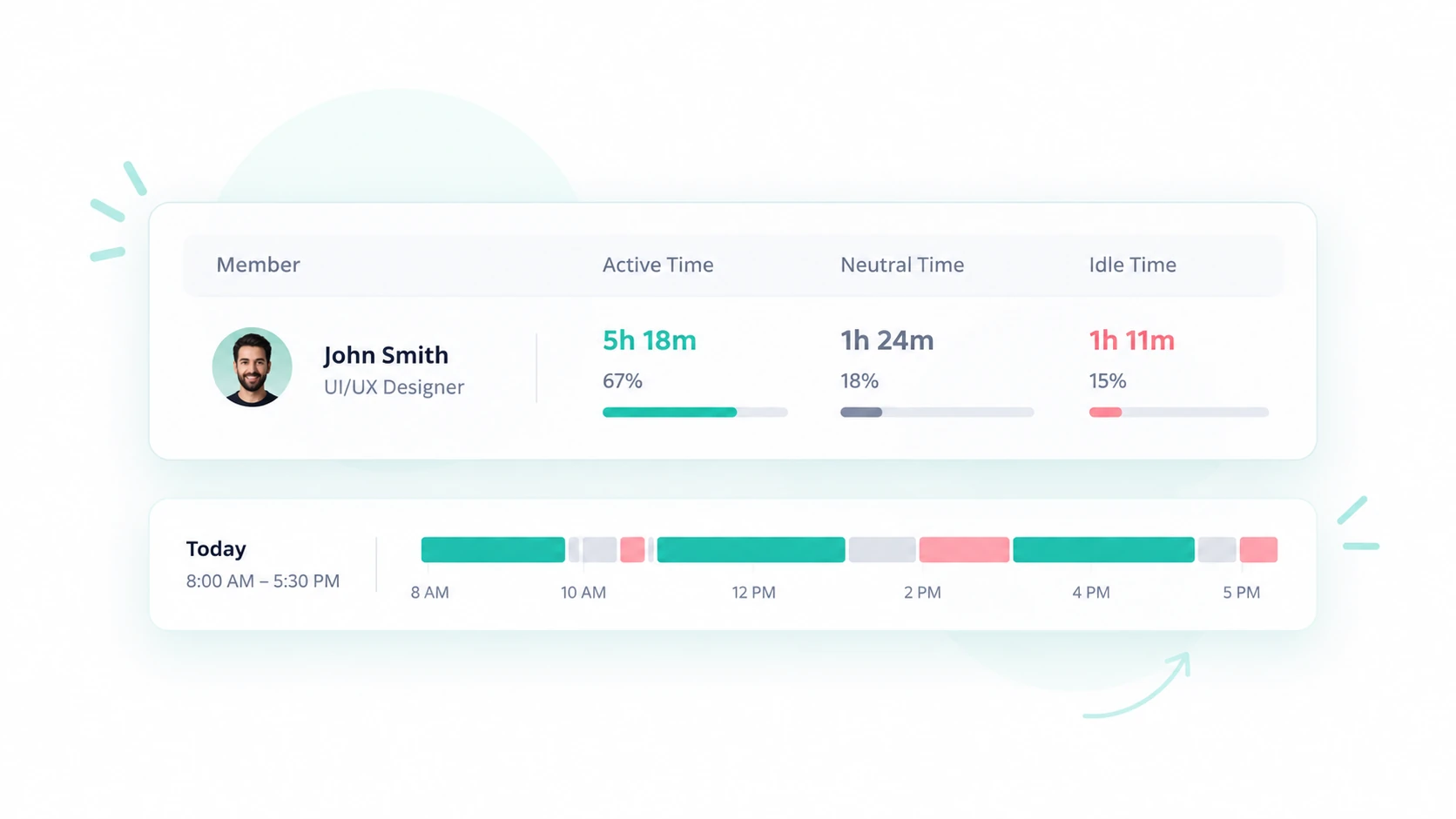
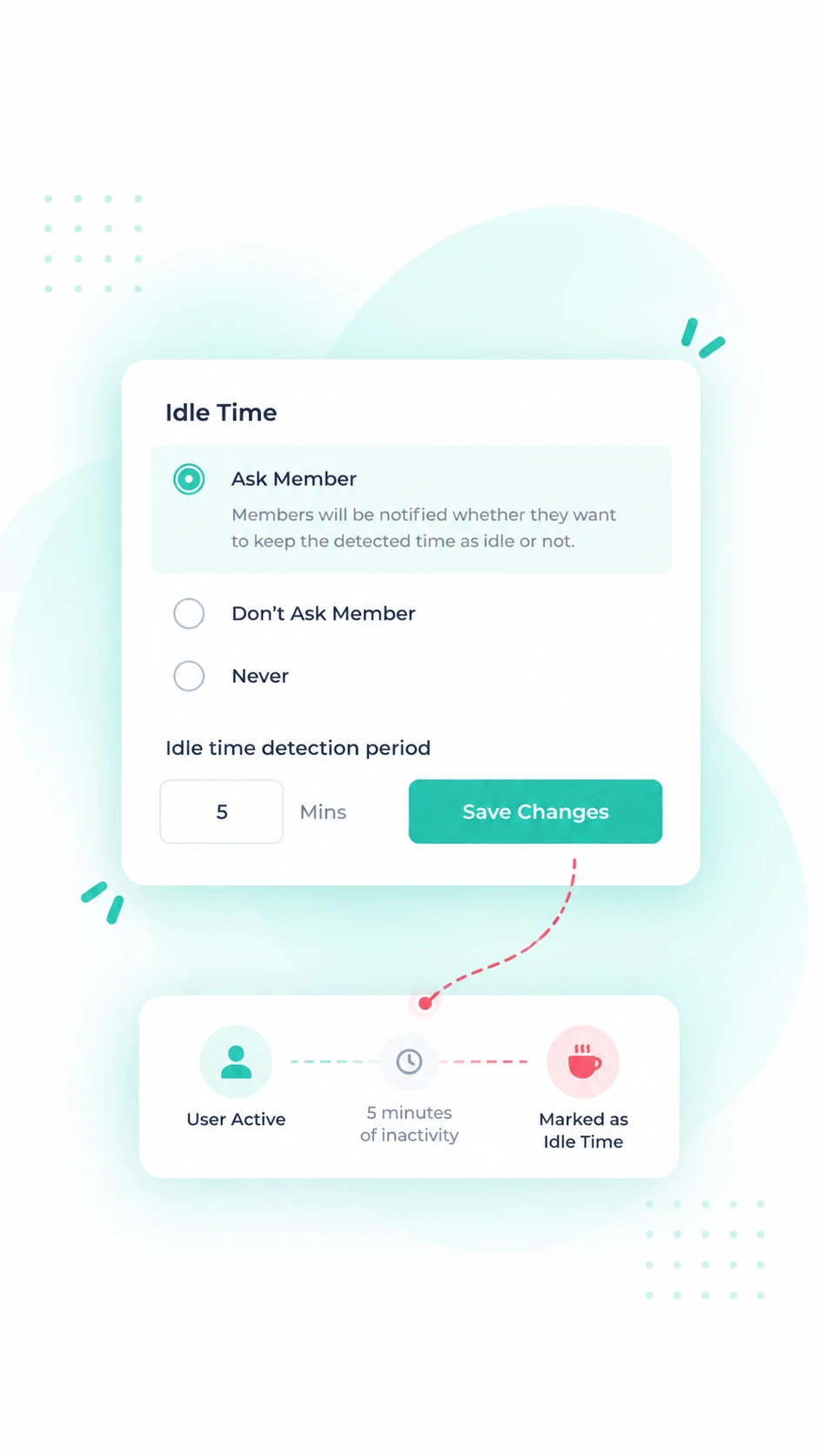
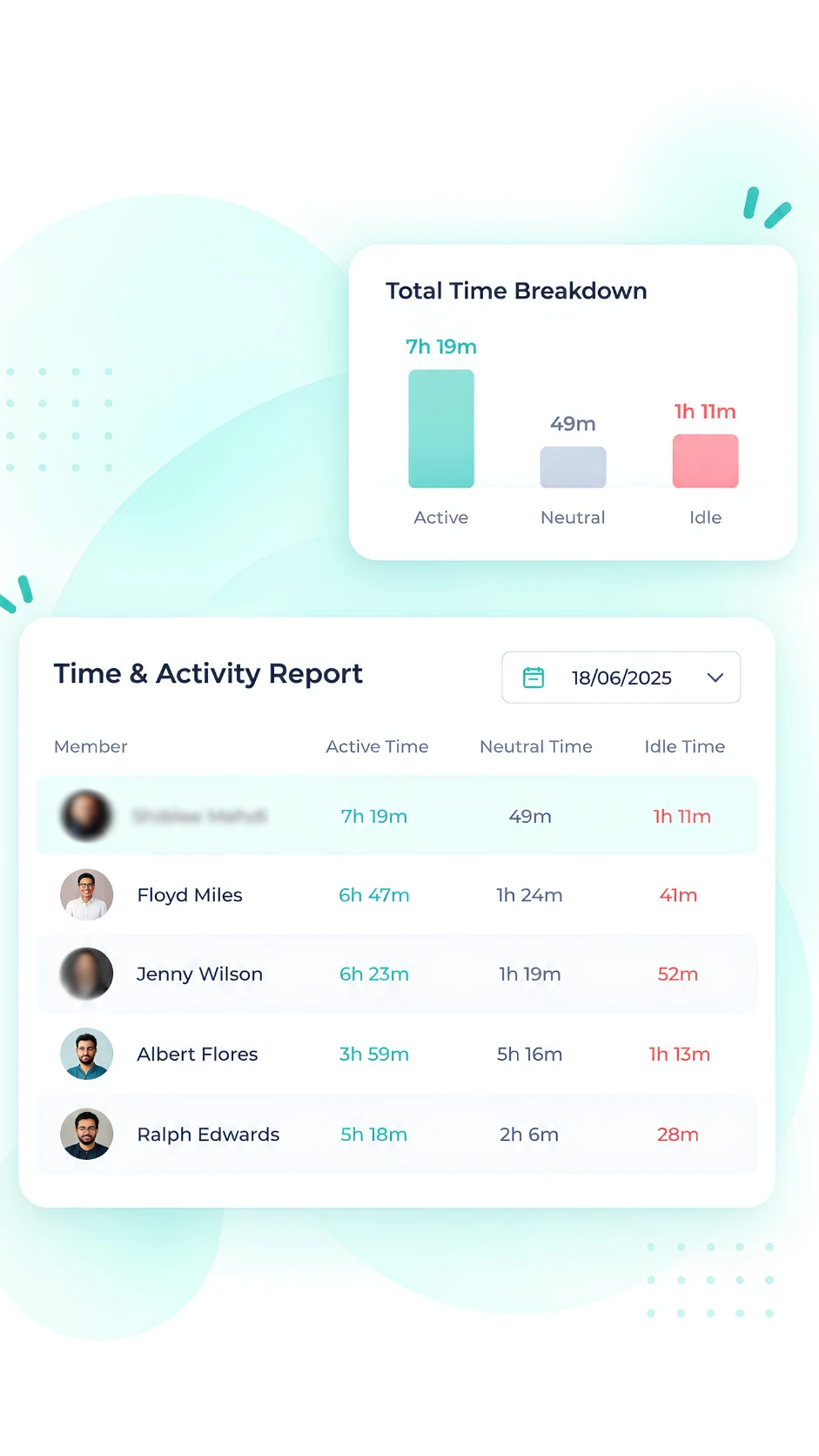
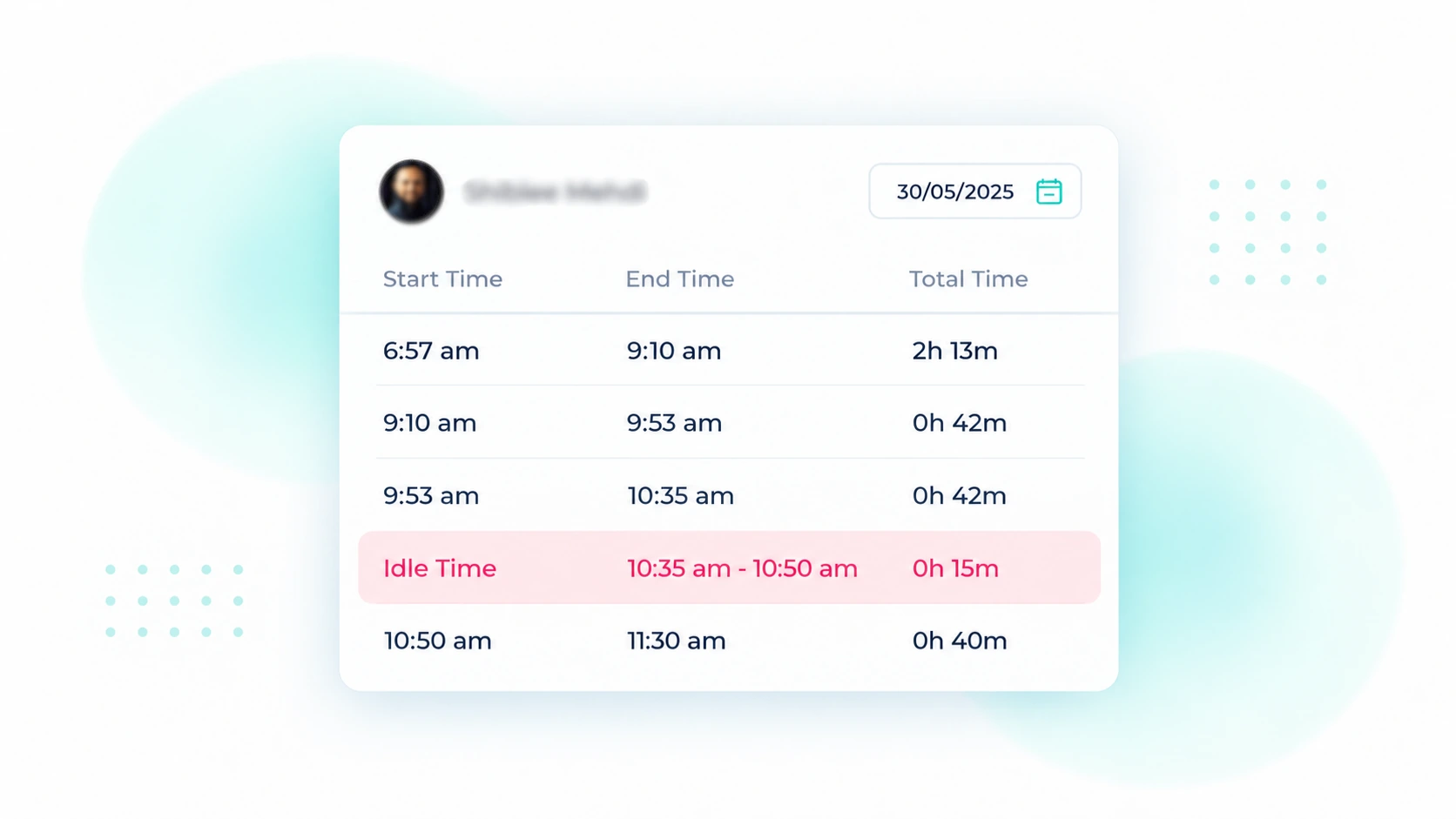
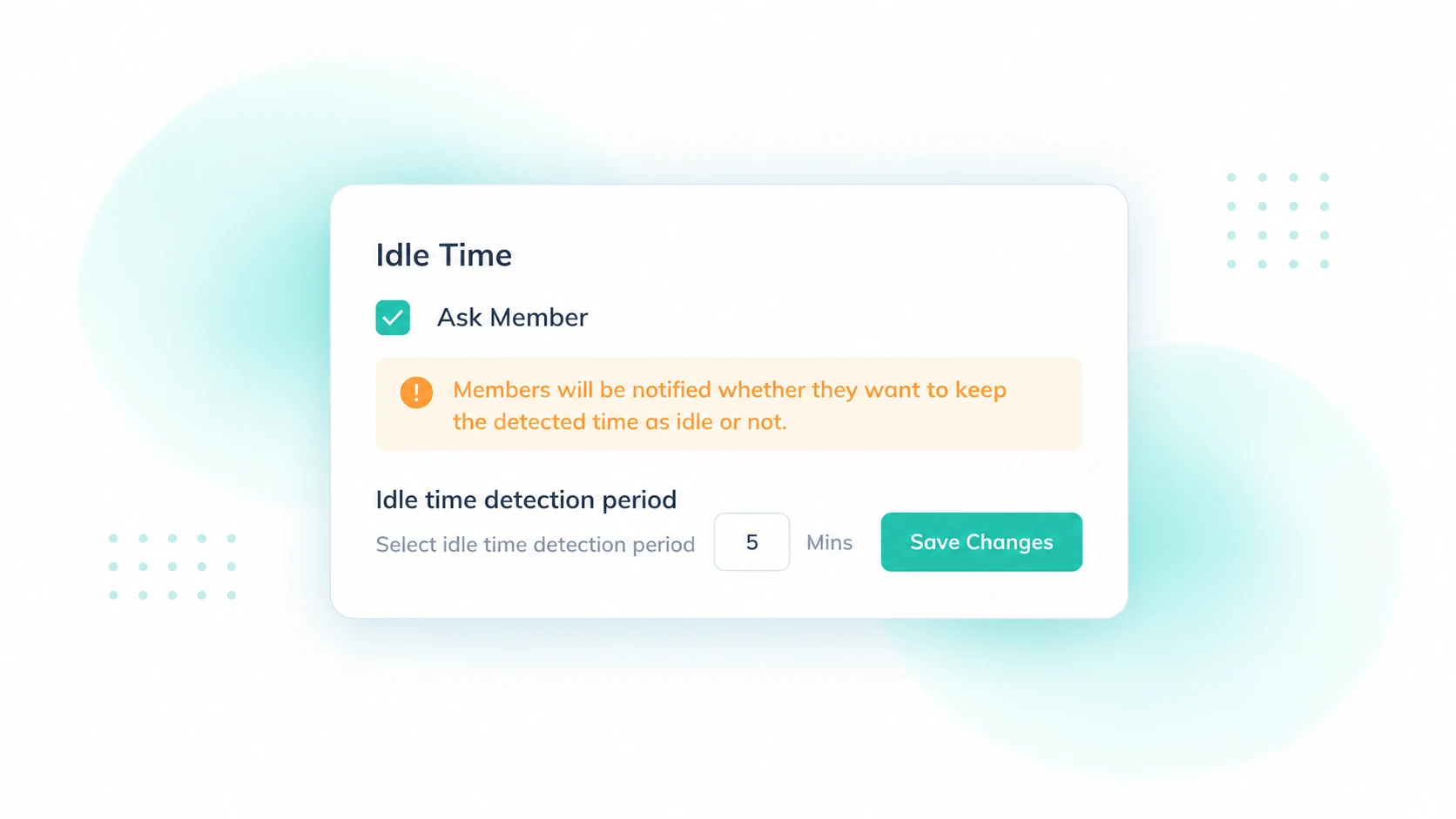
Idle time is when a worker is clocked in but not actively working. In time tracking software, it means no keyboard or mouse activity for a set period, usually 3–10 minutes. In cost accounting, it refers to paid time when no work is produced.
Idle Time Isn't Always Unproductive
Someone can stop typing while reviewing a document, joining a call, planning a task, speaking with a customer, or working away from their computer.
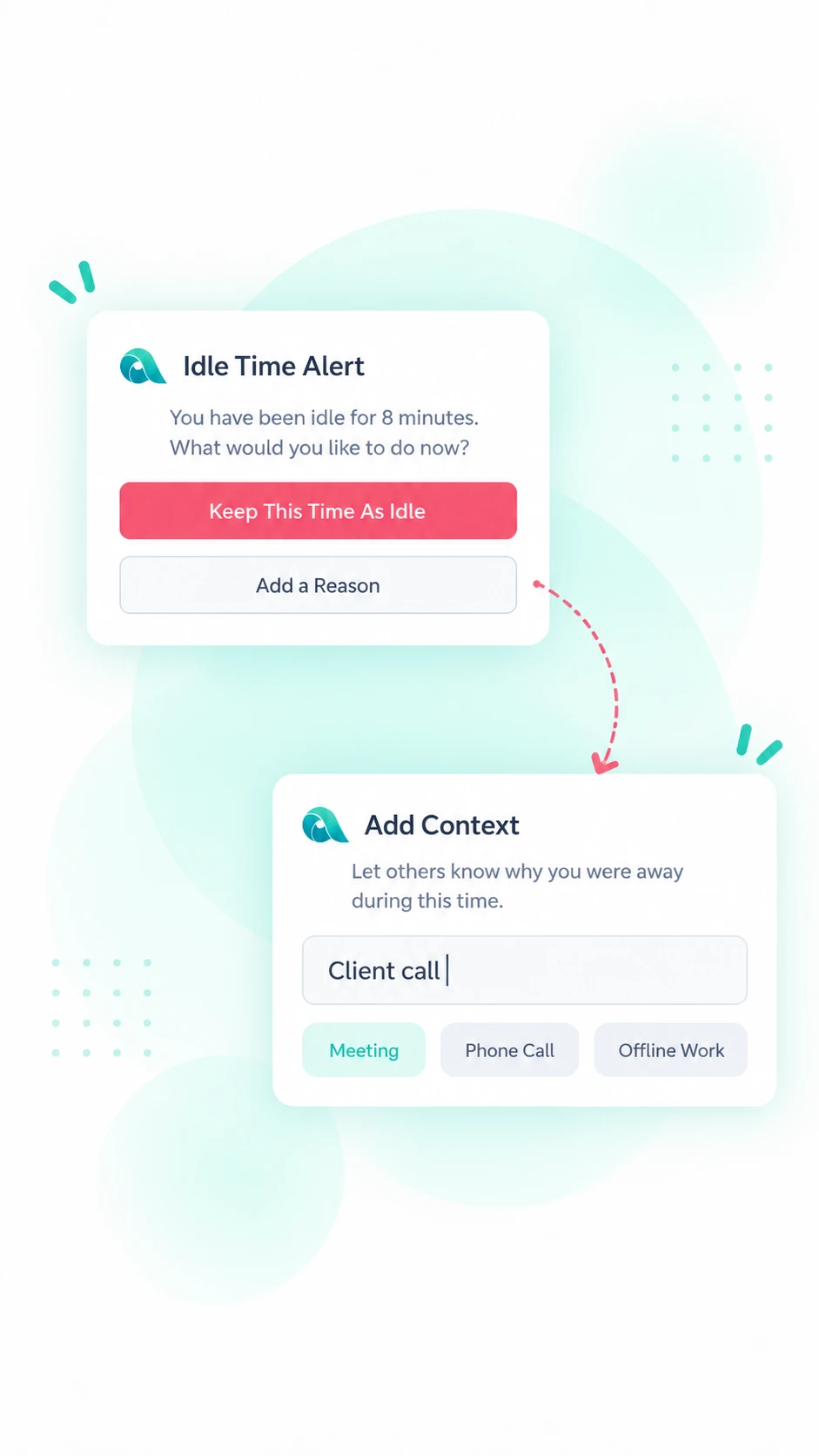
That's why useful idle-time data needs context, not just a timer.
| Productive inactivity | Unproductive inactivity |
|---|
- Phone calls
- Meetings
- Reading
- Planning
- Research
- Offline tasks
| - Extended unexplained absence
- Repeated inactivity during scheduled work
- Excessive break patterns
- Unusually long gaps between tasks
|
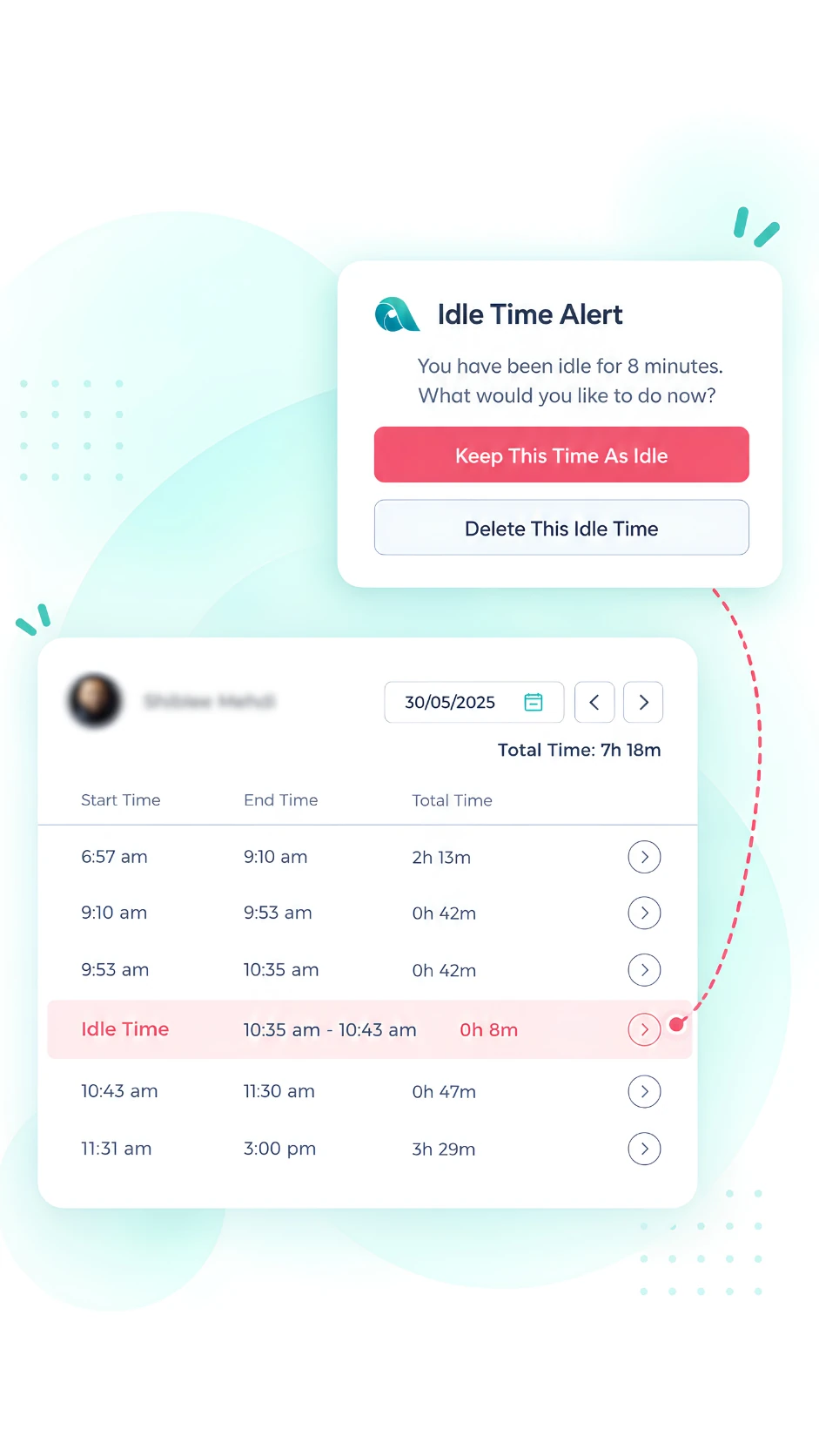
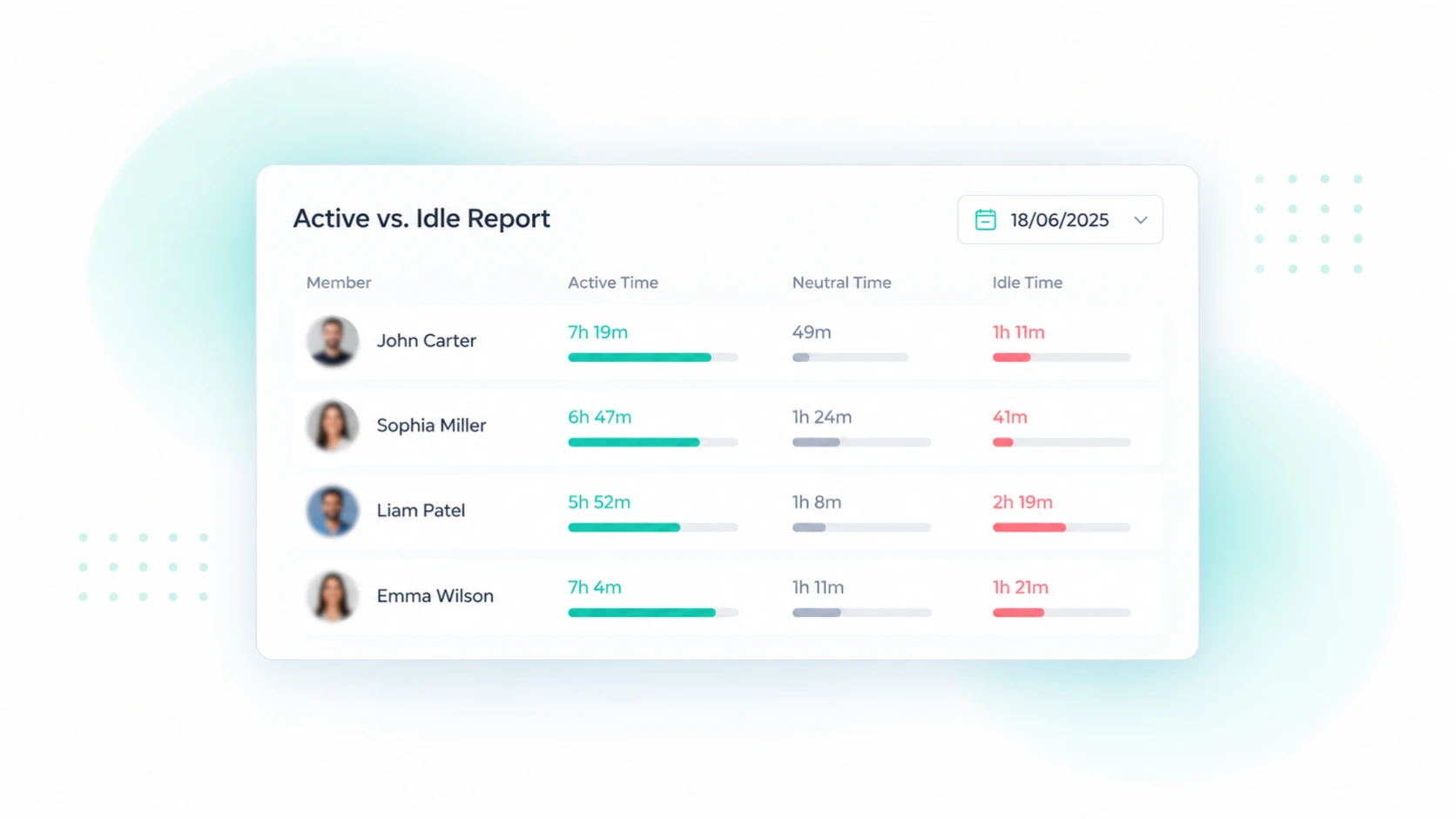
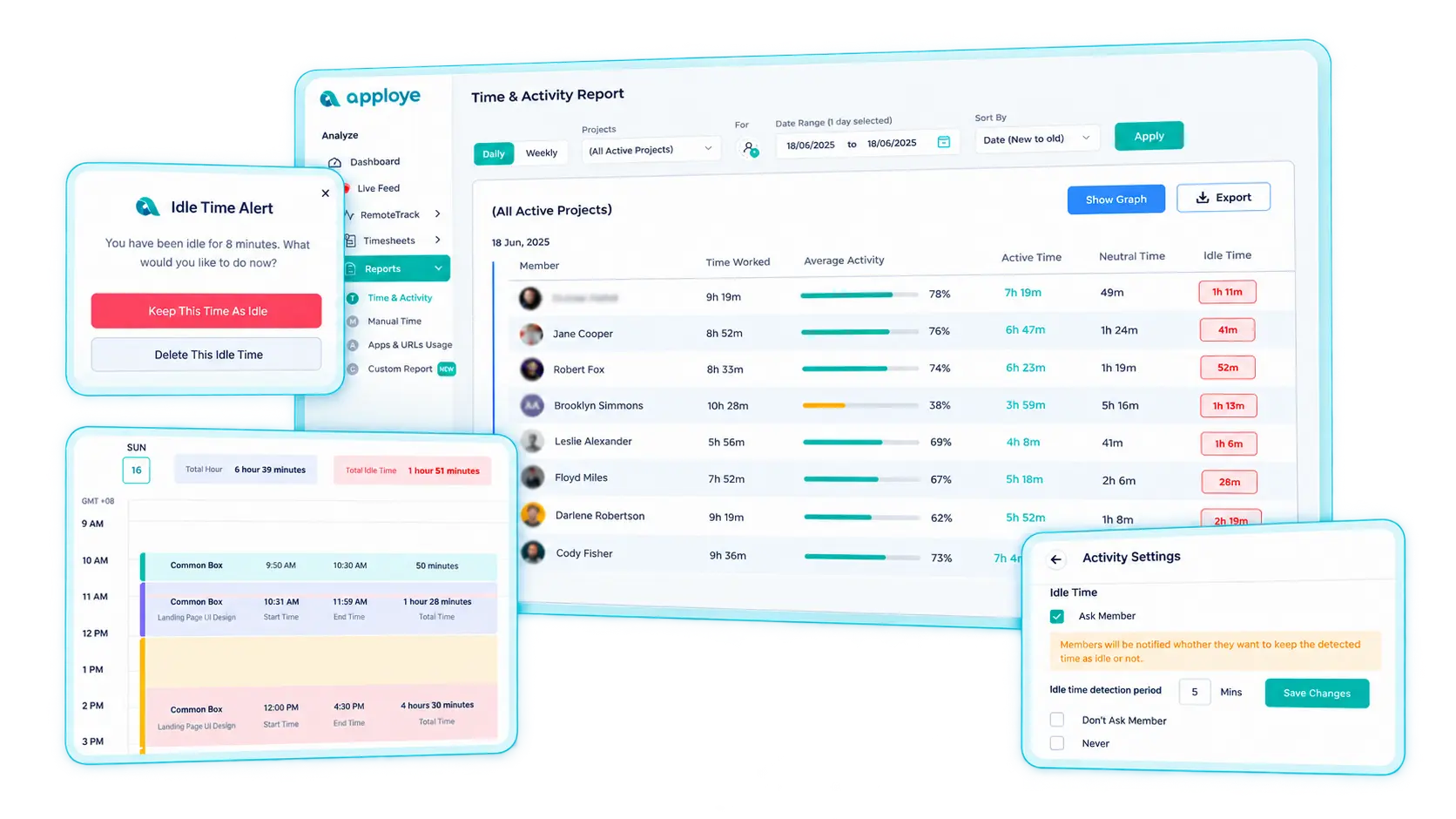
Use idle-time data from Apploye to identify patterns that need a second look rather than treating every inactive minute as lost productivity.
Normal vs. Abnormal Idle Time
The main difference is that normal idle time is unavoidable, while abnormal idle time is avoidable.
Normal Idle Time
Time when employees or machines are not working due to regular, unavoidable reasons.
Examples:
- Setting up machines
- Switching between tasks
- Scheduled breaks
- Waiting during normal production processes
These are considered part of normal production costs and included in production overhead.
Abnormal Idle Time
Time wasted because of unexpected problems that could have been prevented.
Examples:
- Machine breakdowns
- Power outages
- Poor scheduling
- Delayed materials
- Unexpected staff shortages
These are treated as a loss and charged to the Profit and Loss Account.
Why This Matters When Choosing Software
Most idle trackers show one total number, which often gets ignored. What really matters is knowing how much idle time is unusual and what's causing it. Choose software that makes this distinction clear, so you can use idle data to improve processes rather than just measure performance.
How to Calculate Idle Time
Idle time = Total paid hours − Productive hours
Idle rate = (Idle hours ÷ Total paid hours) × 100
For example,
A five-person team logs 200 paid hours in a week. Tracked productive time comes to 172 hours.
Idle time = 200 − 172 = 28 hours
Idle rate = (28 ÷ 200) × 100 = 14%
Now break it down. Of those hours, 19 were normal breaks and task switching. The other nine were wasted waiting for client asset approvals. Those nine hours cost roughly $[X] a month. And fixing the problem takes one conversation with an account manager, not five performance reviews.
That’s why you track idle time. Not to find slow employees, but to find broken processes.
What Counts as a Normal Idle Rate?
For knowledge work, an idle rate of 10–20% is common when using a five-minute threshold. But jobs involving meetings, reading, or client calls may have higher rates (25% or more) because time tracking tools don't always detect this work. Task-based roles usually have lower rates.
How to Introduce Idle Tracking Without Hurting Morale
Be Transparent
Tell employees what you're tracking, why, and who can see the data. Communicate before installing the tool.
Start With a Flexible Limit
Set a 10-minute idle threshold for the first month. Adjust it later based on real data.
Collect Data Before Taking Action
Monitor idle time for 2–4 weeks without judging employees or taking action. First, understand what's normal.
Focus on Team Trends
Review team patterns before individual performance. High idle time may point to workflow issues, not employee problems.
Encourage Employees to Add Context
Ask employees to explain idle periods during the first two weeks. Show them how their input makes reports more accurate and fair.
Use Idle-Time Data to Make Better Business Decisions
Idle-time tracking isn't just about employee inactivity. It helps businesses identify problems, improve workflows, and manage teams more effectively.
Find Workload Gaps
Frequent idle time may mean employees don't have enough work. Compare team activity to balance workloads and use available resources better.
Identify Workflow Bottlenecks
Employees may be idle while waiting for approvals, customer responses, information, software, or new tasks. Use idle-time patterns to find and fix delays instead of blaming employees.
Improve Workforce Planning
Use activity trends to make better decisions about scheduling, staffing, hiring, shift coverage, and workload distribution.
Improve Time and Attendance Accuracy
Logged hours don't always reflect active work. Idle-time data adds useful context when reviewing timesheets and attendance records, especially for remote teams.
Support Remote and Hybrid Teams
Idle-time tracking helps managers understand work patterns without constant check-ins. It gives teams more independence while keeping managers informed.
How to Use Idle-Time Tracking Responsibly
Idle-time tracking should help you understand how employees work, not just measure their activity.
1. Don't rely only on idle time
Low idle time doesn't always mean better performance. Consider work quality, responsibilities, workload, and results.
2. Set rules based on job roles
Different jobs require different levels of computer activity. Adjust monitoring rules to fit each role.
3. Don't assume every break is wasted time
Short periods of inactivity are normal. Focus on repeated patterns instead of occasional pauses.
4. Identify workplace problems
High idle time may point to:
- Uneven workloads
- Slow approvals
- Technical issues
- Lack of tasks
- Poor scheduling
- Unclear responsibilities
- Workflow delays
5. Be clear about monitoring
Tell employees what you track, why you track it, when monitoring happens, and who can see the data.











.webp)

.webp)
.webp)

.webp)





.webp)