Free Monthly Team Report Template

This free monthly team report template keeps a clear record of your team’s monthly work and makes it easier to review progress and plan what comes next.
Download the Free Monthly Team Report Template
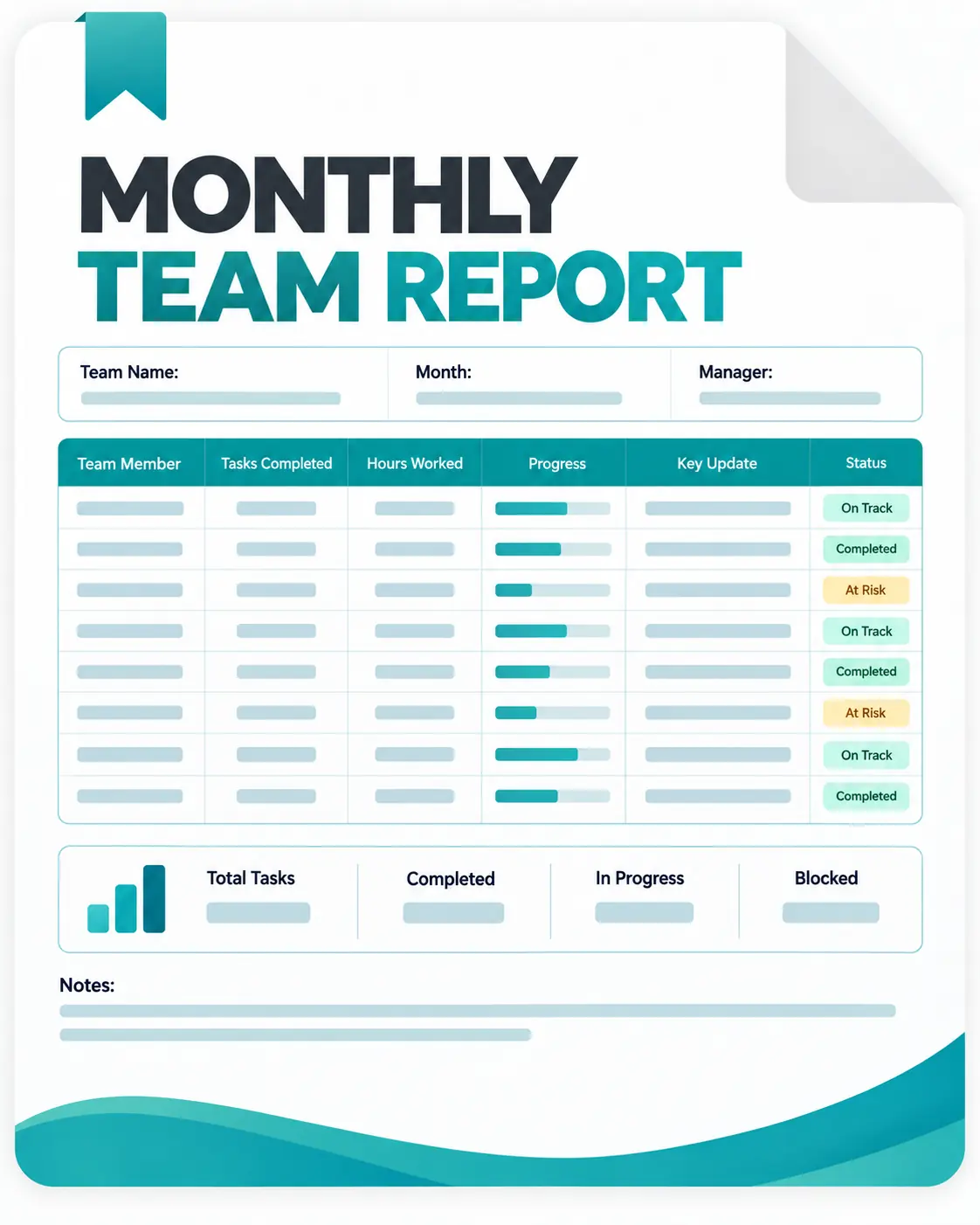
The template includes:

Monthly team overview;
Work and task updates;
Performance highlights;
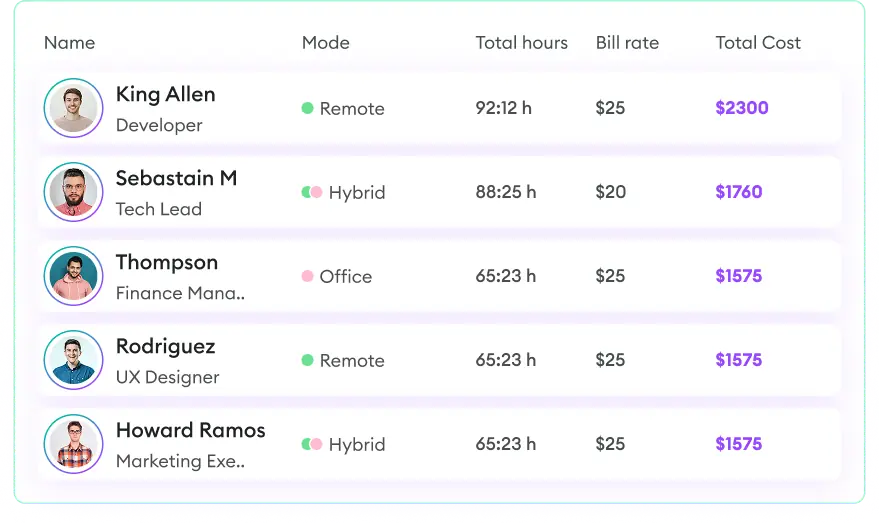
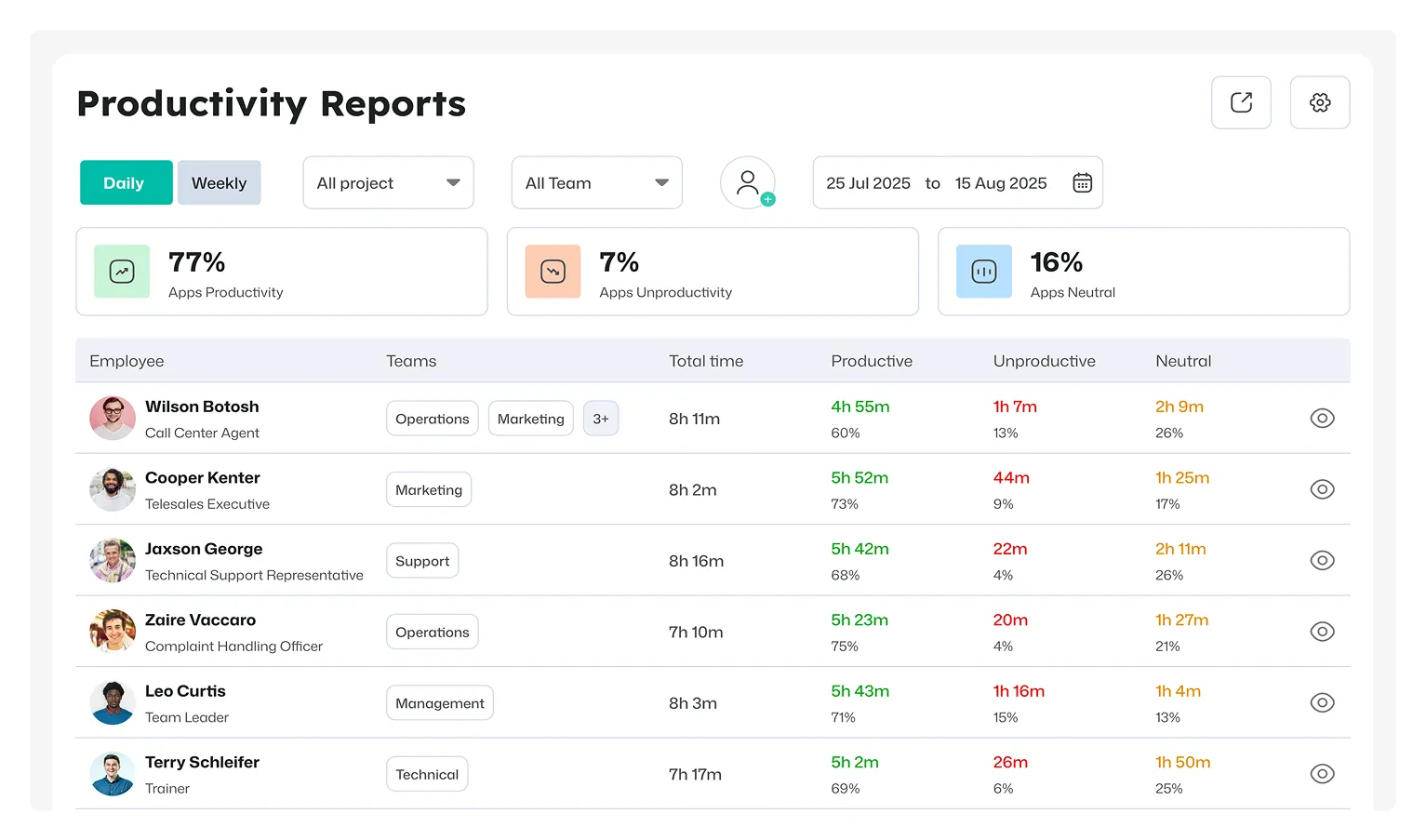
Hours and workload tracking;
Challenges and issues; and
Next-month priorities.
What Can You Track in a Monthly Team Report?
A monthly report can bring together the information managers need to understand how the team performed during the reporting period. It can cover:
- Team members and roles
- Completed tasks
- Active projects
- Working hours
- Monthly goals
- Key achievements
- Project progress
- Challenges and blockers
- Upcoming work
- Manager comments
How to Complete the Report
1. Select the Month
Enter the month covered by the report and confirm the reporting period.
2. Fill in Team Details
Add the team name, department, manager, and other identifying information.
3. Gather Monthly Updates
Collect information about completed tasks, project progress, hours worked, and individual contributions.
4. Summarize the Results
Highlight the most important achievements and outcomes from the month.
5. Record Problems
Add any challenges or blockers that require attention from management or the team.
6. Plan the Next Period
Document the main priorities and goals for the coming month.
7. Review Before Sharing
Check the information for accuracy and make sure the report focuses on the most useful updates.
What Makes a Monthly Team Report Useful?
A good monthly report should be easy to scan and focused on information that supports team reviews.
Instead of documenting every activity, concentrate on:
What was completed → What is in progress → What was achieved → What caused problems → What happens next
This makes the report more useful for managers and easier for team members to maintain each month.
Spreadsheet Reporting vs. Apploye

Automate Monthly Team Reporting with Apploye
Start tracking your team free