How to Calculate Your Team's Occupancy
- Choose what you're measuring — Select an individual employee or an entire team.
- Enter available hours — Add the total working capacity for the selected period.
- Enter occupied hours — Add the time spent on the work you are measuring.
- Set a target occupancy — Enter your desired benchmark if you want to compare the actual result.
- Calculate — Review the occupancy rate, remaining capacity, and target variance.
Avoid These Occupancy Calculation Errors
- Using inconsistent definitions: Decide what counts as occupied time before calculating.
- Mixing different periods: Available and occupied hours should come from the same reporting period.
- Ignoring actual availability: Account for approved time off and other unavailable hours when appropriate.
- Counting the same time twice: Make sure occupied hours do not exceed the available hours being measured.
- Comparing unrelated roles: Different jobs can naturally have different occupancy patterns.
- Looking only at the percentage: Consider workload, output, quality, and capacity alongside occupancy.
- Assuming higher is always better: A consistently high rate can indicate limited capacity rather than improved performance.
Calculate Occupancy with This Formula
The standard occupancy calculation is:
Occupancy Rate = Occupied Hours ÷ Available Hours × 100
The calculation is straightforward, but keep your definitions of “occupied” and “available” hours consistent when comparing employees, teams, or reporting periods.
Why Workforce Occupancy Matters
Tracking occupancy helps managers:
- Identify unused capacity
- Understand workload levels
- Balance assignments across employees
- Improve staffing decisions
- Identify consistently overloaded resources
- Compare workload patterns over time
- Improve project and workforce planning
- Build more realistic capacity forecasts
From Occupancy Calculations to Continuous Tracking
An occupancy calculator helps you calculate a percentage from the hours you already have. Dedicated time tracking tools like Apploye helps you maintain the time data behind that calculation.
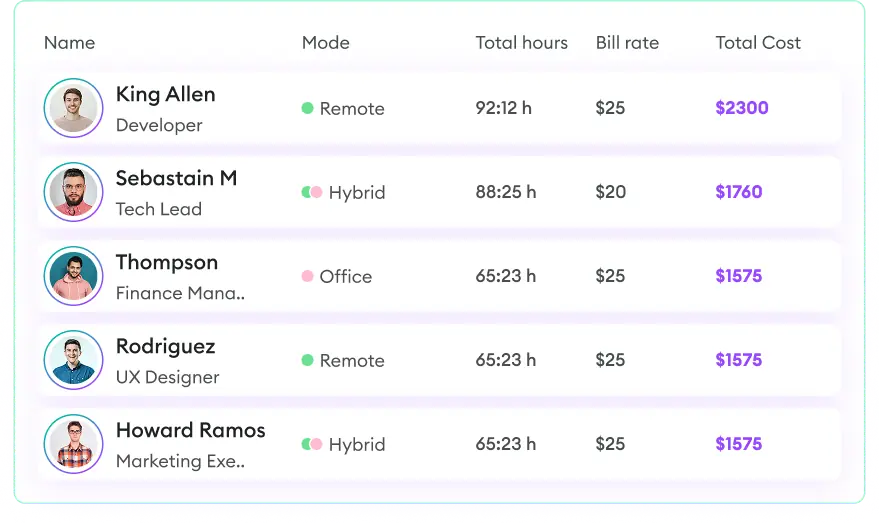
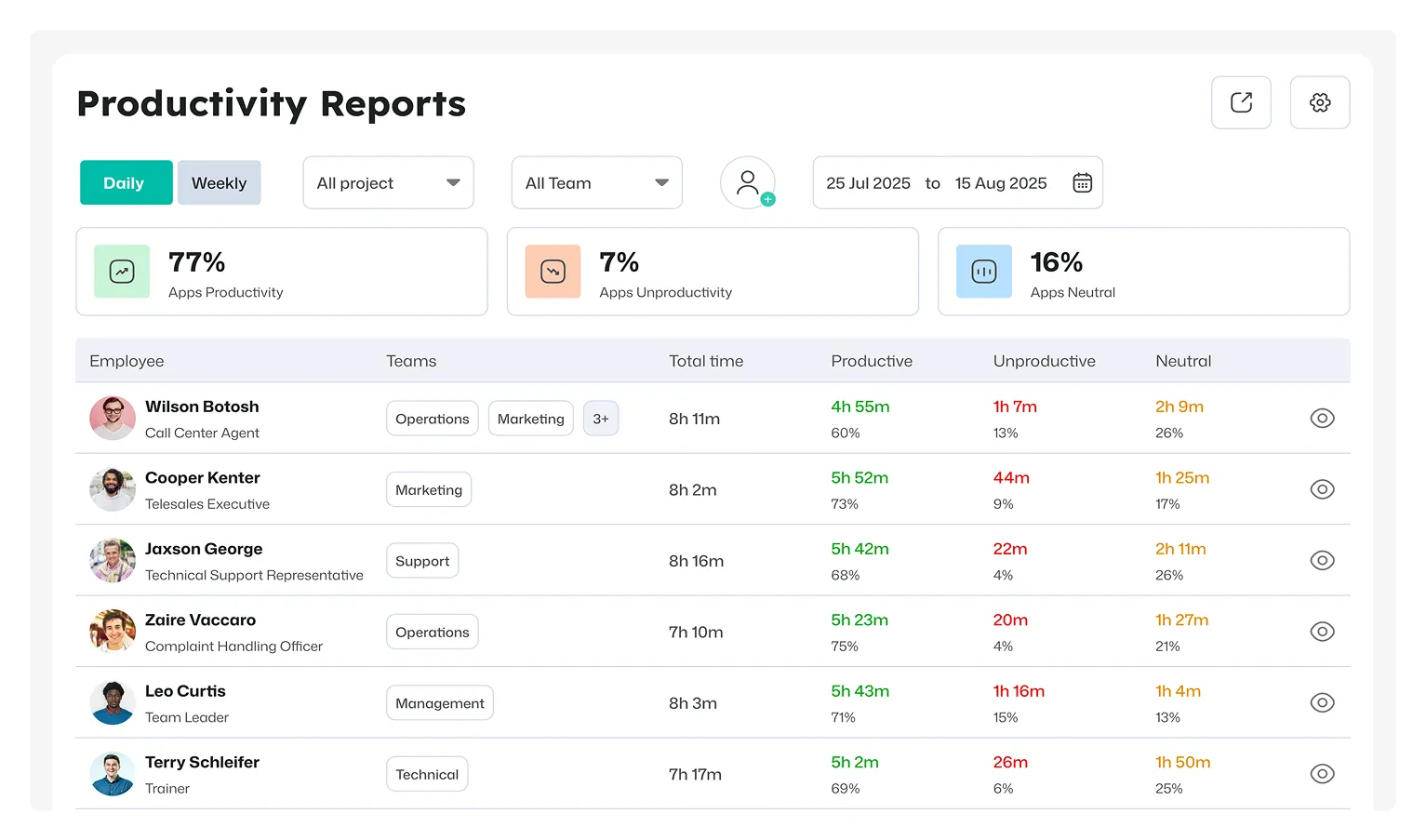
With Apploye, teams can track work time across projects and tasks, review timesheets and activity data, and use reports to analyze working hours over different periods.

 Productivity TrackingMeasure daily performance
 Workforce AnalyticsGet workforce intelligence
 Activity MonitoringCheck user behaviour
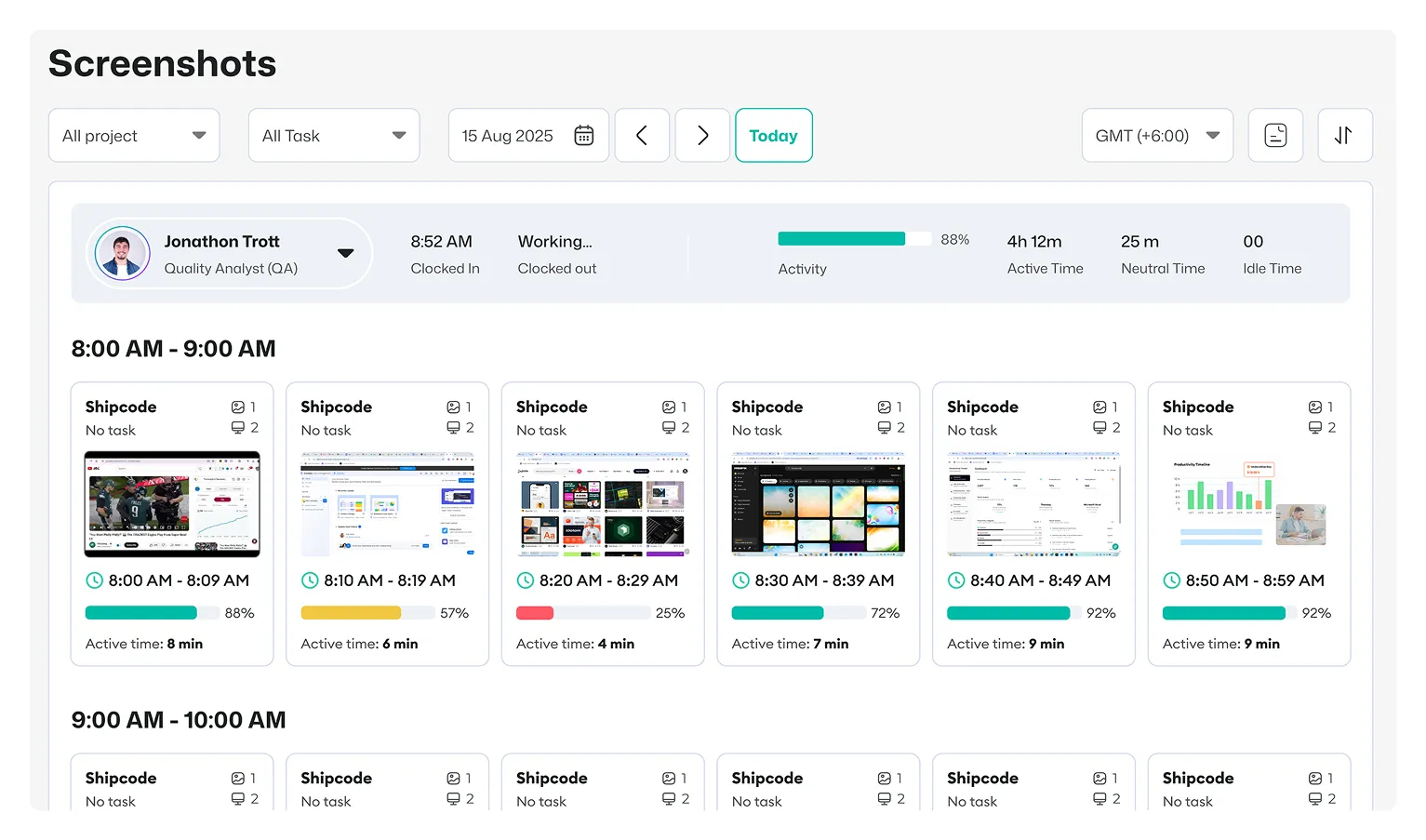
 Screenshot MonitoringMonitor screen activity
 Employee TimesheetTrack work hours
 Screen RecordingRecord work sessions
 Payroll & InvoiceOrganize projects efficiently
 Payroll & InvoiceAutomated payment processing
 ReportingGenerate insightful reports
 EnterpriseProductivity for larger organizations
 Computer MonitoringTrack computer usage
 Staff MonitoringOversee team performance
 Time RecordingCapture work hours
 Online TimesheetsDigital time logging
 Attendance TrackingMonitor employee presence
 Insightful ReportsInsightful time reports