






Free Payroll Approval Form Template - Download Now

Keep your payroll approval process simple and organized.
This free payroll approval form helps you review employee hours, pay details, adjustments, and payroll totals before approval. Use it in Excel or Google Sheets
Download the Free Payroll Approval Form
Our free template gives you ready-to-use sections for reviewing and approving employee payroll information. The template includes:

Employee information
Payroll period
Regular hours
Overtime hours
Pay rate
Overtime rate
Regular pay
Overtime pay
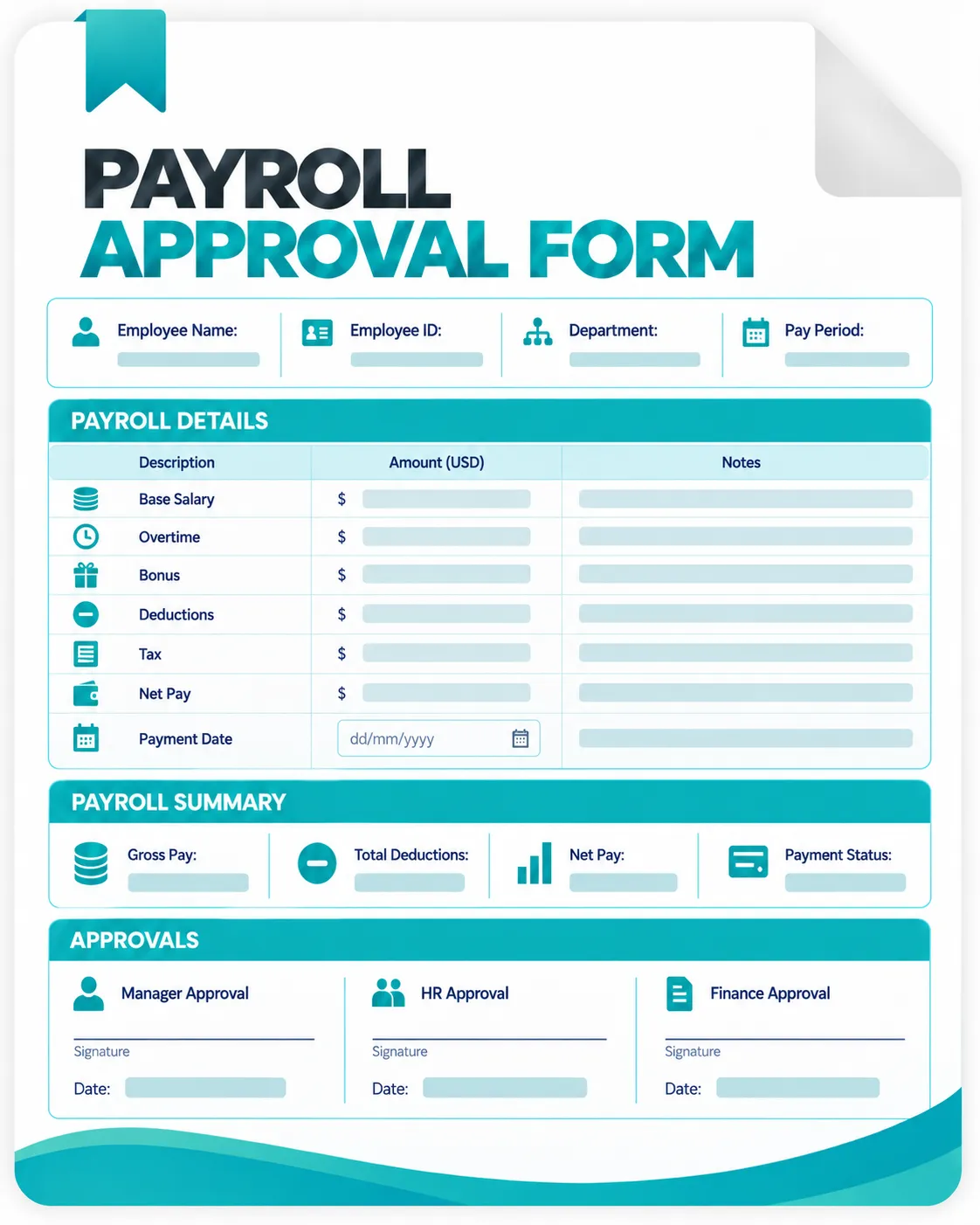
What is a Payroll Approval Form?
A payroll approval form is a document or spreadsheet used to review payroll information before employees are paid.
It gives managers, HR teams, or payroll administrators a place to check employee hours, pay rates, overtime, adjustments, and other payroll information before approving the final payment.
What is Included in This Payroll Approval Form?
Employee and Payroll Details
The form starts with basic information about the employee and payroll period.
You can record:
- Employee ID
- Employee name
- Department
- Job title
- Payroll period
- Pay date
- Reviewer name
Keeping these details together makes it easier to identify which employee and payroll period the approval applies to.
Regular and Overtime Hours
You can record:
- Regular hours
- Overtime hours
- Total hours
- Regular pay rate
- Overtime pay rate
- Regular earnings
- Overtime earnings
Payroll Adjustments
The form can be used to record:
- Bonuses
- Commissions
- Allowances
- Corrections
- Reimbursements
- Other adjustments
Deductions
Depending on your payroll process, these may include:
- Tax deductions
- Benefits
- Advances
- Other authorized deductions
Payroll Summary
The summary section gives the reviewer a quick view of the payroll calculation.
You can review:
- Regular pay
- Overtime pay
- Additional earnings
- Total deductions
- Gross pay
- Net pay, where applicable
- Final payroll amount
How to Use the Payroll Approval Form
Step 1. Download the Template
Download the Excel file and save a working copy. Keep the original as a blank master.
Step 2. Add Employee Information
Enter each employee’s ID, name, department, and payroll period. Check the details against your records.
Step 3. Enter Worked Hours
Add regular and overtime hours. Compare them with approved timesheets or time records.
Step 4. Review Pay Rates
Check regular and overtime rates against your approved payroll records.
Step 5. Add Adjustments and Deductions
Enter approved bonuses, commissions, allowances, corrections, and deductions separately.
Step 6. Review Payroll Totals
Check regular pay, overtime pay, adjustments, deductions, and the final payroll amount. Correct any discrepancies before approval.
Step 7. Approve the Payroll
Select the approval status and add the reviewer’s name, approval date, and notes. Keep the completed form with your payroll records.
Download the Free Payroll Approval Form
Our free template gives you ready-to-use sections for reviewing and approving employee payroll information. The template includes:
Employee information
Payroll period
Regular hours
Overtime hours
Pay rate
Overtime rate
Regular pay
Overtime pay
How Do You Approve Payroll?
Payroll approval usually involves reviewing the information used to calculate employee payments before the payroll is finalized.
A basic approval process may include:
Review employee hours → Check pay rates → Verify overtime → Review adjustments → Check deductions → Confirm payroll totals → Approve payroll
The exact process depends on how your organization handles payroll.
For hourly employees, checking the underlying work hours is especially important because incorrect or unapproved time entries can affect the final payroll amount.
