Overtime Approval Form Template – Free Excel Download

A structured overtime form helps document why additional hours are needed, when the work will happen, and who approved the request.
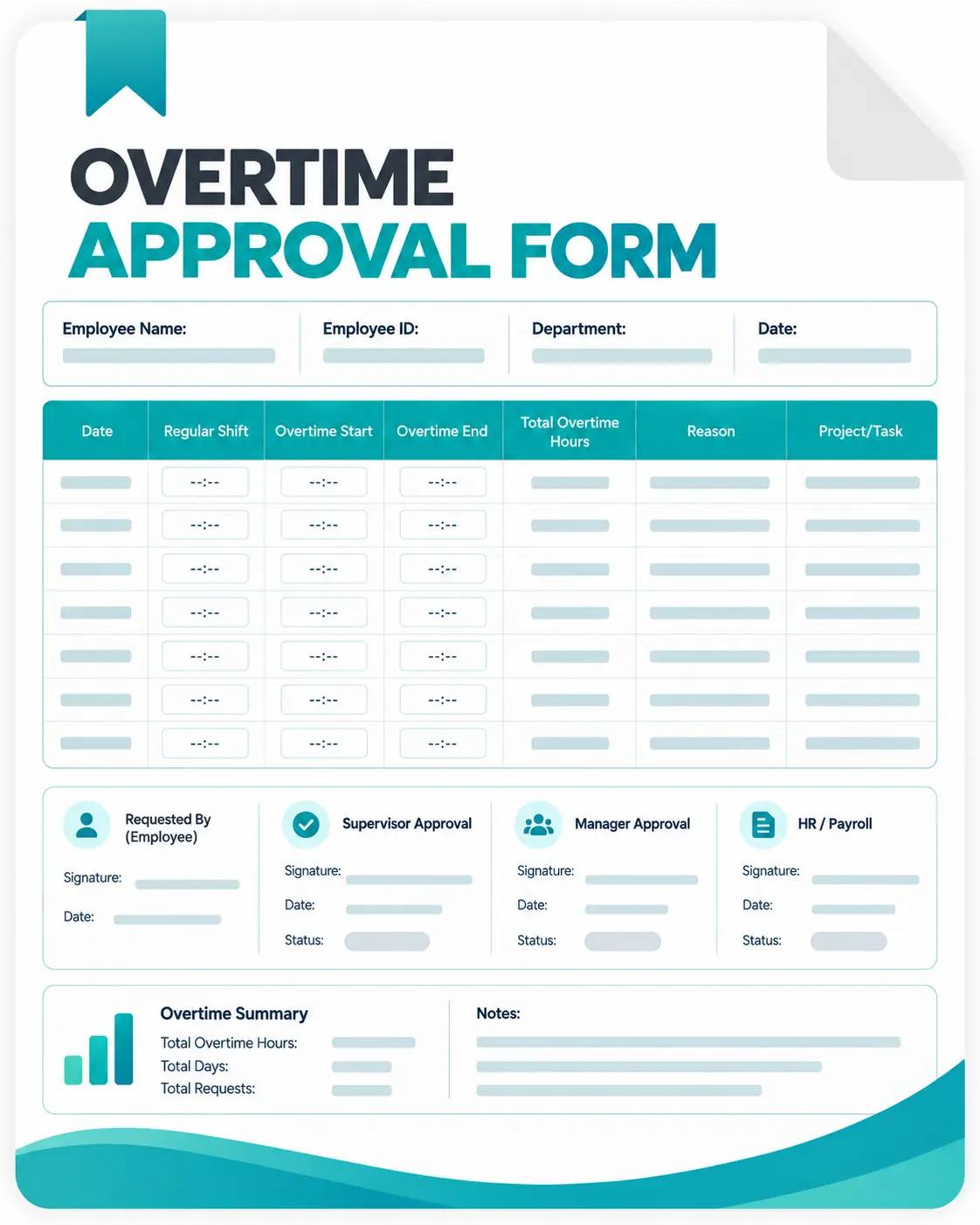
With this free overtime approval form template, you can organize employee details, overtime hours, work information, reasons, pay details, and approval decisions in one place.
Download the Free Overtime Approval Form
Use this ready-made Excel template to create a consistent process for submitting and reviewing overtime requests. The template includes:

Employee information
Request and work dates
Project, client, and task information
Start and end times
Regular and overtime hours
Approval status
What Should an Overtime Approval Form Include?
An overtime request needs enough information for a manager to understand the additional work before deciding. A practical form should cover:
- Employee details – Name, ID, department, and manager
- Request information – Request date and scheduled overtime date
- Work details – Project, client, task, or work type
- Hours – Expected start time, end time, regular hours, and overtime hours
- Reason – Why the additional work is required
- Pay details – Applicable overtime rate and estimated pay, when needed
- Approval – Status, comments, and approval date
Why Use an Overtime Approval Form?
A standardized overtime approval process makes additional work hours easier to manage and document. It helps you:
- Keep overtime requests organized – Store employee, project, date, and hour information together.
- Give managers better context – Review the reason and expected workload before approving overtime.
- Create an approval record – Document whether a request was approved, rejected, or placed on hold.
- Reduce communication gaps – Replace scattered emails, messages, or verbal requests with a consistent form.
- Support payroll preparation – Keep approved overtime information available for payroll review.
- Improve project visibility – Connect additional hours with the project or task that required them.
For teams processing a large number of overtime requests, however, manually collecting and reviewing hours becomes repetitive. In that case, time tracking software can reduce manual recordkeeping by providing centralized time data and reports.
Manage Overtime and Work Hours With Apploye
Once overtime is approved, managers still need an accurate way to review the hours actually worked.
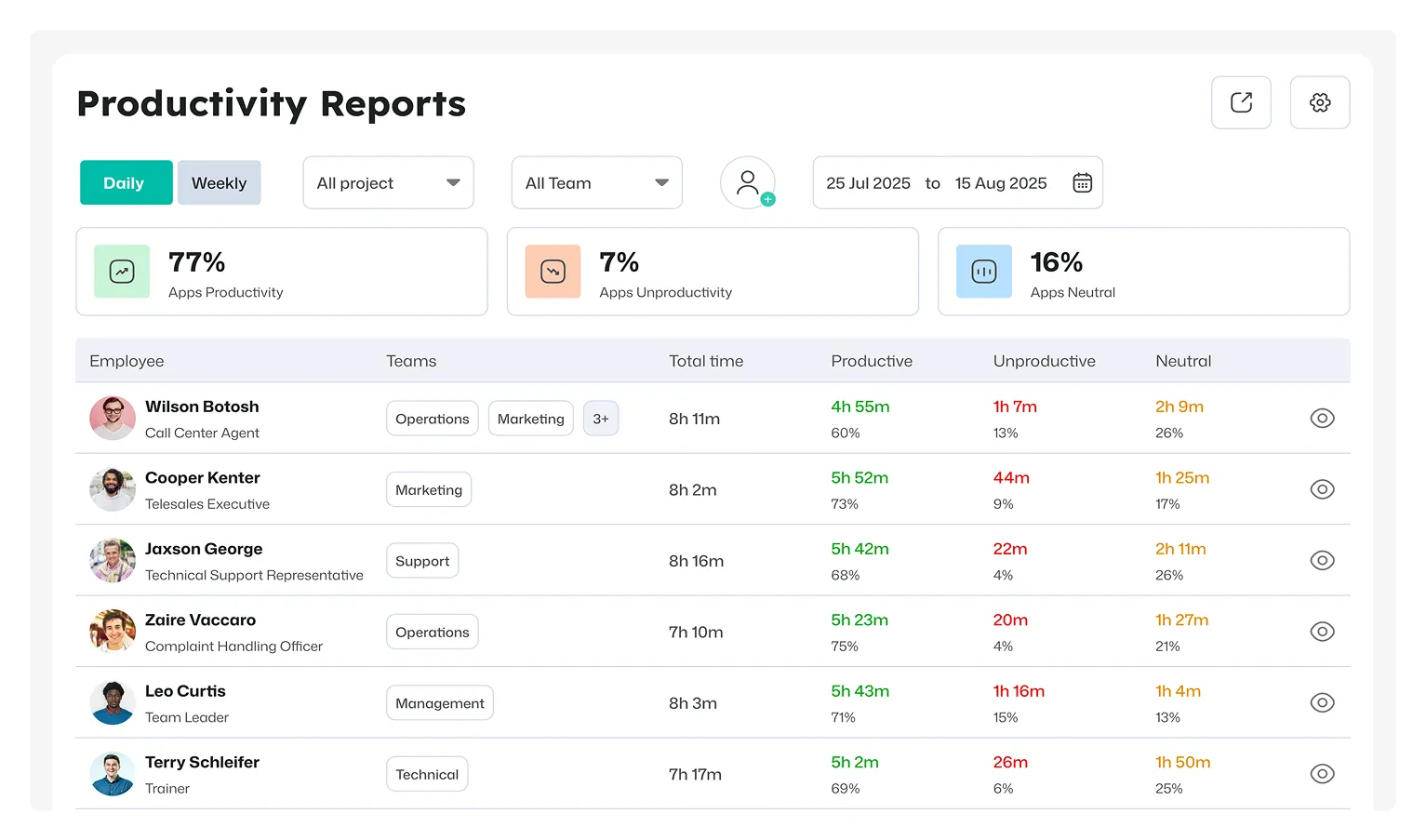
Apploye provides daily, weekly, monthly, and custom timesheets, along with timesheet approval and reporting. Its reports can also show manually added time entries and tracked hours by employees, projects, and dates.
Ready to automate time tracking for your entire team?
Sign up on Apploye for free