Remote Employee Monitoring Software

Remote employee monitoring software precisely tracks how your employees spend their work hours. Gain complete insights to run a more productive and efficient team.

4.8
A phone, tablet, and desktop screen displaying a time-tracking dashboard interface.

Trusted by 1400+ companies

DentistFind logo
Wing Assistant logo

Brain Station 23 PLC. logo
Net2Apps logo

What More Apploye Employee Monitor Software Offers for Your Business?

Employee Screen Monitoring

Employee Screen Monitoring

Capture and analyze pc screenshots to increase accountability.

Learn more
Employee Time Tracking

Employee Time Tracking

Track and manage project time and increase project efficiency.

Learn more
Productivity Analysis

Productivity Analysis

Analyze activity data and improve team productivity and balance workloads.

Learn more
App and Website Tracking

App and Website Tracking

View website and application usage while on the job for deeper work insights.

Learn more
Stealth Mode

Stealth Mode

Apploye's stealth mode runs in the background and checks activity levels, apps/URL usage live.

Learn more
Silent & Remote Deployment

Silent & Remote Deployment

Install and configure Apploye remotely across company devices without manual setup for every user.

Learn more
On-Premise Deployment

On-Premise Deployment

Run Apploye on your own infrastructure for greater control over data and security.

Learn more
Workforce Analytics

Workforce Analytics

Get real data on workforce efficiency and output performance.

Learn more
Employee Attendance Tracking

Employee Attendance Tracking

Check employee clock-in and clock-out for smooth HR operations

Learn more
Advanced Reporting

Advanced Reporting

Watch every insight and statistic of your team's activity and performance.

Learn more
Project Tracking

Project Tracking

Increase project efficiency and accountability with project and task management.

Learn more
SOC 2 Security

SOC 2 Security

Protect company data with security controls designed for enterprise teams.

Coming Soon

Affordable Employee Monitoring Solution for Remote Teams

Starter
FREE
Free forever up to 10 users
Individual & small teams
Start free trial
Check
Dashboard
Check
Time Tracking
Check
Timesheets
help icon
Up to 1 month history
Check
Timesheet Approval
Check
Projects
help icon
Up to 3 projects
Check
Unlimited Tasks
Check
Client and Invoices
help icon
Up to 3 clients
Check
Attendance & Leaves
help icon
Up to 1 month history
Check
Payroll and Members
help icon
Up to 1 month history
Check
Team Manager & Admin
Check
Screenshot Monitoring
help icon
1 Screenshot/hour
Check
Apps Usage Tracking
help icon
3 applications/day
Check
URLs Tracking
help icon
5 websites/day
Check
Activity Analytics
help icon
Visibility up to 7 days
Power
$8$12
Per user / month
Advanced monitoring
Start free trial

ADD-ONS Included

More Screenshots

API Access

Check
All from Elite
Check
AI (coming soon)
Check
Real-Time Instant Screenshot

Get Complete Visibility into Remote Work

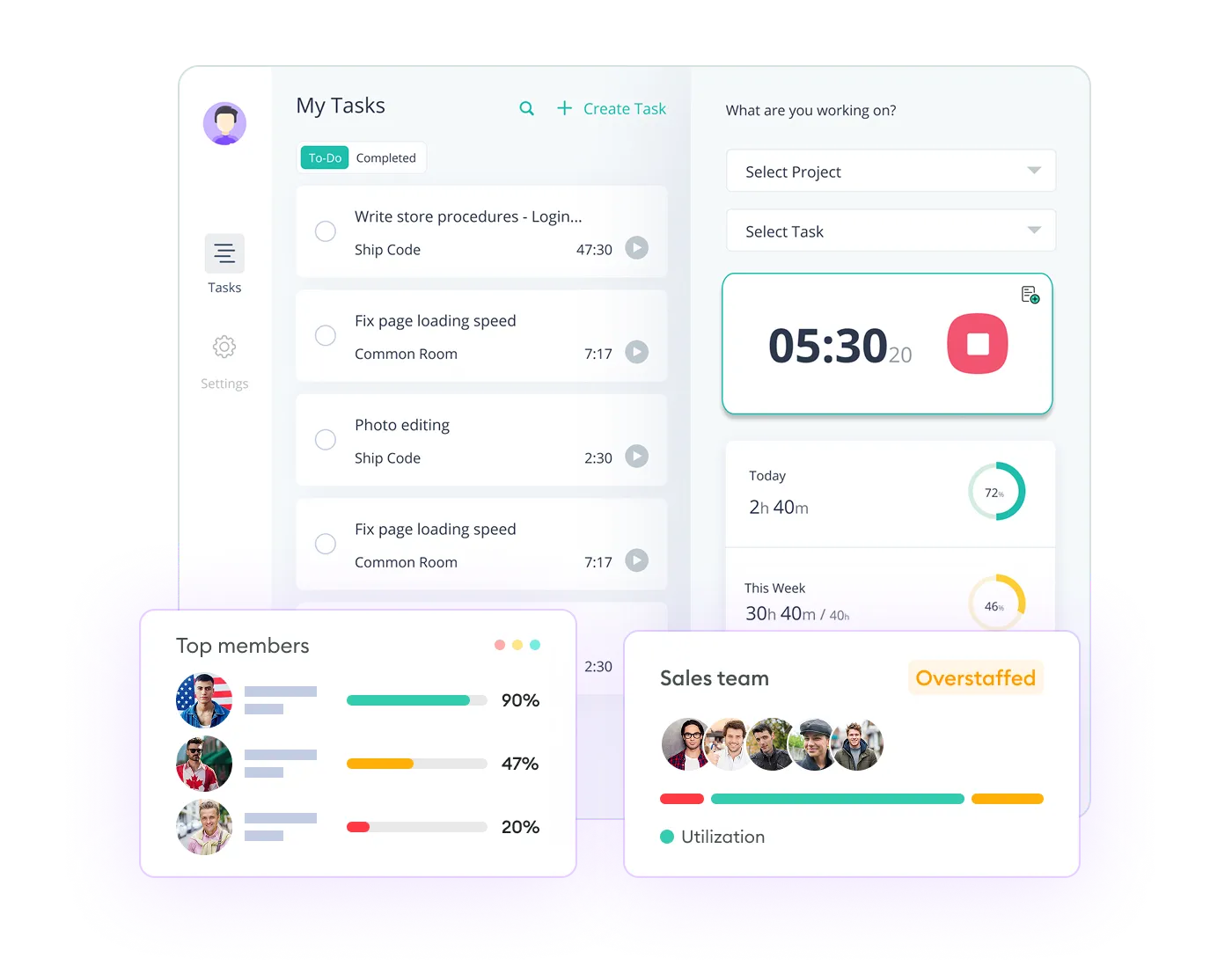
Dashboard showing top performers, total hours logged, project activity, and assigned projects.

Real-Time Remote Employee Monitoring

Accurately monitor your team’s activity live

Monitor remote employee in real-time to track performance and solve problems quickly. See how remote workers spend their time on different tasks, projects, or clients.

Try a Quick Demo

Monitor URL & Application Usage

See what your remote team is doing on the internet

See which websites and apps your remote employees are using, and for how long. Monitor activity to find out if your team is really working or getting distracted.

Check Internet Activity

Usage report showing app and URL activity with total time, start, and end times.
Table showing screenshots, members, times, and statuses, with a Hamish Run detail view.

Screenshot & User Session Recording

Capture snapshots for better remote employee monitoring

Take remote employee management to the next level using time tracker with screenshot. Review full session screen recording to optimize workflows and productivity, ensure compliance, and identify risks.

Start Tracking Now

Detailed Reporting & Analytics

Get advanced remote monitoring insights

Transform the computer monitoring data into actionable insights to optimize and boost productivity. Analyze the intuitive reports to find activity trends and potential bottlenecks.

Get Free Report

Team performance report with time worked, productivity, and a graph of daily activity comparison.
Activity settings page showing screenshot tracking, frequency, activity, and idle time options.

Advanced Security Measures

Monitor without violating privacy & security

Multi-layer permissions and accessibility protocols provide secured remote computer monitoring. User-level data protection and deletion systems ensure privacy is always intact.

Secure Your Data

1,400+ Remote and Hybrid Companies are using Apploye

"Awesome for Remote Working"

Great for planning and tracking the productive time spent by the development & sales team on different projects and activities. Perfect for understanding what the real cost of implementing a project inside the team. The UI is friendly, you quickly understand how to use the product, and perks like offline sync make it seamless to use.

Star Star Star Star Star
Florin T.
Founder
Read the full review

"Great for Managing Remote Teams"

Apploye made handling remote teams easy. I can track my team's work without being in the room. Plus, my team members know their efforts are not going unnoticed. It improved my remote team's productivity.

Star Star Star Star Star
Emran Hossain R.
Director
Read the full review

"Managing Remote Team Made Much Easier"

Before using Apploye, managing my remote team felt like guessing. I didn’t really know who was working on what or how things were going. Now, I can see how my team is working, which helps me plan better, set fair deadlines, and make sure no one is getting overwhelmed. It’s made us more productive and completely solved our problem with tracking remote work.

Star Star Star Star Star
Kazi M.
Content Manager
Read the full review

"Effortless Remote Monitoring with Sleek Simplicity"

I like that Apploye is simple with screen captures, making it easy to monitor remote developers. There isn't too much complexity in how to review, which I find helpful. I also appreciate the sleek web format of Apploye, and it was easy to migrate from Hubstaff.

Star Star Star Star Star
Richard Q.
Lead Developer
Read the full review

"Empowers Remote Teams with Efficient Time Management"

I like using Apploye for time management and screenshot reports. It's been a good experience and gives me good results. Managing a remote worker and tracking time was easy, which helped increase productivity a lot. It's very easy to set up, too.

Star Star Star Star Star

"Useful Tool for Remote and Onsite Teams"

I had a great experience using the platform, it's easy to use and able to manage the time in and time out of all our employees. It's very affordable and easy to use time tracking platform. Great in managing the teams attendance and screenshots.

Star Star Star Star Star
Aljane D.
Finance Officer
Read the full review

"A Simple Yet Powerful Time Tracking Tool for Remote Teams"

Apploye has a clean, user-friendly interface with accurate time tracking, real-time activity monitoring, and helpful screenshots. It’s great for managing remote teams and offers strong features at an affordable price.

Star Star Star Star Star
Ikbal H.
Founder
Read the full review

"Useful Tool for Remote Teams!"

We used it to track the daily timesheet of our team and see how much time each task takes us to complete, so we could improve our planning activities later. If you manage remote teams or working in one, Apploye is really the thing to go for.

Star Star Star Star Star
Jana F.
Growth Hacker
Read the full review

"Best Remote Employee Tracking App"

Due to current market dynamics, we had to transition from onsite work to remote work. Most of our employees are working from home now Apploye came in very handy to track the work of our remote employees. Employee scheduling and monitoring features inbuilt within the app have increased our team productivity.

Star Star Star Star Star
Ranjit G.
Digital Strategist
Read the full review

Improve Employee Productivity & Accountability at Zero Cost!

What's stopping you if you can start for FREE?

Apploye Dashboard - Employee Productivity Tracking

Frequently Asked Questions about Remote Employee Monitoring Software

What is Apploye remote monitoring software?

Apploye, as a remote employee monitoring solution, tracks time, activity, takes screenshots, and records the screen. Also, monitor app usage and the URLs of remote employees' computers.

How to monitor remote employees?

Download and install Apployee on your devices. Get your remote team on board. Then start tracking time and activity, record screen, capture screenshots, monitor app and website usage. Finally, the tool will provide you with full remote employee activity reports.

Why do remote teams need a remote worker tracking system?

Remote teams need a tracking system to check productivity analytics, ensure accountability, and simplify communication across different time zones. It helps managers track work progress, set clear expectations, and provide necessary support for employees in a virtual environment.

How does Apploye do remote work monitoring?

To monitor remote employees, Apploye records active and idle time, provides screen insights with images, and continuous clips. Not to mention, a real-time overview of productivity level and performance statistics.

Can I use Apploye for a hybrid work setting?

Yes, Apploye is a perfect solution for monitoring both remote and in-office teams. It monitors continuously and tracks productivity in either a hybrid or work-from-home environment.

Will Apploye affect employee trust or morale when working remotely?

Apploye monitors remote employees without micromanaging them. So, no, it will not affect employee trust or morale. Apploye believes in transparency, and this remote work monitoring software is designed that way.

Is Apploye suitable for freelancers or small remote teams?

Apploye is ideal for freelancers working from home and small distributed teams. It’s affordable, easy to set up. For simple time tracking and productivity insights, it is simply outstanding.

Is there a free trial to test Apploye?

Yes. Apploye offers a 10-day free trial. During this period, you will have full remote access to all the employee time tracking and monitoring features without needing credit card details.

How does Apploye ensure employee privacy while monitoring activities?

Apploye offers privacy-friendly remote monitoring features with flexible settings that put you in control. Screenshots are taken randomly, and they come with helpful context annotations. This ensures that the monitoring is never intrusive and aligns with privacy standards.

Is it illegal for employers to use remote employee management software?

No, remote employee monitoring solutions are legal in most regions. However, you must ensure transparency. That means the remote workers must be informed before you track their activity. Also, it would be better if you knew about the employee monitoring laws.

Which is the best remote employee monitoring software?

Apploye is the best remote work tracking software due to its powerful features, low price, and intuitive UI/UX. It’s an all-in-one solution for remote and hybrid teams.