






Free Employee Time Tracking Policy Template - Download and Customize

Create a clear and professional time tracking policy for your organization with our free editable template.
Define employee time tracking rules, timesheet submission processes, approval workflows, and work-hour guidelines, all in one ready-to-customize document.
Download the free employee time tracking policy template and create a consistent time tracking process for your team.
Download Free Employee Time Tracking Rules Template
Create a clear time tracking process for your team with a ready-to-edit policy template. You'll get:

Editable time tracking policy document
Employee time tracking guidelines
Timesheet submission rules
Approval and correction procedures
Customizable sections for your company
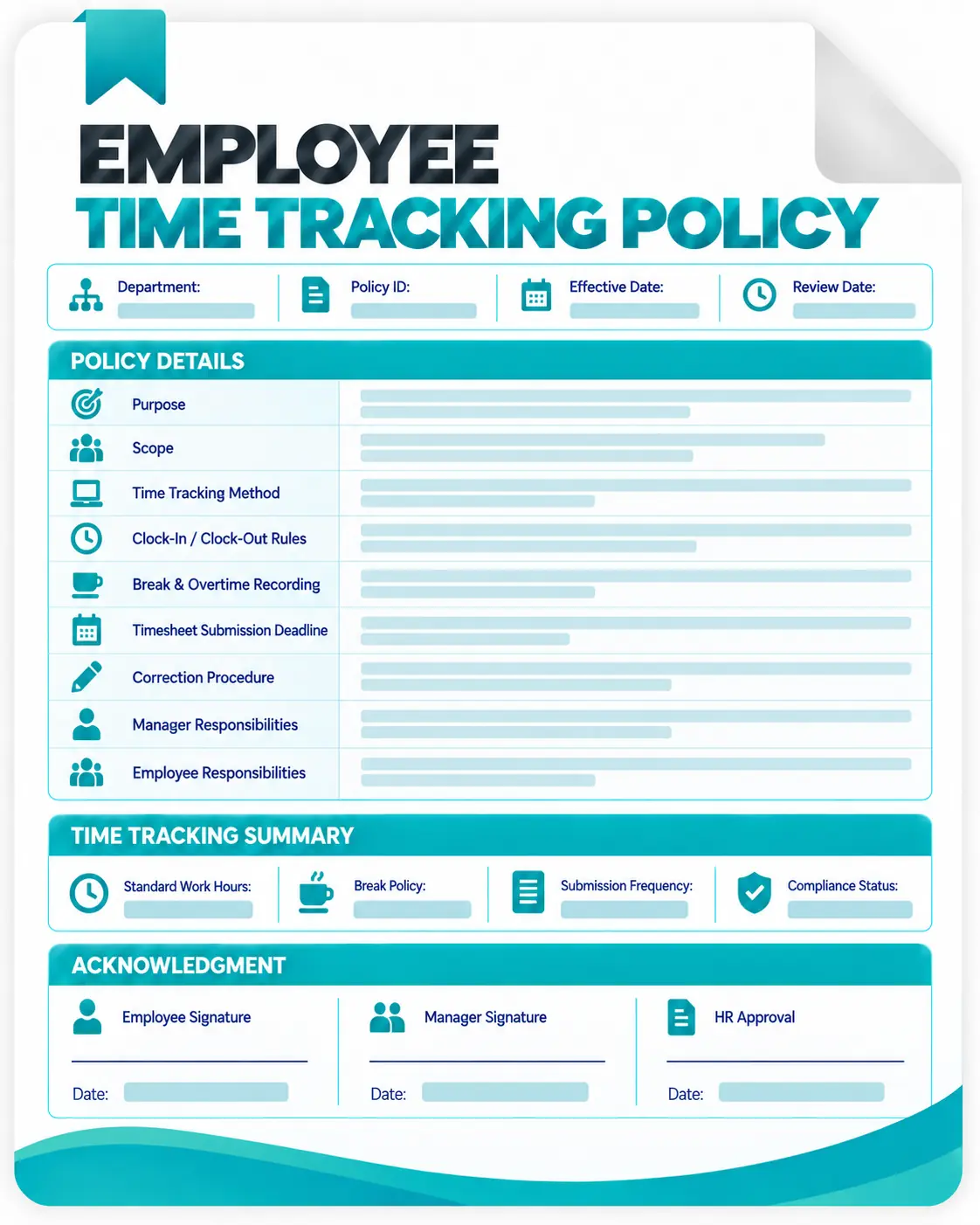
What is an Employee Time Tracking Policy Template?
A work hours policy template is a ready-made document that helps organizations define rules and procedures for tracking employee working hours.
Instead of creating a policy from scratch, businesses can customize an existing framework to explain:
- How employees record time
- When timesheets should be submitted
- How managers review hours
- How time data is used
- What happens when corrections are needed
A time tracking policy creates transparency between employees and employers while helping businesses maintain accurate work records.
Why Do Companies Need a Time Tracking Policy?
As businesses adopt remote work, hybrid teams, and flexible schedules, tracking employee time consistently has become increasingly important. A documented policy helps organizations:
Maintain Accurate Time Records
Without clear guidelines, employees may track their working hours differently. A policy ensures everyone follows the same process.
Improve Payroll Accuracy
Accurate time records help businesses manage:
- Employee hours
- Overtime
- Attendance
- Payroll calculations
Improve Project Management
Understanding where employees spend their time helps managers:
- Allocate resources better
- Estimate project timelines
- Monitor workload distribution
Support Remote Teams
Remote employees need clear expectations around working hours and reporting processes. A time tracking policy creates alignment across distributed teams.
Who Should Use This Work Hours Tracking Policy Template?
- Small Businesses: Create professional employee policies without starting from scratch.
- Remote Teams: Set clear expectations for distributed employees.
- Agencies: Track client project hours and improve billing accuracy.
- Freelancers and Contractors: Maintain transparent records of work completed.
- Growing Companies: Build scalable processes before your workforce expands.
How to Use This Work Hours Policy Template
Follow these simple steps:
Step 1: Download the Template
Get the editable document and open it in Word or Google Docs.
Step 2: Add Company Information
Update:
- Company details
- Policy owner
- Effective date
- Approval process
Step 3: Customize Your Rules
Adjust sections according to:
- Working schedules
- Remote work guidelines
- Payroll requirements
- Industry needs
Step 4: Share with Employees
Distribute the policy and collect employee acknowledgement.
Step 5: Automate Time Tracking
Once your team grows, move from manual processes to the best employee time tracking tools.
