
Time Tracking Software for Virtual Assistants

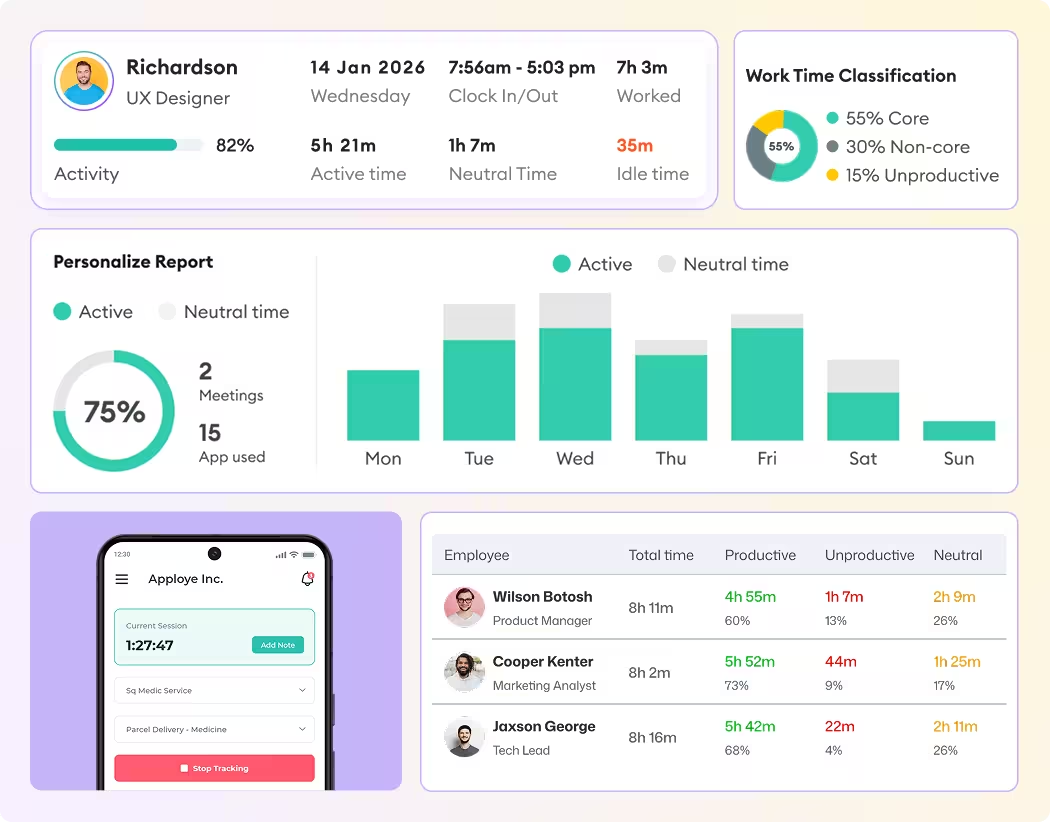
Apploye is time tracking software for virtual assistants and the agencies that manage them. VAs track time on Windows, Mac, Linux, Chrome, Android, or iOS, even offline. Managers see screenshots, app and website usage, and timesheets to approve. And Clients get read-only access to the hours they pay for.

No credit card required

Free up to 10 users

Cancel anytime

Mac Windows Linux iOS Android Chrome
Time tracking dashboard for accounting firms
Forbes Advisor 2025
USA Today
Business Insider
Forbes Advisor 2026
Entrepreneur
Capterra
G2
GetApp
Software Advice
GDPR
HIPAA
SOC 2
ISO

Join 29,000+ Organizations

Why VA Hours are So Hard to Prove

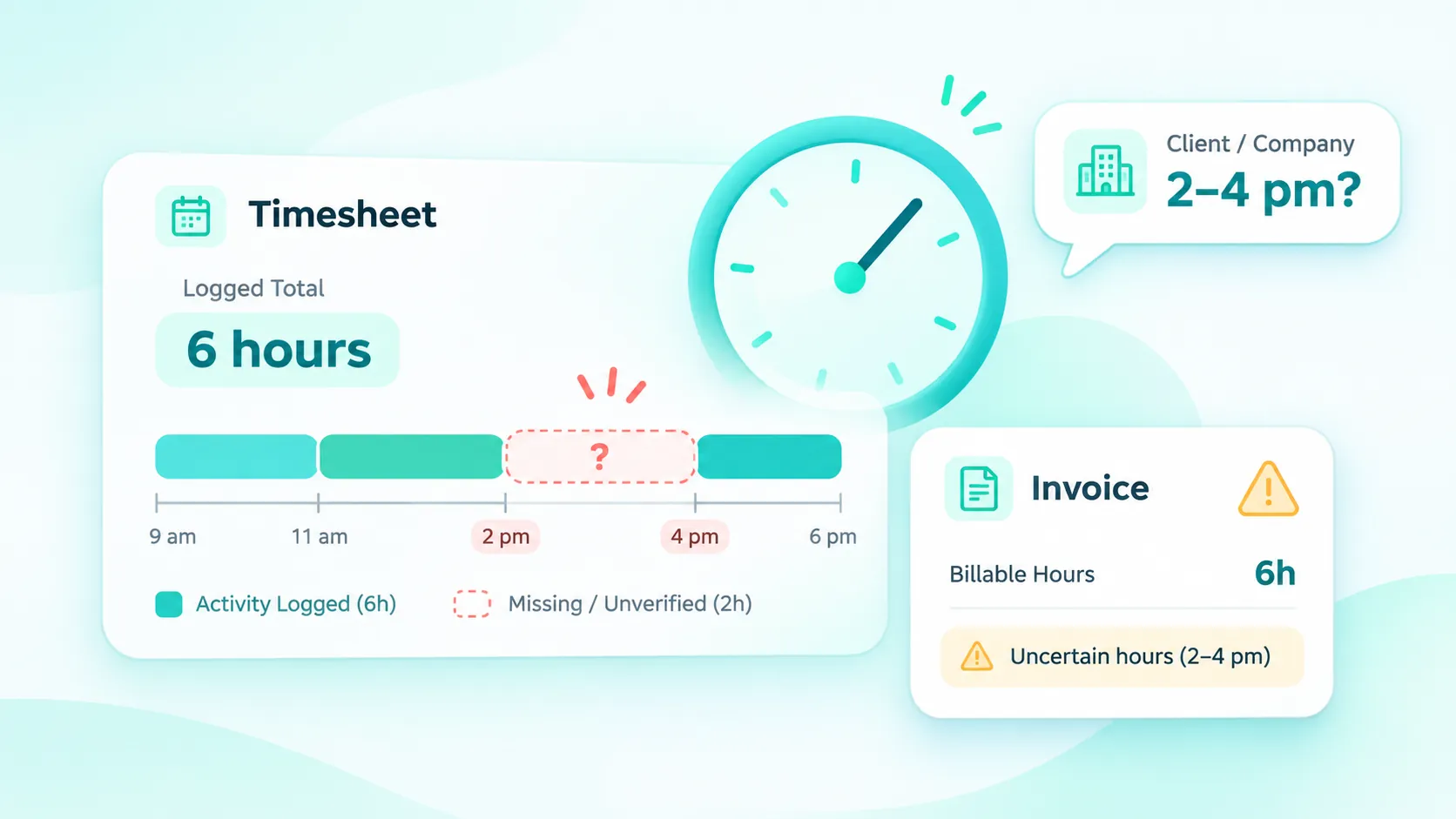
VA time tracking timesheet showing missing work activity and unverified billable hours.

Hours You Can't Back Up

A VA logs six hours in a spreadsheet. The client asks what happened between 2 and 4 pm. Without records, you're defending the invoice from memory.

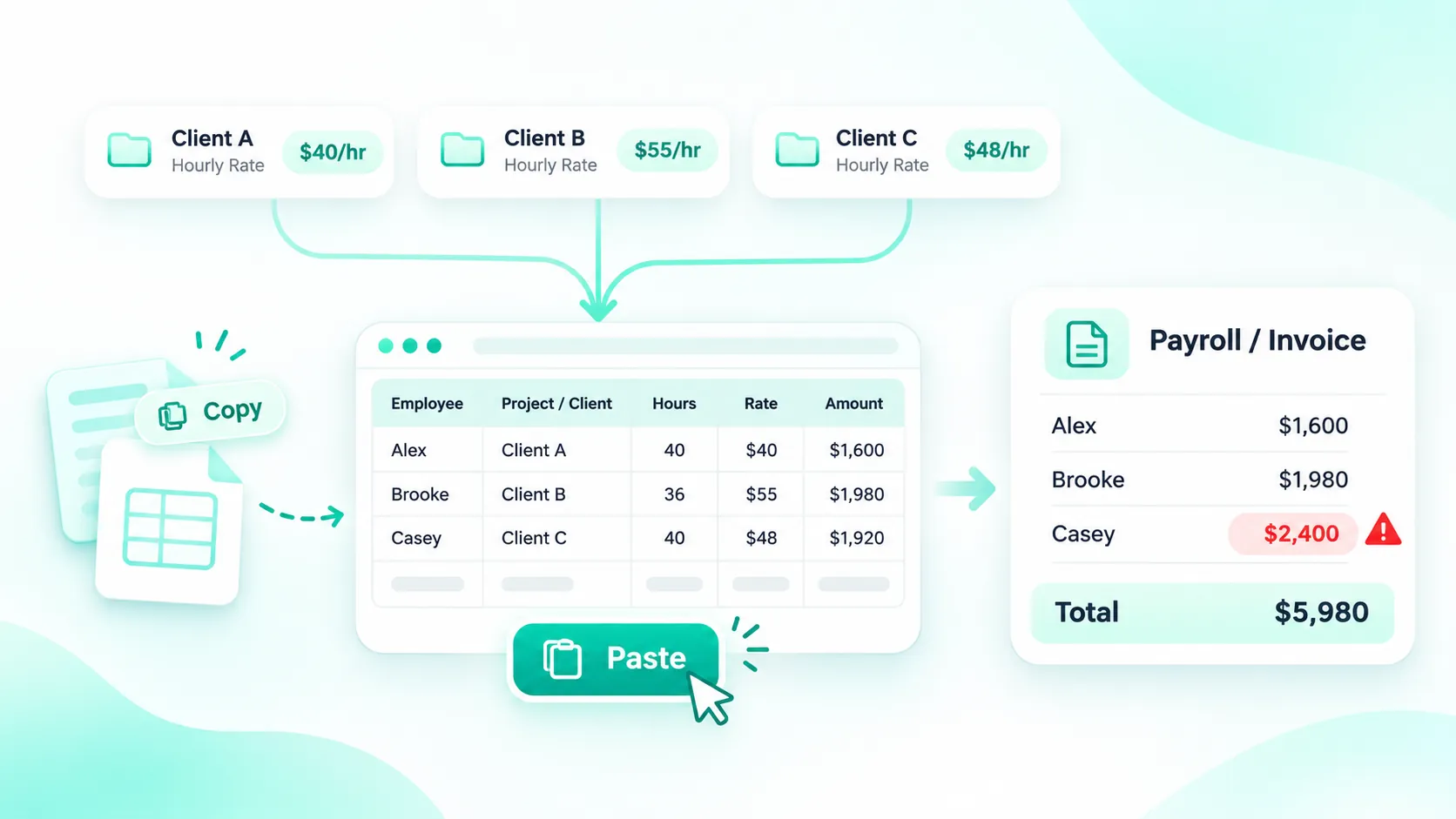
Manual VA payroll process showing copied timesheets, different hourly rates, and billing errors.

Payroll by Copy and Paste

Different VAs, different hourly rates, different clients. Every pay run means moving numbers between a timer, a sheet, and an invoice tool, and every move is a chance for a mistake.

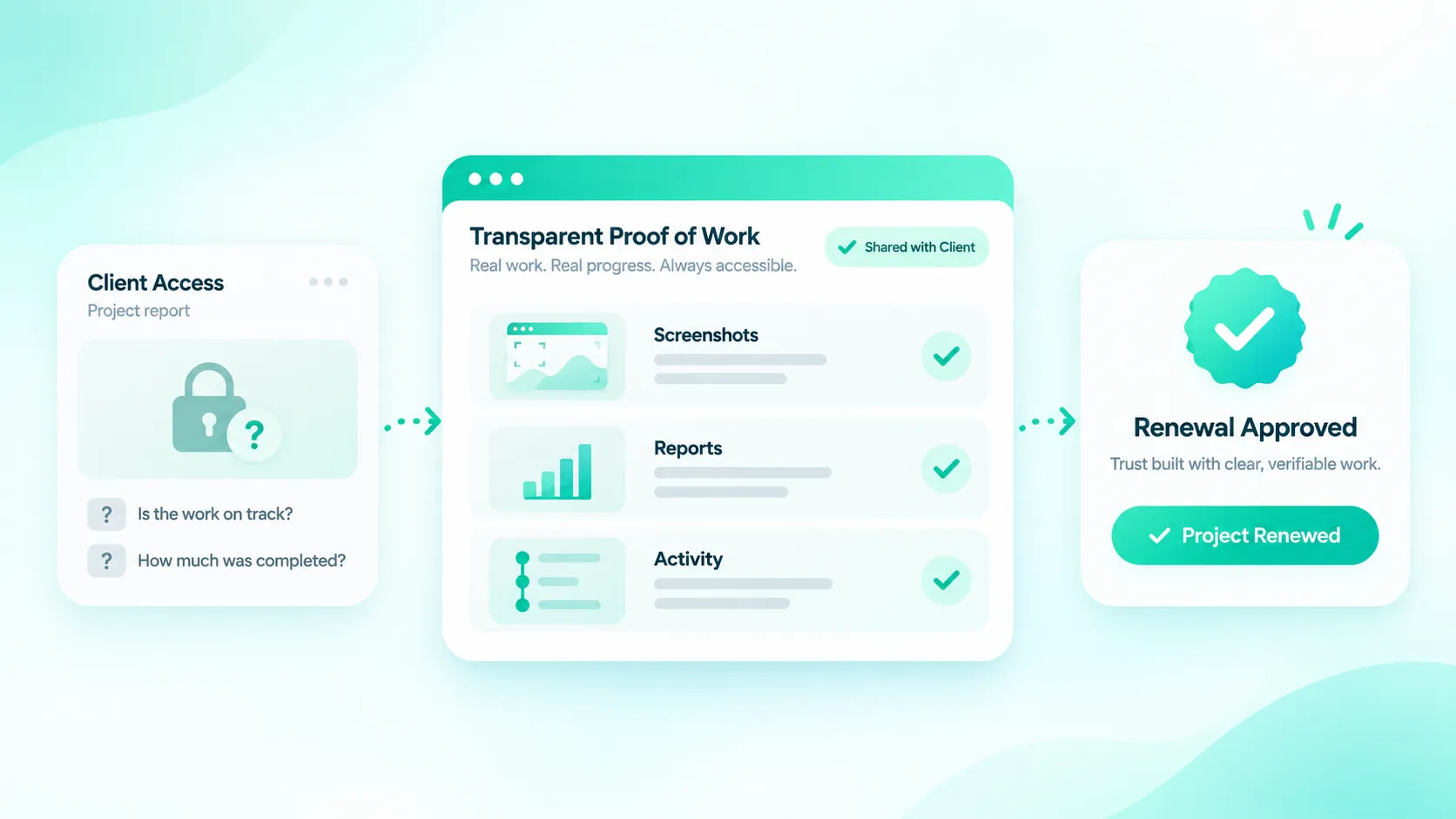
Virtual assistant proof of work dashboard with screenshots, activity reports, and client verification

Trust that Takes Too Long

New clients want proof that work is getting done before they renew. Weekly status emails don't give them that.

The Wing Assistant team

Wing Assistant had all three problems. Before Apploye, its VA hours were tracked by hand, which led to reporting delays and occasional billing disputes. After switching, time tracking accuracy rose 40%, and payroll errors fell 30%.
Read the Wing Assistant story

How Virtual Assistant Time Tracking Works in Apploye
one

1. Set Up Your Clients and Rates

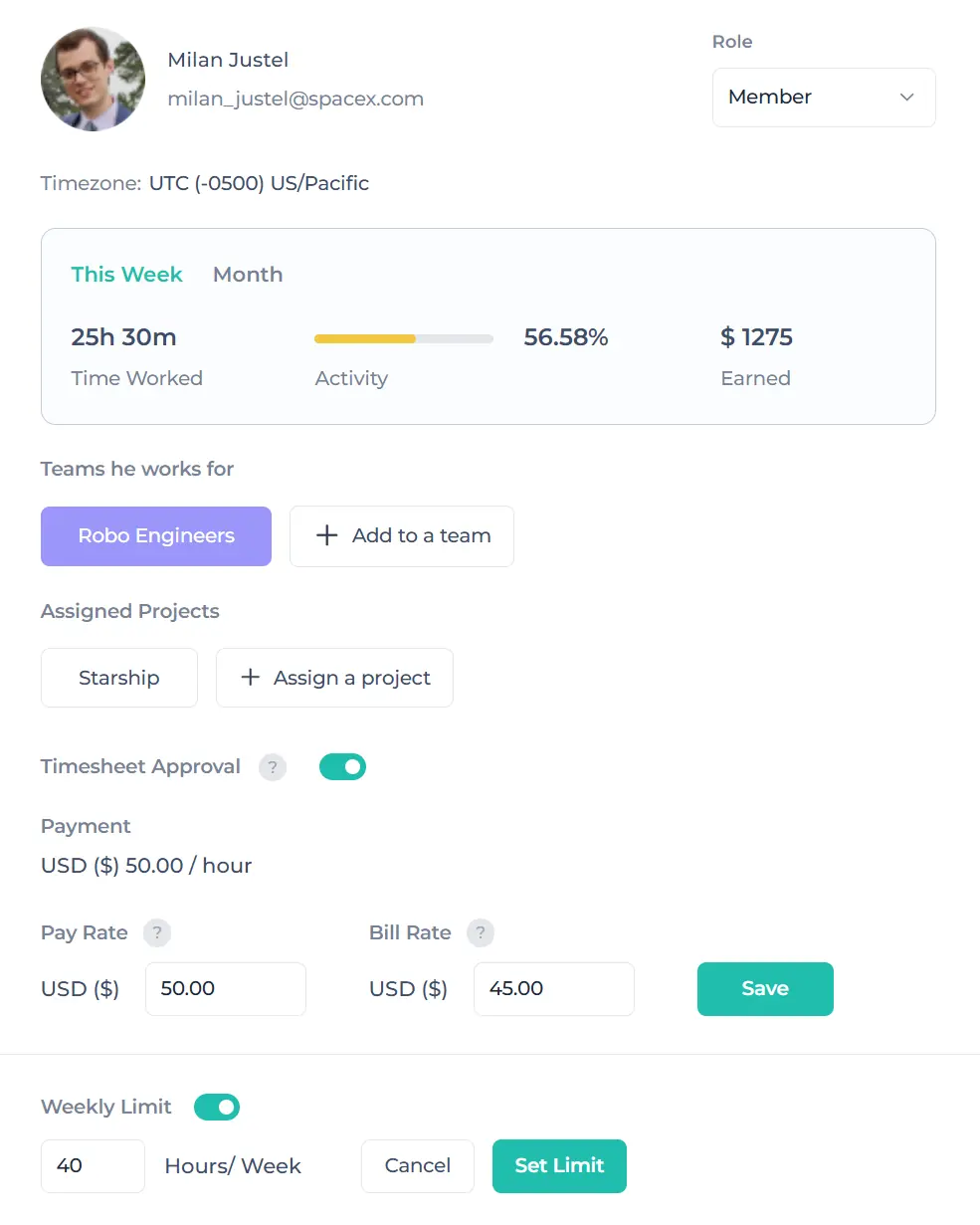
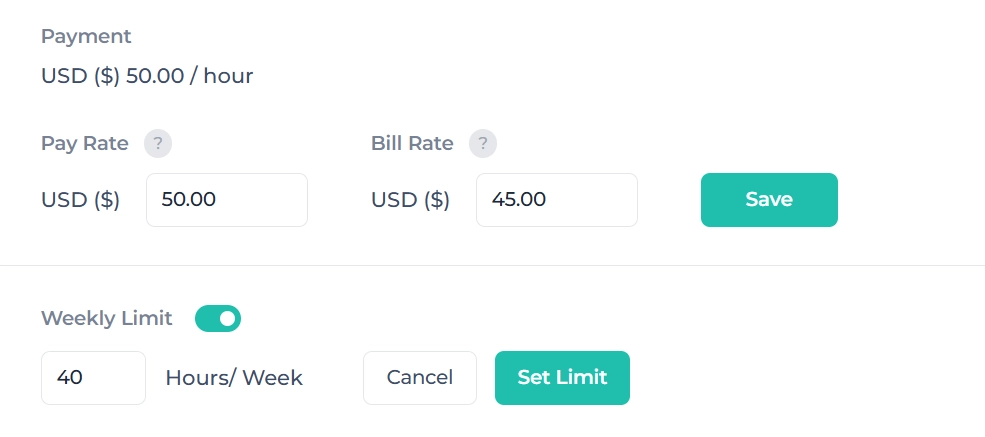
Import your clients and projects in bulk. Give each VA a pay rate and each client a bill rate, so every hour is priced the moment it is tracked.

two

2. Your VAs Track Time, and Apploye Records the Proof

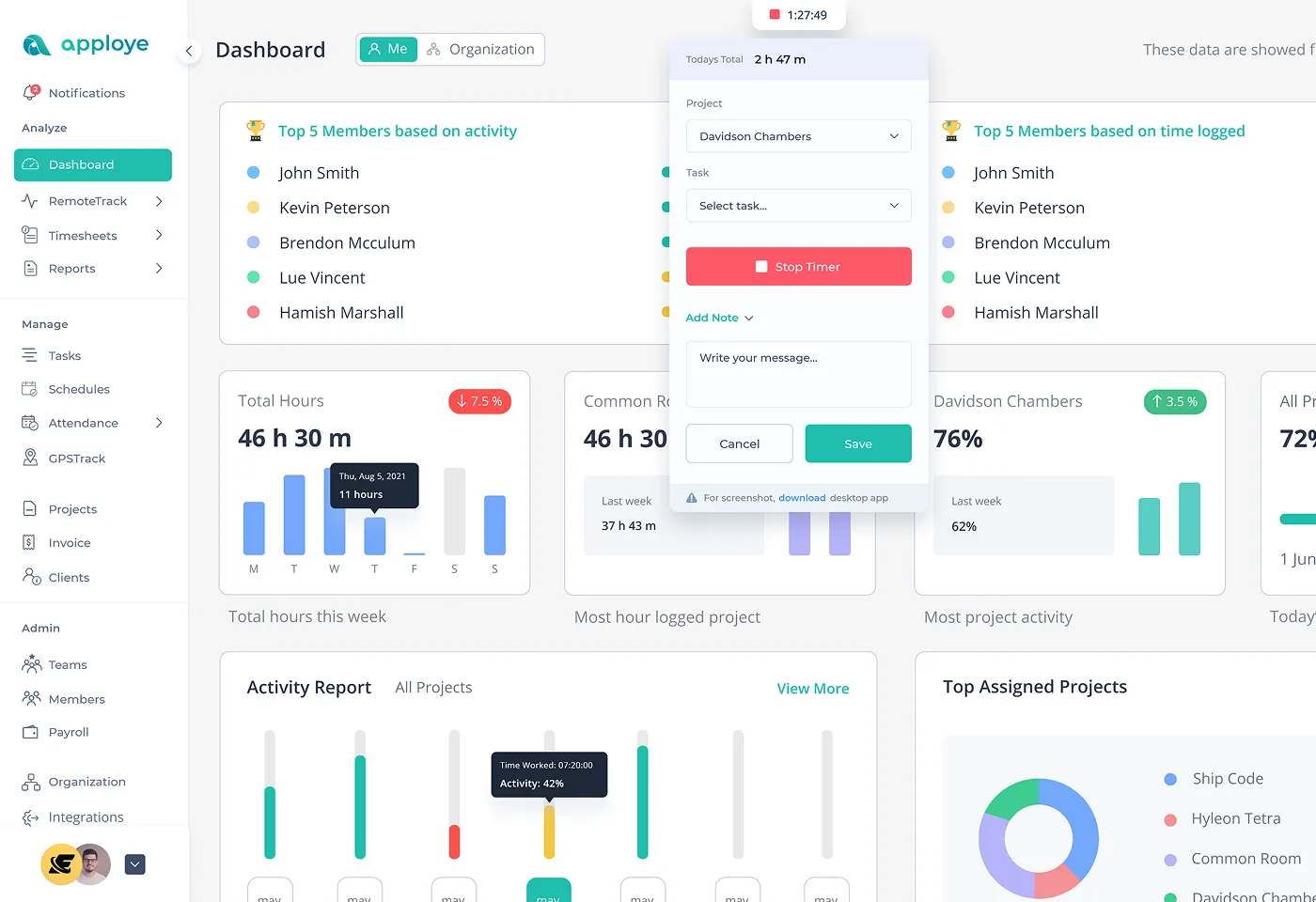
A VA picks the client and task, then starts the timer on desktop, mobile, or the Chrome extension. Apploye logs screenshots, apps and websites used, and activity levels. No internet? Tracking keeps going and syncs when the VA reconnects.

three

3. Approve, Invoice and Pay

Review each VA's timesheet and approve or reject it. Send the client an invoice for hourly or fixed-fee work, and calculate VA pay from the same approved hours.

Start tracking your VA team free →
one

1. Set Up Your Clients and Rates

Import your clients and projects in bulk. Give each VA a pay rate and each client a bill rate, so every hour is priced the moment it is tracked.

Set VA pay rates and client bill rates in Apploye
two

2. Your VAs Track Time, and Apploye Records the Proof

A VA picks the client and task, then starts the timer on desktop, mobile, or the Chrome extension. Apploye logs screenshots, apps and websites used, and activity levels. No internet? Tracking keeps going and syncs when the VA reconnects.

Apploye time tracker on desktop and mobile
three

3. Approve, Invoice and Pay

Review each VA's timesheet and approve or reject it. Send the client an invoice for hourly or fixed-fee work, and calculate VA pay from the same approved hours.

Start tracking your VA team free → Approve timesheets and generate client invoices
1. Set Up Your Clients and Rates 2. Your VAs Track Time, and Apploye Records the Proof 3. Approve, Invoice and Pay

Everything You Need to Manage Your Virtual Assistants' Time

Monitor How Your VA is Working

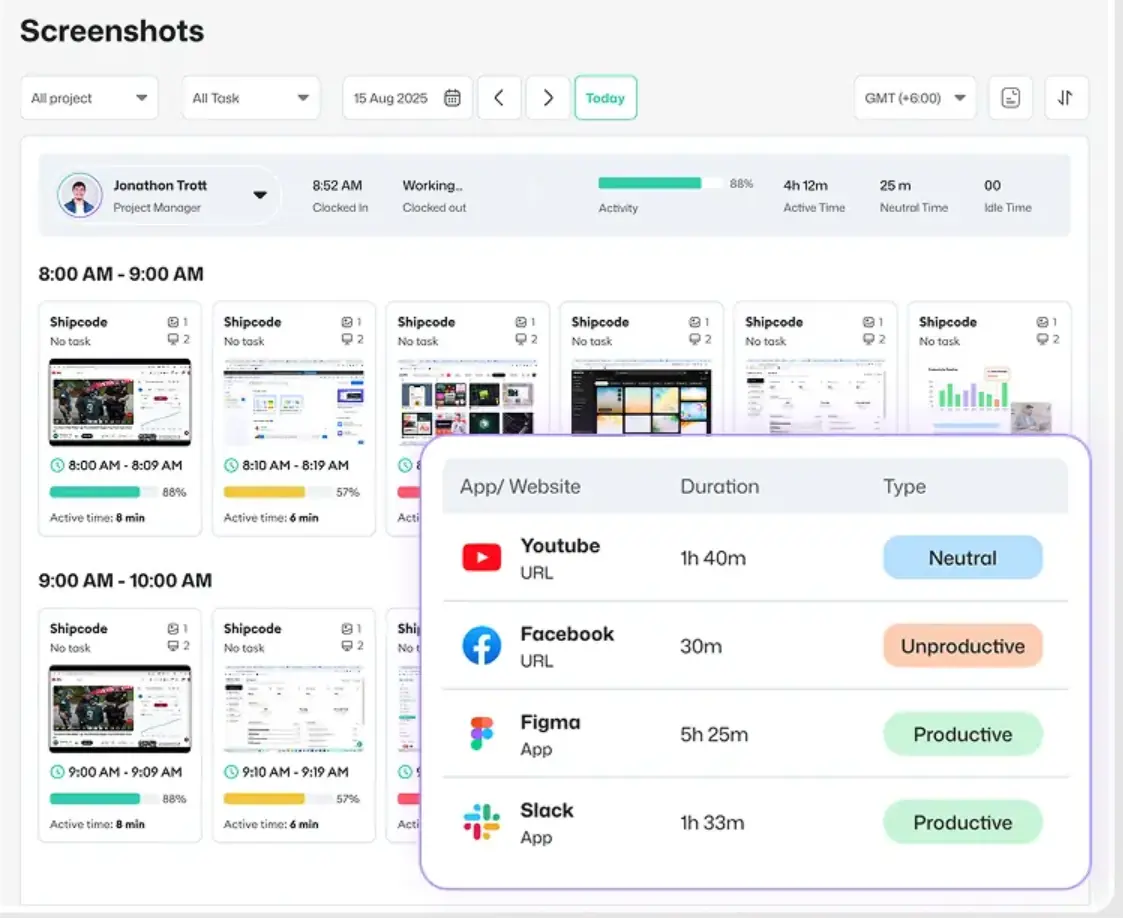
Apploye takes automatic screenshots while the timer runs: up to 18 per hour on Elite and 60 per hour on Power, across every monitor. You also see activity levels from keyboard and mouse use, idle time, and which apps and websites each VA used. The Power plan also flags mouse jigglers and auto-clickers.

VA screenshots and activity monitoring

Track One VA Across Several Clients

Create a project for each client, and your VA picks the right one before starting the timer. Set budgets in hours or money for each project, so you see when a client's retainer is nearly used up.

Time tracked per client project

Stop Disputes Over Billed Hours

VAs submit timesheets, and you approve or reject them before anything is billed. If a VA adds time manually, they must give a reason, and you approve that entry separately. Clients can get read-only access to see the hours on their projects.

Timesheet approval

Cap How Many Hours a VA Bills Each Week

Set a daily or weekly limit for each VA. A part-time assistant on a 20-hour contract can't go over it by accident.

VA pay rate and weekly hour limit settings

Invoice Clients Straight from Tracked Hours

Turn approved hours into a client invoice, with taxes and discounts, for hourly or fixed-fee work. Billable and non-billable time stay separate, so admin time never ends up on a client's bill.

Client invoice generation

Calculate VA Payroll

Set an hourly rate for each VA. Apploye multiplies it by approved hours, keeps a payroll history, and exports the numbers to your payroll tool.

Automated payroll calculation

Monitor VAs in Different Time Zones

Plan shifts for each VA and see who starts and ends on schedule. The live view shows who is working right now and on which client's task. Leave requests and attendance sit in the same dashboard.

Live feed of VAs working across time zones

Built for Every Side of the VA Relationship

VA Agency

For VA Agencies

What Apploye does for you:

  • Track hundreds of VAs across clients and time zones
  • Approve timesheets
  • Run payroll from tracked hours
  • Give each client access to their own projects
Apploye VA time tracking for VA agencies
Business Hiring VAs

For Businesses Hiring VAs

What Apploye does for you:

  • See what your remote assistant worked on
  • Capture screenshots
  • Track app and URL usage
  • Approve hours before you pay them
Apploye VA monitoring for businesses hiring VAs
Solo or Freelance VA

For Solo and Freelance VAs

What Apploye does for you:

  • Track time for each client
  • Attach proof of work
  • Invoice straight from your hours
Apploye time tracking and invoicing for freelance VAs
Medical or Dental VA

For Medical and Dental VAs

What Apploye does for you:

  • A signed HIPAA Business Associate Agreement
  • SSO and audit logs
  • A dedicated success manager
Apploye HIPAA-ready time tracking for medical and dental VAs

Works with the Tools Your VAs Already Use

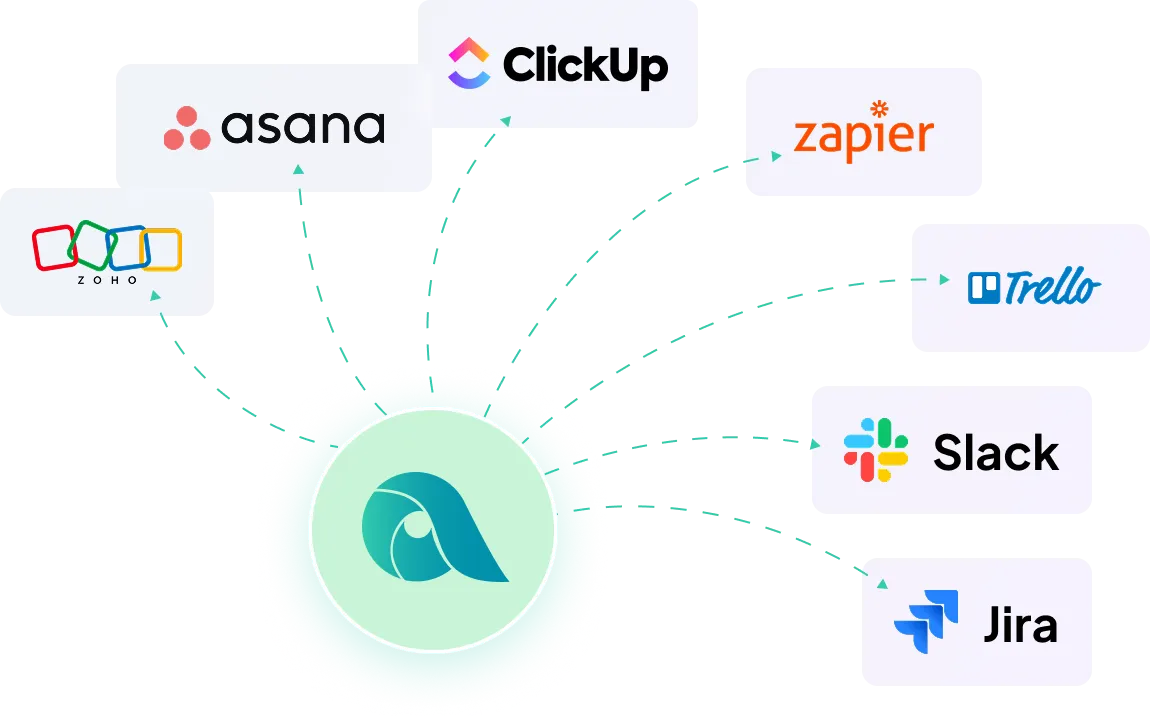
Connect Apploye to Slack, ClickUp, Asana, Jira, and Trello. Your VAs start the timer from the task they're already working on, so time lands on the right client automatically.

Diagram showing Apploye software integrations with other tools like Asana, Zapier, Trello, Slack & others.

What VA teams say about Apploye

Man in brown shirt typing on a laptop at a desk with glasses and a notebook.

"Apploye's time-tracking reports and screenshot logs ensure clear communication on hours worked, providing our clients with greater transparency."

Business professional in a suit writing notes in a notebook while working on a laptop at a modern office desk.

"I manage a remote team and figuring how productive or even if they are working or slacking off was a big issue. Loads fast, easy to use, lots of updates, and powerful."

Man holding a green mug while working at a desktop computer in a home office.

"Apploye has proven to be more than a tool - it's a key partner in managing our remote, global team."

Simple Pricing for VA Teams of Any Size

Plan

Price per VA

What a VA team gets

Starter

$0, up to 10 users

Time tracking and timesheets, limited screenshots, activity levels, invoices for up to 3 clients

Elite

$4.50 billed annually ($7 monthly)

Timesheet approval, 18 screenshots per hour, unlimited projects, client read-only access, payroll, invoicing, integrations

Power

$8 billed annually ($12 monthly)

Everything in Elite, plus 60 screenshots per hour, on-demand screenshots, mouse-jiggler detection, and a named account manager

Enterprise

Custom

HIPAA BAA, SSO, audit log, and a dedicated success manager

Frequently Asked Questions

Is Apploye free for virtual assistants?

Yes. The Starter plan is free for up to 10 users and includes time tracking, timesheets, and invoices for up to 3 clients. The account owner is never charged on any plan.

Can my VA use Apploye on their own computer?

Yes. VAs install Apploye on Windows, Mac, or Linux, or use the Chrome extension, Android, or iOS app. You decide, for each VA, whether screenshots and app tracking are on.

How often does Apploye take screenshots?

Up to 18 per hour on Elite and up to 60 per hour on Power, across every monitor the VA uses. Screenshots are taken only while the timer is running.

Can my clients see their VA's hours?

Yes. On Elite and above, you can give each client read-only access to the hours and reports for their own projects.

What if a VA forgets to start the timer?

The VA can add the time manually, but must give a reason. You approve or reject each manual entry before it reaches an invoice. Apploye also reminds VAs to resume tracking after their computer wakes from sleep.

How do I pay VAs in different countries?

Apploye calculates each VA's pay from approved hours and their hourly rate, keeps a payroll history, and exports the totals to the payroll or payment tool you already use.

Does Apploye work without internet?

Yes. Tracking continues offline and syncs automatically once the VA reconnects.

Try it on your VA team before you pay anything

Starter is free for up to 10 users. Paid plans include a 10-day free trial and a 30-day money-back guarantee.

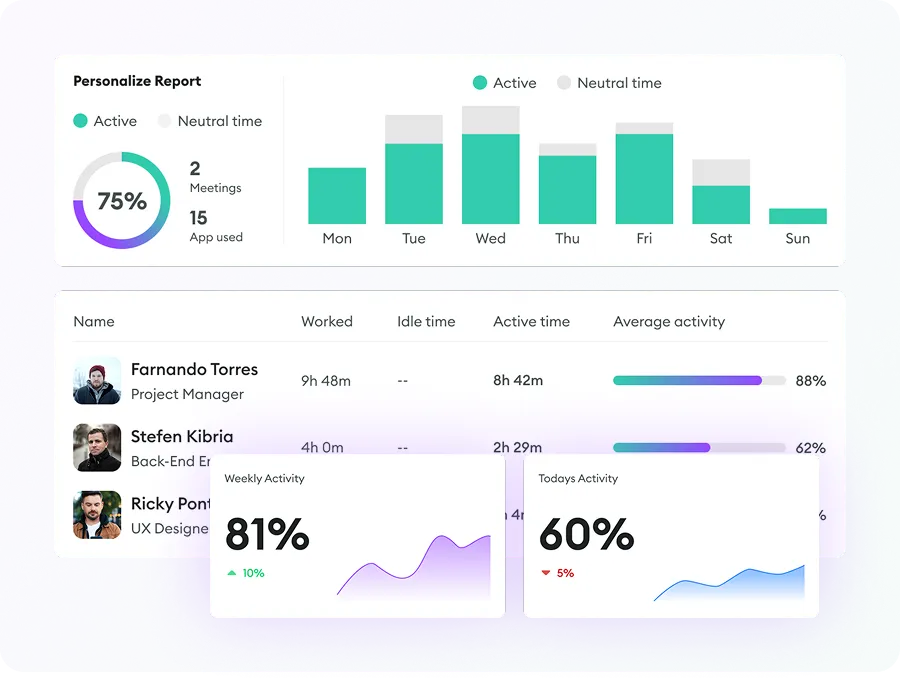
Apploye Dashboard - Employee Productivity Tracking