How to Use the Workforce Forecast Calculator
1. Enter Forecasted Workload
Add the total work hours you expect during the forecast period.
2. Add Employee Capacity
Enter the working hours available from one employee during the same period.
3. Enter Current Workforce
Add your current number of employees who can handle the forecasted work.
4. Set Target Utilization
Enter the percentage of available time you expect employees to spend on planned work.
5. Calculate
Click Calculate Workforce Forecast to see:
- Estimated employees required
- Effective capacity per employee
- Current workforce capacity
- Workforce gap
- Capacity gap
Workforce Forecast Formula
A simple workload-based forecast can be calculated using:
Effective Capacity Per Employee = Available Hours × Target Utilization
Then:
Employees Required = Forecasted Workload ÷ Effective Capacity Per Employee
For example, if the expected workload is 2,400 hours, each employee has 160 available hours, and the target utilization is 75%:
160 × 75% = 120 effective hours per employee
2,400 ÷ 120 = 20 employees
The estimated workforce requirement is 20 employees.
This approach gives you a starting estimate. More detailed workforce models may also account for shrinkage, skills, shift coverage, seasonal demand, and other constraints.
Workforce Demand, Capacity, and Staffing Gap
A workforce forecast compares expected work with the capacity your team can provide.
Forecasted Demand
The amount of work you expect during the selected period. This can be measured in work hours, tasks, tickets, projects, or other workload units.
Workforce Capacity
The amount of work your current team can realistically handle after accounting for your chosen utilization assumption.
Staffing Gap
The difference between the workforce you need and the workforce you currently have. A positive gap suggests that you need additional capacity. A surplus may indicate that existing capacity can absorb the forecasted workload.
What Affects Workforce Forecasts?
Several factors can change the number of employees you need:
- Workload changes: More projects or customers increase demand.
- Working hours: Different schedules create different capacity levels.
- Utilization: Employees cannot devote every paid hour to planned work.
- Leave and absence: Time away reduces available capacity.
- Training and meetings: Non-project activities reduce usable hours.
- Skills: Headcount alone does not solve a shortage of a specific skill.
- Seasonality: Recurring demand peaks can change staffing requirements.
- Employee turnover: Expected departures can reduce future workforce supply.
Why Use Workforce Forecasting?
A workforce forecast can help teams:
- Plan hiring: Identify potential staffing gaps before demand arrives.
- Allocate resources: Match available employees with expected workloads.
- Prepare for growth: Estimate workforce requirements as business demand increases.
- Manage capacity: See whether current headcount can absorb planned work.
- Reduce reactive decisions: Give managers time to consider hiring, contractors, training, or workload changes.
- Improve planning: Base staffing discussions on measurable workload and capacity assumptions.
Historical hours are particularly useful because they show how much work employees actually handled rather than relying only on headcount or scheduled hours.
Workforce Forecasting Mistakes to Avoid
- Using headcount alone: Employees do not represent equal available capacity.
- Ignoring non-work time: Leave, meetings, training, and admin work affect usable hours.
- Using different periods: Match workload and employee capacity to the same forecast period.
- Ignoring utilization: Not every available hour can be allocated to planned work.
- Overlooking skills: Additional headcount may not solve a shortage of a specific skill.
- Relying on one scenario: Consider different demand or workforce conditions when uncertainty is high.
- Skipping regular updates: Compare forecasts with actual results and adjust future assumptions.
Workforce Forecast Calculator vs. Time Tracking Software
| Workforce Forecast Calculator |

|
| Requires manual workload inputs |
Records actual work hours |
| Produces an immediate staffing estimate |
Maintains ongoing time records |
| Useful for quick forecasting |
Useful for continuous workforce analysis |
| Works with estimated or known hours |
Connects hours with projects and tasks |
| Uses the figures you enter |
Provides historical time data |
| Does not create a work history |
Provides timesheets and reports |
| Best for one-off estimates |
Useful for ongoing capacity planning |
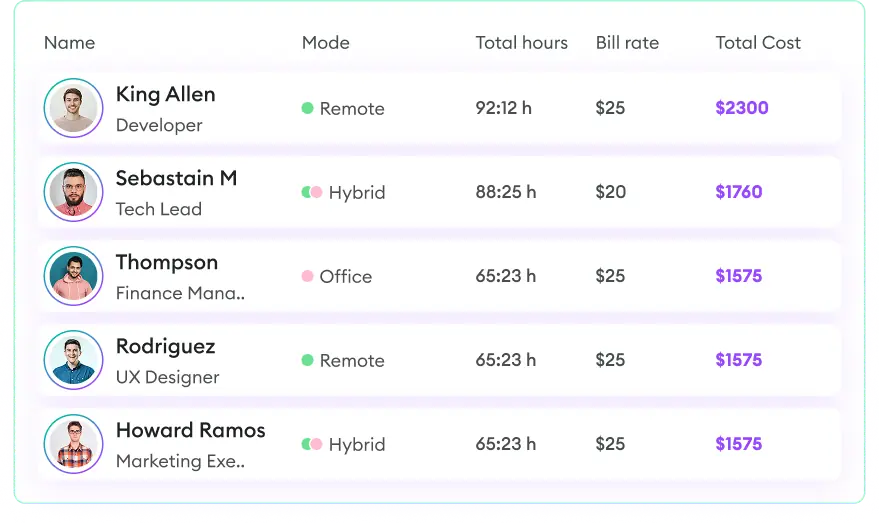
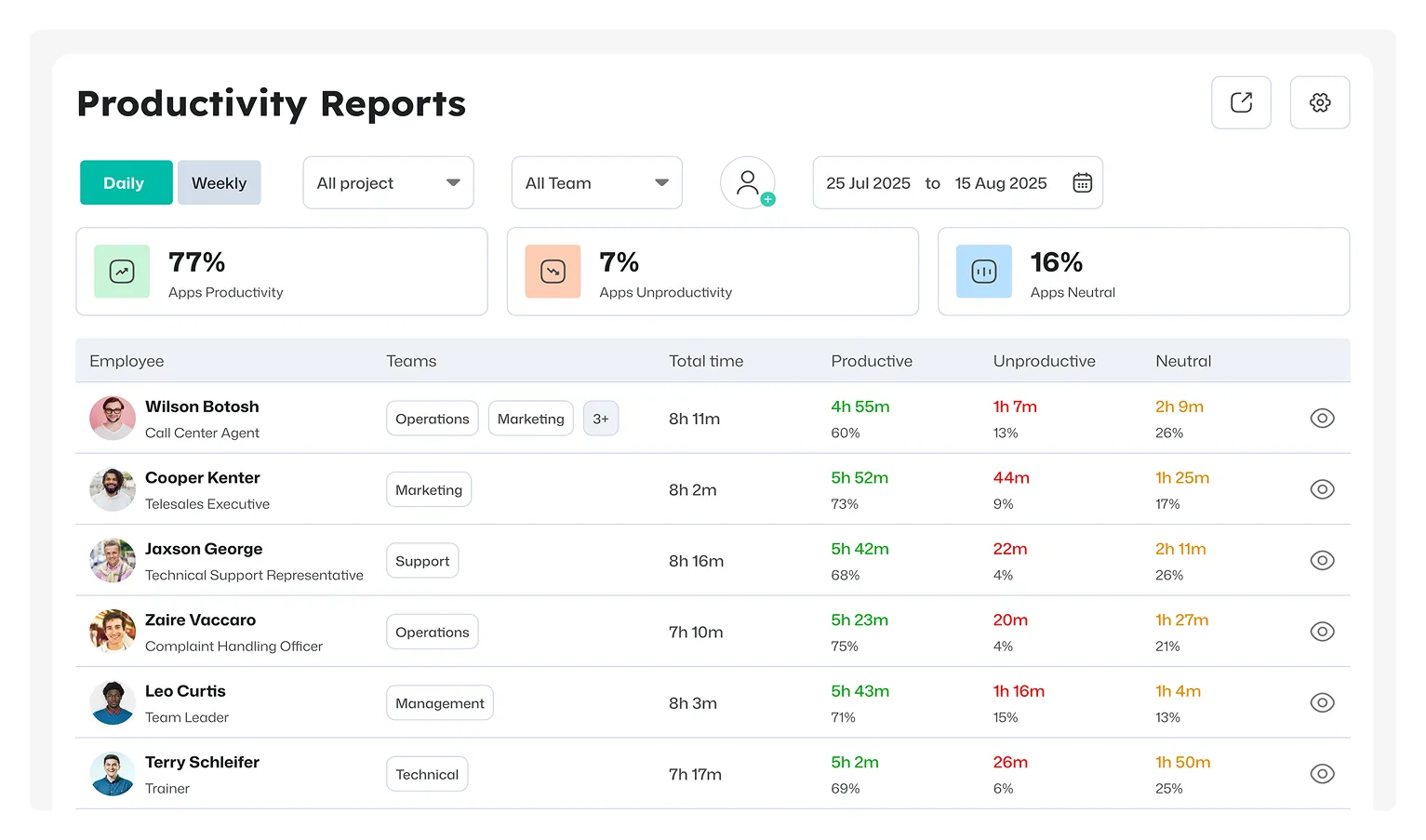
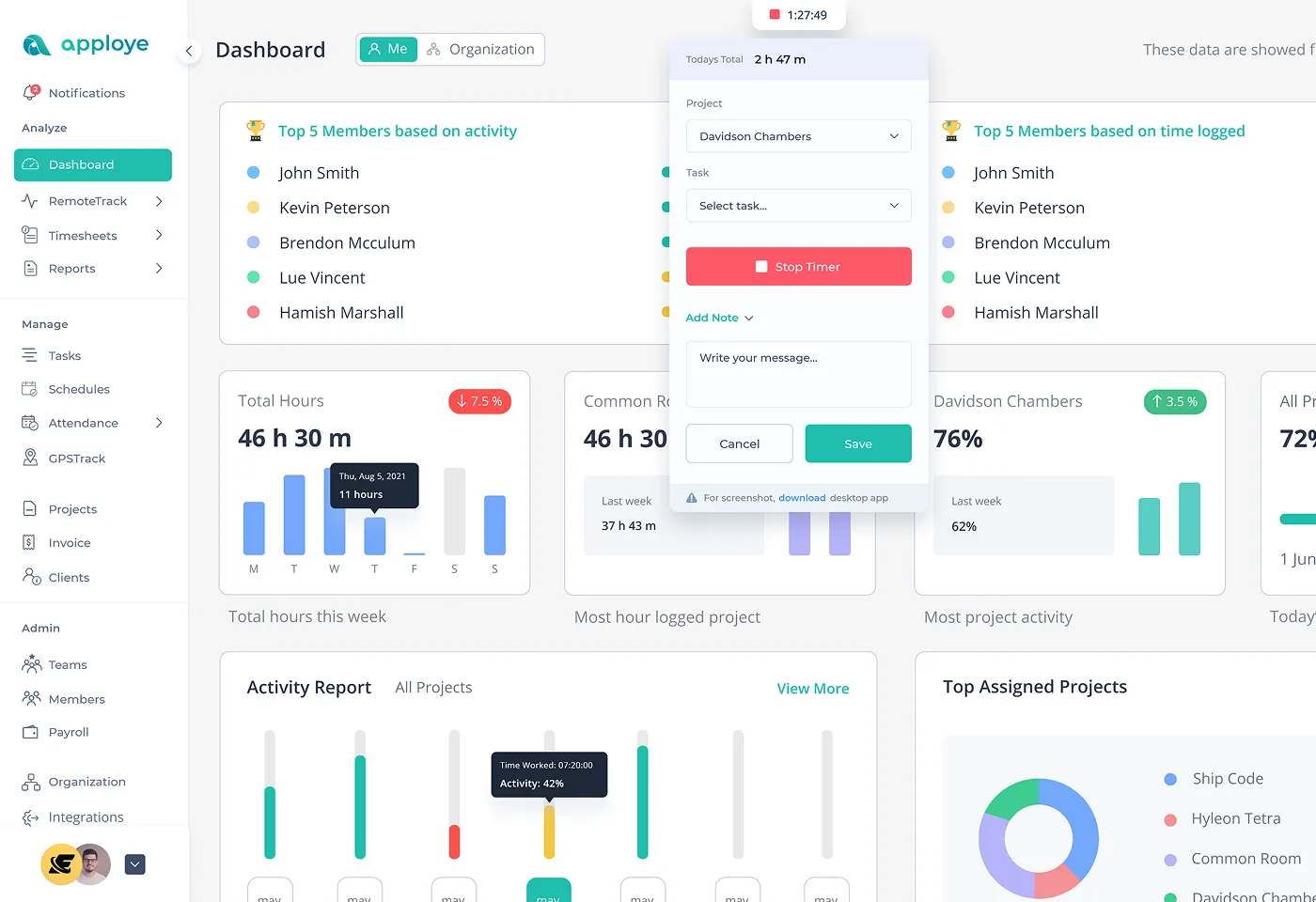
Apploye'stime tracking and project reports provide actual hours by person, project, and task, helping teams build more realistic capacity assumptions for future planning.

 Productivity TrackingMeasure daily performance
 Workforce AnalyticsGet workforce intelligence
 Activity MonitoringCheck user behaviour
 Screenshot MonitoringMonitor screen activity
 Employee TimesheetTrack work hours
 Screen RecordingRecord work sessions
 Payroll & InvoiceOrganize projects efficiently
 Payroll & InvoiceAutomated payment processing
 ReportingGenerate insightful reports
 EnterpriseProductivity for larger organizations
 Computer MonitoringTrack computer usage
 Staff MonitoringOversee team performance
 Time RecordingCapture work hours
 Online TimesheetsDigital time logging
 Attendance TrackingMonitor employee presence
 Insightful ReportsInsightful time reports