What is a Working Days Calculator?
A working days calculator tells you how many actual workdays fall between two dates.
Instead of counting every calendar day, it removes non-working days such as weekends and, when selected, public or company holidays.
For example, a 14-day period does not necessarily contain 14 working days. If the period includes two Saturday-Sunday weekends, a standard Monday-Friday work schedule would contain only 10 working days before accounting for holidays.
You may also hear working days called business days or workdays. Although organizations can define them differently, these terms commonly refer to the days on which normal business operations take place.
How to Calculate Working Days Between Two Dates
Using the workdays calculator takes only a few steps:
- Select your start date: Choose the first date of the period you want to calculate.
- Select your end date: Choose the final date of the period.
- Choose your weekend days: Saturday and Sunday are common, but workweeks differ between organizations and countries.
- Add business days to date if needed: Exclude public holidays, company holidays, or other non-working dates that fall within your range.
- Choose whether to count the start and end dates: This is especially useful for contracts, leave periods, and deadlines that specify how dates should be counted.
- Calculate: You'll see the number of working days along with a breakdown of calendar days and excluded non-working days.
How are Working Days Calculated?
The calculation is :
Working Days = Calendar Days − Weekend Days − Eligible Holidays
Only holidays that would otherwise have been working days should be deducted.
For example, if a public holiday falls on a Saturday and Saturday is already considered a weekend, that date should not be subtracted twice.
The exact result can also depend on whether you include the start date, the end date, or both.
Working Days vs. Calendar Days
Calendar days include every day on the calendar: weekdays, weekends, and holidays.
Working days include only the days considered available for normal work according to your schedule.
For example, if a task starts on Monday and ends the following Sunday:
- Calendar days: 7
- Working days on a Monday-Friday schedule: 5
This distinction matters whenever a deadline, project, payment term, leave request, or service agreement is measured in business days rather than calendar days.
When Should You Use a Working Days Calculator?
Project Planning
Calculate the actual number of available workdays between a project's start date and deadline. A project with 30 calendar days has significantly fewer working days after weekends, holidays, and planned time off.
Payroll Planning
Estimate how many normal working days fall within a payroll period before calculating wages or reviewing employee timesheets.
For hourly workers, actual payroll should be based on recorded working hours and your organization's overtime, leave, and payroll policies. For better planning, you may estimate the working days in a month. Then, when a payroll period ends, track the working hours for invoicing.
Employee Leave and PTO
Find the number of working days covered by an employee's leave request without incorrectly counting weekends. This can make it easier to review vacation requests and understand how many scheduled workdays an employee will actually miss.
Business and Contract Deadlines
Terms such as “within 10 business days” are common in contracts, approvals, service agreements, and administrative processes. Use the calculator to determine the relevant business-day period while applying the weekend and holiday rules appropriate to your situation.
Client Projects and Billing
Agencies, consultants, and service businesses can use working-day calculations to estimate project availability and delivery windows. For billing based on actual time worked, tracked project hours provide a more accurate record than scheduled working days alone.
Workforce Scheduling
Calculate the number of available workdays during a week, month, quarter, or custom date range before assigning shifts, projects, or workloads.
Calculating Working Days Is Easy. Tracking Them Should Be Too.
A working days calculator helps you plan how many workdays are available. Apploye helps you see what actually happens during those days.
With Apploye, you can:
- Track work hours automatically
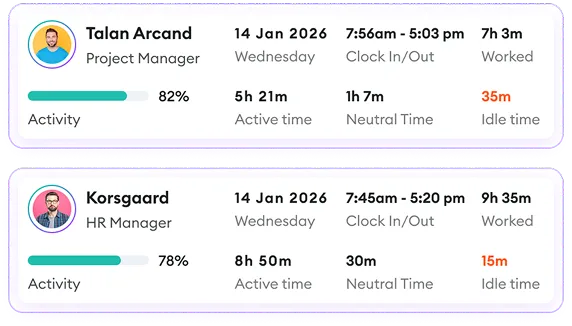
- Record clock-in and clock-out times
- Review daily, weekly, monthly, and custom timesheets
- Manage attendance and time off
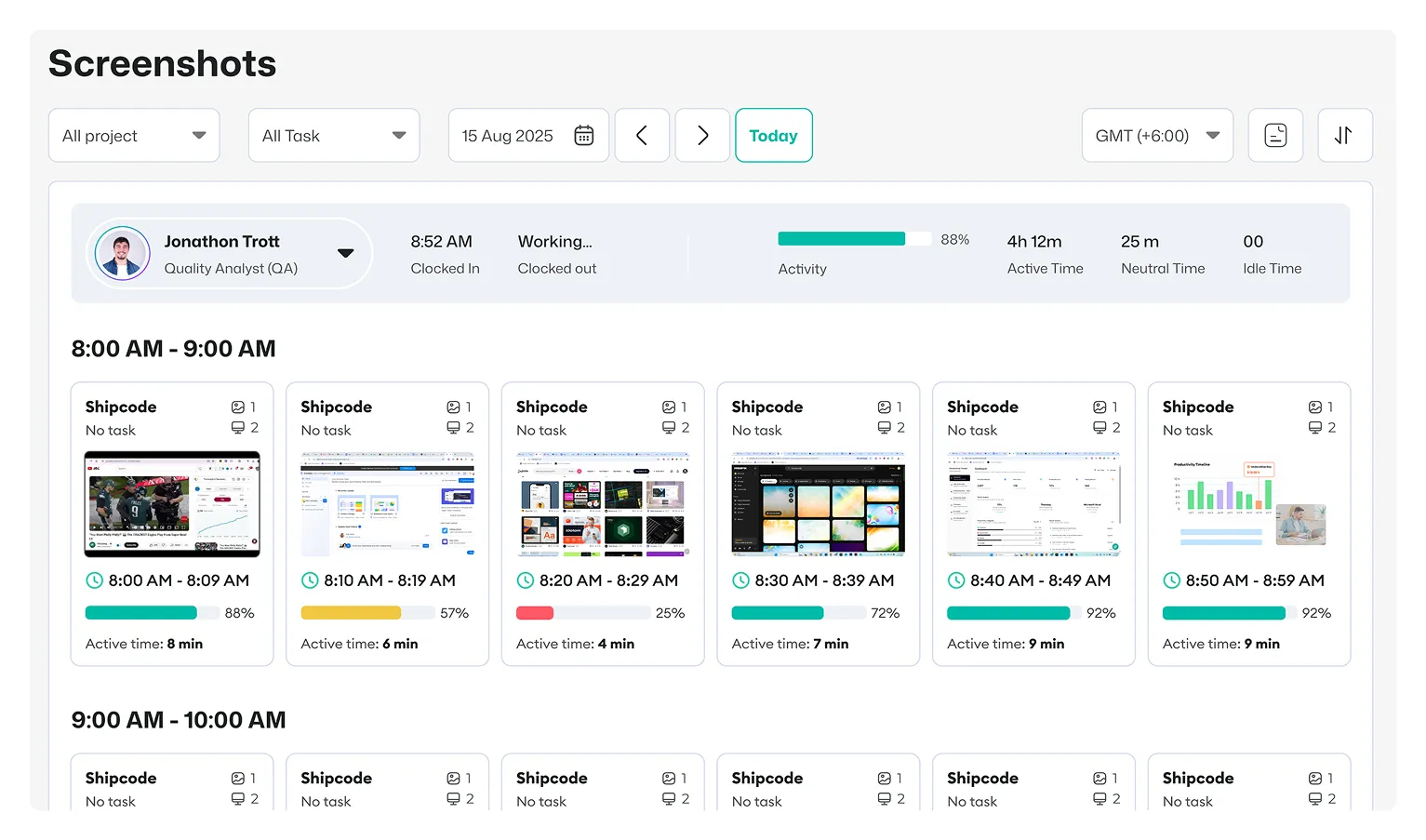
- Track time by project and task
- Review and approve timesheets
- Calculate payroll from tracked hours
- Separate billable and non-billable time
- Create reports for employees and projects
Instead of estimating employee working time from a calendar, keep an accurate record of the hours your team actually works.

 Productivity TrackingMeasure daily performance
 Workforce AnalyticsGet workforce intelligence
 Activity MonitoringCheck user behaviour
 Screenshot MonitoringMonitor screen activity
 Employee TimesheetTrack work hours
 Screen RecordingRecord work sessions
 Payroll & InvoiceOrganize projects efficiently
 Payroll & InvoiceAutomated payment processing
 ReportingGenerate insightful reports
 EnterpriseProductivity for larger organizations
 Computer MonitoringTrack computer usage
 Staff MonitoringOversee team performance
 Time RecordingCapture work hours
 Online TimesheetsDigital time logging
 Attendance TrackingMonitor employee presence
 Insightful ReportsInsightful time reports