Manager Summary Report Template for Excel | Free Download

A well-structured manager summary makes it easier to communicate team progress and focus attention on the areas that need action.
Download the Free Manager Summary Report Template
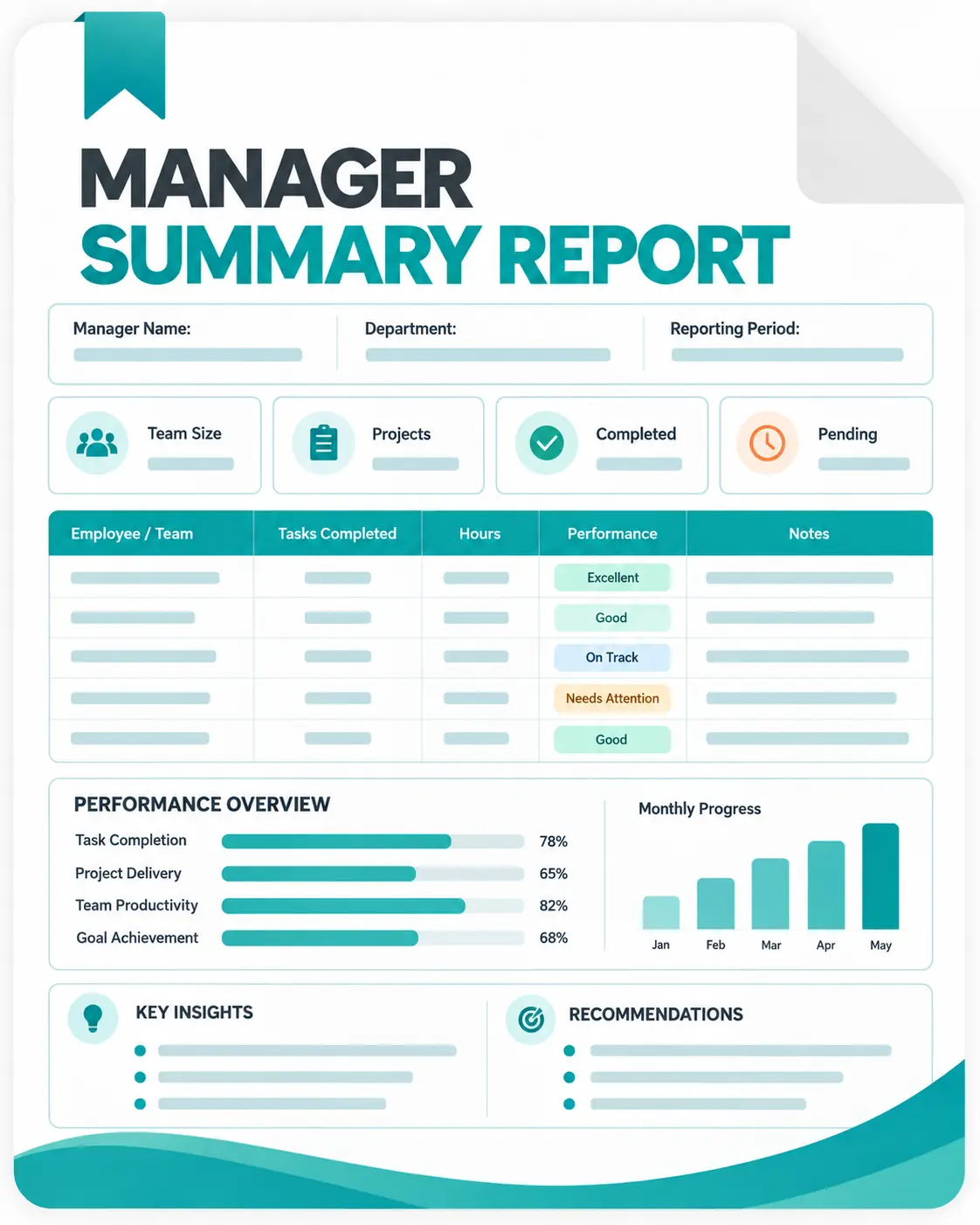
The template gives you space to record:

Reporting period and manager details;
Executive summary;
Key performance metrics;
Project and work updates;
Achievements and results;
Risks and blockers; and
Action items and ownership.
What Should a Manager Summary Report Include?
A useful manager summary focuses on the information needed to understand team performance and decide what requires attention.
Depending on your reporting process, it can include:
- Team or department information
- Reporting period
- Overall performance status
- Key metrics and results
- Completed work
- Project progress
- Major achievements
- Current risks and blockers
- Management decisions
- Follow-up actions
- Owners and deadlines
The goal is not to document every activity. A manager summary should make important changes, problems, results, and next steps easier to identify.
A Practical Layout for Manager Reporting
The template separates the report into a few focused areas so managers can move from the overall picture to specific work and actions.
Executive Summary
Begin with a short overview of the team's current position. Highlight overall progress, the most important achievement, the main concern, and any decision or action required from management.
Performance Snapshot
Record the metrics that matter most for the team. You can compare the current result with a target or previous period and add a short explanation for significant changes.
Work and Project Updates
Summarize important project activity, completed work, current status, results, and upcoming steps. Focus on meaningful progress instead of listing every individual task.
Risks and Blockers
Document problems that could affect deadlines, project outcomes, workload, or team performance. Include the relevant context and what support may be required.
Action Plan
Turn important findings into specific follow-up actions. Record the owner, priority, due date, current status, and any support needed.
How to Prepare a Manager Summary Report
Step 1. Define the Reporting Period
Enter the start and end dates or the month covered by the report. Keeping a consistent reporting period makes reports easier to compare.
Step 2. Add Manager and Team Information
Record the manager, department, team, and other basic details needed to identify the report.
Step 3. Review the Key Results
Look at the most relevant team metrics, completed work, project progress, and major outcomes during the reporting period.
Step 4. Highlight What Matters
Select the achievements, changes, and results that are most useful for management rather than copying every team update.
Step 5. Identify Risks and Blockers
Record issues that affected performance or could create problems in the next reporting period. Add context where necessary.
Step 6. Assign Follow-Up Actions
For each important issue or priority, identify the next action, responsible person, deadline, and current status.
Step 7. Review the Summary
Before sharing the report, check that the information is accurate, concise, and focused on decisions, priorities, and actions.
How to Keep Manager Summaries Focused
A strong manager report doesn't need to include every detail. It should highlight the information that helps readers understand progress, problems, and required actions.
Follow this simple sequence:
- What happened
- What changed
- What needs attention
- What action is needed
- Who is responsible
Keep the summary focused on meaningful outcomes, changes in performance, risks, and upcoming actions. More detailed information can be kept in supporting project records, timesheets, or operational systems.
Simplify Manager Reporting with Apploye
A manager summary is easier to prepare when the information behind it is already organized. Apploye brings these work records together with time tracking, project and task tracking, timesheets, and reporting features.
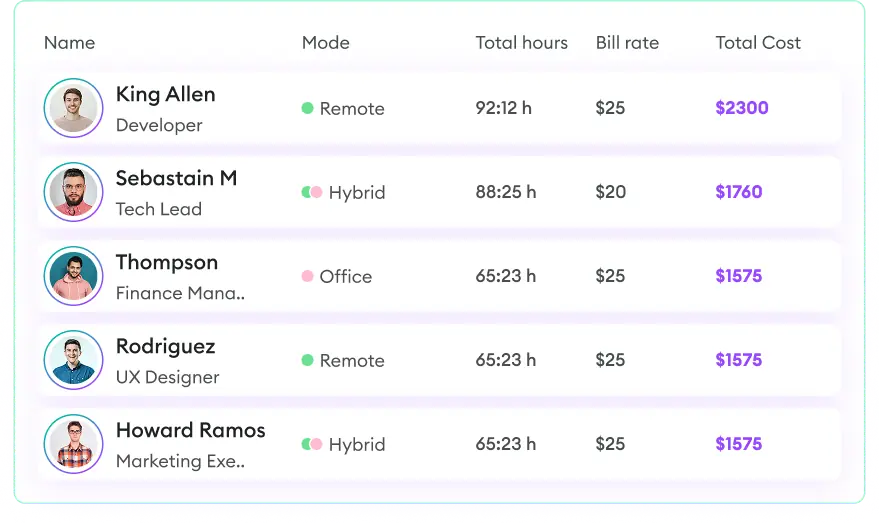
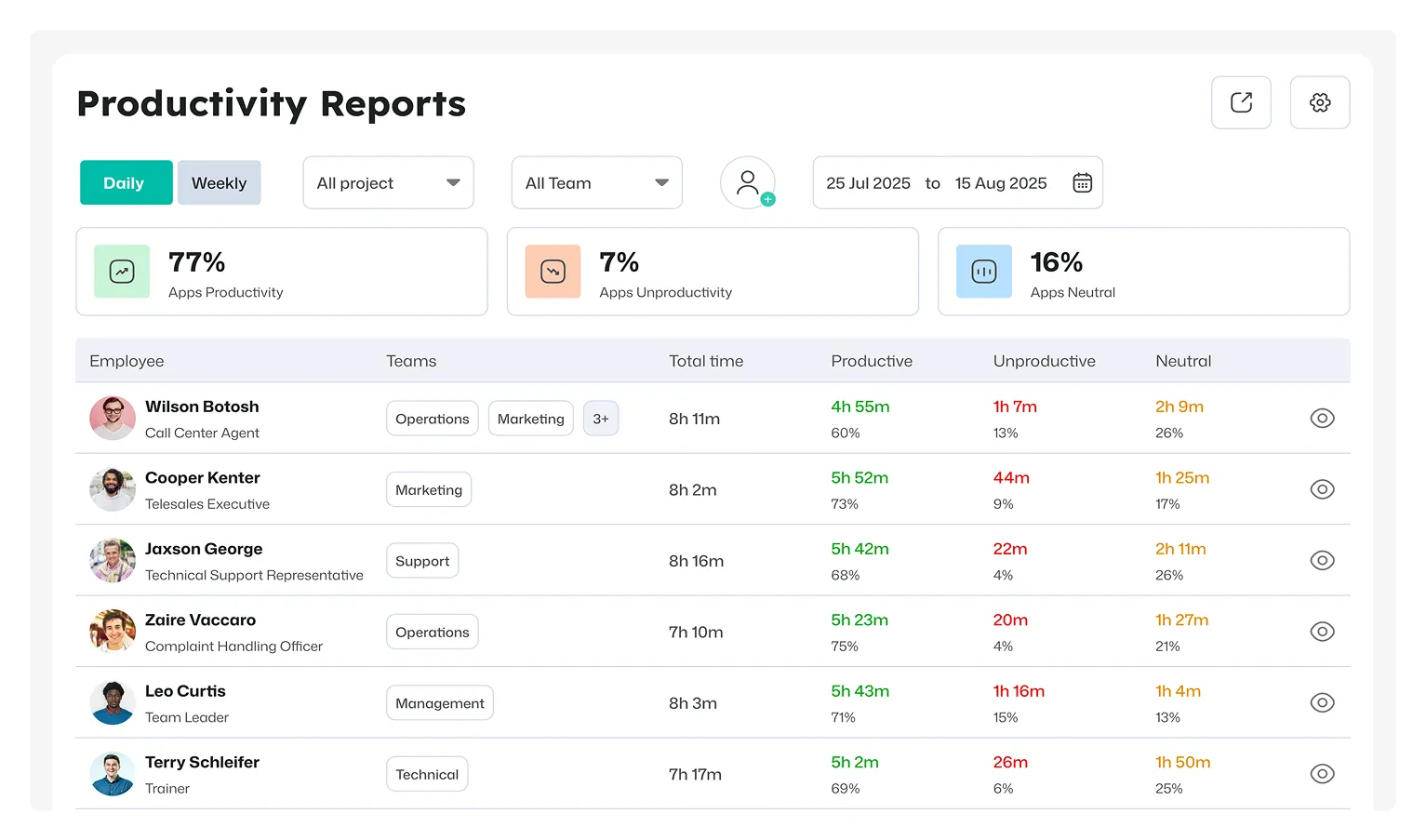
Managers can use the tracked information to review team performance, understand project progress, and prepare regular summaries without rebuilding the underlying data manually.
For example, managers can use Apploye to review work hours, project time, task activity, timesheets, and team activity when preparing their reports. Its reporting features can also help turn tracked work information into reports for ongoing team reviews.
This makes the spreadsheet useful for presenting the final manager summary, while Apploye can provide the ongoing work data behind that summary.
Turn team activity into clear manager reports with Apploye
Start tracking work free