Software Advice
Capterra
G2
GetApp
4.8
Star Star Star Star Star

Free Time Tracking Software for Mac and MacBook

Apploye is a native macOS time tracking app for Mac, MacBook Pro, and MacBook Air. Track hours, bill clients, and see where project time goes, without forcing monitoring on anyone. Screenshots and activity tracking are there if you want them, off if you don't.

GDPR

GDPR Compliant

HIPAA

HIPAA Compliant
Join 29,000+ Organizations

Start Free Time Tracking on Your Mac

  • Native macOS app for Apple Silicon (M1, M2, M3, and M4) and Intel Macs
  • Apple Silicon build runs natively
  • Optional screenshots, adjustable or off entirely
  • Timesheets, payroll, and invoicing built in
  • Works alongside Windows and Linux teammates
Get Instant Access
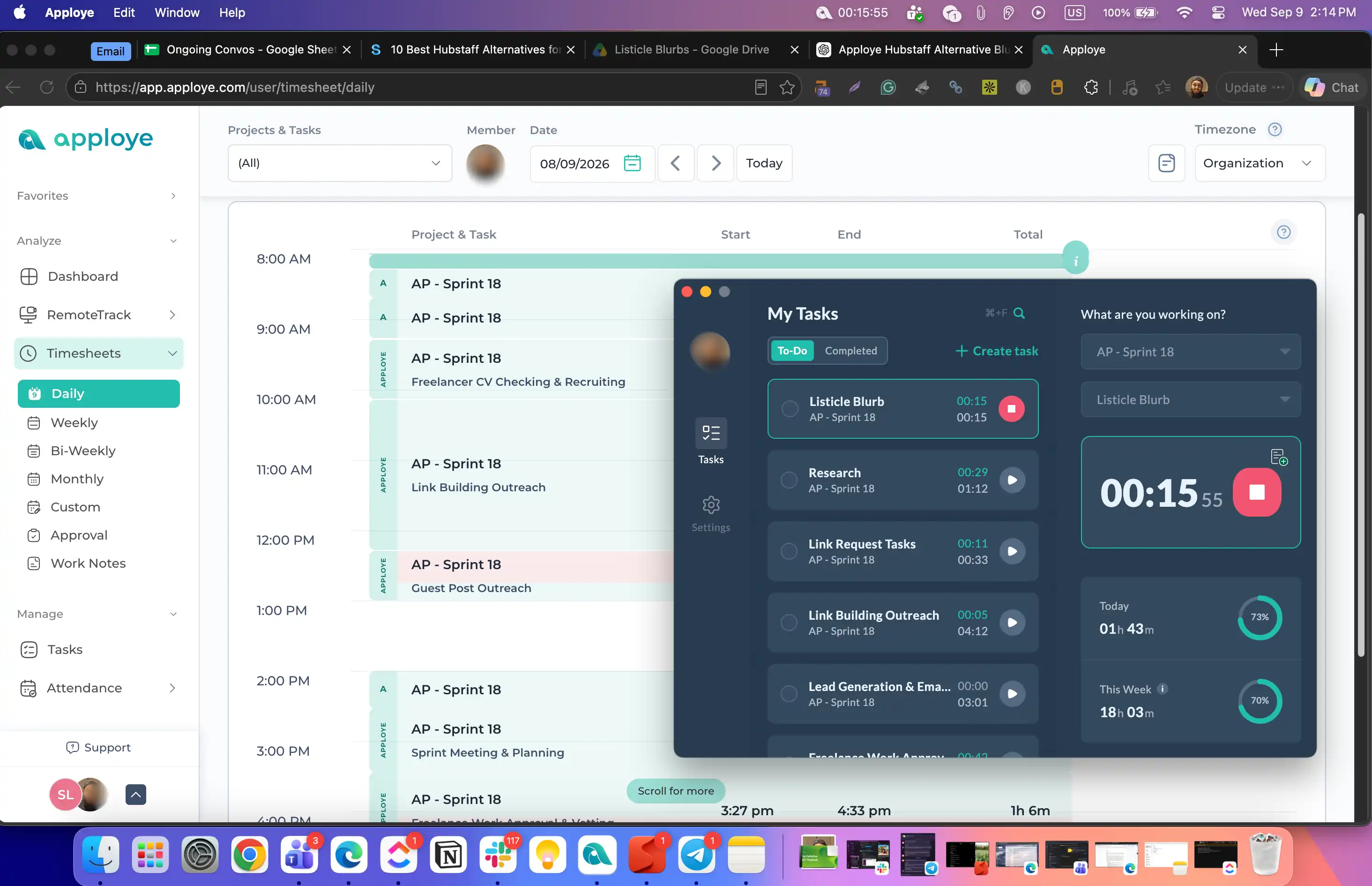
Apploye time tracking running on MacBook.

No credit card required | Free forever up to 10 users | 2-minute setup | Cancel anytime

What You Can Track on Your Mac with Apploye

Simple Time Tracking on macOS

Set a timer, assign it to a project or task, and stop it when you're done. Works the same way whether you're solo on a MacBook or running a team across three operating systems.

  • One-click start and stop
  • Project and task assignment
  • Manual entry for time logged elsewhere
  • Runs from your Mac's menu bar so the timer stays visible without keeping a window open

Try Time Tracking
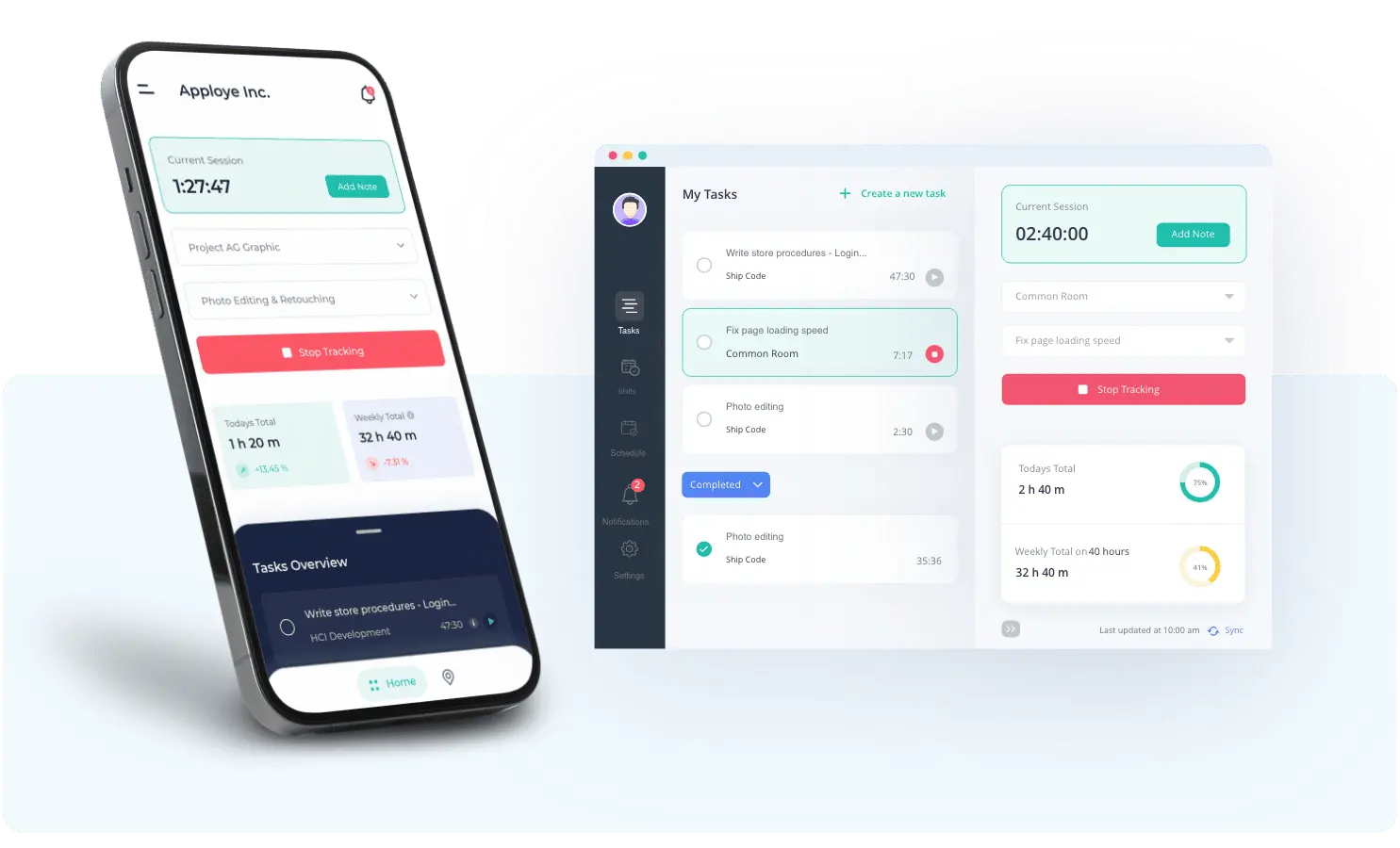
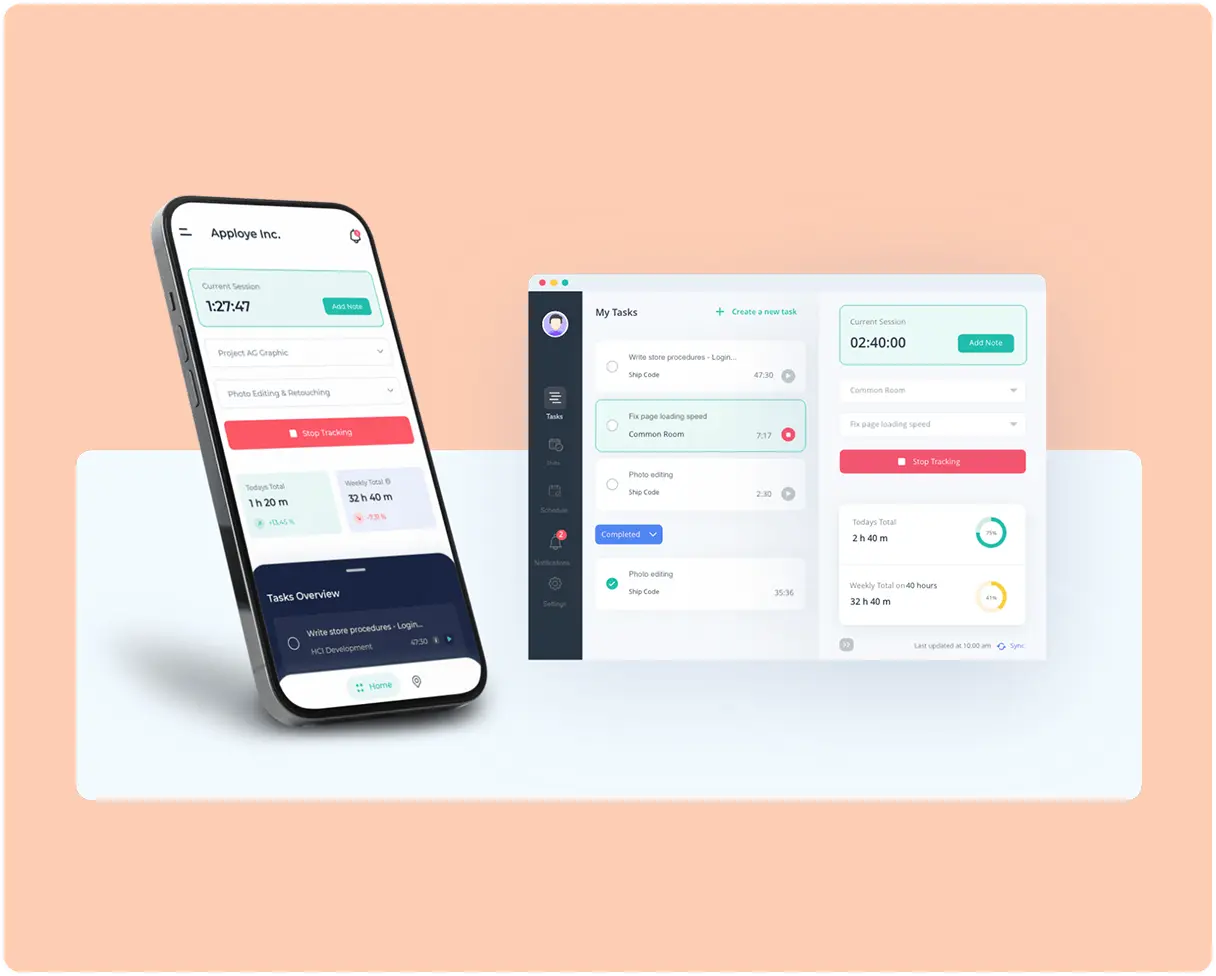
Starting a project timer in the Apploye macOS app on a MacBook.
Apploye macOS app tracking time offline and syncing to the dashboard once reconnected

Track Time on Mac Without an Internet Connection

Working from a café with bad Wi-Fi, or on a flight? The Mac app keeps tracking offline and syncs everything to your dashboard once you're back online. No lost hours, no manual reconstruction afterwards.

  • Offline time tracking on Mac, synced automatically on reconnect
  • Tracked data stays consistent across Mac, Windows, Linux, web, and mobile
  • Nothing to export or re-enter by hand

Timesheets, Payroll, and Invoicing

Turn work hours directly into timesheets, payroll runs, and client invoices, without exporting to a separate billing tool. If you're already running payroll or invoicing elsewhere, this replaces it.

  • Automatic timesheet generation
  • Payroll calculations built in
  • Invoice clients straight from tracked hours
See Payroll & Invoicing
Apploye payroll dashboard calculating employee pay from hours tracked on Mac
Idle time flagged separately on an Apploye timesheet in the macOS app.

Idle Time Detection on Mac

A timer left running while you step away shouldn't count as billable. Apploye flags idle stretches so your hours reflect actual work.

  • Idle time marked separately on every timesheet
  • Decide per entry whether to keep or discard it
  • Keeps client invoices honest without manual review
See Idle Time Detection

Optional Screenshots and Activity Tracking on macOS

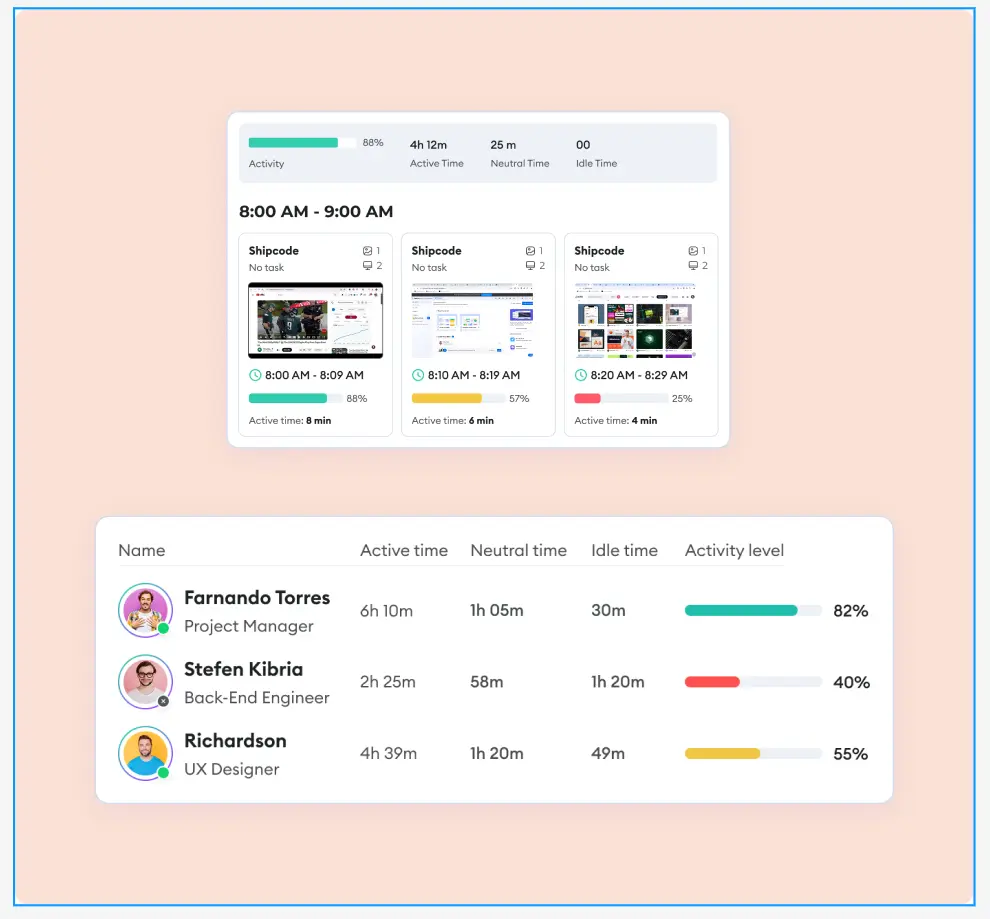
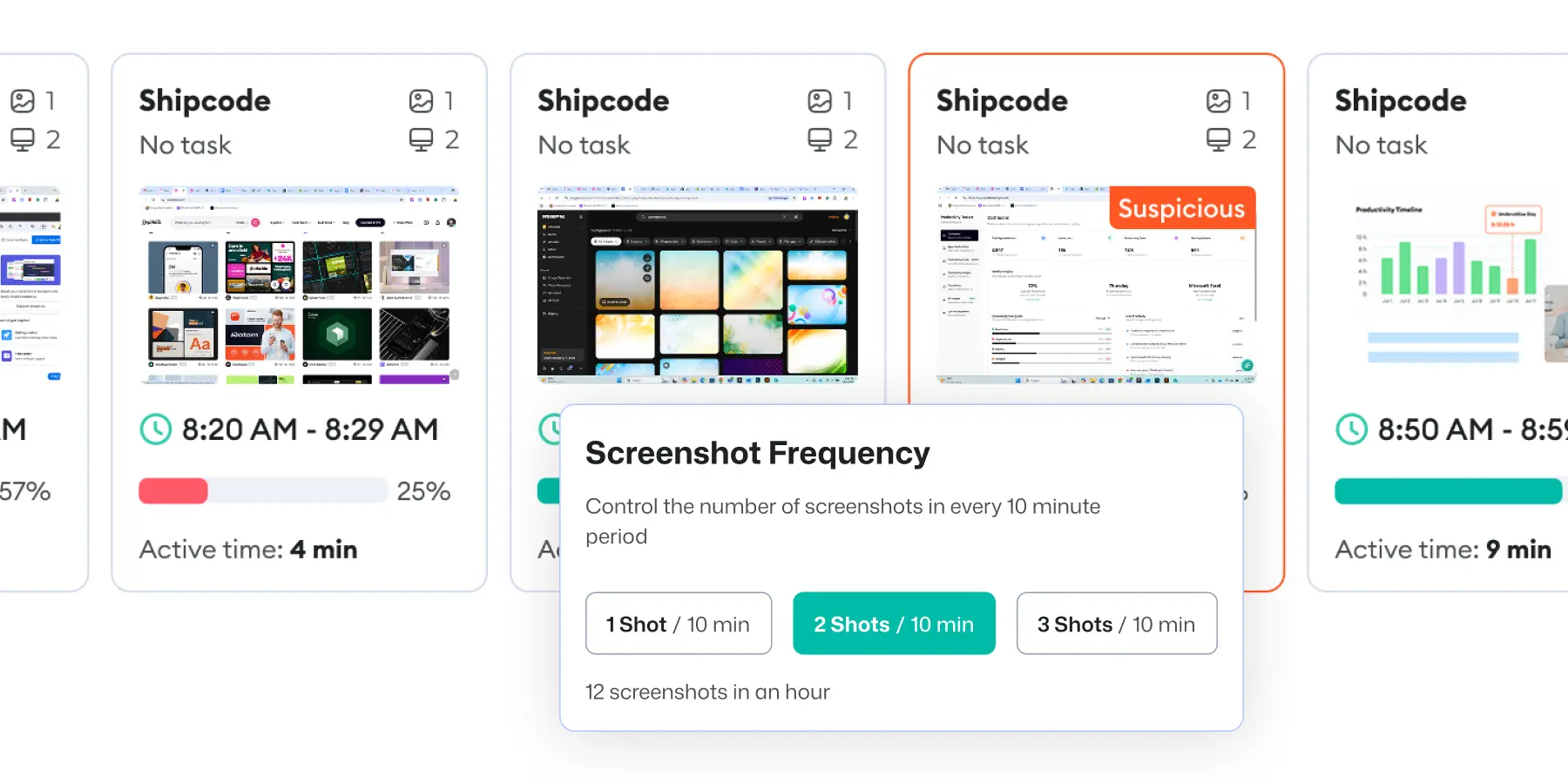
Apploye is a time tracker with screenshots. If you want visual context or activity data, it's available. If you don't, leave it off. Nothing here is forced on by default for every plan.

  • Adjustable screenshot interval, or none at all
  • Blur available for sensitive content
  • Activity levels based on keyboard and mouse movement, not keystroke content
  • Requires Screen Recording and Accessibility permissions in macOS System Settings and only if you turn these features on
See Screenshot Controls
Screenshot interval settings in the Apploye macOS app.
Apploye attendance tracking dashboard showing clock-in and clock-out records for a remote team.

Attendance Tracking

See when employees begin work, how long they work, and whether they meet their expected schedules.

  • Clock-in and clock-out history
  • Check if someone starts tracking time late or stops early
  • PTO and time-off tracked alongside hours worked
See Attendance Tracking

Detailed Reports

Every tracked hour rolls up into reports you can actually hand to a client or a bookkeeper.

  • Per-project, per-client, and per-person breakdowns
  • Export to PDF or spreadsheet
  • Date-range filtering for monthly or quarterly billing cycles
See Reporting
Apploye time tracking report broken down by project and team member, exported from the Mac app.

What's Included on the Free Mac Time Tracking Plan

Feature

Free Plan

Price

$0

Users

Up to 10

Time tracking

Included

Timesheets

Included

Projects

Up to 3, unlimited tasks

Clients

Up to 3

Screenshots

1 per hour

Application tracking

Up to 3 apps/day

How to Install Apploye on macOS

one

Download Apploye for Your MacBook

Visit the Apploye download page and select the version that matches your Mac. Then, open the installer and follow the on-screen instructions to complete the installation.

two

Employees Start Tracking Time

When employees start to track time, Apploye takes screenshots, screen recordings, app usage, website activity, active time, and idle time.

three

Review Reports Anytime

You can review activity reports, screenshots, timesheets, and project data from the dashboard.

one

Download Apploye for Your MacBook

Visit the Apploye download page and select the version that matches your Mac. Then, open the installer and follow the on-screen instructions to complete the installation.

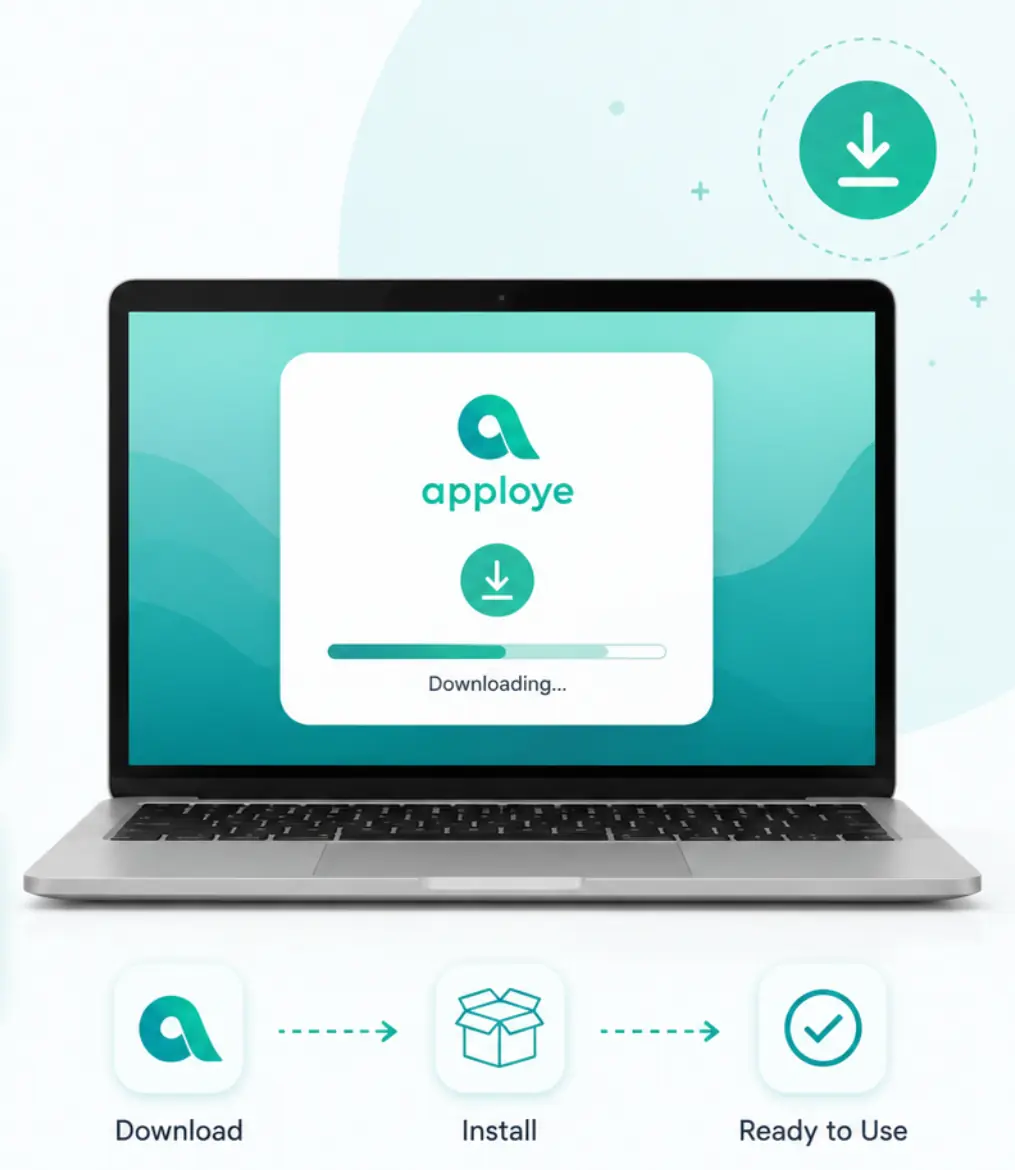
Download Apploye for MacBook with quick installer setup instructions.
two

Employees Start Tracking Time

When employees start to track time, Apploye takes screenshots, screen recordings, app usage, website activity, active time, and idle time.

Employees Start Tracking Time
three

Review Reports Anytime

You can review activity reports, screenshots, timesheets, and project data from the dashboard.

Review Reports Anytime
Download Apploye for MacBook with quick installer setup instructions. Employees Start Tracking Time Review Reports Anytime

Get the Native App for Your Mac, Windows, and Linux Devices

Built for Apple Silicon and Intel, not a browser wrapper. Download it, sign in, and you're tracking time in about two minutes.
Start for Free

No Credit Card Required

Mac Compatibility and Requirements

Requirement

Details

Chip

Native Apple Silicon (M1, M2, M3, M4) + separate Intel build

macOS versions

macOS 10.15 or later

Permissions needed

Screen & System Audio Recording (screenshots) and Accessibility (app & website tracking); URL tracking may also need Automation

Deployment

Individual install or MDM

Apploye vs. Other Mac Time Trackers

Features

Apploye
Toggl Track
Clockify

Free plan

Up to 10 users

Up to 5 users

Up to 5 users

Invoicing

Yes
No
!

Standard plan and up

Payroll

Yes
No
No

Screenshots

Yes
No
!

Pro plan and up

Native Mac app

Yes
Yes
Yes

A Native macOS App, Not a Browser Wrapper

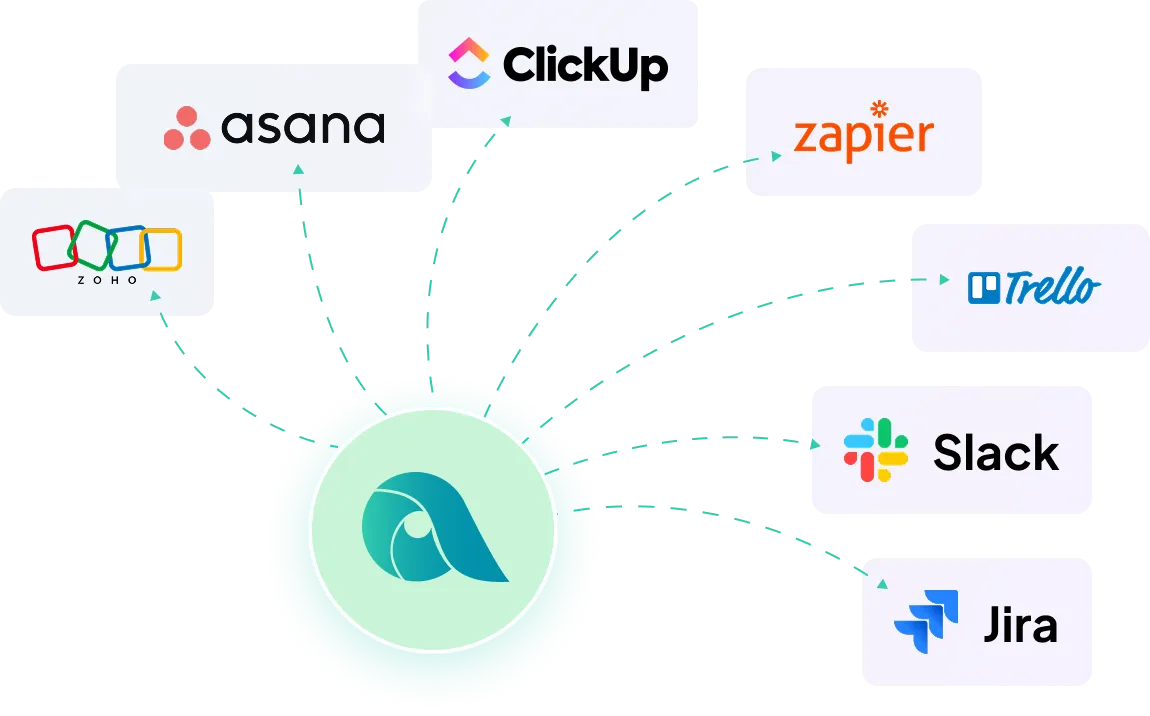
Apploye runs as a native Mac app, though a web version is there too if that's what you'd rather use. Either way, it connects with the project tools you're probably already running.

Diagram showing Apploye software integrations with other tools like Asana, Zapier, Trello, Slack & others.

Frequently Asked Questions

Is this just a timer, or does it do more?

Both. Start with a simple time tracker if that's all you need. Timesheets, payroll, and invoicing are built in whenever you're ready to use them, not a separate purchase.

Does Apploye work natively on Apple Silicon Macs?

Yes. Apploye has a native app built for Apple Silicon M1, M2, M3, and M4, and a separate build for Intel Macs. The Apple Silicon version runs natively and doesn't need Rosetta.

What version of macOS does Apploye require?

Apploye requires macOS 10.15 Catalina or later. Older Macs running earlier versions can use the web app in Safari or Chrome instead.

Is there a free time tracker for Mac?

Yes. Apploye's free plan covers up to 10 users with unlimited time tracking, timesheets, and three projects. No credit card, no trial expiry.

Does the Mac app work offline?

Yes. The macOS app keeps tracking when you lose connection and syncs to your dashboard once you're back online.

What permissions does Apploye need on my Mac?

Only the ones the features you enable actually require. Basic time tracking needs no special permissions. If you turn on screen monitoring or activity tracking, macOS will prompt you to grant Screen Recording and Accessibility access in System Settings. Leave those features off, and no permissions are requested.

Do I have to turn on screenshots and monitoring?

No. Screenshots, activity tracking, and screen recording are all optional. You can leave them off entirely and use Apploye as a straightforward time tracker.

Does Apploye log keystrokes?

No, and this isn't plan-dependent; it's just not something the product does. Turning on activity tracking measures how much you're typing and clicking, not what you typed.

Can I invoice clients directly from tracked time?

Yes. Tracked hours turn into invoices without needing a separate billing tool.

Can I use Apploye solo, or does it require a team?

Either. It works the same way for a single freelancer on a MacBook as it does for a team of 10.

Is there an iPhone or iPad app?

Yes. Apploye has apps for iOS and iPadOS, available on the App Store, alongside Android. Time tracked on mobile syncs with your Mac and web dashboard.

Can I switch between Mac, Windows, and Linux?

Yes. One dashboard covers all three, so a mixed-device team isn't a problem.