Free Work From Home Request Form Template

A structured form gives managers the information they need to review requests and keep accurate records of decisions.
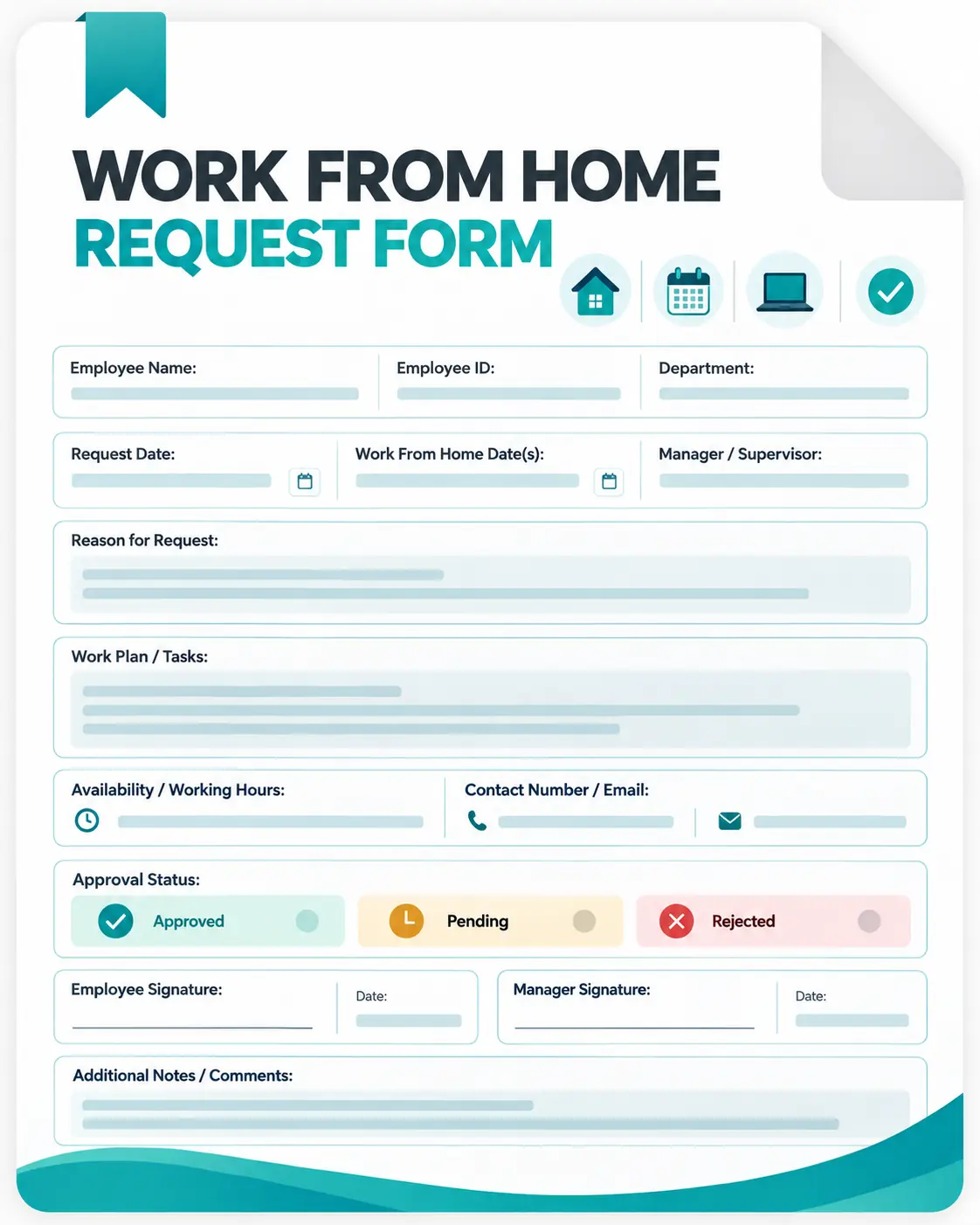
This free work from home request form template helps you collect employee details, requested dates, reasons, availability, planned work, and approval information in one place.
Download the Free Work From Home Request Form
Use this template to organize work-from-home requests without creating a new form for every employee. The template includes:

Employee and department information
Manager or approver details
Request and WFH dates
WFH type
Reason for the request
Work location details
Expected availability hours
Main Parts of a Work From Home Request Form
Employee Information
Begin with basic employee details such as name, employee ID, department, and manager. This makes the request easier to identify and route for approval.
Requested Work-From-Home Dates
Specify when the employee wants to work remotely. For longer requests, include both the start and end dates.
Reason for the Request
Give employees space to briefly explain why they are requesting remote work. The level of detail required should match your organization's policy.
Availability and Work Plan
Employees can outline their expected working hours and the tasks they plan to complete. This helps managers understand how work will continue during the requested period.
Work Location
If your organization's policy requires employees to provide their remote work location, the form can capture that information.
Approval Details
The final section records the manager's decision, comments, and approval date so the request has a clear outcome.
Why Use a Work From Home Request Form?
A standardized form can help organizations:
- Keep remote-work requests organized
- Create a consistent approval process
- Give managers the information needed to review requests
- Record approved and rejected requests
- Clarify employee availability and planned work
- Maintain a central reference for remote-work records
Track Remote Work With Apploye
Once a WFH request is approved, teams still need a reliable way to track working hours, projects, and tasks.
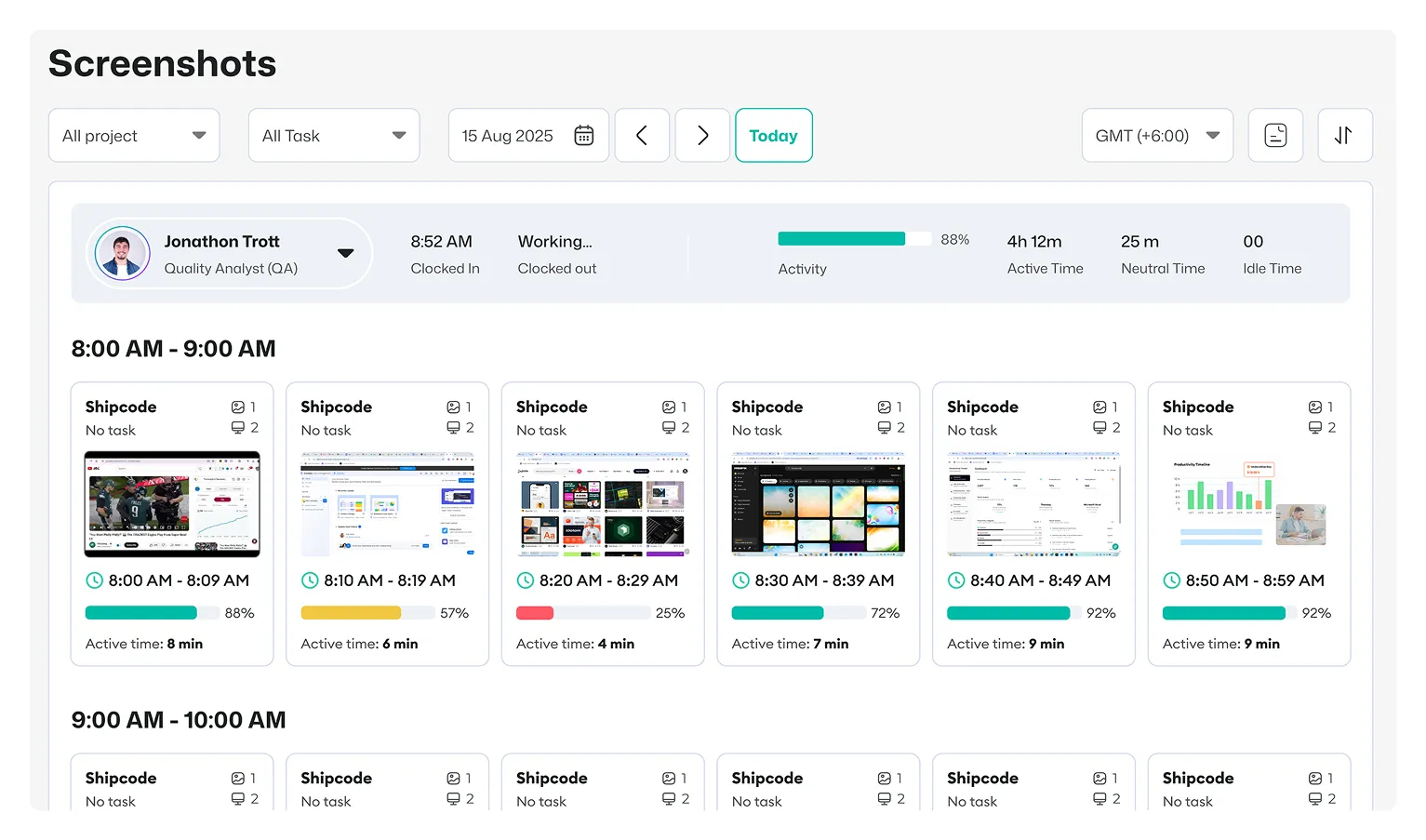
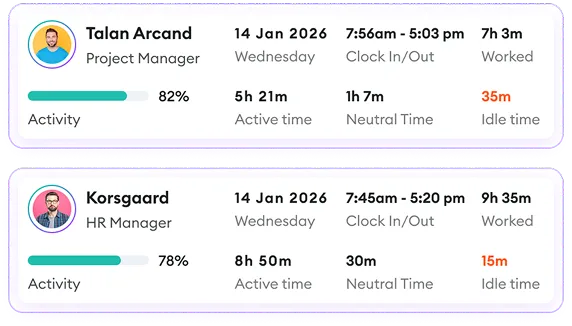
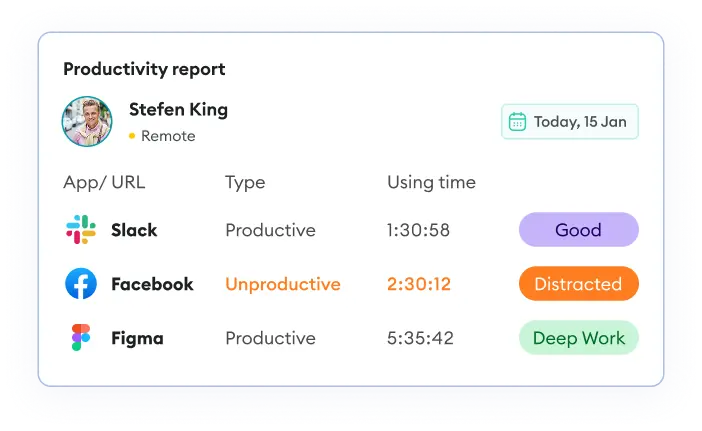
Apploye supports time tracking, project and task tracking, timesheets, attendance, and reporting, helping managers maintain visibility into work across remote teams.
Start monitoring remote employees with Apploye and keep your team's work data in one place.
See how and where employees spend their time with Apploye
Get More, Pay Less