Key Features
Use Cases
Explore
Why pay more for ActivTrak’s workforce analytics when Apploye combines time tracking, screenshots, app and URL tracking, project management, payroll, and client invoicing in one platform?
| Category | | | Winner |
|---|---|---|---|
| Time tracking | Strong | Strong (automatic) | Tie |
| Screenshots | Yes (1/hr Free, up to 18/hr Elite, up to 60/hr Power) | Paid add-on; not on Free or Productivity Optimization | Apploye |
| App tracking | Yes | Yes | Tie |
| URL tracking | Yes | Yes | Tie |
| Productivity analytics | Solid | Deep | ActivTrak |
| Idle time | Yes | Break and inactive time tracking | Tie |
| Real-time view | Yes (Elite and up) | Yes (two lower-paid plans) | Tie |
| Schedule adherence | Yes | Yes | Tie |
| Projects | Yes | Not listed | Apploye |
| Tasks | Yes | Not listed | Apploye |
| Attendance and leave | Yes | Schedules; time-off sync needs an HRIS add-on | Apploye |
| Payroll | Yes | Not listed | Apploye |
| Client invoicing | Yes | Not listed | Apploye |
| Integrations and API | Jira, Asana, ClickUp, Trello; API on Power | Calendar, Entra ID, SCIM included; HRIS, API, BI are add-ons | Tie |
| Free plan | Up to 10 users | Up to 3 workers, 30 days of data | Apploye |
| Agency workflow | Strong | Not the focus | Apploye |
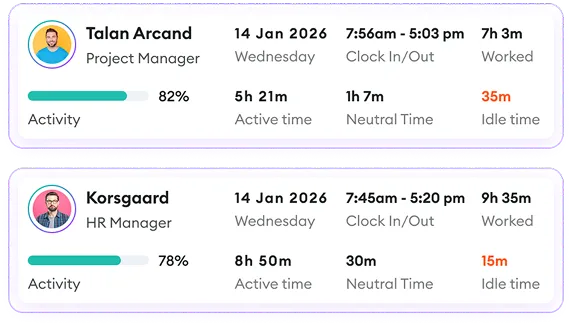
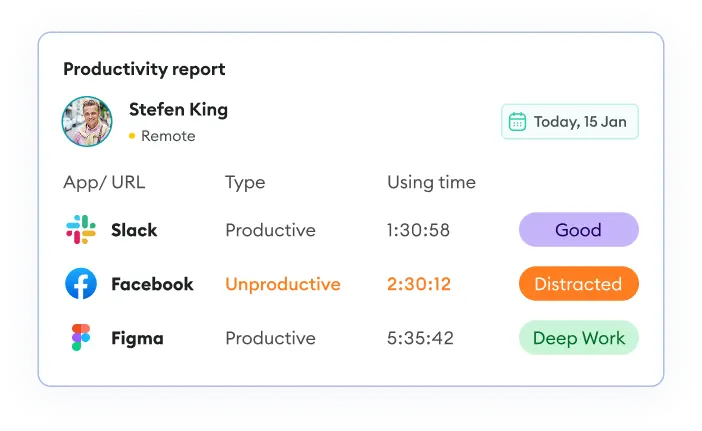
Apploye pairs time tracking with employee monitoring, so each tracked hour comes with context. Depending on your plan, you'll see screenshots, app and URL use, activity levels, idle time, real-time activity, projects, and tasks. For a remote team, that stands in for walking past a desk.
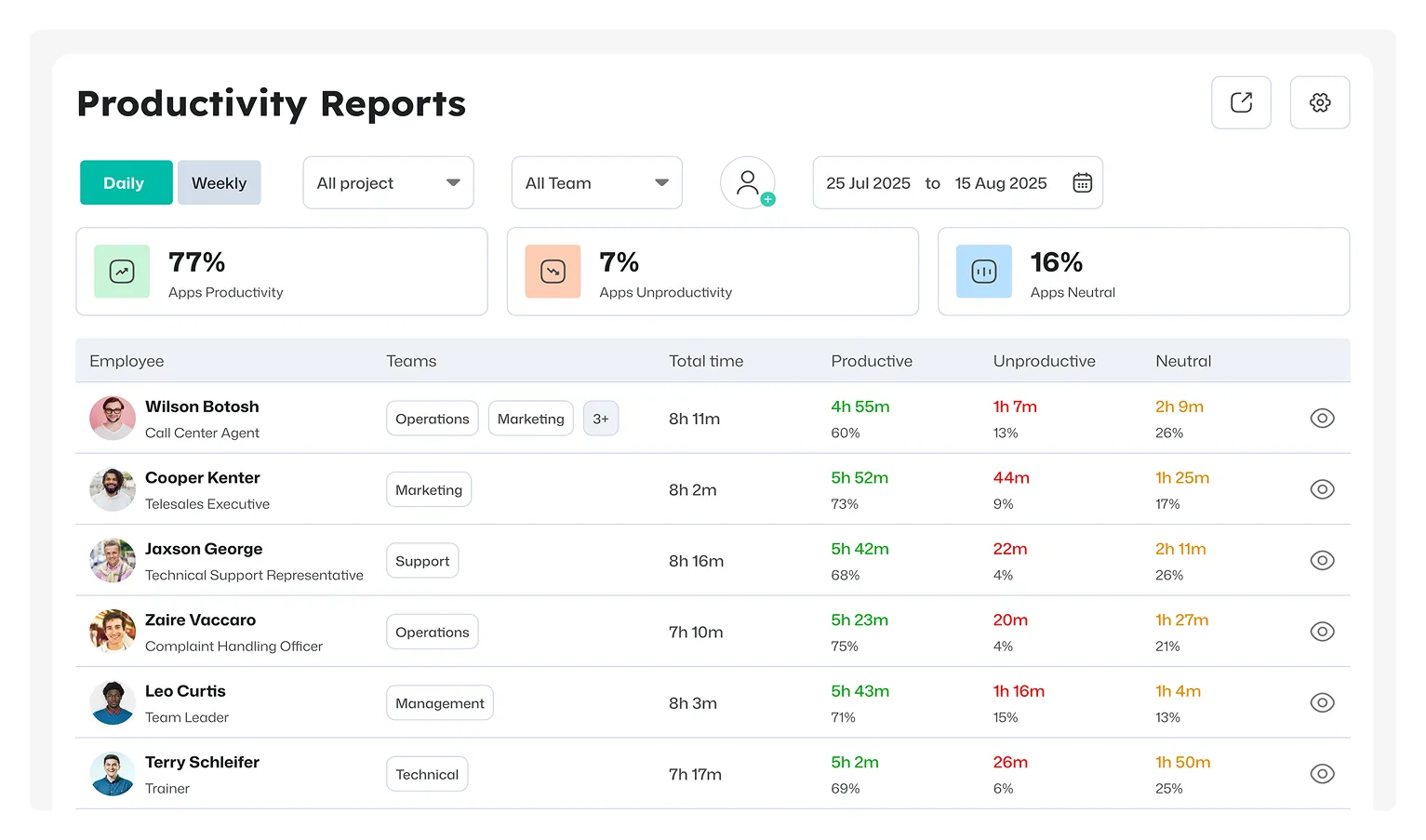
ActivTrak reads digital activity to find patterns. Its own pages talk about insight into productivity and well-being across office, remote, and hybrid staff, with weekly insights shared with managers and employees. It cares more about the team's pattern than one person's afternoon.
Choose Apploye if you want to review individual activity alongside time and project records. Choose ActivTrak if you want to understand work patterns across teams and departments.
Activity percentages come from mouse and keyboard use. Apploye says it doesn't record what anyone types or capture passwords. You get a fast read on busy versus idle, and nothing more invasive than that.
Productivity trends come with every plan, Free included. The deeper layers sit higher up. Workforce Management adds org-wide goals and progress against them. Productivity Optimization adds team benchmarks, workload balance, coaching suggestions, and headcount planning.
ActivTrak is the stronger option for businesses that need detailed productivity analytics at scale. And Apploye is a practical choice for teams that want activity data alongside time tracking and project reports.
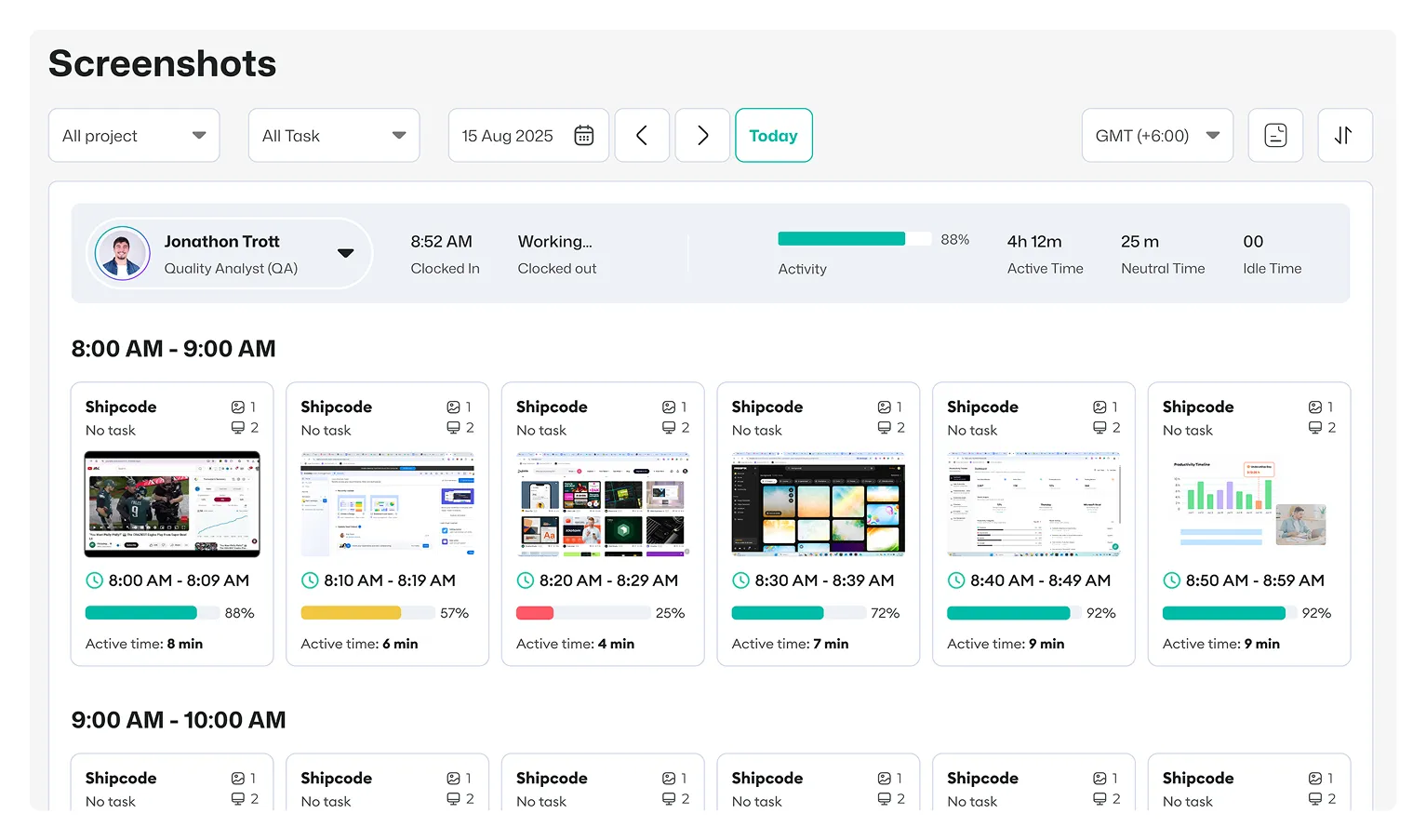
The free plan takes one screenshot per hour. Elite goes up to 18 and Power up to 60, with instant screenshots on Power. You can read them next to time, apps, URLs, projects, and tasks. Screen recording is a paid add-on.
Screenshots come through the Screen Details add-on, along with live screen view and app termination. It's open to Work Activity Tracking and Workforce Management customers only. So Free and Productivity Optimization have none. The add-on's price isn't on the pricing page.
Apploye is easier to buy and easier to price. If you'd rather skip screenshots altogether, ActivTrak's Productivity Optimization plan has none, and some teams will like that.

ActivTrak costs $10–19/user/mo, and screenshots still cost extra.
Apployecosts $4.50/user/mo, 18 screenshots/hour included.
Get More, Pay Less

You can see which apps people use, which sites they visit, and for how long. Then you mark each one as productive or unproductive. A software company and a marketing agency won't agree on that list, so the choice is yours. The free plan keeps this limited.
App and website usage appears on Free and the two lower-paid plans. Activity is classified automatically, and you can add your own rules. Title bars and full URLs are optional on the lowest-paid plan and included on the next two.
Both tools cover internet usage monitoring with app and website tracking. Apploye is a good fit if you want this information alongside project hours and employee monitoring. ActivTrak is worth considering if you need broader technology usage analysis across your organization.
Tracked time doesn't stop at a timesheet. It connects to projects, tasks, attendance, leave, productivity, payroll, billable hours, invoices, and reports. One entry can feed several parts of the business.
Time tracking is automatic on every plan. Paid plans add break identification, schedule tracking, and offline meeting time. It all points toward attendance and policy, not toward billing.
Both do the basics well. Pick Apploye if the hours need to travel further.
Which client is eating your margin?
Apploye ties hours to projects and tasks, so you can see it before the invoice goes out.
Try it with Apploye

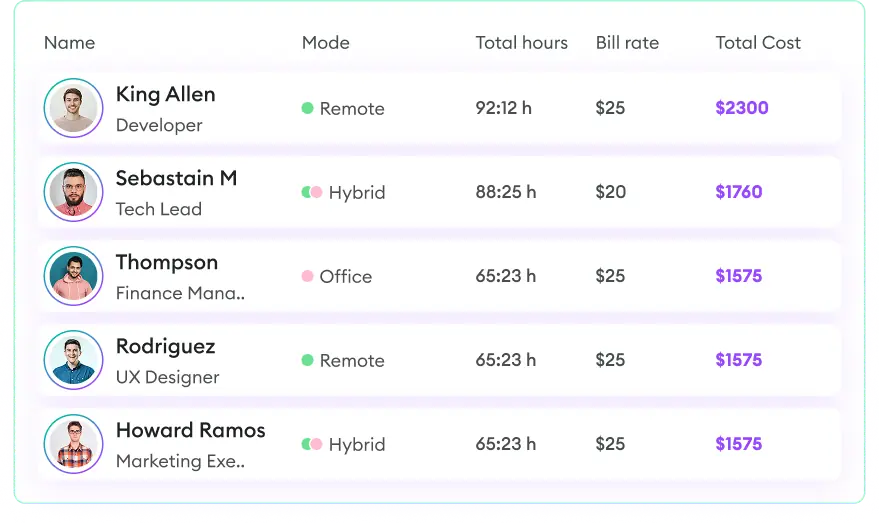
Apploye helps calculate payroll using tracked hours and pay rates. This gives managers a clearer starting point for reviewing employee pay.
For example: Employee → Approved Hours → Pay Rate → Payroll Calculation
Payroll isn't available.
If payroll prep eats your Mondays, Apploye is the one to look at.
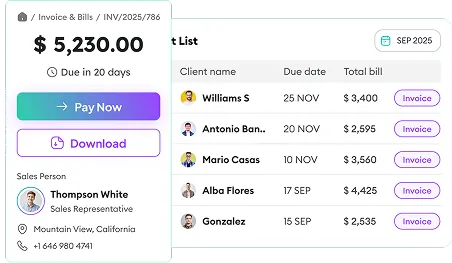
Think of an agency with five clients. Each client has projects, each project has people, and each person logs hours. Apploye carries those hours into billable time and client invoices, so nobody rebuilds a spreadsheet at month-end.
Invoicing isn't available either. The closest thing is a pair of BI templates for timesheet and contractor billing reconciliation, sold through the ActivConnect add-on. They help you check contractor hours. They don't create an invoice.
Apploye is the clearer choice if you bill clients for tracked work. It brings time tracking and invoicing into the same workflow.
Bill from the hours you already track.
Apploye's Elite plan includes client invoicing and payroll figures.
Check Elite’s pricing

Apploye's free employee monitoring plan is available for up to 10 users. It covers time tracking, attendance and leave, basic screenshots, limited app and URL tracking, activity analytics, timesheets with approval, and up to 3 projects. ActivTrak's Free plan covers 3 workers, keeps 30 days of history, and trims the feature list.
Elite is $4.50 per user per month, billed annually. It adds full-time tracking with screenshots, app and URL tracking, the real-time view, unlimited tasks, client invoicing, payroll, custom reports, and integrations.
Also, power is $8 and adds higher screenshot limits, instant screenshots, API access, and advanced monitoring. Enterprise is custom. Screen recording is $4 and stealth mode is $2, per user per month. The paid trial lasts 10 days with no credit card.
Prices are per worker per month, billed annually. Work Activity Tracking is $10, Workforce Management is $15, and Productivity Optimization is $17. Workflow, at $21, targets AI and operations teams.
However, there's no monthly billing. Add-ons cost extra: AI Insights is $4 per worker, extra data history is $1, and the rest are quote-based. Anything above 50 licenses needs a paid support plan. The trial lasts 14 days, then you drop to Free.
25 Users • Annual billing
How much are you overpaying ActivTrak?
Essential vs Elite
Essential Plus vs Power
Professional vs Enterprise
Enterprise teams save up to $2,700/year
Same features. Better price. No lock-in.
The tiers don't line up feature for feature, so read what each one includes. Still, ActivTrak's cheapest paid plan costs more than twice Apploye's Elite per user. And because its screenshots need an add-on, the real total goes up.
For a small or mid-size remote team, Apploye covers hours, monitoring, projects, payroll, and invoicing for less. And since the free plan stretches to 10 users, you can test it first.
Book a free demo, and our team will show you how we beat ActivTrak with better features, lower prices, and easier setup.