What Is Webcam Monitoring? Definition, Risks & Privacy-Safe Alternatives
Key Takeaways:
-
Webcam monitoring only happens during the test. It takes a few snapshots (not continuous video or audio) to confirm the right person is present. Images are secured, seen only if needed, and deleted after a set time.
Some businesses believe monitoring is the perfect way to get insights. And they prefer webcam monitoring over anything.
But it's not easy to use webcam monitoring without knowing how to. The risks, laws, and outcome.
In this article, you’ll understand everything about webcam monitoring. And whether you should actually consider it or not!
What Webcam Monitoring Actually Is?
A webcam monitoring system is the use of a webcam for tracking. It captures images, screen recording, and video feed. The system relies on internal/external webcams, IP cameras, and USB cameras. So, webcam monitoring lets you track your employees' activity.
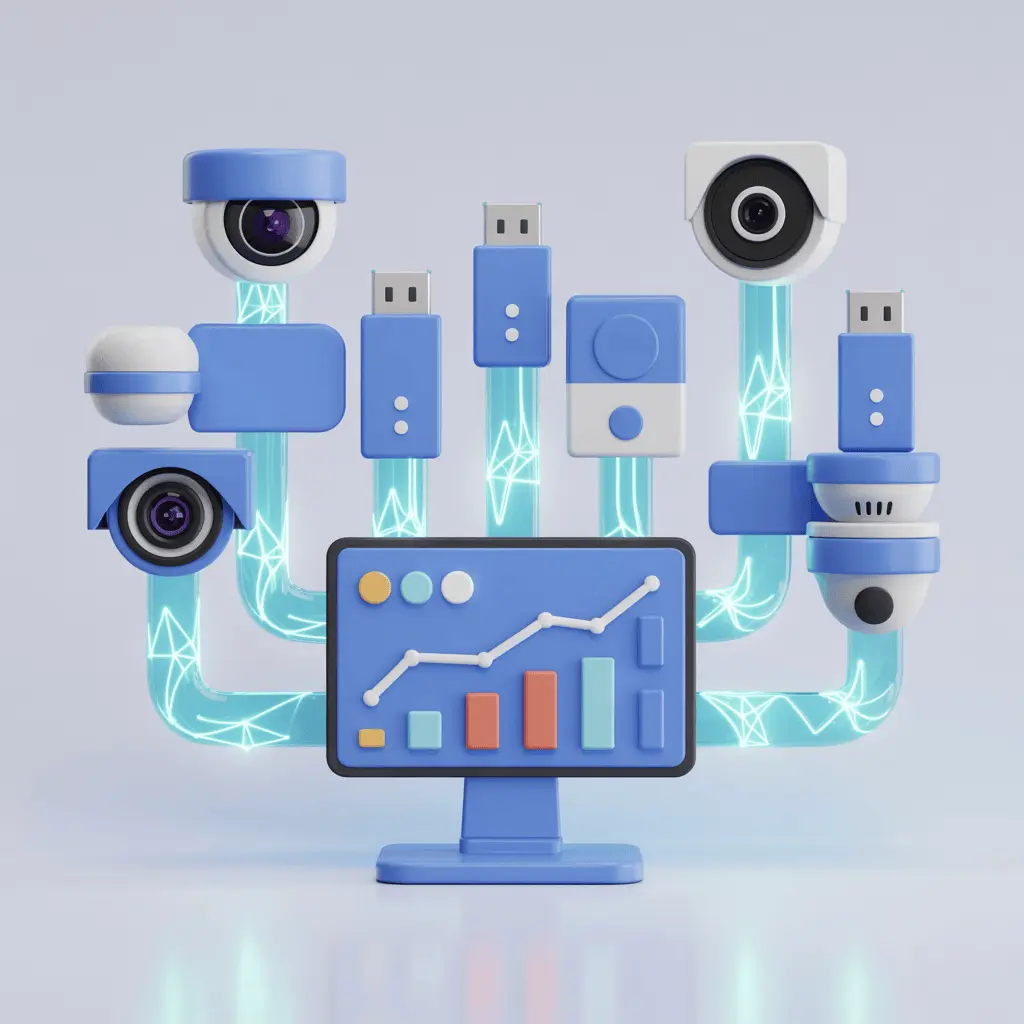
It can have many features, but the most common ones are:
- Recording live video feed or images via webcams, continuously or intermittently.
- Using a facial recognition system and AI to verify employee activity.
- Keeping data logs about the usage of webcams and microphones.
- Integrating productivity tools to create a cohesive performance analytics.
- Employing motion detection or motion sensitivity filters.
Why Employers Use Webcam Monitoring?
There are multiple reasons, starting from productivity tracking or finding time theft. Let’s explore the whys of webcam monitoring.
Productivity & Remote Teams
The first reason is productivity & attendance tracking. All employers want to know about employees' productivity. Also, tracking the attendance is crucial. Using a webcam or phone camera enables perfect geotracking.
Obviously, it won't work like GPS. However, employers can identify if a field worker is actually in the field or not.
Security and Compliance
In certain industries, high security is essential (NHS Digital, government, financial services). Without a webcam surveillance system, it’s tough to monitor data leakage or remote logins.
Quality Control & Security
CCTV-style webcam monitoring is also relevant in some companies. While it can be invasive, some industries need such heavy protocols.
Some firms even record external webcams with Full HD 1080p resolution. And use LED fill lights and docking station capabilities to ensure clear audio/video. These recordings help to analyse any suspicious behavior.
Monitor productivity, skip the webcam risk
Privacy, Legal, and Ethical Considerations of Webcam Monitoring
Webcam monitoring can feel fun and all, until you hit any legal or ethical concerns. Because tracking personal data is generally not supported by any federal law. And, it's tough to install webcam monitoring without capturing unwanted personal data.
So, where should you draw the line?
Generally, you should not track any employees outside working hours. Similarly, the monitoring system should not track any private data. It can be a cause of severe legal complications.
But that's not the most crucial point. In some regions, you can't use webcam tracking in the first place. So, you have to go through the state or regional laws first.
Europe (EU & UK)
The EU is strict about employee consent, openness, and data minimization. If you are listed in the EU, you surely know GDPR and national data protection legislation. In some cases, webcam monitoring requires a DPIA (Data Protection Impact Assessment)
United States & Other Jurisdictions
In many U.S. states, employers can legally track webcam activity with consent. However, the specific rulings can vary depending on the scope. Employers often rely on employee handbook disclaimers or consent agreements.
Key legal and ethical considerations:
- Use of webcams must respect privacy expectations.
- Consent and transparency are mandatory.
- Clear communication and training programs.
Stay compliant while monitoring your team
Reasons for Choosing or Not Choosing Webcam Monitoring!
Before you make a decision, you obviously have to perform a SWOT analysis, right? Well, this section will help you with that. Just the pros and cons of webcam surveillance, nothing else.
Benefits
- When implemented properly, accountability increases.
- Higher probability of enhanced remote collaboration.
- Proper tracking of actual work progress & productivity indicators compared to simple attendance tracking
- Ideal for learning, online exams, and call center supervision. Perfectly captures the idle time and online meeting presence.
- Better risk tracking and prevention.
- Easy to assess workflow lags and bottlenecks.
Drawbacks
- It carries a higher privacy risk than regular screen monitoring.
- It can open legal exposure, which happened in the Netherlands when an employee refused webcam monitoring and sued the employer.
- The probability of increased productivity can vary. Some may feel more stress than before.
- Real output-based performance management is dependent on employee adaptability.
See screen activity without a webcam feed
Privacy-first & Practical Implementation Checklist for All Businesses
First comes the practical strategies, then comes the implementation. So, follow this practical checklist before using any webcam monitoring:
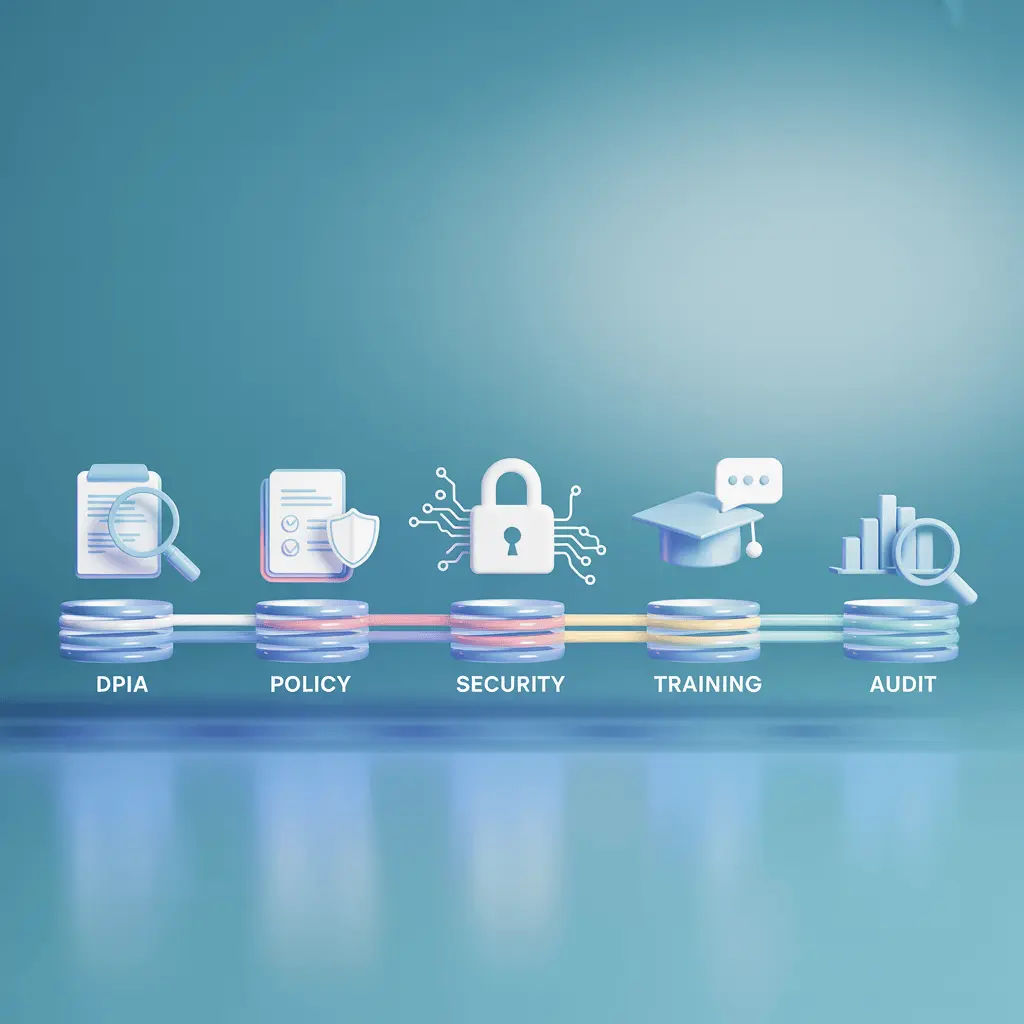
1. Perform a DPIA (Data Protection Impact Assessment).
- Define and document which data you want to collect.
- Figure out potential privacy risks.
- Retain justification and audit trail for accountability.
2. Draft a Clear Policy & Employee Notice
- Start by clearly laying out the purpose of webcam tracking.
- Expand the scope of tracking methods (which device, hours, etc.)
- Specify that employee consent is required. Emphasise trust-based management over intrusive video supervision.
- Prepare the detailed privacy policy document and consent form.
3. Technical Safeguards & Transparency
- Keep the tracking data safe in encrypted servers.
- Provide an audit trail for timestamps, users, and app usage.
- Maintain transparent indication of tracking (light indicator/notification)
- Keep a privacy-safe mode where only screen recording will be captured.
4. Training & Feedback
- Conduct multiple sessions on educating employees about the process.
- Host open feedback sessions to share insights and knowledge.
5. Review & Audit
- Review the effectiveness and cost analysis quarterly.
- Keep up to date with the latest employee-centric laws
- Adjust the policy if remote teams or hybrid workplaces change.
Non-invasive Alternatives to Webcam Monitoring
By now, if you’re thinking that webcam monitoring might not be the best fit for you, no worries. There are tons of alternatives that can be as effective as webcam tracking.
- Screenshots and Screen Recording: No face or surroundings capture. Only what you have on the screen. Apploye offers exactly that. Only screenshot capture, screen recording, activity logging, and time tracking.
- Green Webcam Monitoring: Basically, only the metadata, no actual image or video capture. So, the system will only track when you’re using the webcam and which app is using it.
- Activity Monitoring: If you just want all the activity reports, then you don’t need any invasive monitoring at all. Just a simple productivity tracker like Apploye should suffice.
Try privacy-first screen monitoring free
How Apploye Focuses on Privacy While Monitoring
At Apploye, our sole motto is to make monitoring effective and ethical. Here’s how we apply privacy-first design:
What Apploye Monitors
- Screenshot & screen video capture at defined intervals during logged work hours.
- Time tracking of application and URL usage, idle time tracking, and attendance logs.
- Regular reports and log data to match the usage properly
Security & Compliance
- Data encrypted in transit and at rest; audit logs of administrator access.
- Admins can enable “auto delete” of captured data after a specified retention period.
- Clear employee consent/notice built into setup
- Proper communication with the screen recording icon and notification
Get full visibility without privacy risks
Conclusion
In the end, you just need to know that your employees are working diligently. And I’m sure you don’t want to be hurting employee morale by breaching their privacy.
That’s why, unless required, green webcam monitoring and screen recording will be more than enough. It will show you all of the required data without having to face any legal or ethical issues. So, try your best monitoring system and figure out whether it shows what you need or not!
Frequently Asked Questions
What is webcam monitoring, and how does it differ from screenshot monitoring?
Webcam monitoring records video or pictures of an employee. Screenshot monitoring only captures what is on the computer screen.
Is webcam monitoring legal?
Yes, it is generally allowed on company devices. However, it comes with higher privacy concerns, especially for remote workers. Employers should be clear about monitoring policies and the legal framework.
Can employers record audio or watch employees live via webcam?
Yes, it's possible, but the legal risks are higher for live webcam tracking. Most tools focus on non-invasive monitoring, like metadata or occasional screenshots. Audio or live feeds should only be used if necessary and fully agreed to by employees.
What are privacy-safe options to monitor remote work without being invasive?
Instead of constant webcam use, companies can rely on time tracking and screenshots. Webcams are better for meetings and video recording.
How long should monitoring data be kept?
It mostly depends on your business. The common practice is to keep the data for 60 days for safety reasons.
About Author