Software Advice
Capterra
G2
GetApp
4.8
Star Star Star Star Star

Call Center Time Tracking Software for BPOs, Remote Agents, and 24/7 Support Teams

Track agent work hours, idle time, apps & URLs usage, and payroll-ready timesheets for remote, hybrid, and offshore call center teams.

GDPR

GDPR Compliant

HIPAA

HIPAA Compliant

Track the Work Hours Behind Your Call Center KPIs

Shrinkage

Shrinkage

Know how much paid time is lost to breaks, absence, idle time, meetings, or work that isn't calls.

How Apploye helps:

  • Track attendance
  • Work hours
  • Idle time
  • Breaks
  • Timesheets
Track call center shrinkage with Apploye activity tracking
Occupancy Pressure

Occupancy Pressure

See whether agents are active during paid hours or sitting idle between calls.

How Apploye helps:

  • Review active time
  • Idle time
  • Activity levels
  • Work patterns
Monitor call center occupancy and agent activity with Apploye
Schedule Adherence

Schedule Adherence

Monitor whether agents start, stop, and work on the shift they were assigned.

How Apploye helps:

  • Compare clock-in/out
  • Match tracked vs. expected hours
  • Flag late starts and early stops
Monitor call center schedule adherence with Apploye
After-Call Work

After-Call Work

See how long agents spend updating CRM records, tickets, and notes after each call.

How Apploye helps:

  • See app and website usage during tracked time
  • Screenshots and screen record
Track after-call work time with Apploye
BPO Client Billing

BPO Client Billing

Make client work hours clean, accurate, and easy to explain.

How Apploye helps:

  • Track time by project, task, and client
  • Track time for billable and non-billable work
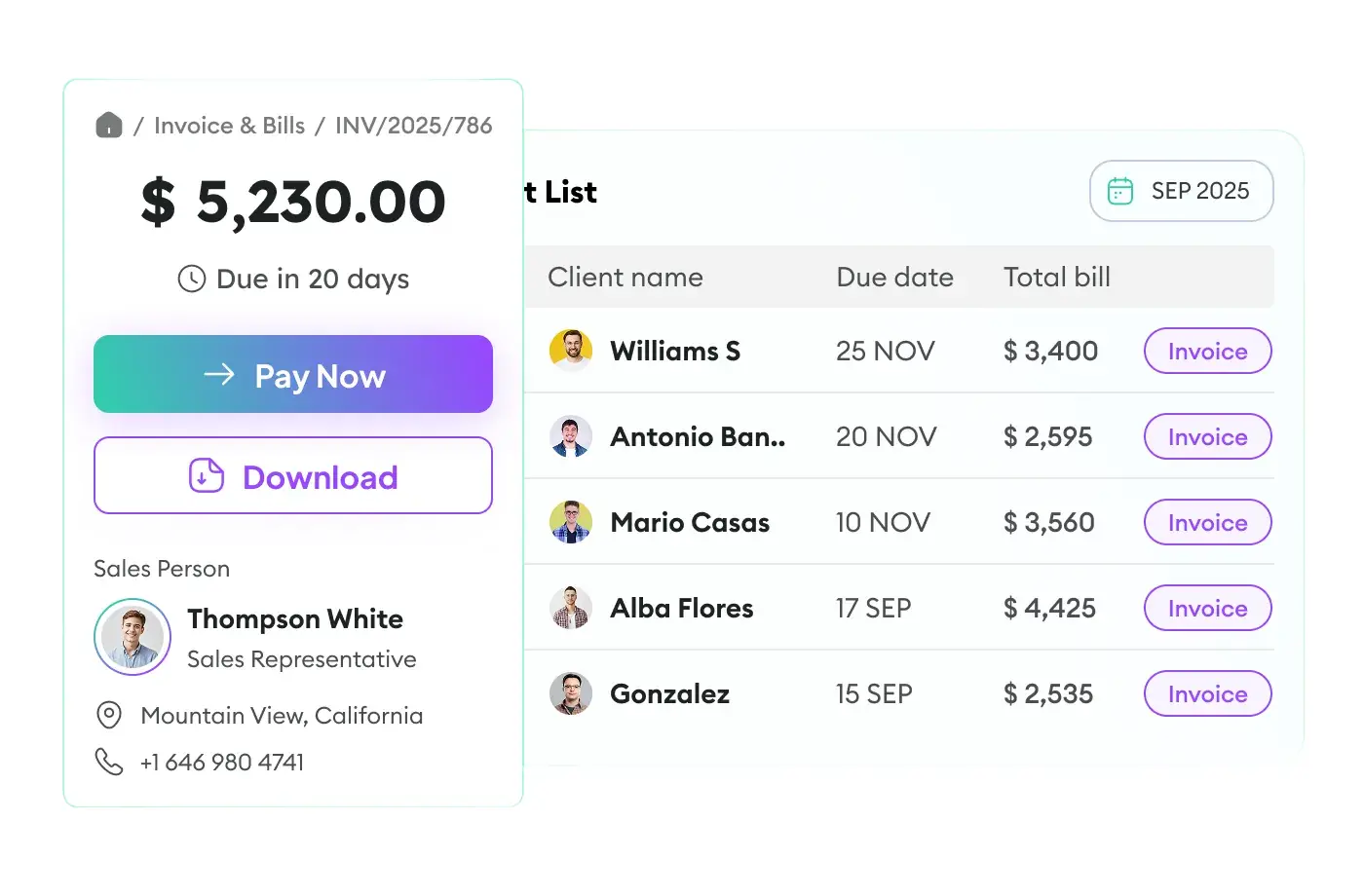
Track BPO client billing hours with Apploye
Payroll Accuracy

Payroll Accuracy

Check if submitted hours match actual tracked work.

How Apploye helps:

  • Calculate payment from tracked hours
  • Review and approve timesheets before you pay agents
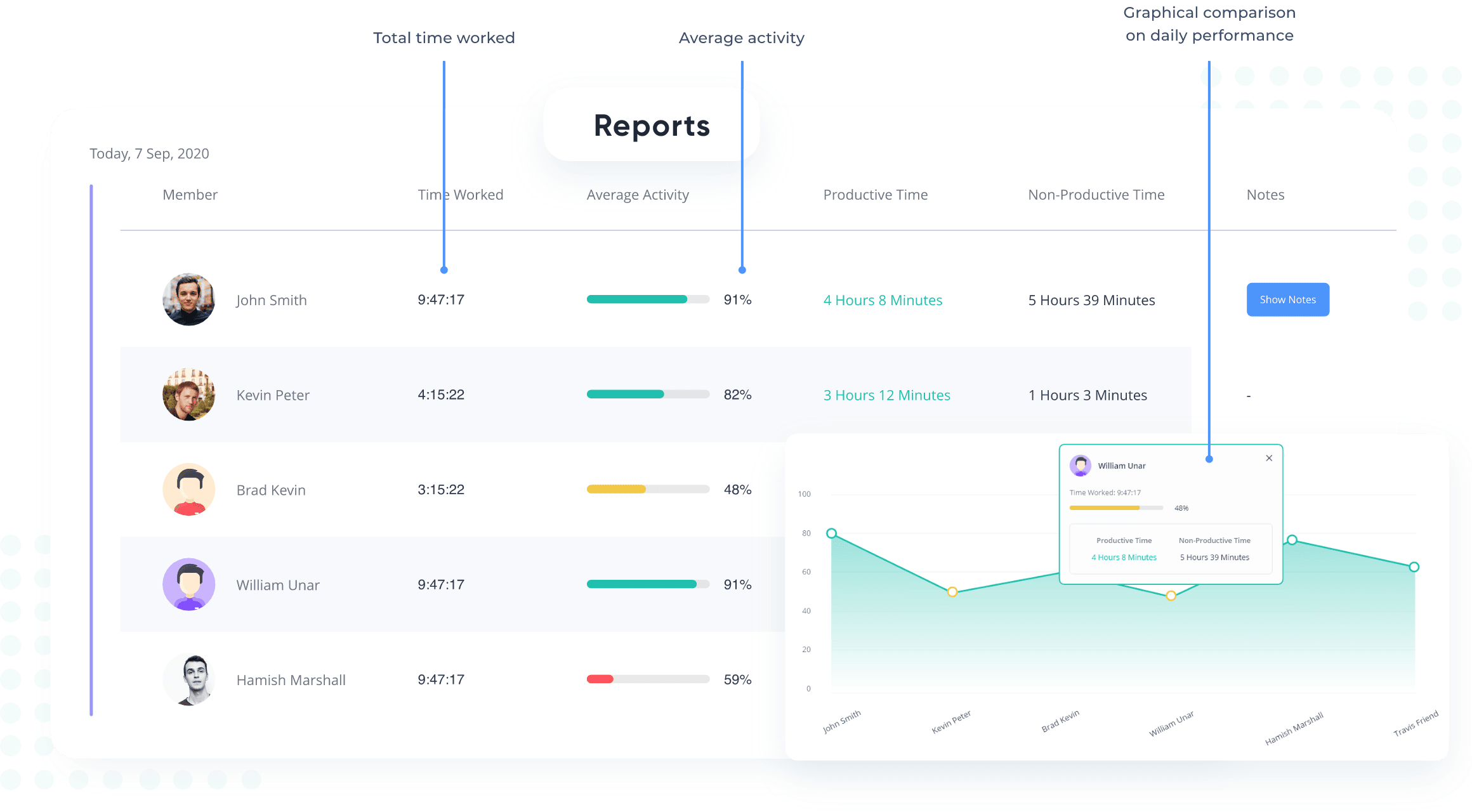
Ensure call center payroll accuracy with Apploye
Remote Agent Visibility

Remote Agent Visibility

See whether remote or offshore agents are working without constant follow-up.

How Apploye helps:

  • View who is active
  • Check what they are working on
  • Track where time is going
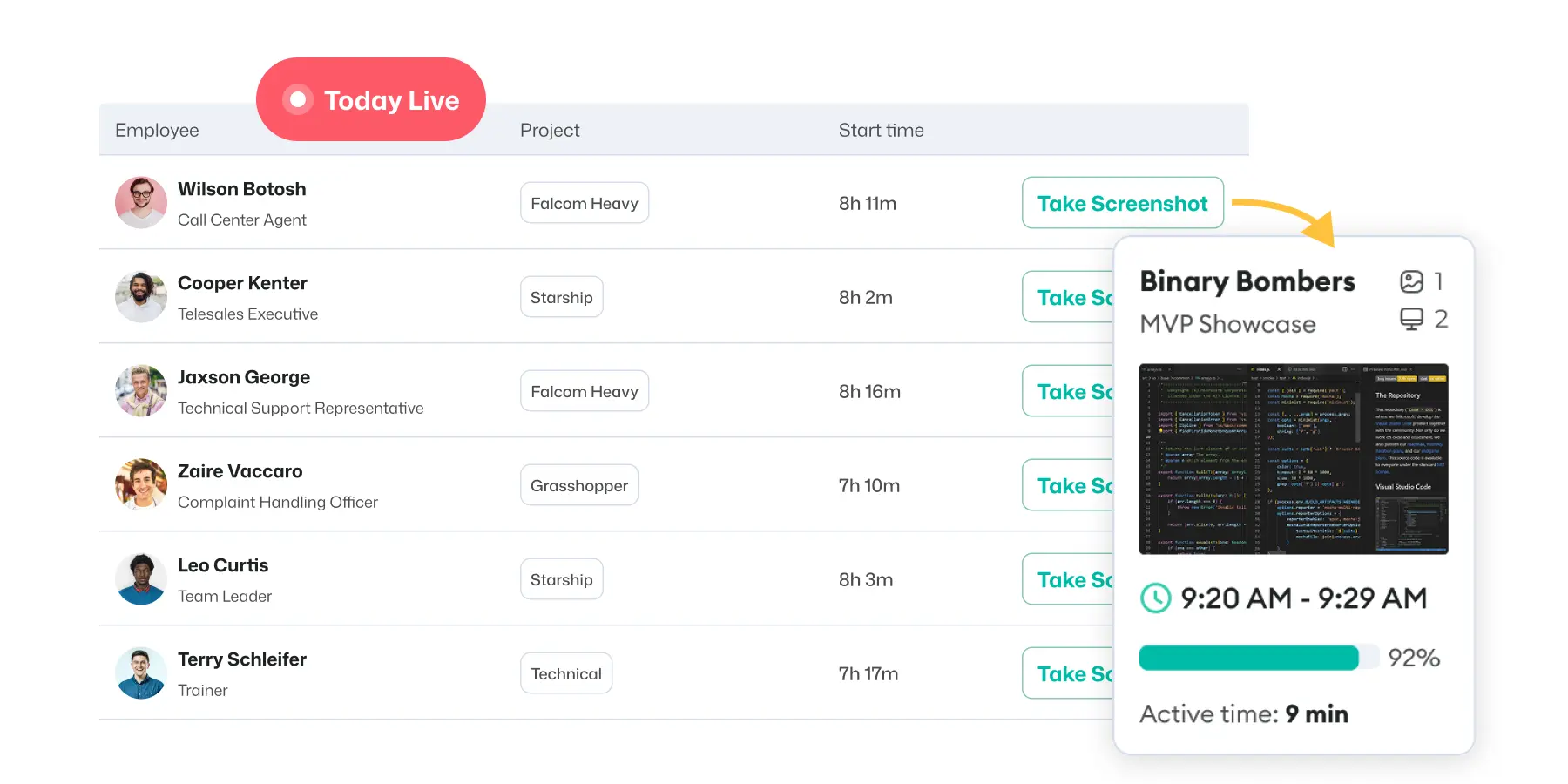
Monitor remote call center agents with Apploye live screen monitoring
Productivity Gaps

Productivity Gaps

Find out which agents or teams need coaching.

How Apploye helps:

  • Use activity reports
  • Screenshots and screen record
  • Idle time
  • Time summaries
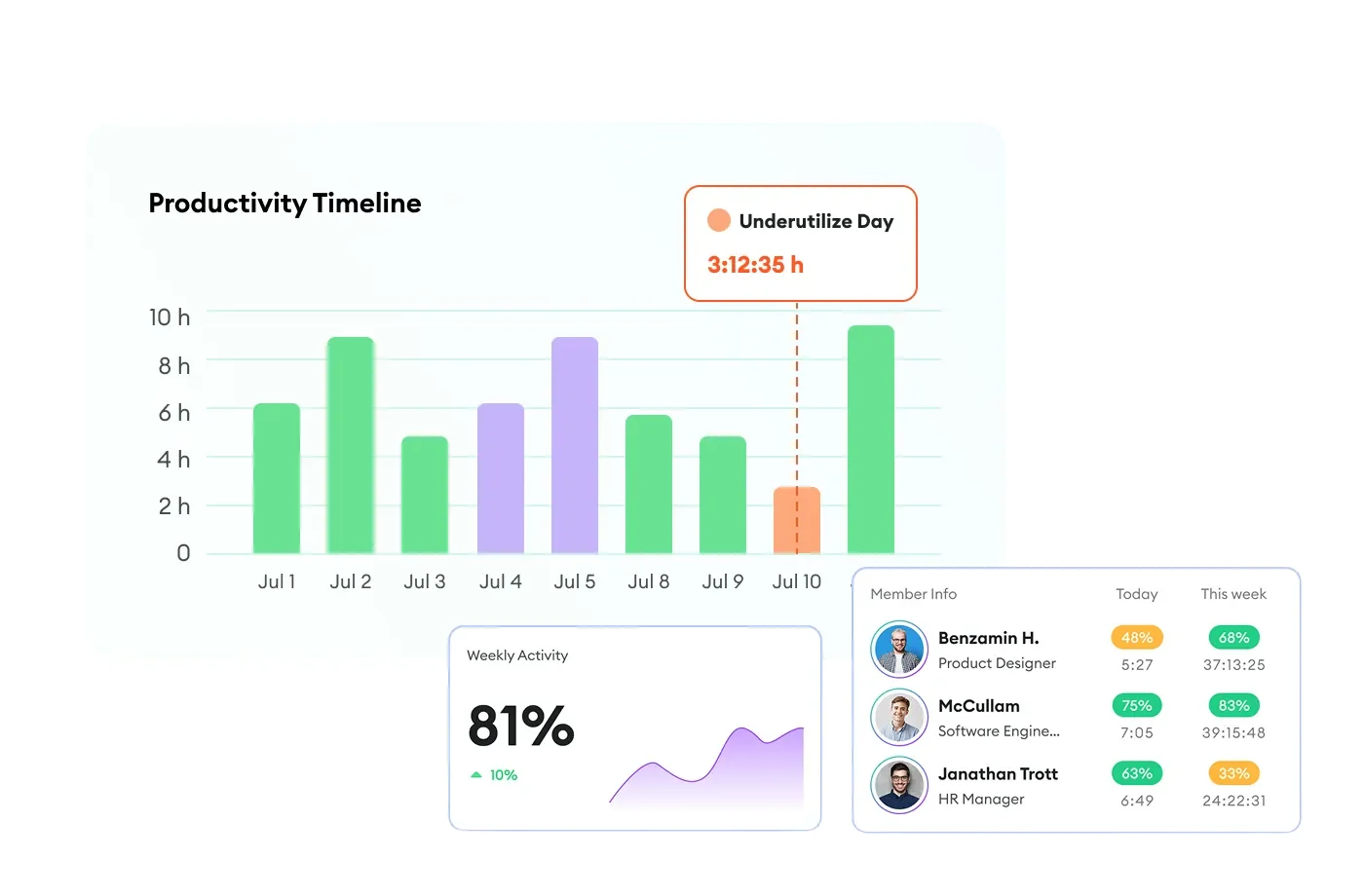
Identify call center productivity gaps with Apploye

Why Call Centers Choose Apploye Over Generic Time Trackers

Why it matters

BPO/client billing

Track time by project, task, and client

Cleaner client reports

Remote visibility

Screenshots, idle time, apps/URLs, activity

Less manual follow-up

Payroll

Timesheets and approvals

Fewer payroll disputes

Affordability

Starts at $4.50/user/month

Easier for large agent teams

Team oversight

Team manager/admin roles

Better supervisor workflows

More Than a Call Center Time Clock

Know When Agents Show Up, Log In, and Log Off

If someone clocks in 7 minutes late or leaves 12 minutes early, you'll see it. Over time, you'll spot which shifts run late most and where to tighten your schedule.

See it for yourself
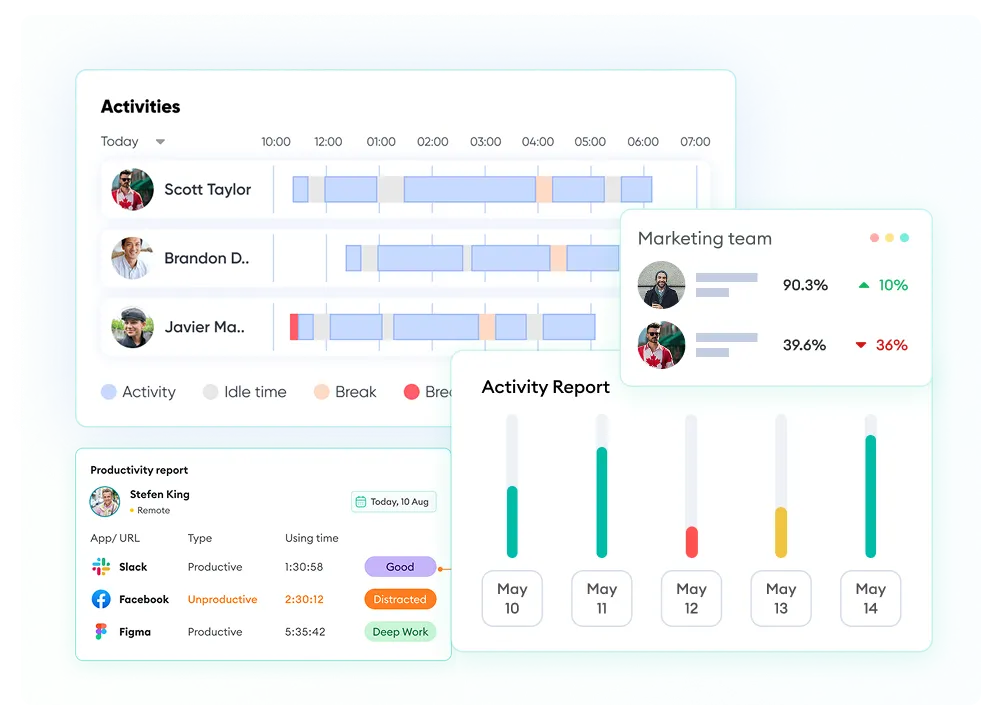
Apploye attendance tracking dashboard showing agent clock-in, clock-out, and schedule adherence times.
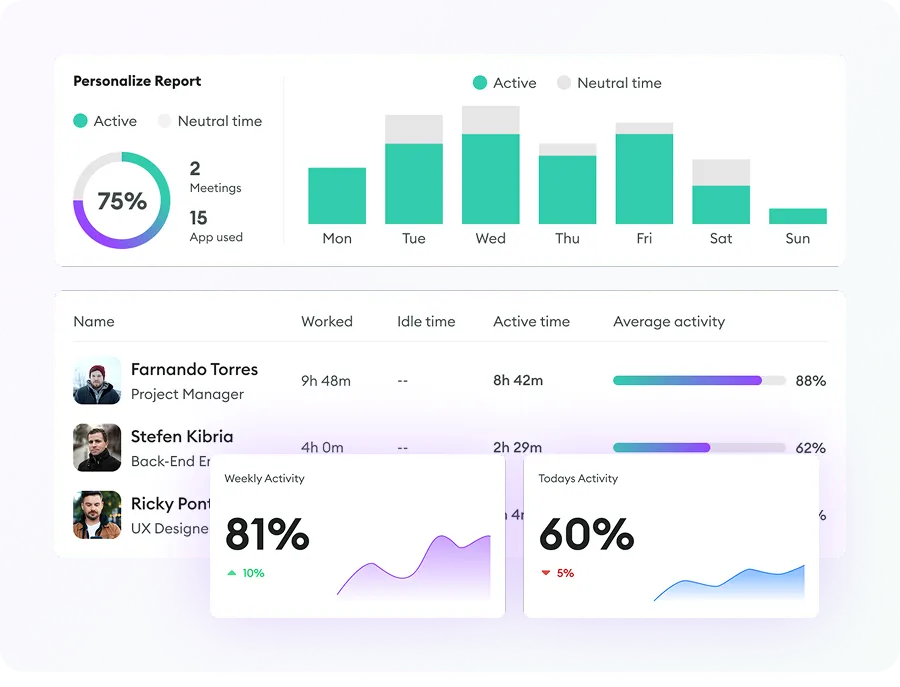
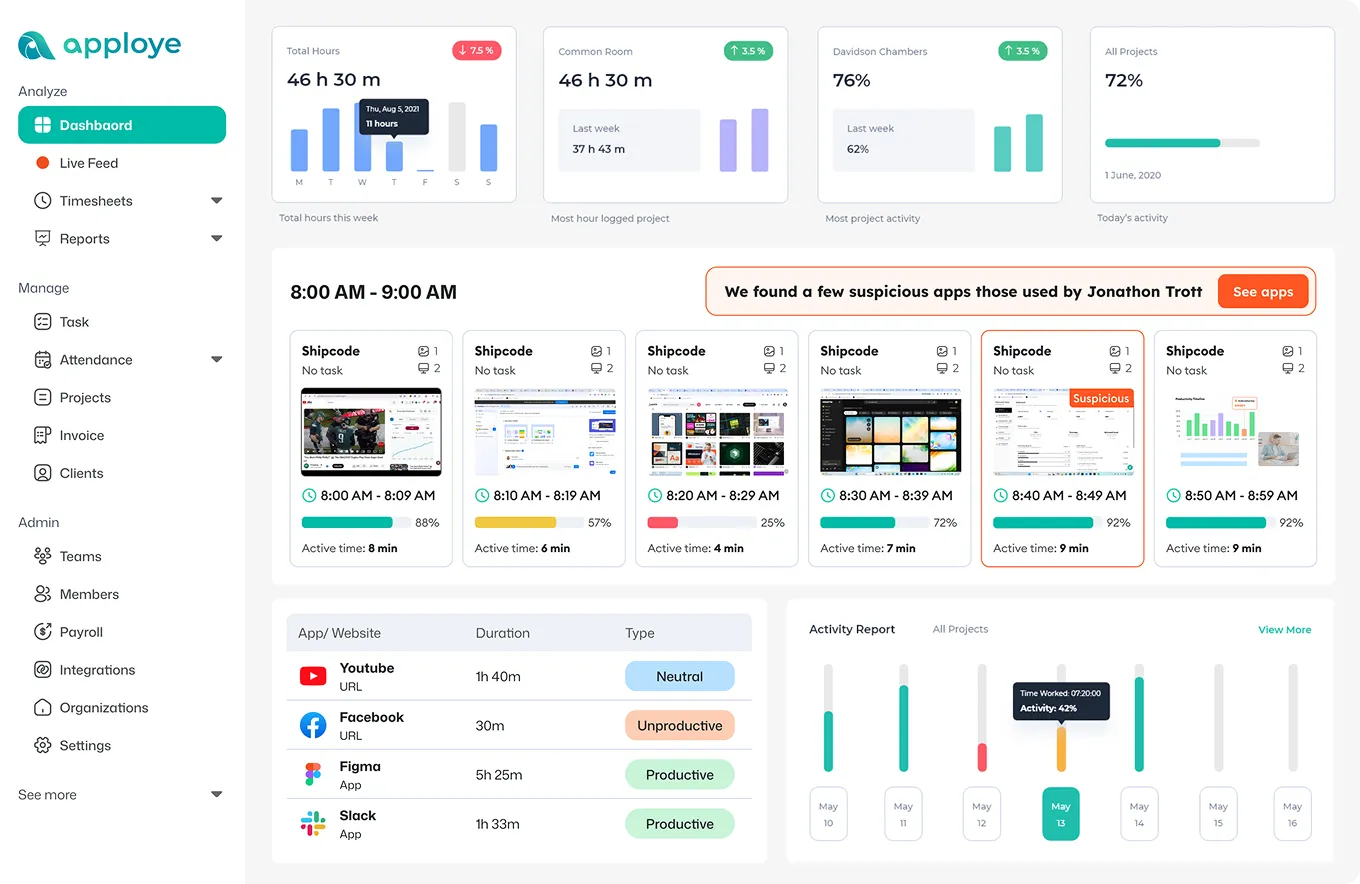
Apploye idle time tracking dashboard showing agent idle periods and occupancy between calls.

See What Happens Between Calls

Instead of guessing why an agent went quiet, you'll have real data to coach with. "Between 2 and 3 pm Thursday, you had 22 minutes idle. Let's look at what happened."

I'm ready to explore

Find Out Which Tools are Slowing AHT Down

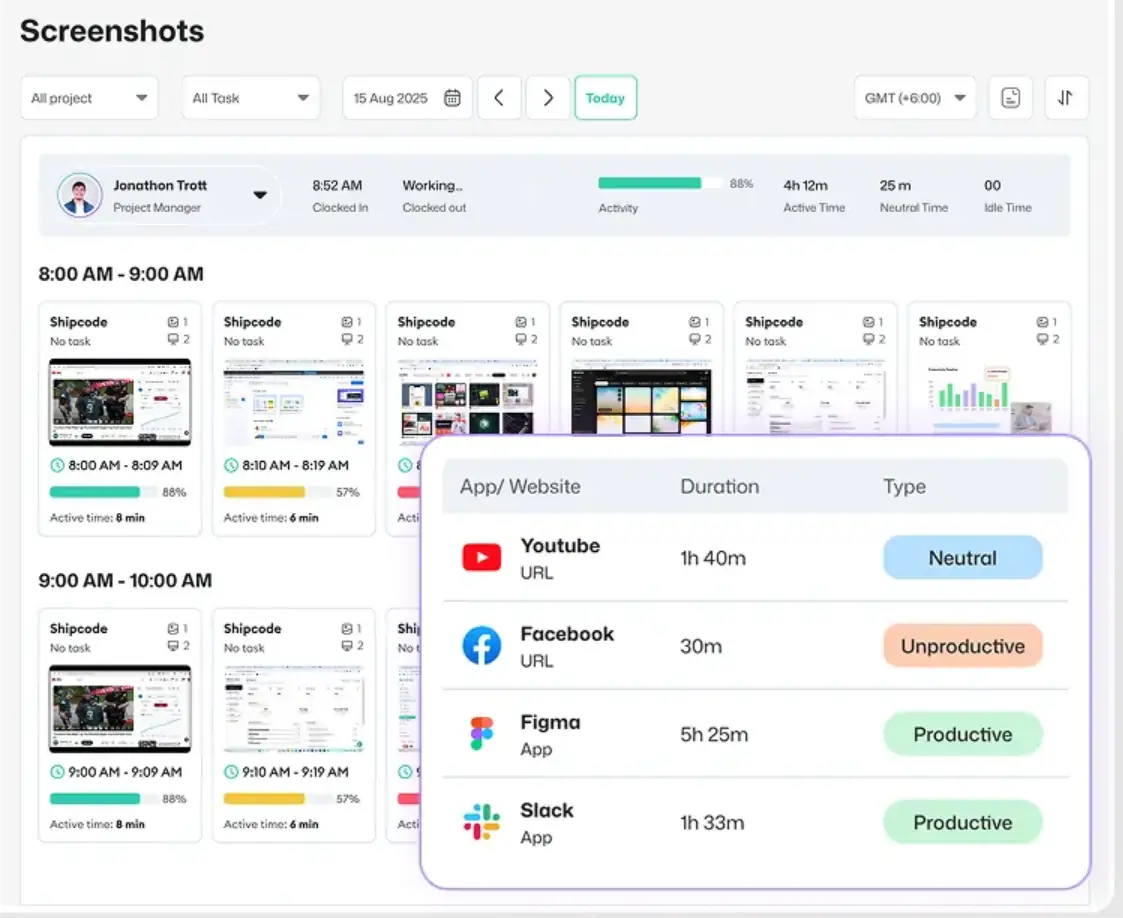
If agents are spending 18% of their call time navigating between 4 different tabs: CRM, knowledge base, chat, browser, you can see that. Then fix it. Whether the problem is tool overload, a slow CRM, or agents using non-work sites during calls, you'll know.

I want to start free
Apploye app and website usage report showing which tools and sites agents use during call center shifts.
Apploye check reports dashboard showing agent shrinkage data, time away from keyboard, and break tracking.

Track Every Minute of Shrinkage

See time away from the keyboard for every agent, every shift. Set break limits and check if agents exceed them. Also, export shrinkage data straight into your weekly ops review.

Take me on a tour

Pay Agents Only for the Hours They Actually Worked

Automated timesheetspull straight from tracked sessions. Agents don't fill in their own hours; the system captures them. Then, export the time data to payroll in one click, with a full audit trail behind every entry.

See it in action
Apploye payroll dashboard showing automated timesheets and hours ready for export to payroll.
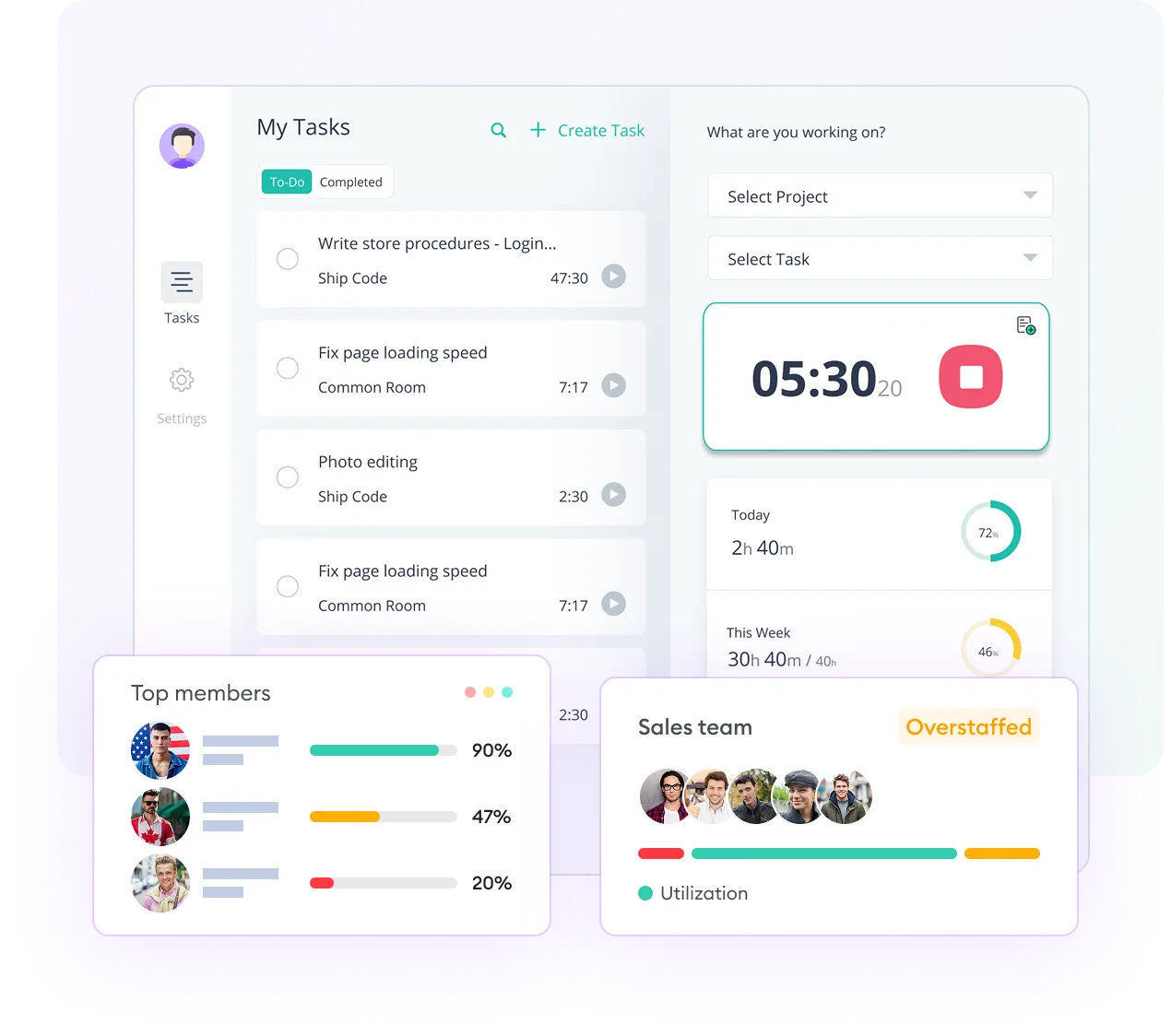
Apploye apps productivity dashboard showing real-time visibility for remote and offshore call center teams.

Manage Offshore Teams Like They're Down the Hall

Apploye's dashboard gives you real-time visibility across time zones. See which agents are currently active, which are idle, and how each shift is performing.

Let's explore now

Works With the Tools Your Team Already Uses

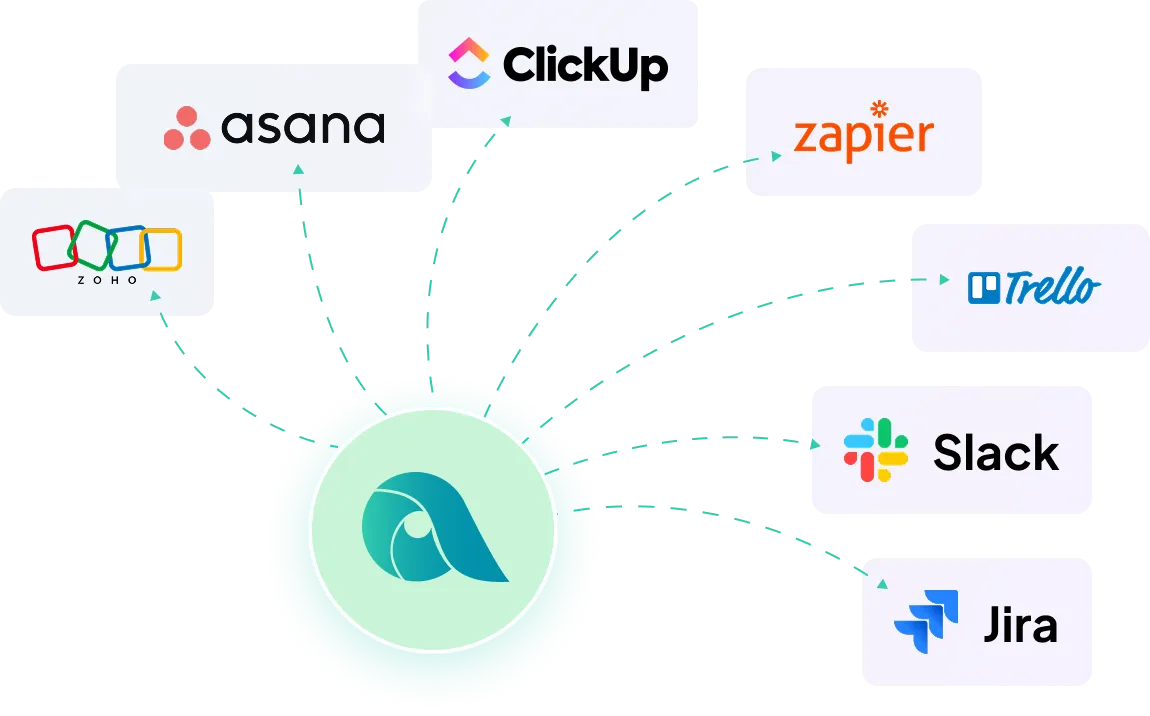
Apploye connects with Zoho, Trello, Asana, and more. Tracked time flows straight into the tools your team already uses.

Diagram showing Apploye software integrations with other tools like Asana, Zapier, Trello, Slack & others.

How Apploye Works

Step 1

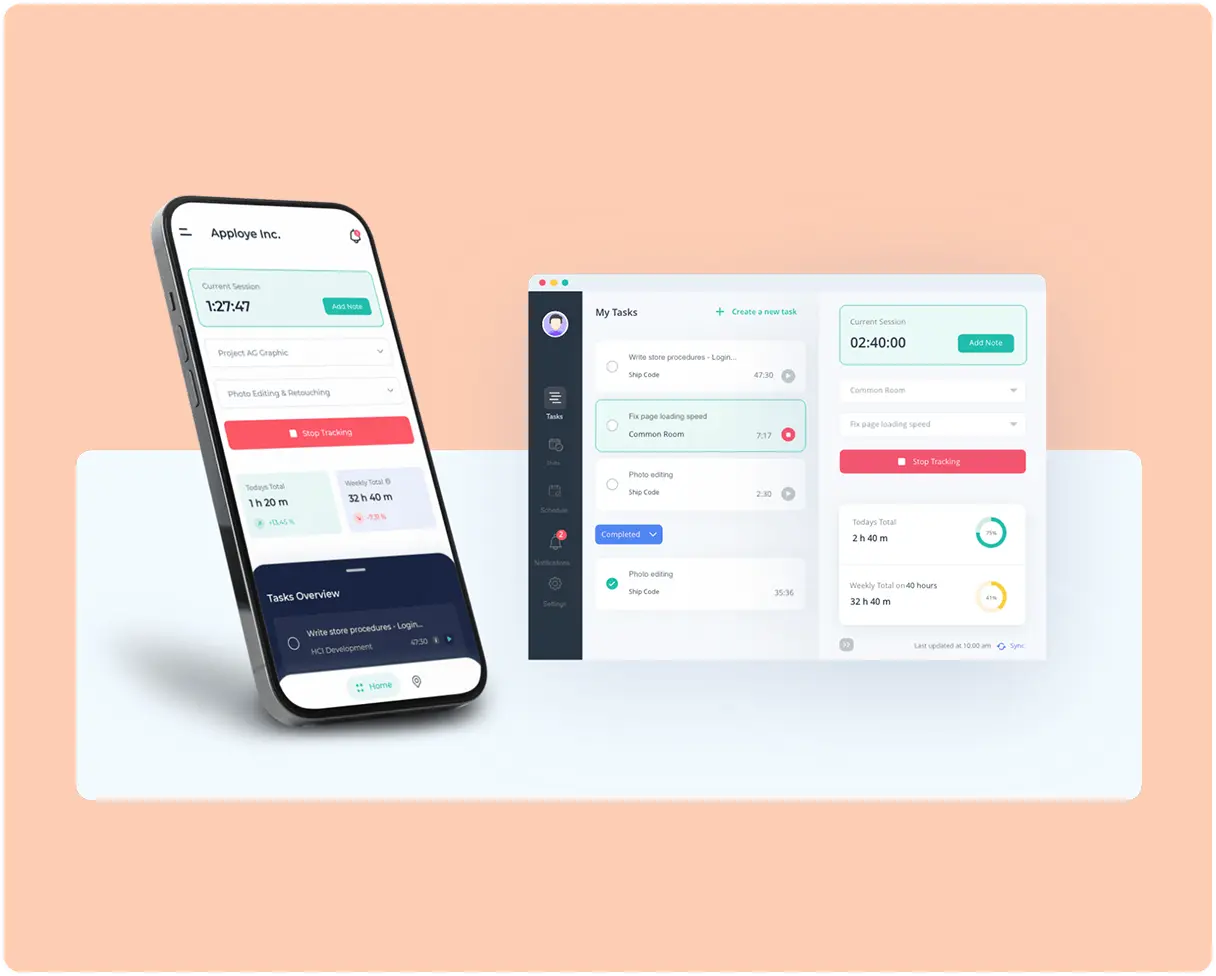
Agents Track Time

Agents start tracking time from the Apploye app. Hours are organized by project, task, and work session.

Step 2

Apploye Records Work Activity

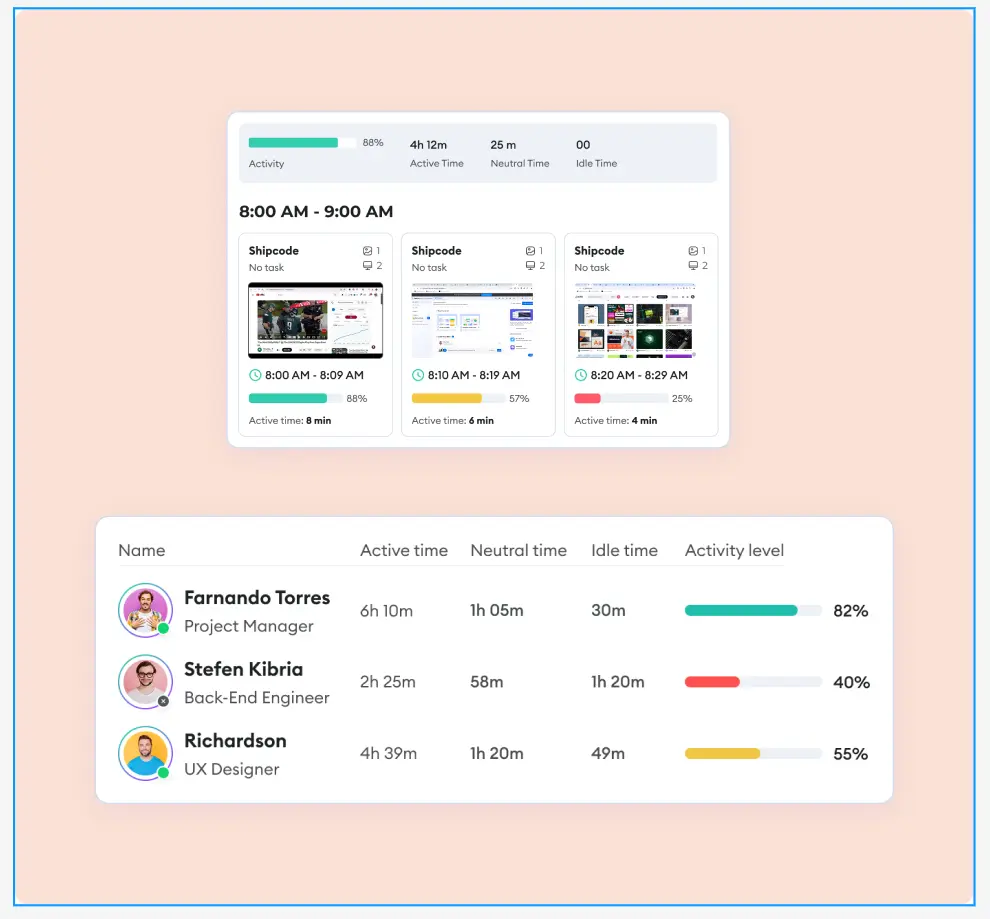
During tracked time, Apploye shows active time, idle time, screenshots, apps, URLs, and activity patterns.

Step 3

Payroll & Billing Gets Easier

Team leads use the tracked time data from Apploye to reduce payroll disputes, prepare reports, and keep client billing records clean.

Step 1

Agents Track Time

Agents start tracking time from the Apploye app. Hours are organized by project, task, and work session.

Call center agents tracking time by project, task, and work session in Apploye
Step 2

Apploye Records Work Activity

During tracked time, Apploye shows active time, idle time, screenshots, apps, URLs, and activity patterns.

Apploye dashboard showing active time, idle time, screenshots, apps, URLs, and activity patterns
Step 3

Payroll & Billing Gets Easier

Team leads use the tracked time data from Apploye to reduce payroll disputes, prepare reports, and keep client billing records clean.

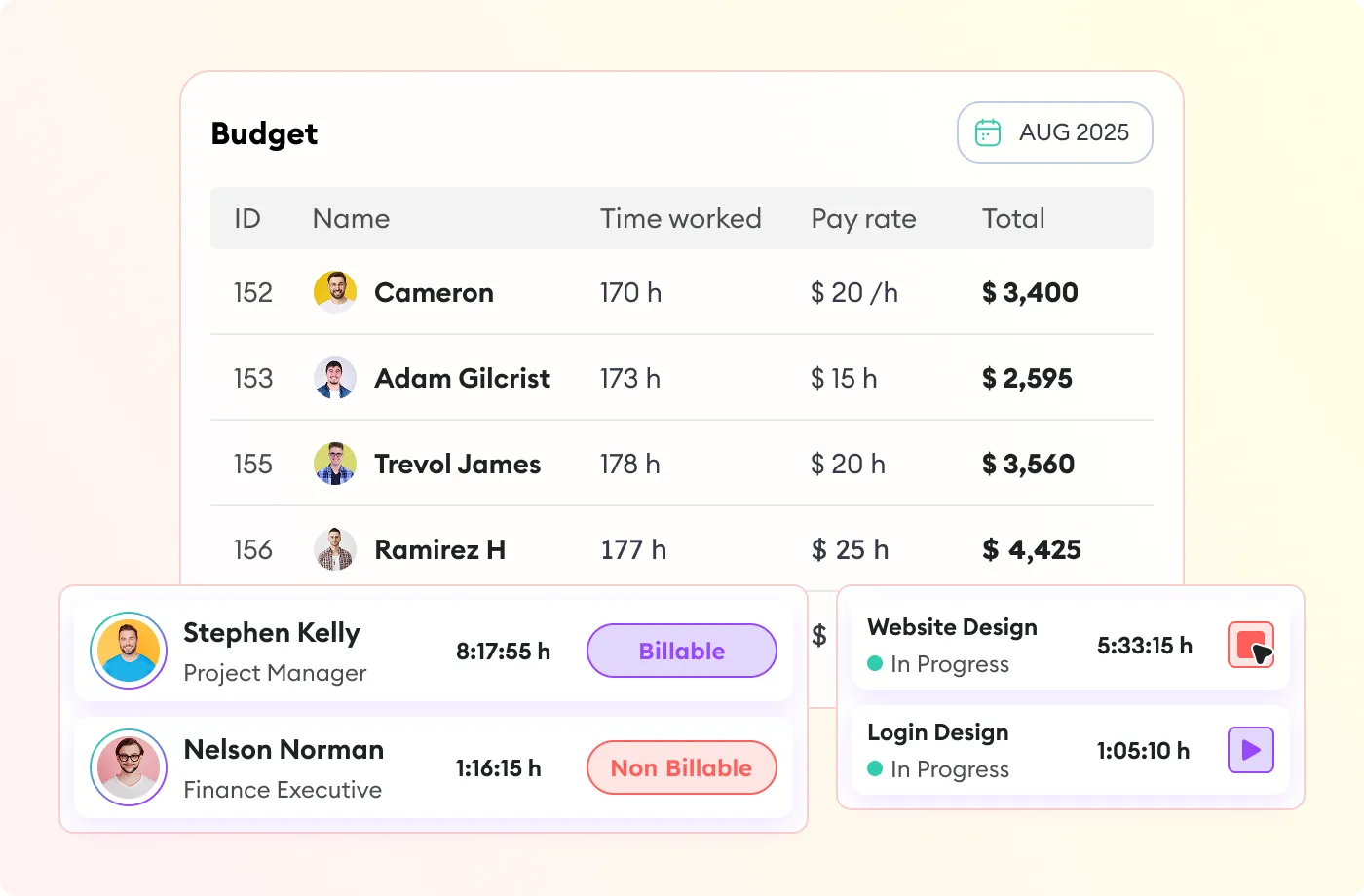
Billable vs non-billable time tracking for payroll reports and client billing
Call center agents tracking time by project, task, and work session in Apploye Apploye dashboard showing active time, idle time, screenshots, apps, URLs, and activity patterns Billable vs non-billable time tracking for payroll reports and client billing

Built for Every Role in Your Call Center Operation

Apploye gives each team the visibility they need from daily agent activity to payroll approval and client billing.

Operations Managers

For Call Center Operations Managers

Use Apploye to:

  • Track attendance and total work hours
  • Review active time, idle time, and activity levels
  • Compare actual tracked hours with planned shift hours
  • Find repeated work-pattern issues across agents or teams
  • Reduce manual follow-up with remote and offshore agents
Apploye call center time tracking for operations managers
Team Leaders

For Team Leaders and Supervisors

Use Apploye to:

  • Monitor agent activity during tracked time
  • Check screenshots and work patterns
  • Understand the idle time between calls
  • See which apps and websites agents use
  • Coach agents with specific examples
Apploye agent monitoring for team leaders and supervisors
Finance Teams

For Finance and Payroll Teams

Use Apploye to:

  • Review tracked hours before payroll
  • Approve accurate agent timesheets
  • Reduce manual timesheet corrections
  • Separate billable and non-billable hours
  • Export clean reports for payroll and billing
Apploye timesheet and payroll tools for finance teams
BPO Owners

For BPO Owners and Client Success Teams

Use Apploye to:

  • Track hours by client, project, and task
  • Prepare client-ready time reports
  • Review billable and non-billable work
  • Keep offshore work visible across time zones
  • Support transparent billing conversations
Apploye client billing and time reporting for BPO owners
Team Managers

For Remote and Offshore Team Managers

Use Apploye to:

  • View active and idle agents in real time
  • Track work across remote and offshore teams
  • Monitor time without interrupting agents
  • Review activity across different time zones
  • Keep distributed teams aligned and accountable
Apploye remote and offshore team monitoring for team managers

Affordable Call Center Time Tracking for Every Team Size

Starter
FREE
Free forever up to 10 users
Individual & small teams
Start free trial
Check
Dashboard
Check
Time Tracking
Check
Timesheets
help icon
Up to 1 month history
Check
Timesheet Approval
Check
Projects
help icon
Up to 3 projects
Check
Unlimited Tasks
Check
Client and Invoices
help icon
Up to 3 clients
Check
Attendance & Leaves
help icon
Up to 1 month history
Check
Payroll and Members
help icon
Up to 1 month history
Check
Team Manager & Admin
Check
Screenshot Monitoring
help icon
1 Screenshot/hour
Check
Apps Usage Tracking
help icon
3 applications/day
Check
URLs Tracking
help icon
5 websites/day
Check
Activity Analytics
help icon
Visibility up to 7 days
Power
$8$12
Per user / month
Advanced monitoring
Start free trial

ADD-ONS Included

More Screenshots

API Access

Check
All from Elite
Check
AI (coming soon)
Check
Real-Time Instant Screenshot

Running a BPO or Offshore Call Center? Apploye Was Built for This.

What's stopping you if you can start for FREE?

Apploye Dashboard - Employee Productivity Tracking

Frequently Asked Questions

What is call center time tracking software?

Call center time tracking software helps managers track agent work hours, attendance, idle time, timesheets, and payroll records. Advanced tools like Apploye can also show activity levels, monitor agent screens , track apps and website usage, and provide project-based time reports.

What is the difference between call center time tracking and call monitoring?

 Call center monitoring tool focuses on calls, recordings, QA, and customer interactions. Time tracking focuses on agent work hours, attendance, activity, idle time, timesheets, and payroll.

What does Apploye track during agent work hours?

During tracked work hours, Apploye can record total time worked, active time, idle time, activity levels, screenshots, app usage, website usage, projects, tasks, and timesheets. Managers can use these reports to understand how agents spend their paid time, review productivity patterns, and approve payroll or client billing with more confidence.

How does Apploye help call centers?

Apploye helps call centers track when agents work, how active they are, which apps and websites they use, and how much time goes into each project, client, or task. This helps managers reduce manual timesheets, track productivity , and prepare accurate payroll.

What's the best call center time tracking software for BPOs?

The best call center time tracking software for BPOs combines automated tracking, multi-timezone support, role-based team management, and payroll export. Apploye is built specifically for managing remote and offshore teams . It supports multiple supervisor access levels, works across time zones, and includes utilization reports you can share directly with clients.

Is Apploye only for large call centers?

No. Apploye works for small, growing, and large teams. It is especially useful for BPOs, support teams, remote call centers, offshore teams, and agencies that need affordable time tracking with activity visibility .

Can Apploye track remote call center agents?

Yes. Apploye is useful for remote, hybrid, and offshore call center teams. Managers can review tracked hours, active time, idle time, screenshots, apps, URLs, and timesheets without needing agents to work from the same office.

How do you track time for remote or offshore call center agents?

Remote call center agent tracking works best with a desktop app that runs automatically in the background. Apploye installs on Windows, Mac, and mobile devices and tracks time, activity, and app usage without requiring agents to manually log their hours. Managers get a real-time dashboard showing all agents — regardless of time zone or location.

Is Apploye suitable for offshore call center teams?

Yes. Apploye is suitable for offshore, remote, and multi-shift teams that need visibility into work hours, activity, timesheets, and payroll across different locations.

Can BPO companies track time by client or project?

Yes. Apploye helps BPO teams track time by project, task, and client, making it easier to review billable hours and prepare cleaner client reports.

How does Apploye support BPO client billing?

Apploye helps BPO teams track work hours by client, project, and task, making it easier to prepare accurate billing records. Managers can review billable and non-billable time, verify tracked hours with timesheets and activity reports, and export clean summaries for client reporting. This helps reduce billing confusion and gives clients a clearer view of where paid time was spent.

How does Apploye help reduce shrinkage?

Apploye can help managers spot time-related shrinkage signals such as idle time, missing hours, late starts, early stops, long breaks, or non-work activity during paid hours.

What is schedule adherence in a call center, and how do you track it?

Schedule adherence measures how closely agents follow their assigned shift schedule including start times, break lengths, and end times. The industry benchmark is 85–90%. Apploye tracks adherence automatically by timestamping every login, break, and logout, then comparing actual times against the scheduled shift. Managers get daily adherence reports per agent.

How many hours should a call center agent work?

Most call center agents work standard 8-hour shifts, five days a week (40 hours). For 24/7 operations, rotating shifts are common typically 8-hour shifts across three rotations. Overtime is subject to local labor law and usually kicks in above 40 hours per week or 8 hours per day, depending on jurisdiction.

How does time tracking reduce call center payroll costs?

Time tracking reduces call center payroll costs by replacing manual (and often inaccurate) timesheets with verified, automated records. Apploye prevents buddy punching, flags unauthorized overtime, and captures idle time separately from active work time so you pay for hours actually worked, not hours claimed. Many call centers find 5–15% payroll savings within the first 90 days.

How much does call center time tracking software cost?

Pricing depends on the tool and feature depth. Apploye starts at $4.50/user/month, making it a practical option for call centers and BPO teams that need time tracking, activity visibility, screenshots, reports, and payroll-ready timesheets without enterprise-level costs.

Is employee monitoring legal in call centers?

Employee monitoring is legal in most countries when employees are informed that monitoring is in place. Most jurisdictions require either notice in the employment contract or explicit consent. Apploye is GDPR-compliant and includes features like user-visible tracking status, so agents always know when the system is running. We recommend documenting your monitoring policy in your employee handbook and consulting local labor law guidelines.

Does Apploye integrate with my CRM or helpdesk tool?

Apploye integrates with Zoho, Trello, and Asana today, with more added regularly. Check our integrations page for more details.

Does Apploye replace your call center platform?

No. Apploye tracks the workday around your call operations: attendance, tracked hours, idle time, screenshots, apps, URLs, projects, tasks, timesheets, payroll, and client billing. And your call center platform still handles calls, recordings, QA, IVR, tickets, and customer interactions.