Free Sick Leave Form Template to Request Paid Sick Leave

Download our free sick leave form template to give employees, managers, and HR teams a simple and consistent way to document sick leave.
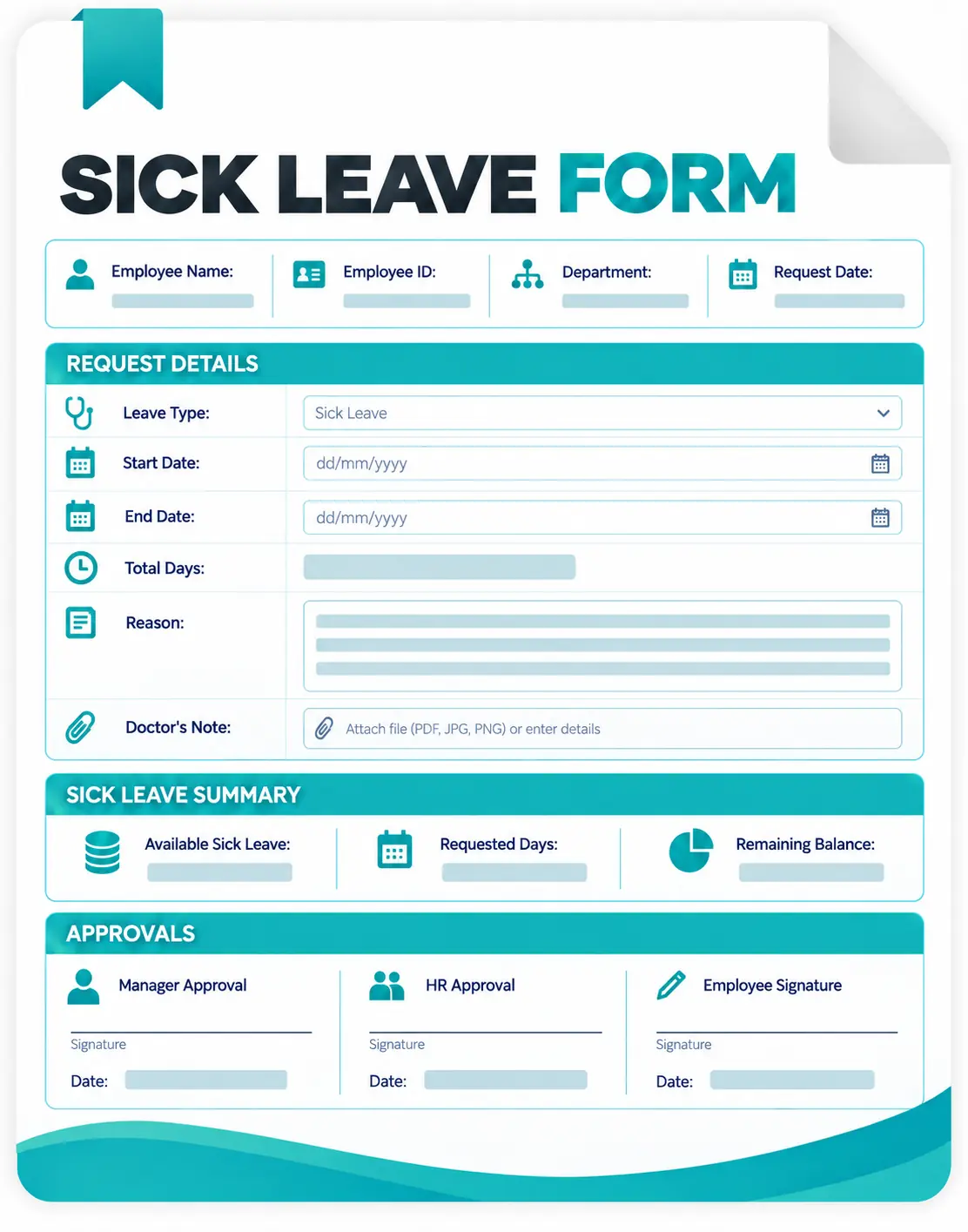
The editable template includes employee information, sick leave dates, full-day and half-day options, supporting-document status, manager approval, and HR processing fields.
Use it in Microsoft Word, upload it to Google Docs, customize it for your company, and start
Download the Free Sick Leave Form Template
Use this customizable template to record:

employee information
sick leave dates
full-day or half-day leave
number of days or hours requested
work coverage details
Manager approval
HR processing information.
What is a Paid Sick Leave Form Template?
A sick leave form template is a reusable HR document employees can use to report or request time away from work because of illness, injury, medical care, or other reasons covered by their employer's sick leave policy.
The form creates a consistent absence record. Instead of one employee calling a manager, another sending a message, and another emailing HR, everyone follows the same basic process.
A sick leave application form generally records who is taking leave, when the absence occurs, how much time is being taken, whether supporting documentation is required, and what decision the manager or HR team makes.
For employers, it creates a clearer administrative record for leave tracking, attendance management, and related HR processes.
When Should You Use a Sick Leave Form?
A sick leave request form is useful whenever your organization needs a documented process for reporting employee sick time. It can work especially well for smaller organizations that currently manage leave through email, chat messages, paper documents, or spreadsheets.
For example, you may use the form when an employee needs a full sick day, several days away because of illness, a half-day absence, time for a medical appointment, or another sick-leave reason recognized by your company policy.
Unexpected illness is different from planned vacation. Employees may not always be able to complete paperwork before an absence begins. Your sick leave procedure should therefore explain both how employees report an unexpected absence immediately and when the formal record should be completed afterward.
What Information Should a Paid Sick Leave Form Include?
Employee Information
Include enough information to identify the employee clearly. This normally means the employee's name, employee ID where applicable, department, job title, and manager or supervisor.
Sick Leave Dates
Record the first day of absence and either the final day requested or the expected return date. The form should also make it possible to identify whether the employee needs a full day, half day, several days, or a specific number of hours.
General Leave Reason
If your process requires a reason, consider using broad categories rather than requesting a detailed medical diagnosis. Examples can include:
- Own illness or injury
- Medical appointment
- Qualifying family care
- Other sick-leave reason
Only request information your organization actually needs.
Work Coverage
Some organizations include a space for an employee to identify a colleague handling urgent work or provide a brief handoff note. Keep this appropriate to the situation. Someone who becomes unexpectedly ill may not reasonably be able to prepare a detailed handoff before taking leave.
Manager or HR Decision
The administrative section should record whether the request is approved, denied, or pending. It can also include the approved amount of leave, decision date, approver, and any administrative notes your organization requires.
How to Fill Out the Sick Leave Form Template
1. Enter the Employee's Details
Add the employee's name, ID where applicable, department, position, manager, and the date the form is submitted.
2. Enter the Sick Leave Dates
Add the first day of the absence and the expected return date. For shorter absences, select whether the request is for a full day or half day, or enter the number of hours requested.
3. Select the Appropriate Leave Category
Choose the general category that best matches your company's sick leave policy. Avoid adding detailed medical information unless your organization has a legitimate requirement to collect it.
4. Record Supporting Documentation
Indicate whether supporting documentation is attached, will be provided later, or is not required. The exact documentation requirements should come from your company policy and applicable laws.
5. Add Coverage Information When Appropriate
If necessary, note who will handle urgent responsibilities during the employee's absence. This section can remain optional when coverage is not needed, or the employee is unable to arrange it.
6. Submit the Sick Leave Request
Send the completed form to the manager, HR representative, or other person responsible for processing leave.
7. Record the Decision
The reviewer records whether the leave has been approved, denied, or remains pending, along with the amount of leave approved.
8. Store the Completed Record Appropriately
Keep the processed form according to your organization's HR recordkeeping and privacy procedures.
Customize the Paid Sick Leave Form for Your Company
The downloadable Word file is fully editable. You can add your company name, internal HR contact, leave code, employee fields, approval roles, or other elements your organization actually uses. You can also remove fields.
A better form is not necessarily the form with the most questions. It is the form that consistently captures the information necessary to manage the request while avoiding information your organization does not need.
Sick Leave Form Best Practices
A well-designed form should make sick leave easier to administer instead of making taking sick leave harder for employees.
When a Paid Sick Leave Form Works Well
A sick leave template can be exactly what a small organization needs.
The employee fills it out, sends it to the appropriate person, the manager records the decision, and HR stores the completed document.
But using a form and collecting the data requires very little setup. The challenge appears when the number of employees and leave requests grows.
Someone then has to keep track of multiple files, check policies, determine which requests are pending, find previous records, and make sure managers and employees know the current status.
At that point, the problem is no longer creating a good form. It is managing the workflow around the form.
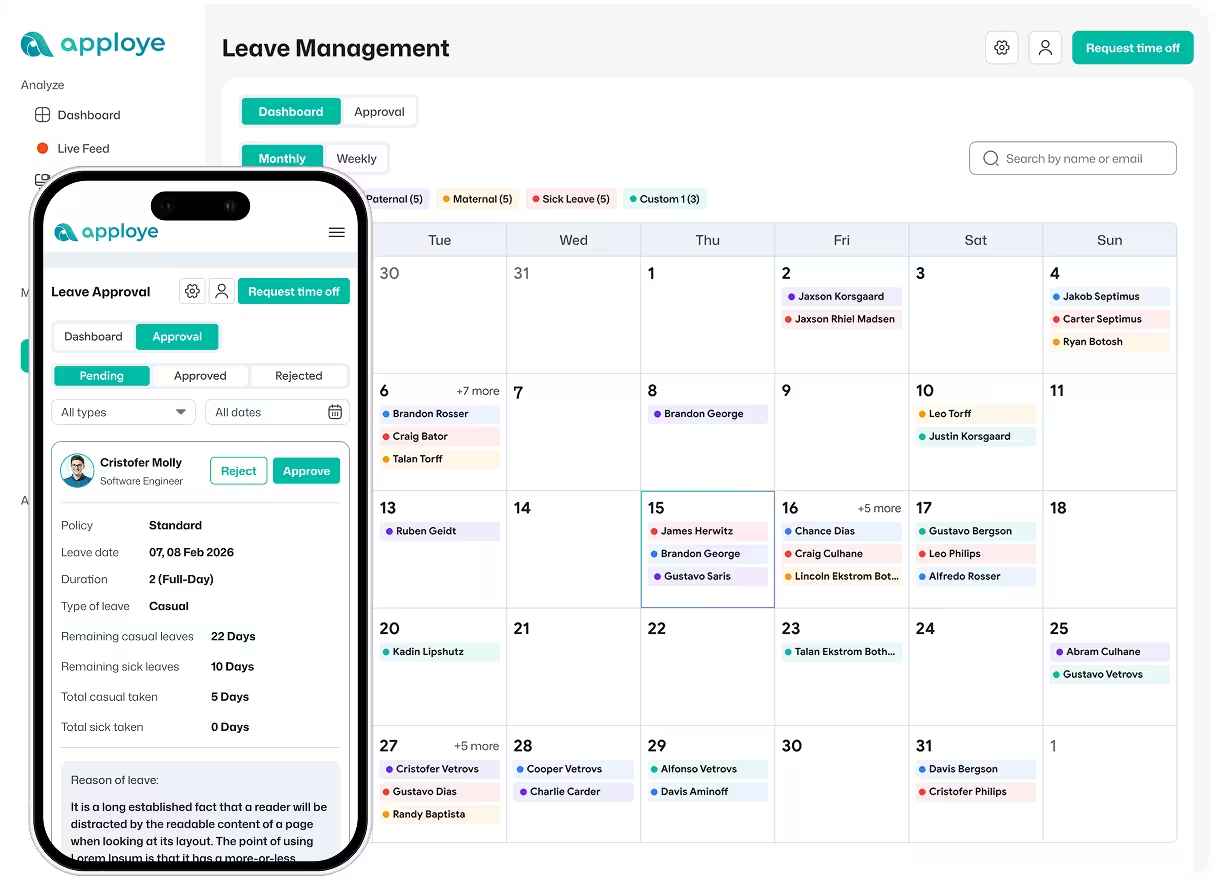
Employee Sick Leave Request Form vs. Apploye
The free template is a useful starting point when your sick leave process is manual. Apploye provides a digital option when you want to manage the leave workflow inside the same system.