Free Time Tracking Announcement Template

Not sure what to include in a message about new time tracking requirements? Start with a structured format that covers the important points without making the announcement too long.
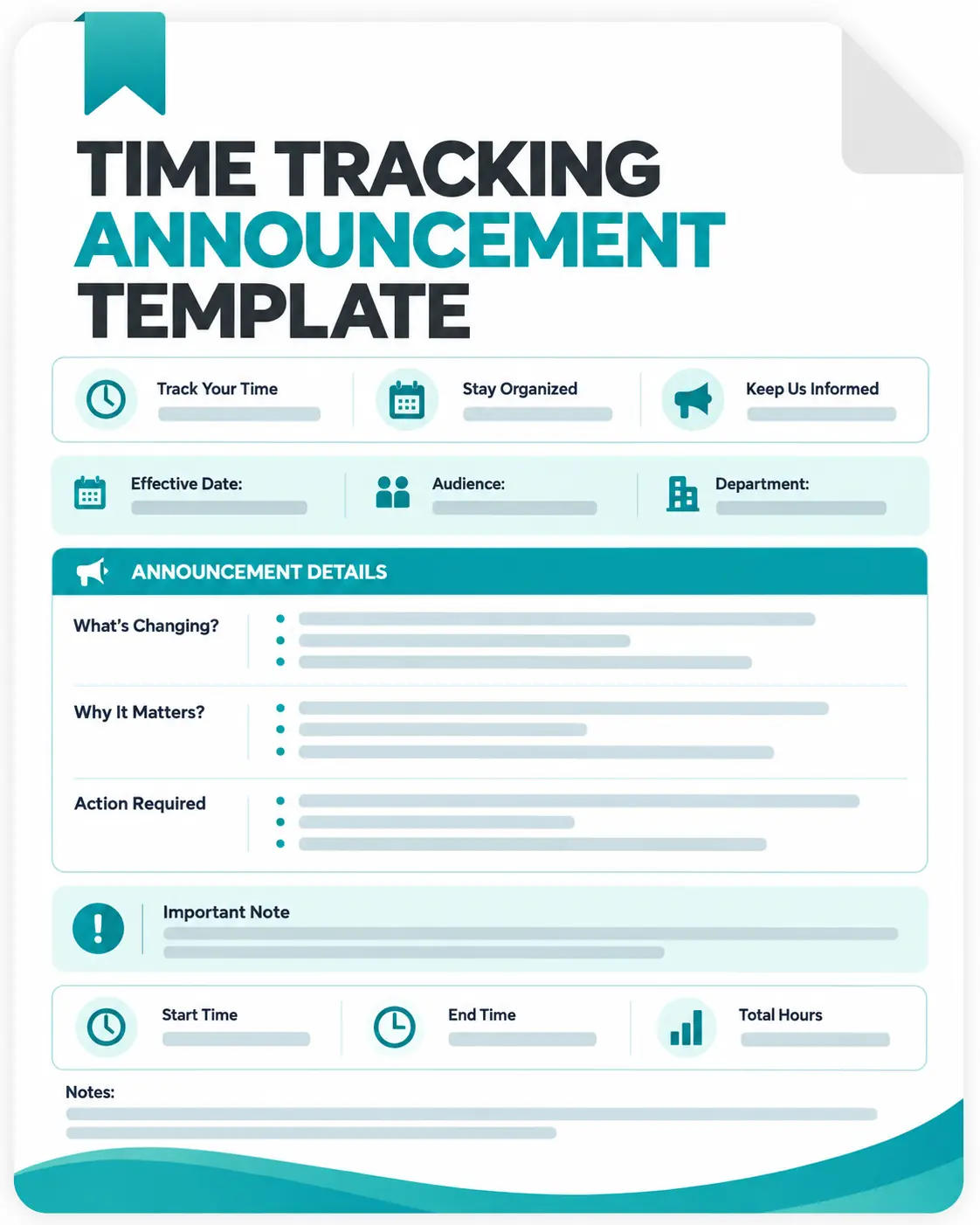
Use this free time tracking announcement template to put those details into a clear, ready-to-share announcement.
Get the Free Time Tracking Announcement Template
The template helps you organize:

Announcement and effective dates
Team or employee audience
Time tracking software
Reason for the new process
Employee instructions
Tracking requirements
Support and policy details
Rollout checklist
What to Tell Employees About Time Tracking
A time tracking announcement should give employees enough information to understand the new process before it begins.
Your announcement can cover:
- When time tracking starts
- Why the organization is introducing it
- Which tool employees should use
- Projects or tasks they need to select
- When tracking should begin and end
- Timesheet submission requirements
- Rules for correcting missed time
- What information is collected
- Where the complete policy is available
- Who to contact for assistance
The clearer these details are, the easier it is for employees to follow the new process from the beginning.
A Simple Framework for the Announcement
Announce the New Process
Open with a straightforward explanation of what is changing and the date employees need to know.
Give the Business Context
Explain the practical reason for introducing time tracking, such as improving project visibility, maintaining accurate timesheets, planning workloads, supporting client billing, or simplifying payroll.
Explain Employee Responsibilities
Tell employees exactly what they need to do. Include when to start, stop, pause, or review their tracked time.
Clarify the Data Collected
Explain what information your organization actually collects. If your setup includes screen monitoring with screenshots, internet usage monitoring with app and URL tracking, or other employee monitoring, describe those practices according to your organization's policy.
Point to the Right Resources
Include links to setup instructions, training materials, policies, or other documentation employees may need before the launch.
Offer a Support Contact
Give employees a clear person, team, or resource to contact if they have questions.
End With the Launch Date
Close by reminding employees when the new process begins and what they should complete before then.
How to Complete the Announcement Template
1. Enter the Key Dates
Add the date the announcement is being prepared and the date the new time tracking process becomes active.
2. Identify the Audience
Specify the team, department, or employee group receiving the announcement.
3. Add the Tracking Tool
Enter the name of the time tracking software and include any relevant setup or policy link.
4. Explain the Purpose
Write a short explanation of why the organization is introducing time tracking and how the information will be used.
5. Outline the New Workflow
Describe what employees need to do when tracking their working time, projects, or tasks.
6. Explain Applicable Monitoring
If additional employee monitoring features are enabled, clearly state what applies instead of assuming employees know what is being collected.
7. Add Help Information
Provide the appropriate contact person, team, documentation, or training resource.
8. Check Before Sending
Review the announcement against your actual time tracking policy so the communication does not promise or describe features that are not part of your process.
Get the Free Time Tracking Announcement Template
The template helps you organize:
Announcement and effective dates
Team or employee audience
Time tracking software
Reason for the new process
Employee instructions
Tracking requirements
Support and policy details
Rollout checklist
What Makes a Time Tracking Announcement Clear?
Employees usually want answers to a few basic questions before a new tracking process begins:
What is changing? → Why is it happening? → What do I need to do? → What information is tracked? → When does it start? → Where can I get help?
Covering these points keeps the announcement focused and gives employees a practical reference before they begin using the new system.
Also, keep time tracking separate from other monitoring practices. Time tracking records working time, while features such as screenshots or application and URL tracking may involve additional data collection depending on the software and organization settings.
From Time Tracking Announcements to Automated Work Records
An announcement template can help introduce a new process, but it does not record employee hours itself.
Once time tracking becomes part of daily operations, manually collecting work hours, project time, and timesheets can create unnecessary administrative work.
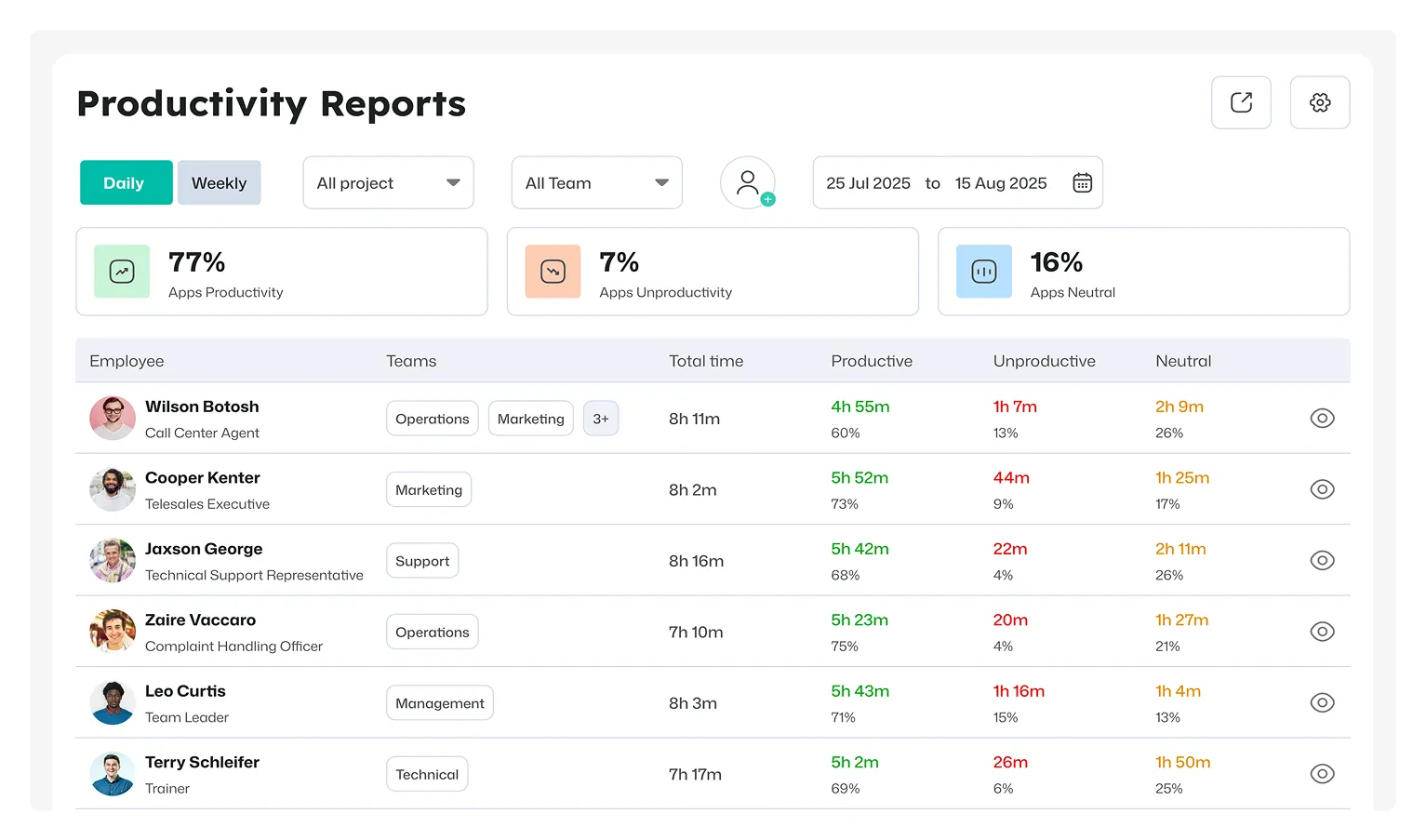
Apploye provides time tracking, project and task tracking, timesheets, billable and non-billable hour tracking, and reporting. Teams can view time through daily, weekly, biweekly, monthly, and custom-range timesheets, while reports can be exported for further analysis.
Move Beyond Manual Time Records with Apploye
Start tracking time for free