Employee Monitoring Announcement Template – Free Download

A new monitoring process can raise questions if employees are not given enough information upfront.
Use this employee monitoring announcement template to outline the purpose, monitoring scope, start date, employee expectations, and privacy details all in one customizable file.
Download the Employee Monitoring Announcement Template
Use this template to prepare a clear announcement before employee monitoring begins. It includes:

Announcement and effective dates
Monitoring tool details
Reason for introducing monitoring
How monitoring works
Privacy and data-use information
Employee responsibilities
Rollout checklist
.webp)
What Information Belongs in an Employee Monitoring Announcement?
Employees need enough information to understand how the new monitoring process will affect their work.
Your announcement can include:
- Effective date
- Purpose of employee monitoring
- Employee monitoring software
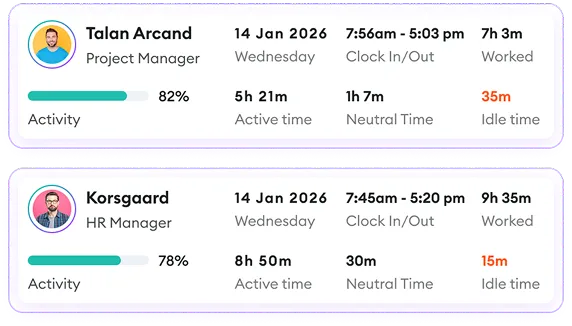
- Work hours tracking
- User activity monitoring
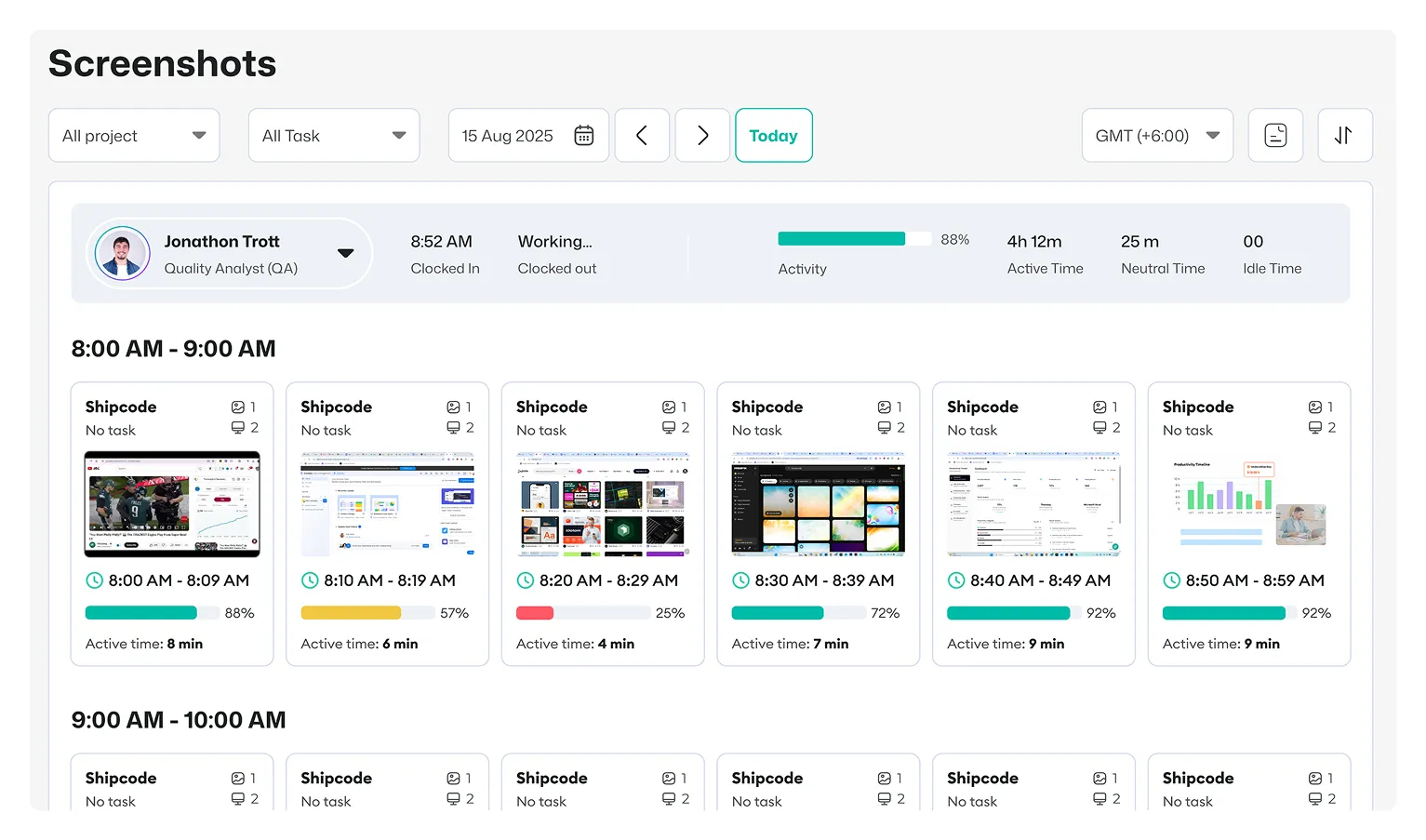
- Screen monitoring with screenshots and screen recording
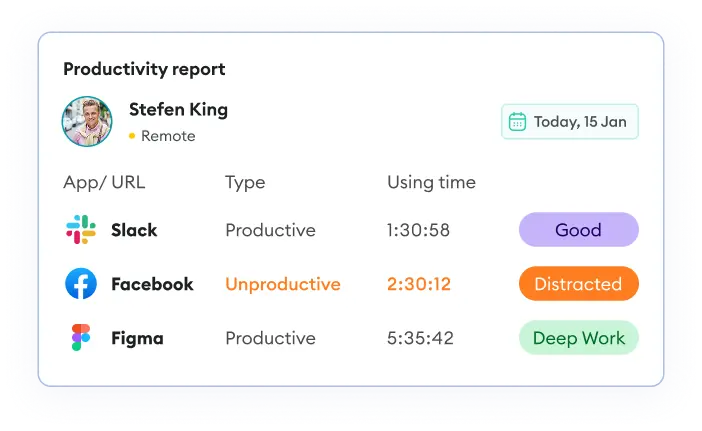
- Internet usage monitoring with app and website tracking
- Project and task tracking
- When monitoring is active
- How collected data is used
- Who can access monitoring information
- Relevant privacy or monitoring policy
- Contact information for questions
Only include employee monitoring features that your organization actually uses. The announcement should reflect the real monitoring setup rather than every feature available in the software.
How to Organize an Employee Monitoring Announcement
Introduce the New Process
Tell employees that monitoring is being introduced and provide the date when the change will take effect.
Clarify the Purpose
Briefly explain why the organization is using monitoring. This could relate to project visibility, workload management, remote work, or accurate work records.
Outline What Gets Tracked
List the information employees should expect to be monitored. Depending on your setup, this may include time, activity, screenshots, apps, websites, projects, or tasks.
Explain When Tracking Is Active
Make it clear when monitoring starts and what employees need to do to begin or stop tracking.
Share Privacy Information
Explain how monitoring data is used, who can access it, and where employees can find the applicable privacy or monitoring policy.
Tell Employees What to Do
Provide practical instructions for using the monitoring software, tracking work, selecting projects or tasks, or completing any required setup.
Add a Contact for Support
Give employees a clear contact person, team, or resource for questions about the new monitoring process.
Download the Employee Monitoring Announcement Template
Use this template to prepare a clear announcement before employee monitoring begins. It includes:
Announcement and effective dates
Monitoring tool details
Reason for introducing monitoring
How monitoring works
Privacy and data-use information
Employee responsibilities
Rollout checklist
Bring Employee Monitoring and Work Tracking Together With Apploye
If your organization needs more than a spreadsheet for monitoring remote employees, Apploye combines employee monitoring with time tracking, projects, tasks, reporting, and other workforce management features.
Managers can review tracked hours, activity levels, screenshots, app usage, URL usage, and project-related work from the platform, depending on the features and settings enabled for the organization.
Manage Employee Monitoring With Apploye
Start Monitoring Your Team Free