What Data is Collected in Time Tracking Apps: Hours, Activity, and More
Key Takeaways
-

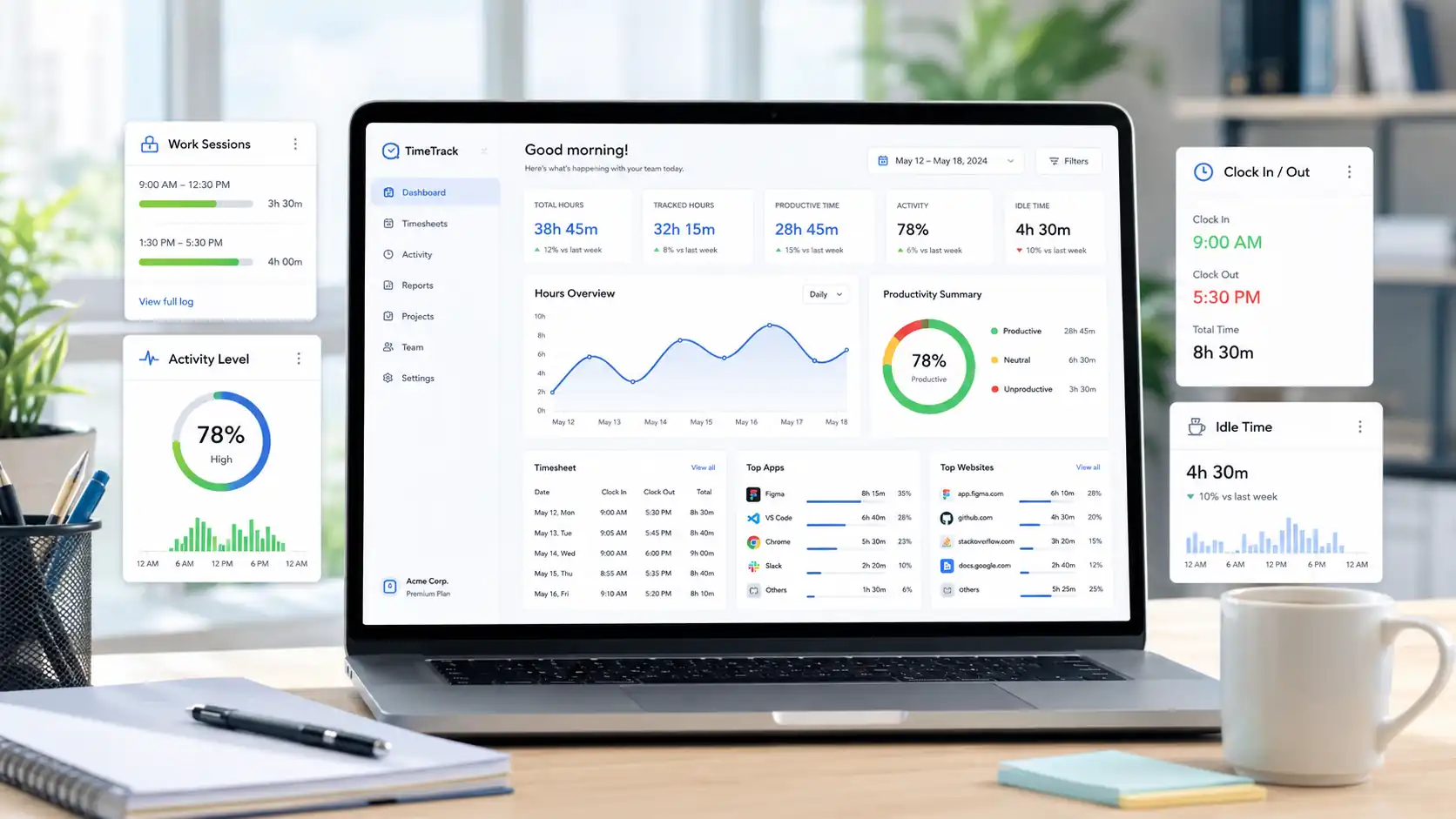
Time tracking software collects data such as time logs, activity patterns, and, in some tools, location and screenshots.
-
The best time tracking apps use this data to confirm employee hours, improve project estimates, and spot workload problems early.
-
Employees have legal rights over their tracked data in most jurisdictions. You can request access to your own records and ask to stop features that cross reasonable boundaries.
Most employees have no idea what their time tracking app records. They clock in, the timer runs, and somewhere on a server, data builds up.
Depending on the tool, that data goes well beyond working hours. Some apps log URLs visited. Others capture screenshots every few minutes. In fact, a few tracks of the GPS location.
To clear things up, let’s understand what data is collected in time tracking apps, what employers do with it, and what you have the right to know.
What Data is Collected in Time Tracking Apps?
All time tracking apps, regardless of how simple or advanced, collect a baseline set of data. This is the minimum a tool needs to function.
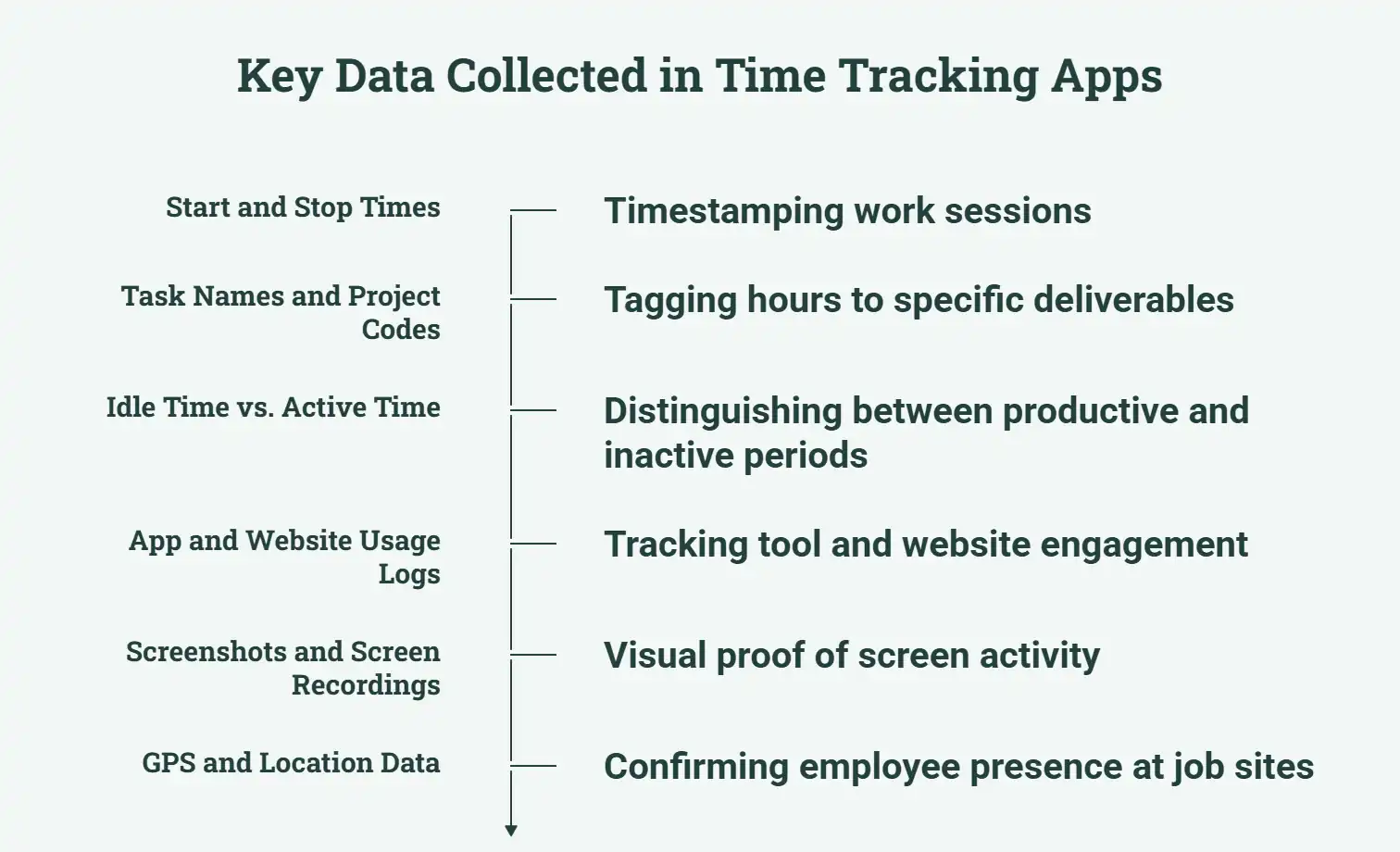
1. Start and Stop Times
Every session starts with a timestamp and ends with another. The app logs the exact moment you begin work and the moment you stop. Clock-ins and clock-outs create a verifiable record of hours worked. You then use that data for payroll, labor costs, and project reports.
2. Task Names and Project Codes
Time alone is not enough. Most apps let you tag each session with a task name or a project code. That label connects your hours to a specific deliverable or client. Without it, you have no context for the recorded hours.
3. Idle Time vs. Active Time
Almost every time tracking tools differ between active time and idle time.
- Active time means your keyboard or mouse is moving.
- Idle time means the timer is still running, but no input is detected.
This distinction matters for accuracy. If you walk away for 20 minutes and forget to pause the timer, the app flags that gap as idle. You then decide whether to keep or delete that time before it hits the timesheet.
Try Apploye for free and keep timesheets accurate
4. App and Website Usage Logs
Some tools track which applications are open and which websites employees visited during work hours. If you want a structured approach to this, view how to monitor employee internet usage and online activities without overstepping reasonable boundaries.
That said, the data shows time spent in specific tools. For example —
- 2.5 hours in Google Docs
- 45 minutes in Slack
- 30 minutes on LinkedIn
It helps managers see whether employee productivity is focused on the right tools.
5. Screenshots and Screen Recordings
Certain time trackers come with screenshots. For example, one screenshot every 10 minutes. Others record short video clips of screen activity. These records give visual proof of what was on screen during a work session.
However, it’s the most debated feature in time tracking. Screenshots can accidentally capture personal messages, banking details, or private information unrelated to work. Ethical tools give employees the option to delete or blur screenshots before a manager sees them.
Monitor work with full employee transparency today
6. GPS and Location Data
For field-based roles, like construction, delivery, logistics, home care, etc, some apps track GPS location throughout a shift. It confirms that an employee was at a job site during recorded work hours.
That said, location data is typically limited to work hours only. Most tools stop collecting it when a shift ends or when the employee clocks out.
What's legally permitted varies significantly by country and state. Therefore, reviewing employee monitoring laws for your specific jurisdiction is important
How Do Employers Use Time Tracking Data?
Managers use time tracking data for three core purposes.
- Approve Timesheets: Activity logs and idle time flags confirm submitted hours match actual work. It minimizes payroll disputes and billing errors.
- Fix Project Estimates: Planned vs. actual hour comparisons feed directly into future estimates. As a result, real data replaces gut feel.
- Find Workload Imbalances: Time data shows total hours along with who logged them. A consistent gap between team members signals the need to redistribute work before burnout hits.
What Rights Do Employees Have Over Their Time Data?
Employees have legal rights over their time data in most regions.
- Know What's Recorded: GDPR requires pre-collection disclosure in the EU. New York and Connecticut mandate written notice before monitoring starts.
- Access Your Records: GDPR lets employees request all held data. Most compliant tools, like Apploye, give workers direct access to their own records through their dashboard.
- Challenge Invasive Tools: Keystroke logging, 24/7 screen recording, and off-hours GPS go beyond normal time tracking. An employee can file a written HR complaint citing local data law.
For the EU, keystroke logging without consent likely violates GDPR. California's CPRA grants opt-out rights.
Conclusion
What data is collected in time tracking apps is a longer list than most employees expect. The tools that earn trust are the ones that collect what the job requires and stop there. That boundary is what separates monitoring from surveillance.
Frequently Asked Questions
Do all time tracking apps take screenshots?
No. Screenshots are an optional feature, not a standard one. Basic tools like don’t capture screens at all. Only remote employee monitoring platforms include this by default, and most allow it to be turned off.
Can a time tracking app read my messages or emails?
No, standard time tracking apps don’t read message content. They may log which app is active (e.g., Gmail or Slack). But they don’t capture what you typed or received unless a keystroke logger is specifically enabled.
What happens to my time tracking data when I leave a company?
It depends on the employer's data retention policy. GDPR requires that data be deleted when it is no longer needed. In the US, retention rules vary by state. Thus, ask your employer for their policy before you leave.
Is GPS tracking in time tracking apps legal?
Yes, in most jurisdictions, GPS tracking during work hours is legal with proper employee notice. That said, it’s not permitted to track outside work hours without consent. Thus, employers must inform employees before enabling GPS features.
Can I see what my time tracking app has collected about me?
Yes, in GDPR regions, you can file a Subject Access Request. In the US, it depends on your state. Many modern tools, including Apploye, give employees a personal dashboard to view their own data without making a formal request.
About Author